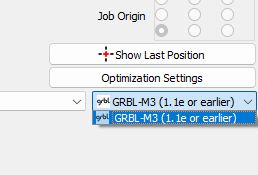
That is because you only have 1 Device Type created. Laser window, Devices button, Create Manually. Pretend you are adding another laser and go through the process. It is dirt simple and fast. If you have a problem with it, let us know.
- GRBL
- Serial/USB
- Give it a name (like Falcon2) and enter your machine travel limits, minus 5 mm so you do not bang into the frame.
- I am guessing your limit switches are front left. If you have switches, enable Auto-home on Startup.
- Confirm everything and click Finish.
- Now select that Device type and test everything.
- Happy? Delete the old -M3 one.
Okay. I switched to GRBL and removed the other one. I still have the same problem. I restarted LightBurn and also disconnected and reconnected the Falcon2.
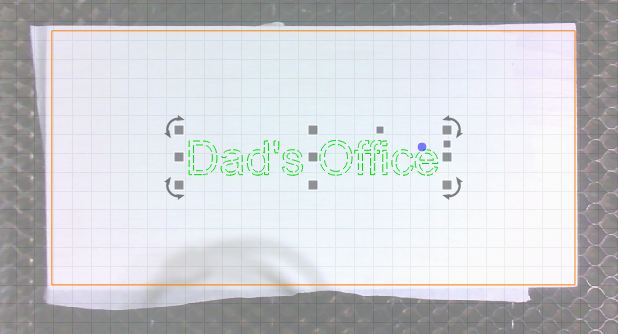
Here’s a brand new project I made and tried again to frame ONLY the center text, and it framed the outer outline that I made around the material.
You can see I have only “Dad’s Office” in green selected. But it framed along the larger orange shape.
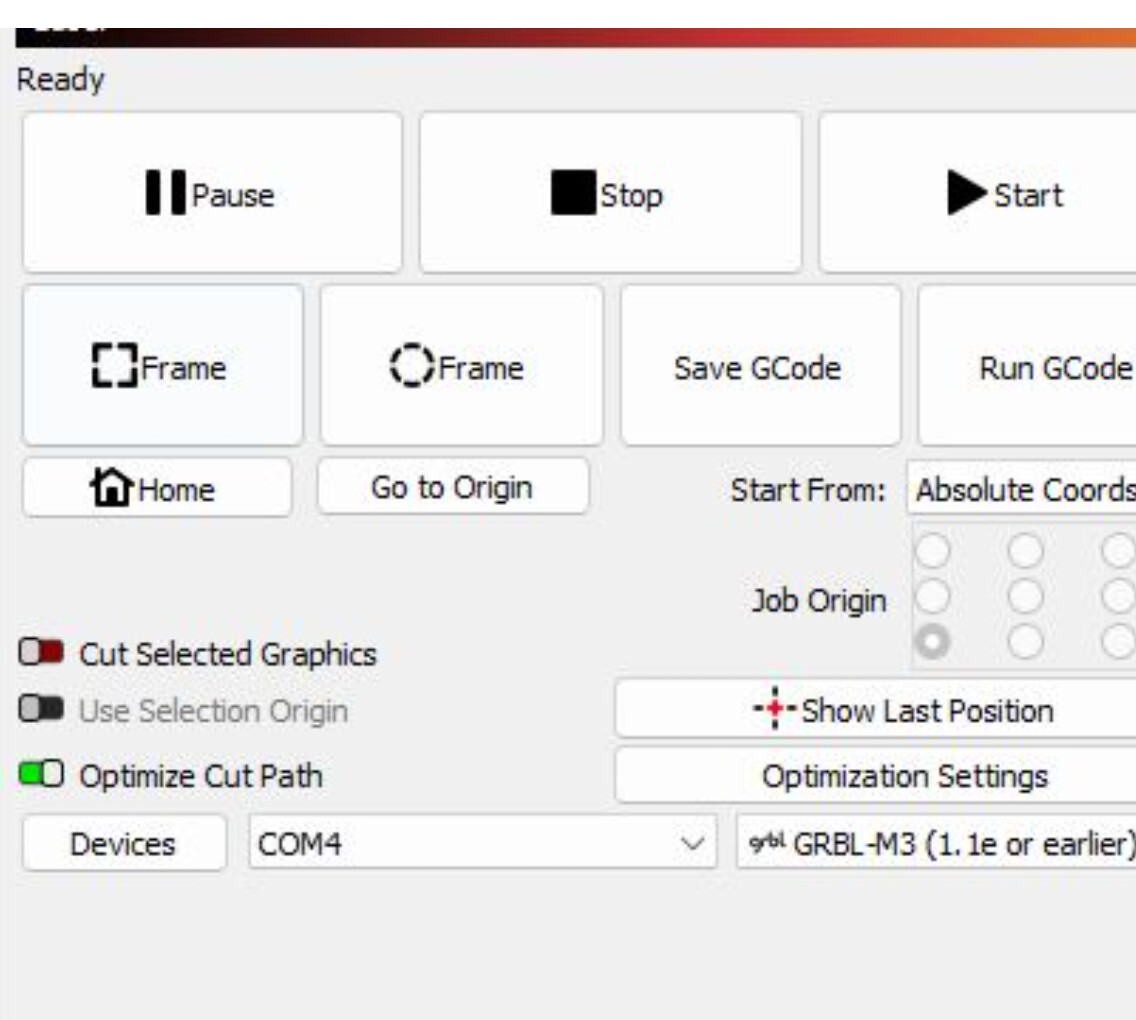
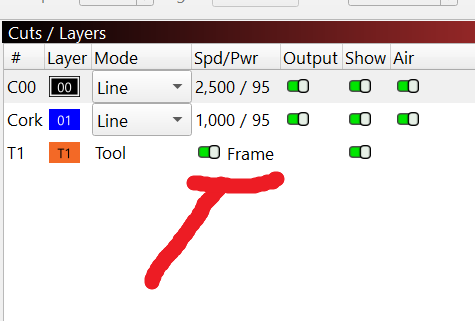
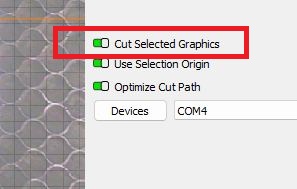
Guys, thanks so much for all of the feedback and ideas. I figured it out, resolving the issue. All I had to do was to select/enable the ‘Cut Selected Graphics’ option in the Laser settings section. This now enabled the ‘Frame’ button to frame ONLY the selected graphics instead of the entirety of the objects in the work space. Thanks!
Thanks for telling us what the solution was.