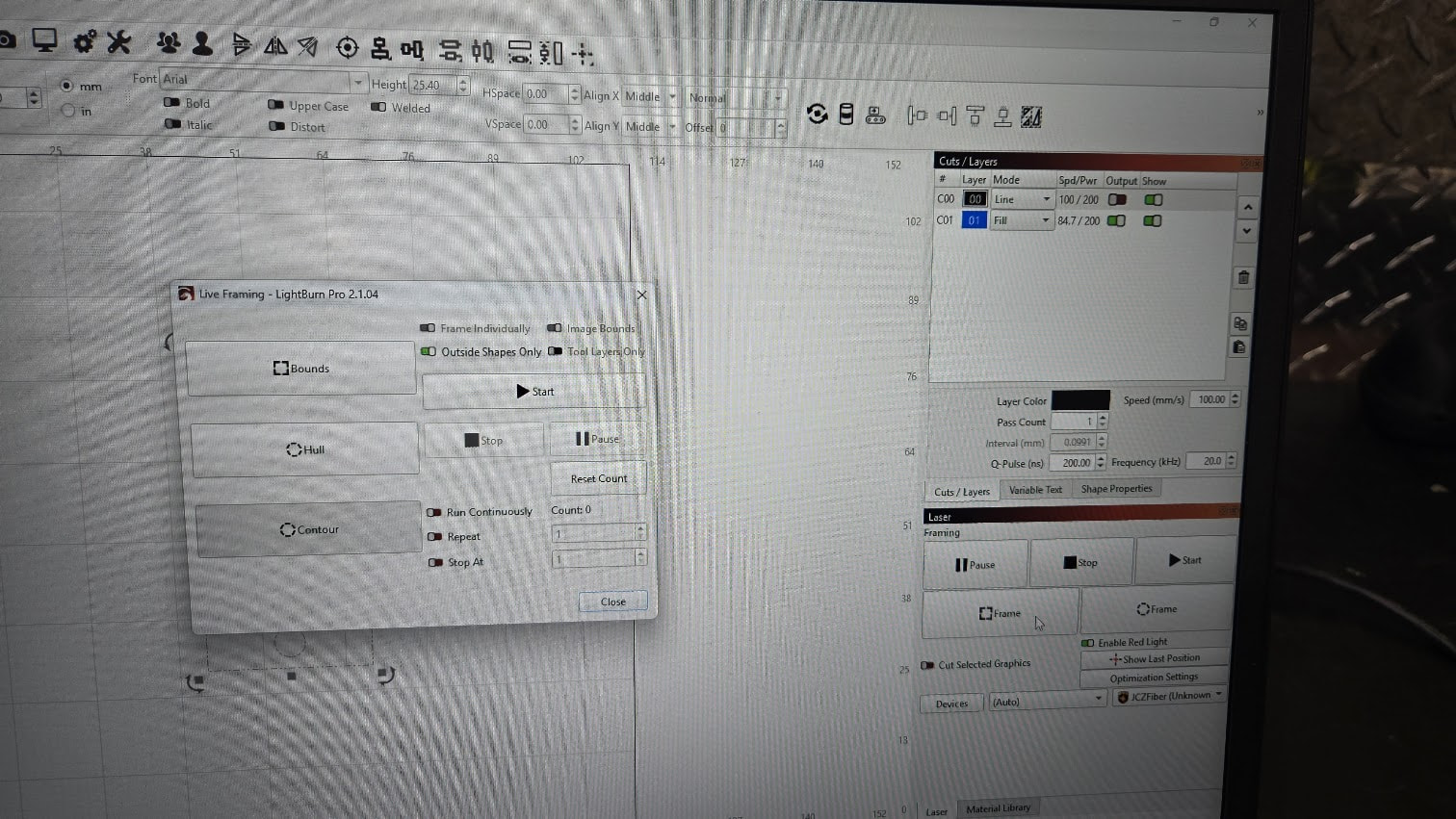
Went through installation process and everything worked fine. However I cannot figure out how to get the frame to show prior to running laser on project. It will not show the box or the image no matter what I do.
I have tried every available advice and nothing seems to work.
If I hit frame the laser starts etching. No red dot . Nothing. Just starts firing.
Other than this, it works flawless.
Could this be a hardware issue or software issue?
To add. The preview didn’t show up using EZCAD2 either
Any help or ideas is greatly appreciated.
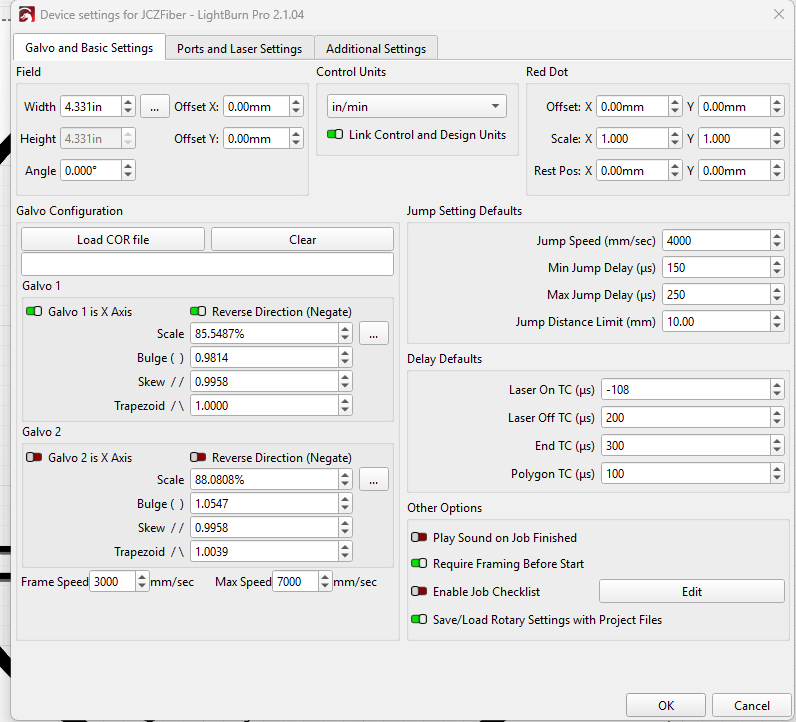
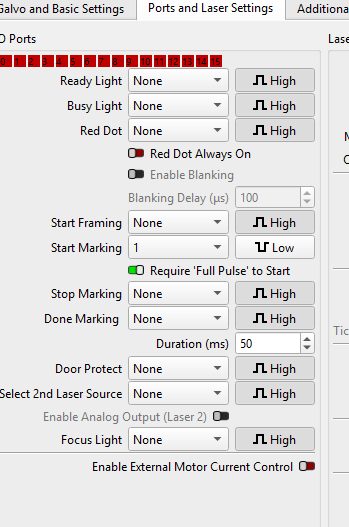
As you can see, I have no option for firing on the page many are showing.
Is there something I am missing? I did import the correct markcfg7 directly from the USB via the ezcad2 software.
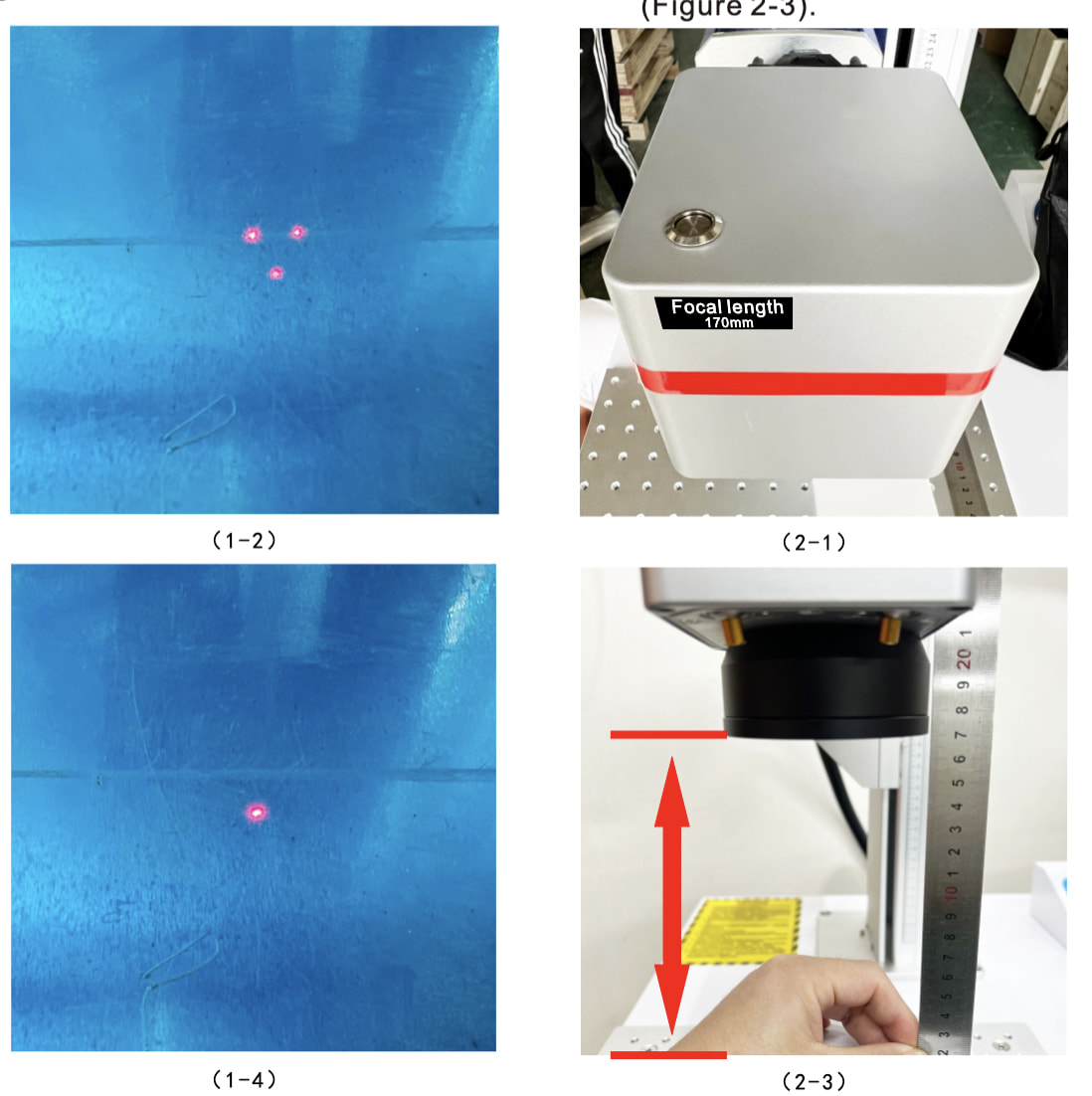
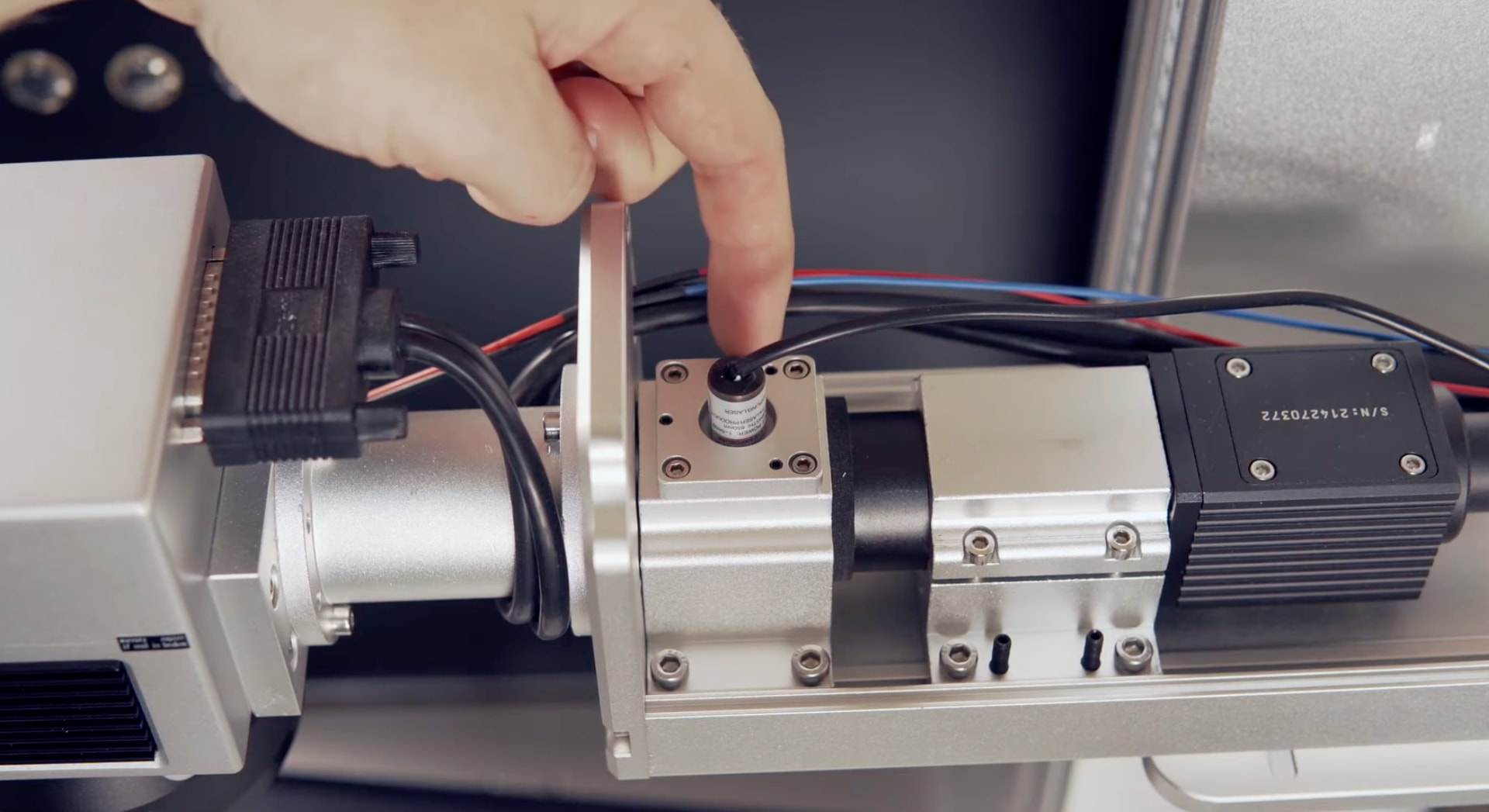
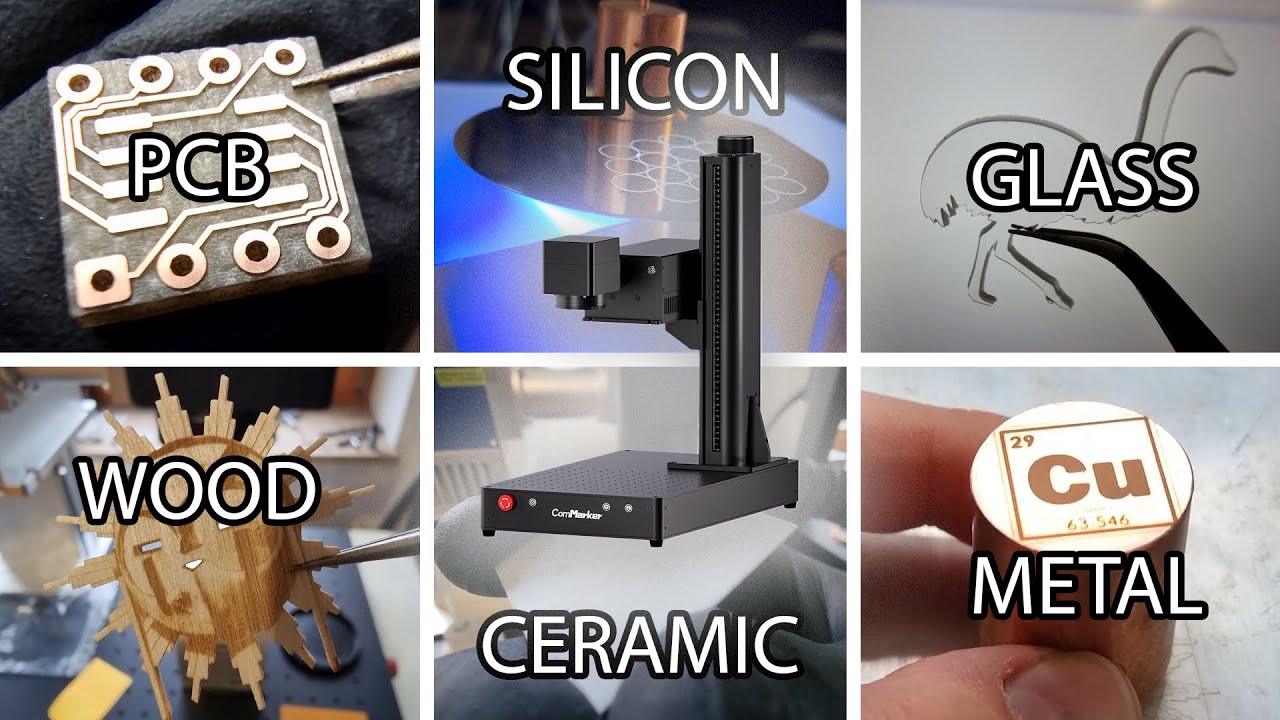
According to the manual, the G7 has three red dots. Two in front at an angle and one through the lens, in line with the UV laser and used for framing.
Is the silver button on top of the galvo head turned on?
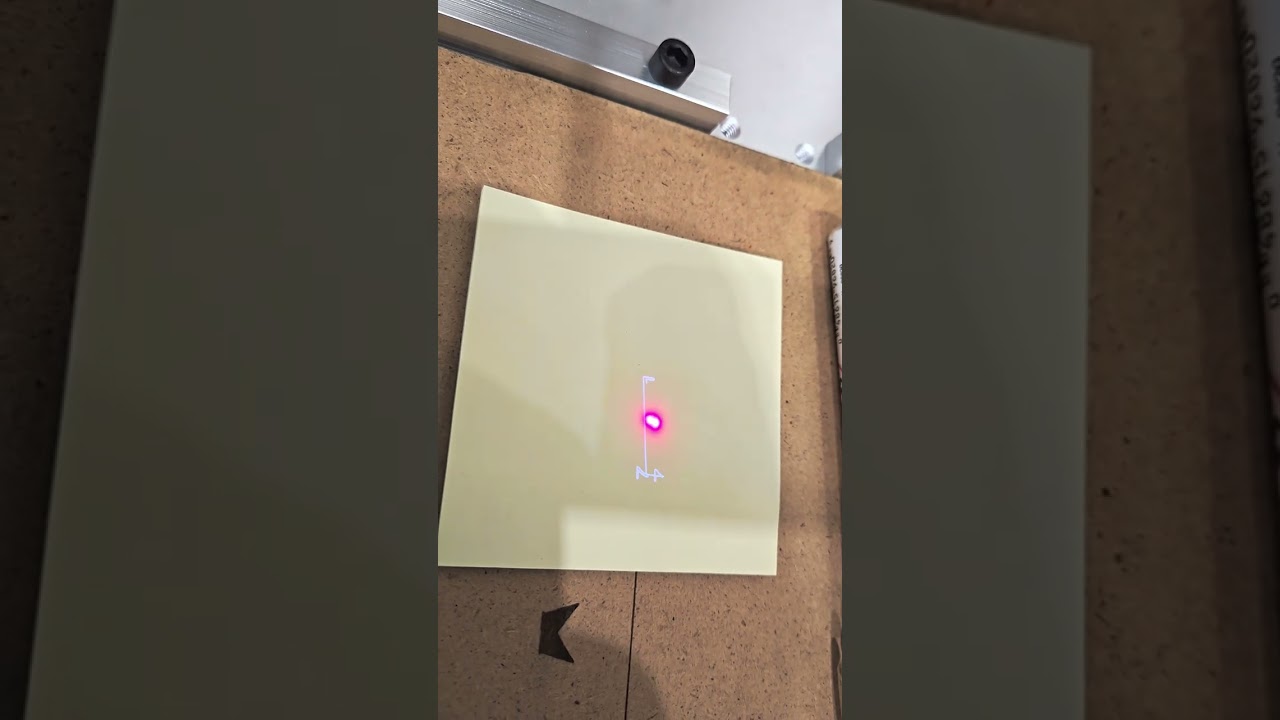
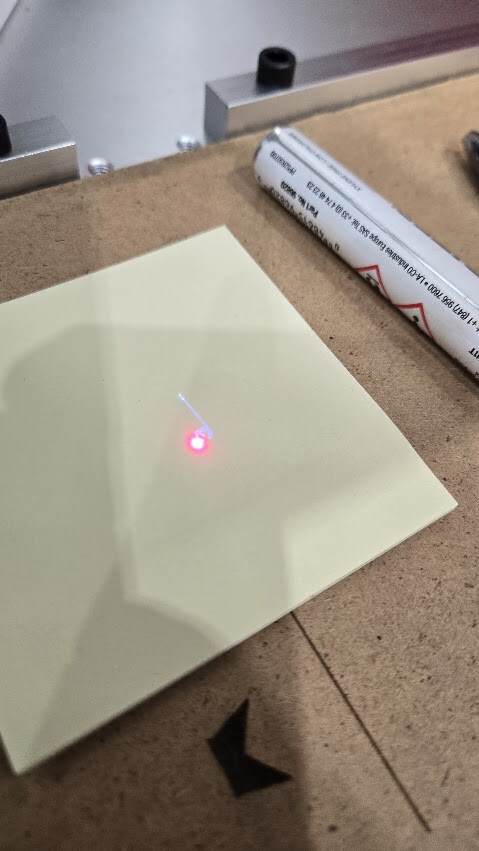
Some UV galvos don’t have a red dot framing laser and frame with the invisible UV source. This requires using a neon-colored paddle to make the UV visible.
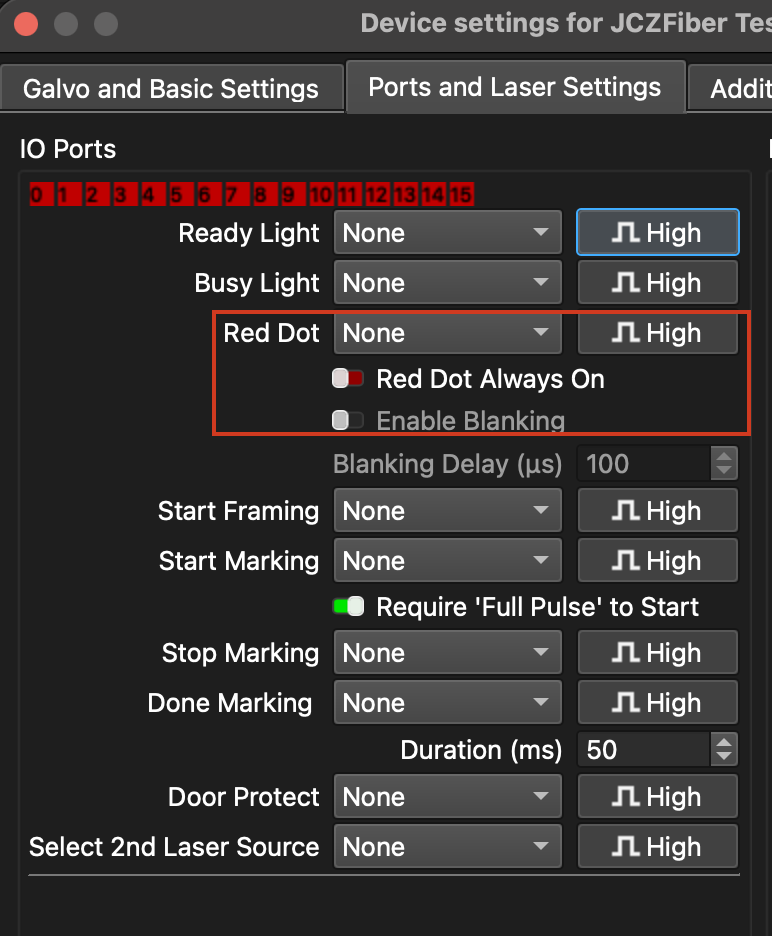
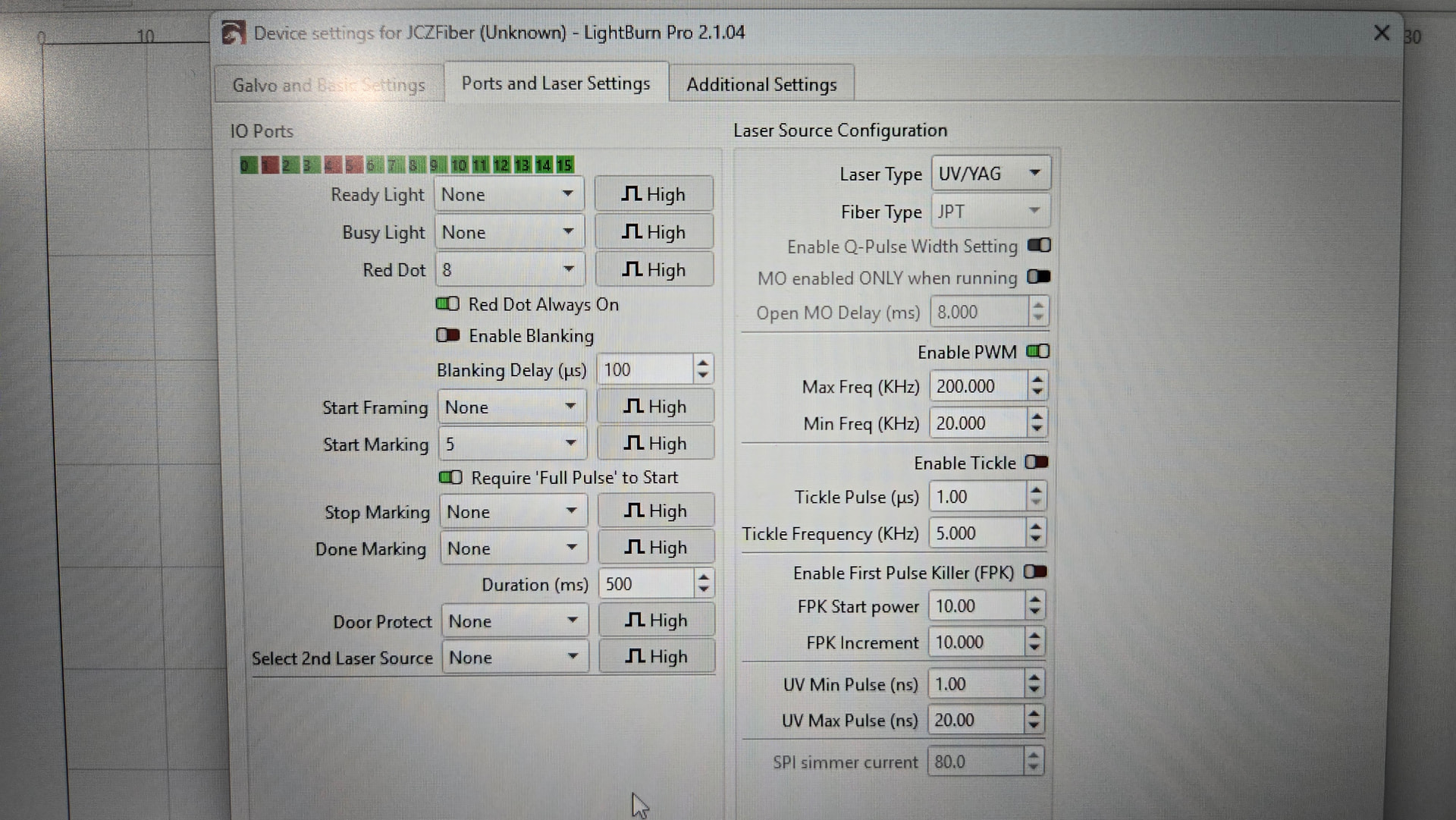
Galvo device settings don’t have the “Laser On while framing” option that you probably saw from others.
Instead, open the “Ports and Laser Settings” tab:
Thanks for the response.
I did toggle the red light always on but nothing ever happened.
There are 2 exterior red lights that need to be toggled on manually. That is it as far as red light.
I did load the correct cfg file as lightburn requires. Markcfg7 IIRC.
It there any way to research and know if the glvo we have even has that option.
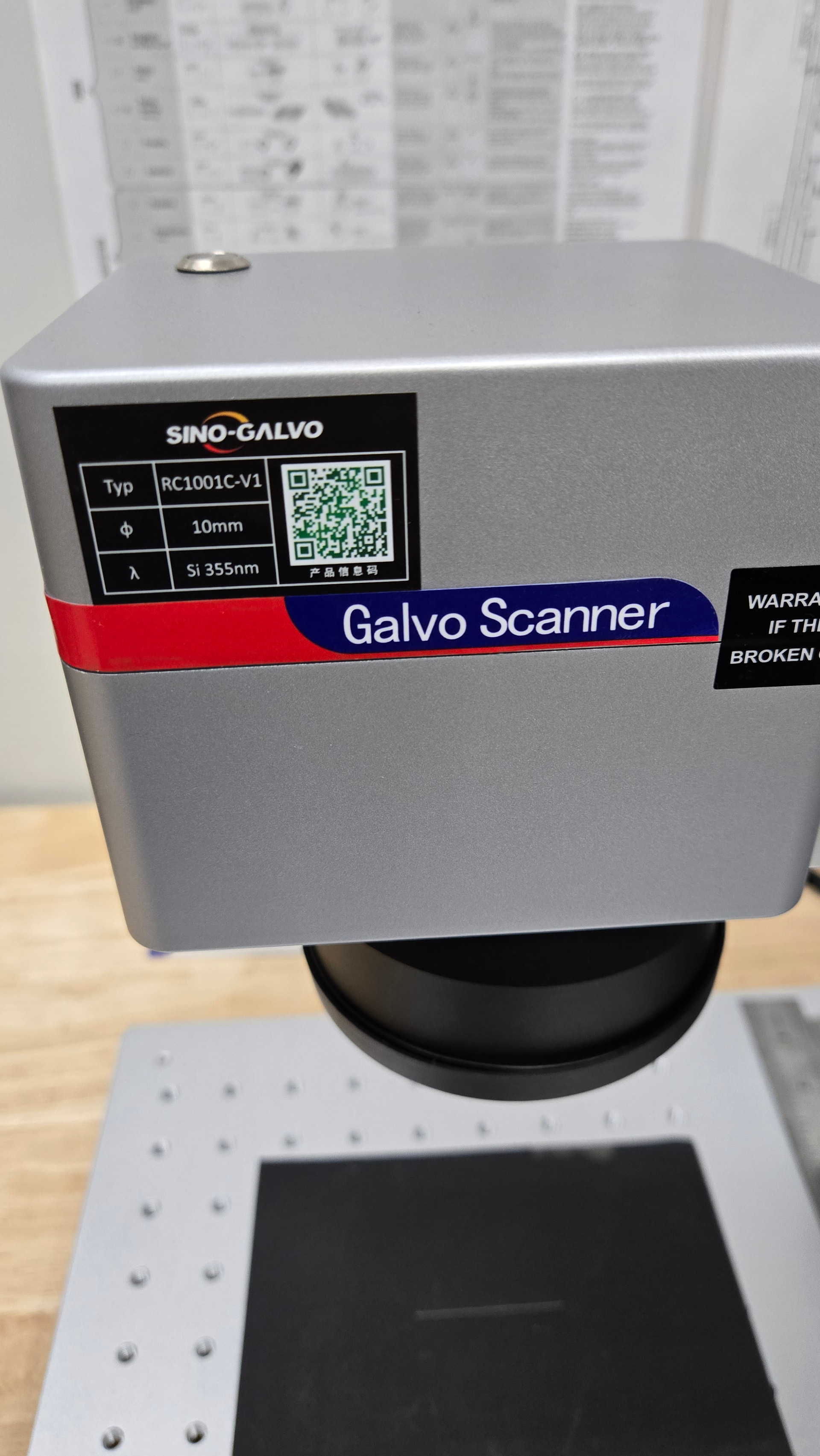
The camera/scanner we have is a Sino-Galvo RC10001C-V1.
Yeah That is what I thought also. But many advised that here I can toggle it on. That does nothing.
Laser is not connected in this picture, btw. Was just getting snapshot of the settings page.
I have never seen a 3rd red dot. Neither software shows it. I was tempted to open the laser to see if it even had a red dot, but it is under warranty and sealed.
Still waiting on Gweike’s advice. Whatsapp I have not used. Would just rather email back and forth.
Guess I’ll reach out again. I’m wondering if the markcfg file is wrong for this laser or corrupted.
I think I worded that wrong.
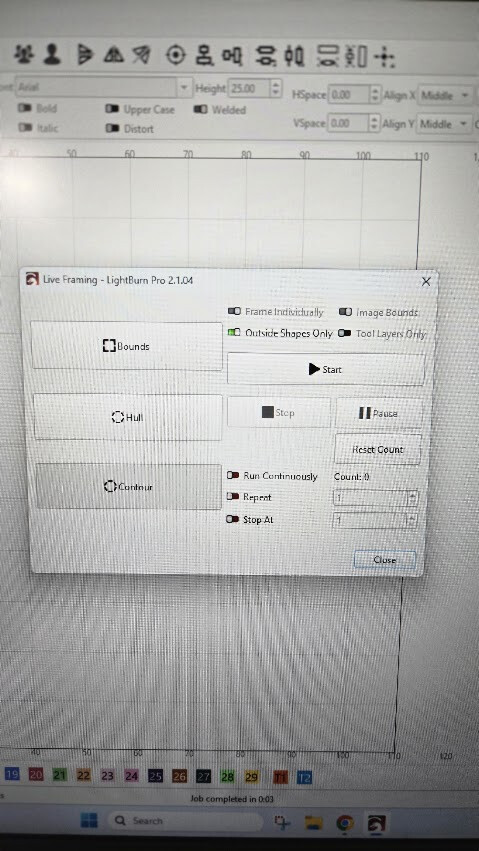
I choose frame and the window opens, but the “framing” does nothing, with the red dot. I hit “start” and laser starts etching. Which is normal. No preview of design at all.
I also have a G2, and when I choose “frame”, it works as expected. Then I hit “start” and it etches as it is supposed to.
Thanks for clarifying it.
You say the framing does nothing. Do you see the status in the “Laser” window switching to “Framing” and do you hear the galvos moving?
Many UV lasers frame with the invisible UV at low power and require using a neon colored piece of acrylic to make the traces visible.
I’m curious to hear what the manufacturer replies.
When I choose framing, it goes straight to etching.
Yes the laser window does say framing and yes I can hear the galvos moving. Put my ear right on the housing.
Well, what I said is partially true. It doesn’t “frame”, but I was hitting “start” thinking it would frame. Obviously that was for starting the laser.
Sorry about that confusion.
Well. There is the answer. Kinda wish I would have know. Just took a yellow notepad to see the image. Why would they do something so dumb like that? If you can’t see it without special stuff then it is useless. Kinda got thrown into this roll at new employer and know very little about lasers. They didn’t have anyone to dedicate time to figuring out the 3 they bought. So I got tasked with this and in a week did more than they did in 6 months.
Thanks for all the help.
Now that we have figured that out. Is there a way to change color or anything? Stupid that they would use a laser dot that you can see with your eyes.
The kit didn’t have the little special color “preview helper”.
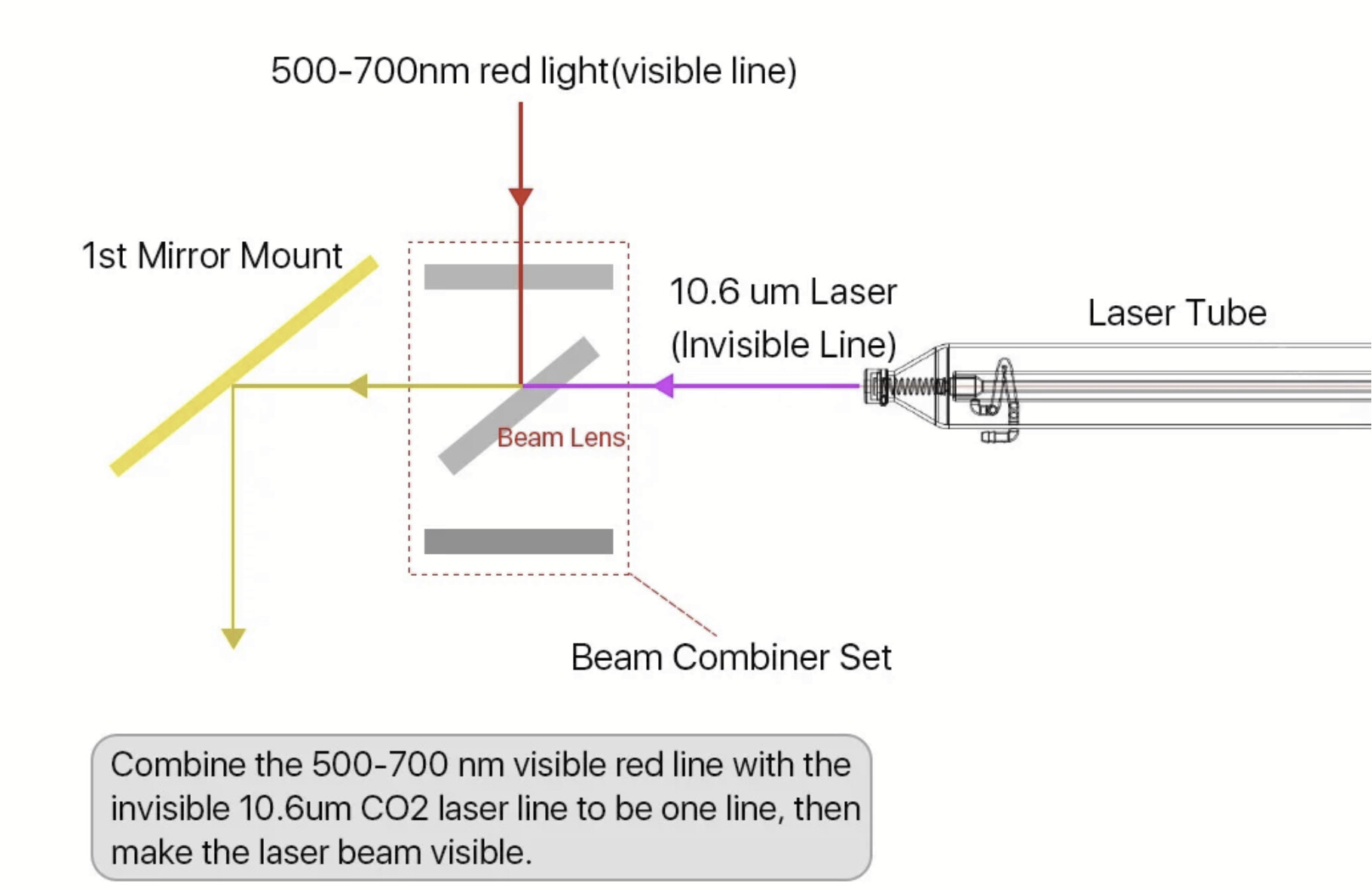
The beam lens needs to let through the 10,600nm on one side, and reflect the 500-700nm red light on the other side.
With a UV source (355 nm), the two wavelengths are very close together, so some other magic will probably have to be used.
The G7 manual clearly shows a third red dot, which would mean it has a red framing laser. Your last hope is that it’s just defective. But Gweike would know what’s inside this device.