Executive Summary:
If you close the Live Framing window during a job, you’re in a pickle. The counter won’t increment if the window’s been dismissed, and if you bring the window back up, none of the controls are responsive. Closing the brought-back Live Framing window immediately terminates the job.
Replication Setup:
- Device: 30W CO2 Galvo (110mm lens) as JCZFiber device, CO2_Galvo_110.lbzip (3.3 KB)
- File: A simple cork coaster, DTSCoaster_CO2G.lbrn2 (89.4 KB)
- LightBurn: version 2.0.04, Pro license
Replication Steps:
- Open the LightBurn project.
- Set up for the job as standard (focus, placement, exhaust fans, etc.).
- Press F1 (or the foot pedal) to open the Live Framing window.
- Press Start (or the foot pedal) to start the job.
- Immediately upon job start, press Esc to close the Live Framing window.
- While the job is still running, press F1 to reopen the Live Framing window.
- The job continues running.
- The Live Framing window reopens as if the job is not started:
- The Start button is enabled.
- The Stop and Pause buttons are disabled.
- The framing type is not responsive, but if F1 is pressed, the framing type selection may increment at some point(s) while the job is running. (I incremented the framing type twice during one engrave of the attached file, seemingly when it was moving between shapes?)
- If the Live Framing window is dismissed (e.g. Esc) while the job is still running, the job immediately terminates.
- If the job ends with the Live Framing window open:
- The Count value does not increment.
- The Live Framing window becomes fully operational.
Alternate Side Bug Replication Steps:
- Allow the job to complete with the Live Framing window closed.
- Press F1 (or the foot pedal) to reopen the Live Framing window.
- The Count value did not increment.
Commentary:
Being able to close the Live Framing window while a job is running can be very useful in certain workflows. For example, I have one LightBurn file for awards for one our local bike races. The file has the main design as a layer and every division (men, women, and youth) and every place (first, second, and third) as separate layers. Dismissing the Live Framing window while the job is running allows me to cue up the next award’s set of layers to be ready to swap blanks and immediately begin the next engrave. This is highly desirable.
Unfortunately, if the Live Framing window has been dismissed, the counter will not increment when the job completes. This is unfortunate and mildly annoying.
In looking at the keyboard shortcuts list, I saw that F1 opens the Live Framing window, so naturally, I hypothesized that if I reopened the Live Framing window after selecting my next award’s layers but before the current job is complete, the counter might properly increment. Not only was this not the case, but reopening the Live Framing window puts you in a state where you have a mostly non-responsive window that will kill your running job if you close it. This is more than just mildly annoying, as it could easily lead to scrapping a potentially expensive workpiece.
This all being the case, I pulled the file for a cork coaster out of my stash and worked up the replication steps for the bug (and original buglet). I originally encountered the bug on my MOPA fiber laser, but since my CO2 galvo uses the same driver and cork coasters are cheap and make watching the process much easier, I went with the CO2 laser. I believe the results would be the same on my fiber laser.
It would be quite welcome if the job counter would increment even if the Live Framing window is not currently open, but the results of reopening the Live Framing window during a job are certainly of higher priority. If the issues are as simple as I believe, the device file and project file should basically be irrelevant, but I include them here just in case.
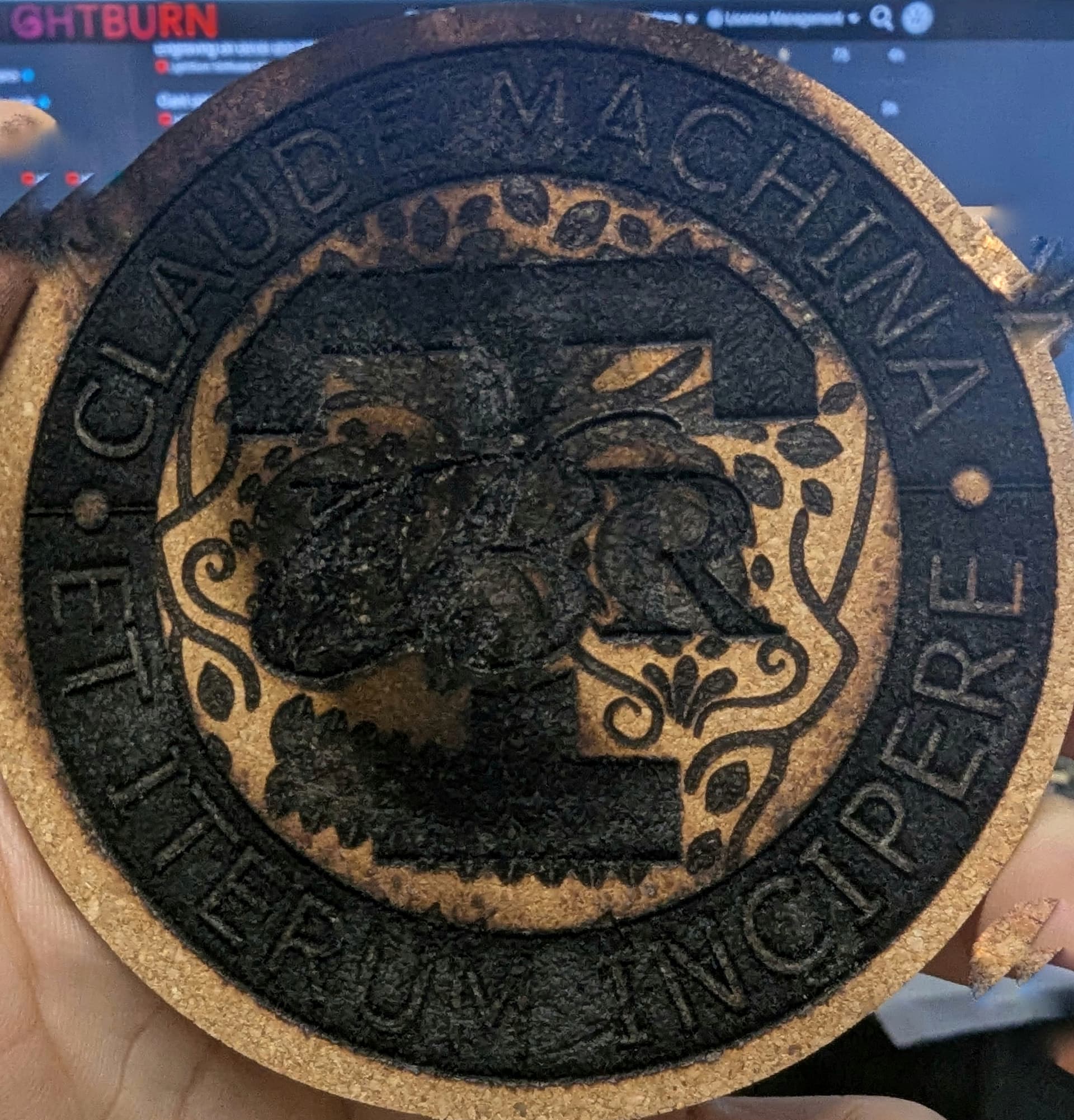
Note: One coaster was very, very harmed in the making of this report.