Sorry for diverging from the original topic but how do you set up the two images where one image is the inverse of the other?
It been months since I’ve been in LightBurn but IIRC I simply Offset the outer shape outward by some very small amount and the fill will reverse.
1 Like
Thanks for the reminder and I’m no expert with Lightburn but yes I think it has to do with a boundary vector and I will play with it using my CO2 laser. Last time I tried this it was a couple of years ago with my diode laser and I forgot what I did with the image vectors in Lightburn but made notes on the cut settings. Since I got my CO2 laser I have been preoccupied with cutting acrylic, making boxes, inlay signs, etc.
After some playing around with the vectors I got it to work. Now I think the issue may be with my laser settings or maybe doing two coats on the work piece. I did tempera to get the frosted and 24% TiO2 mixture (same as tiles) for the black.
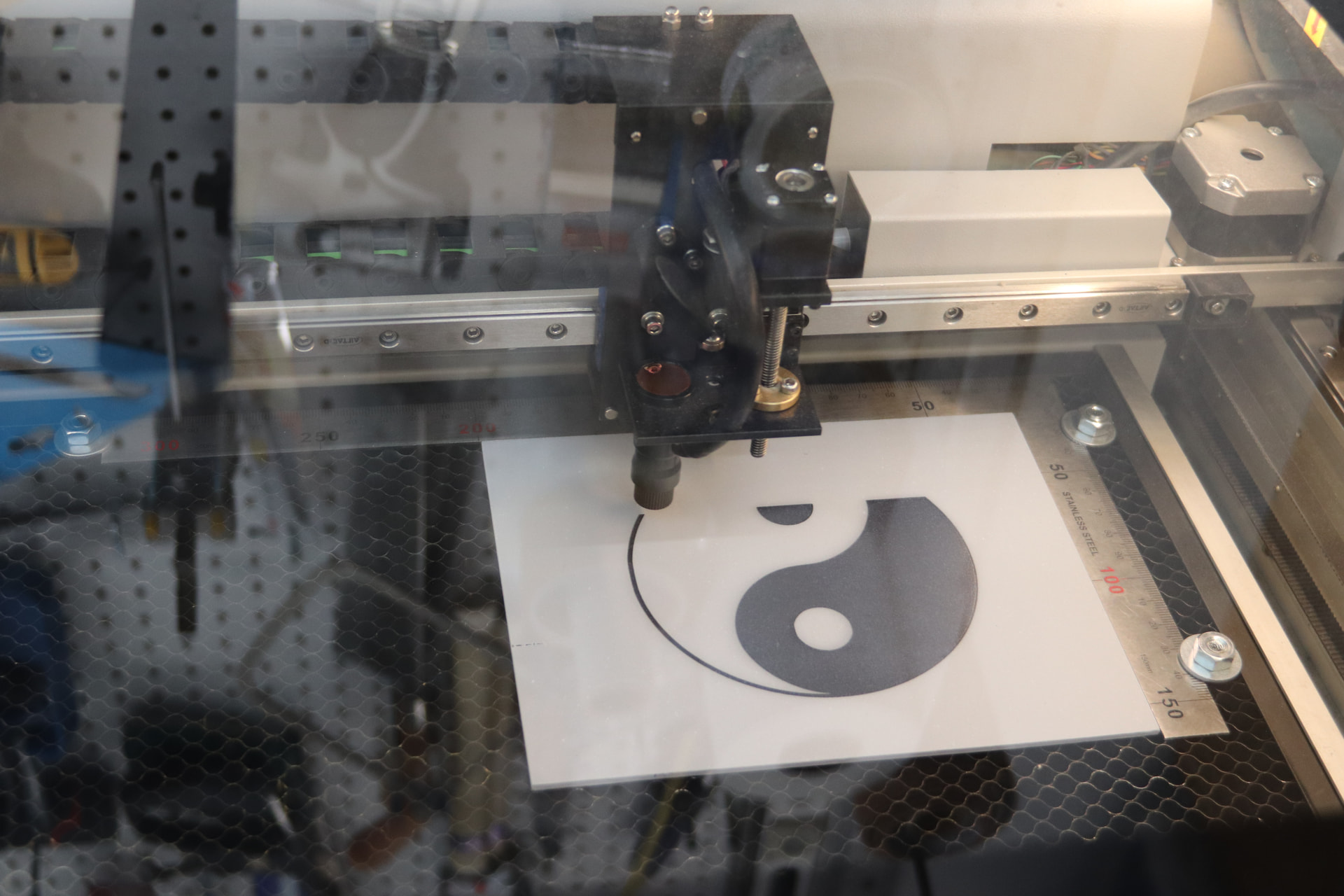


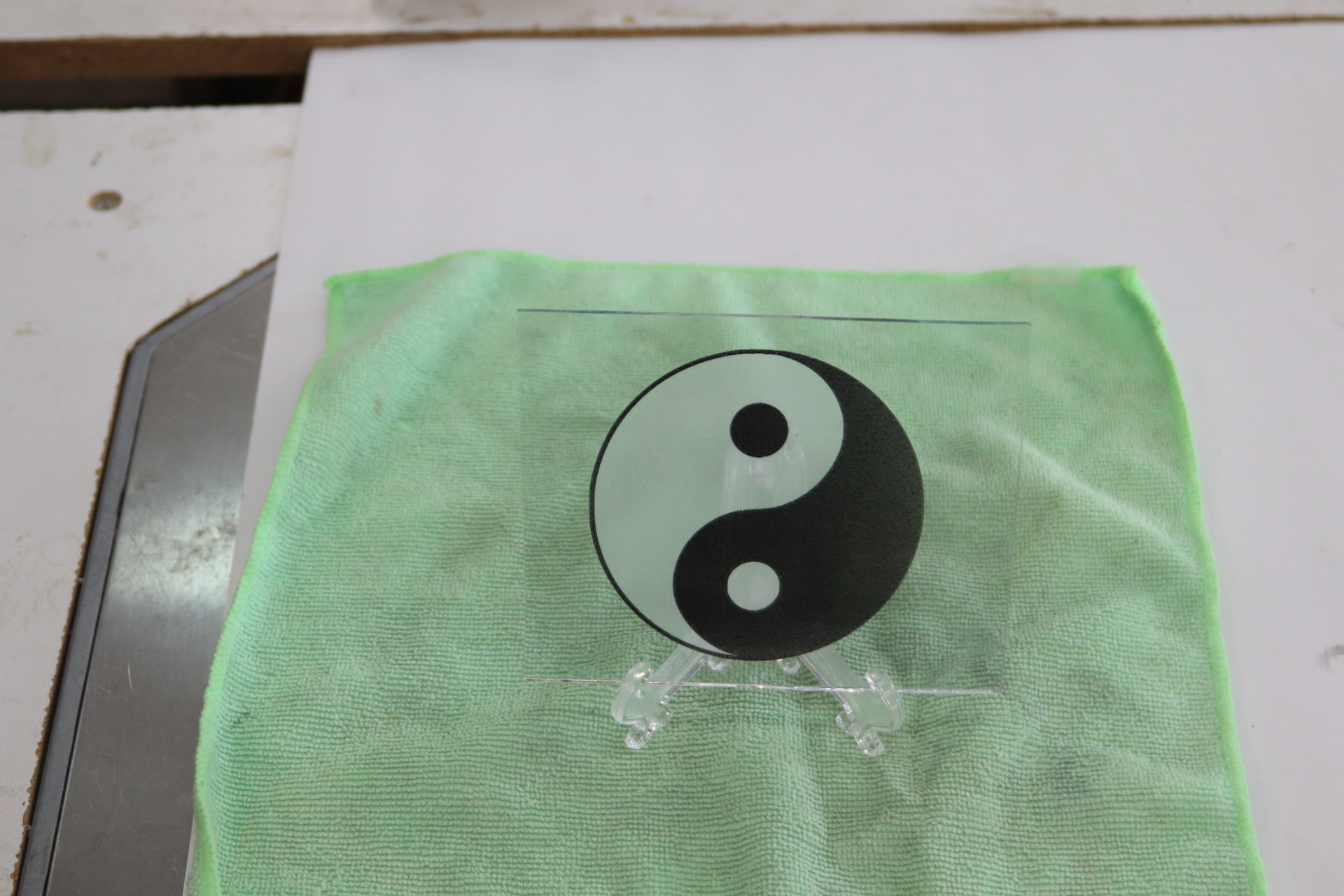

8 Likes
The result looks fantastic to me!
In my opinion, and if you’re interested in eliminating the “jagged edges” at the ends (especially in the black area), I would finish with a circle around it in “cut” mode. If that’s not enough, then a circle 0.1mm thick all around in “Offset Fill” mode. Just to make it perfectly round. 
1 Like