Recently started building a MKS DLC32 based plasma cutter. I am doing some initial setup testing and wanted to add the controller to LB. When I choose the Grbl-M3 profile there is no option to connect via ethernet. I saw in some posts re: LB and plasma cutting that this was the correct profile to use. Do I need to first connect via USB and then use $ commands to set SSID and pwd?
The profile to choose in LB depends on the firmware you put on the MKS. It’s a protocol. You need to make both sides speak the same language. So check out the firmware you use, and then select the corresponding protocol. If the firmware is not many years old, it will probably talk grbl, not grbl-m3.
This also depends on the firmware you use. Of course you need to set wifi credentials. Depending on the firmware, you can do it in a config file, before compilation or via console. Anyhow, it’s not a good idea to use wifi, especially with a plasma cutter. The signal might drop easily, which can lead to dangerous behavior.
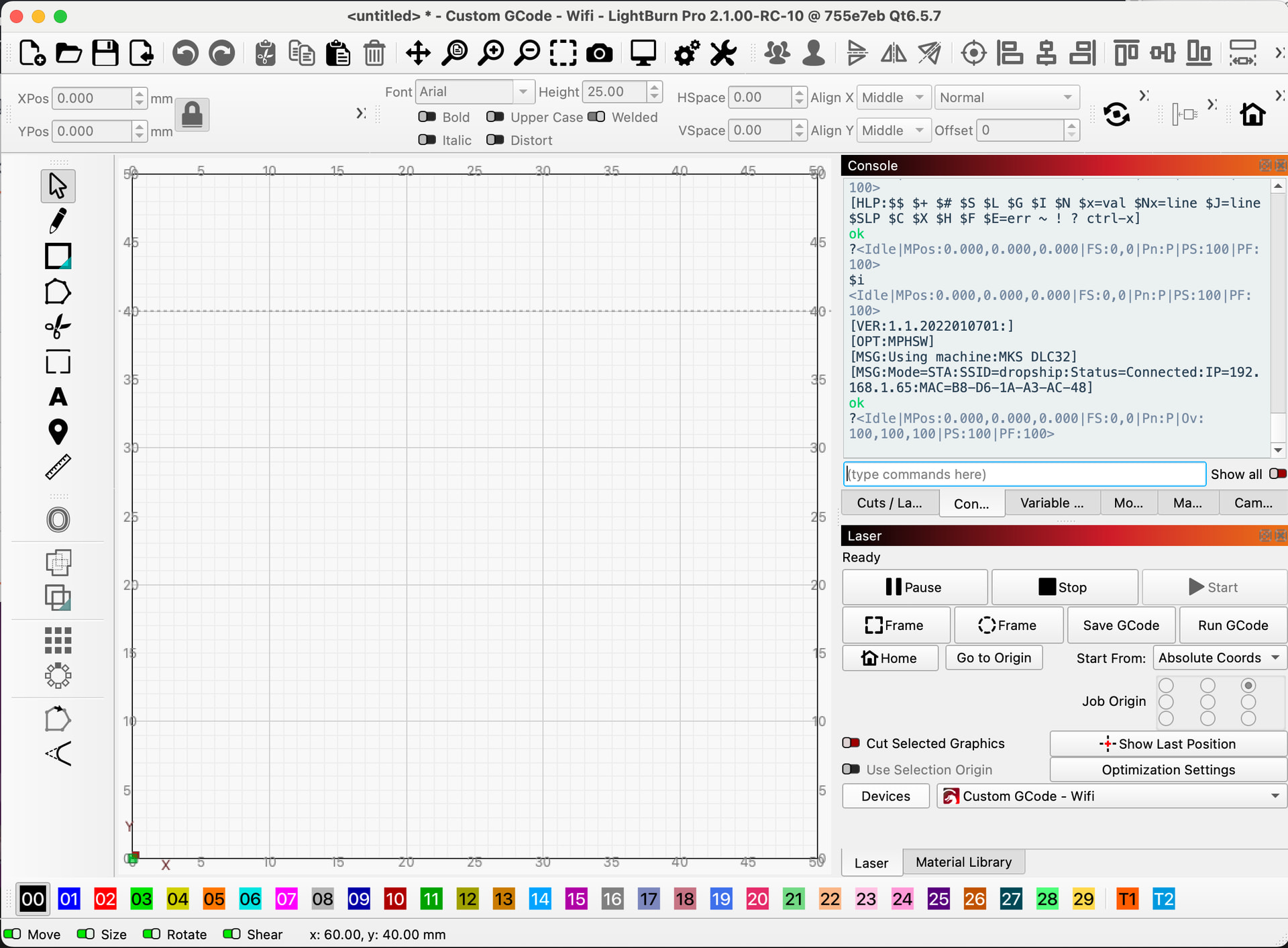
I have added a Device with grbl profile and added the local IP for the Mks DLC32 but when I look in Console window I just see “Waiting for connection…”, and if a send a small cut job, a Message box pops up telling me laser is busy or paused.
Any suggestions on what I need to do to get it to connect??
I might be able to help but I have to check some of my assumptions about what might be happening here.
For your MKS-DLC32 to have a Local IP address, you have to connect it to the Wifi by entering the network name and password. It’s accessible from the touchscreen.
(I think this is done and working.)
Are you on the Mac listed in your Profile? Is it connected to your network by Cable or by Wifi?
The IP address is (by default) assigned dynamically to the MKS-DLC32 controller. The IP address can change without any warning or notice. You may need to check that the IP address on the touchscreen hasn’t changed. Mine seems to change on a whim… often.
I’ll test with a Macbook to see if I have similar behavior.
Both Mac mini (wired E-net connection) and MKS-DL32(wifi connection) are on the same subnet. Should I turn ON wifi on mac mini?
I set the MKS via the connect screen and recorded the IP, I then used it when creating the grbl profile in LB. I can ping the MKS from my mac mini. Checked my router’s device list and mac mini is x.y.1.30 and the MKS called grblesp is x.y.1.70, so they should be seeing each other…
I have not connected the laser module power 2 pin connector or the 4 pin signal cable from MKS to the A40630 laser module. Does LB need that to “see” the module to connect? I was thinking it might be okay to troubleshoot in a stepwise manner and wait to confirm pin outs for these two connections.
Nope. You don’t need to connect anything, except power.
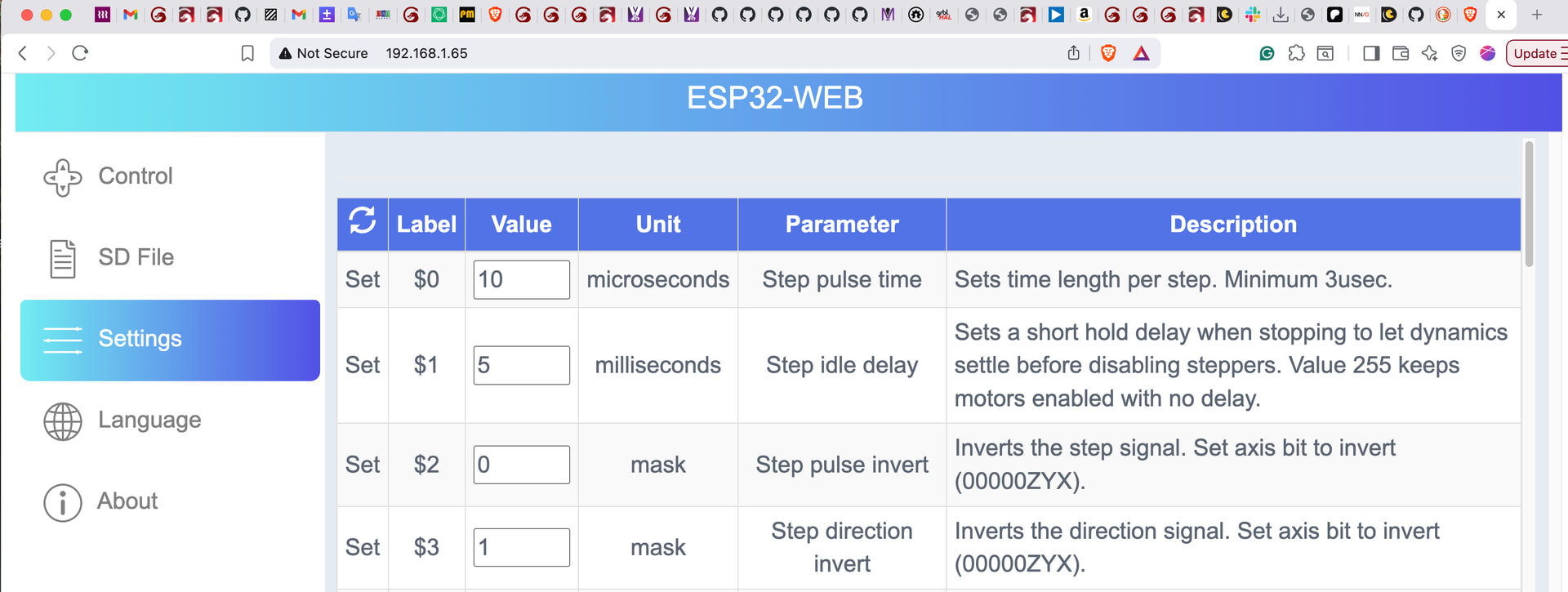
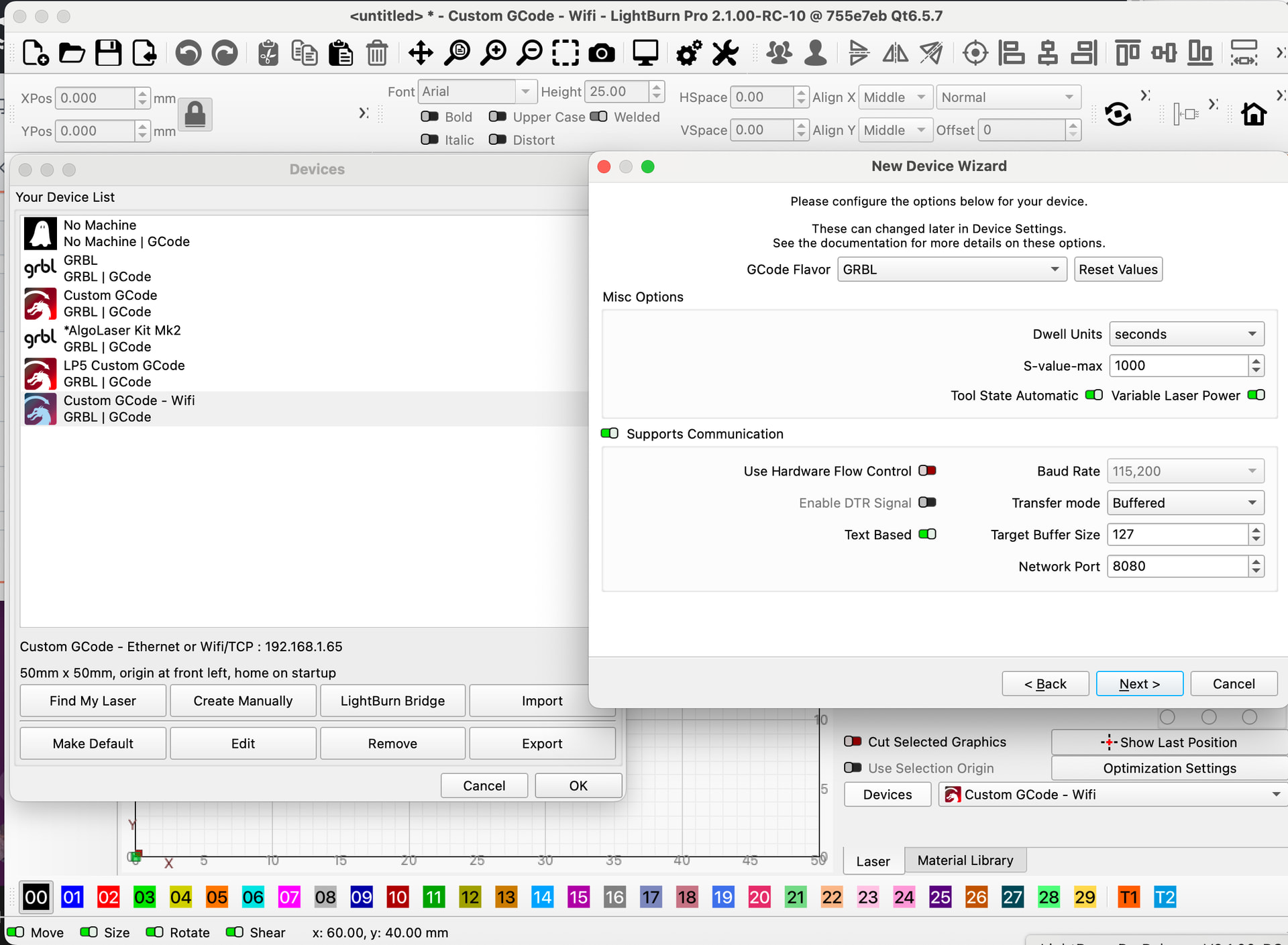
First, you can enter the IP in your browser. The controller should offer a web interface. Next, you need to change the port in device settings. It’s often set to the telnet port, but most ESP firmwares use 80 or 8080 to connect.