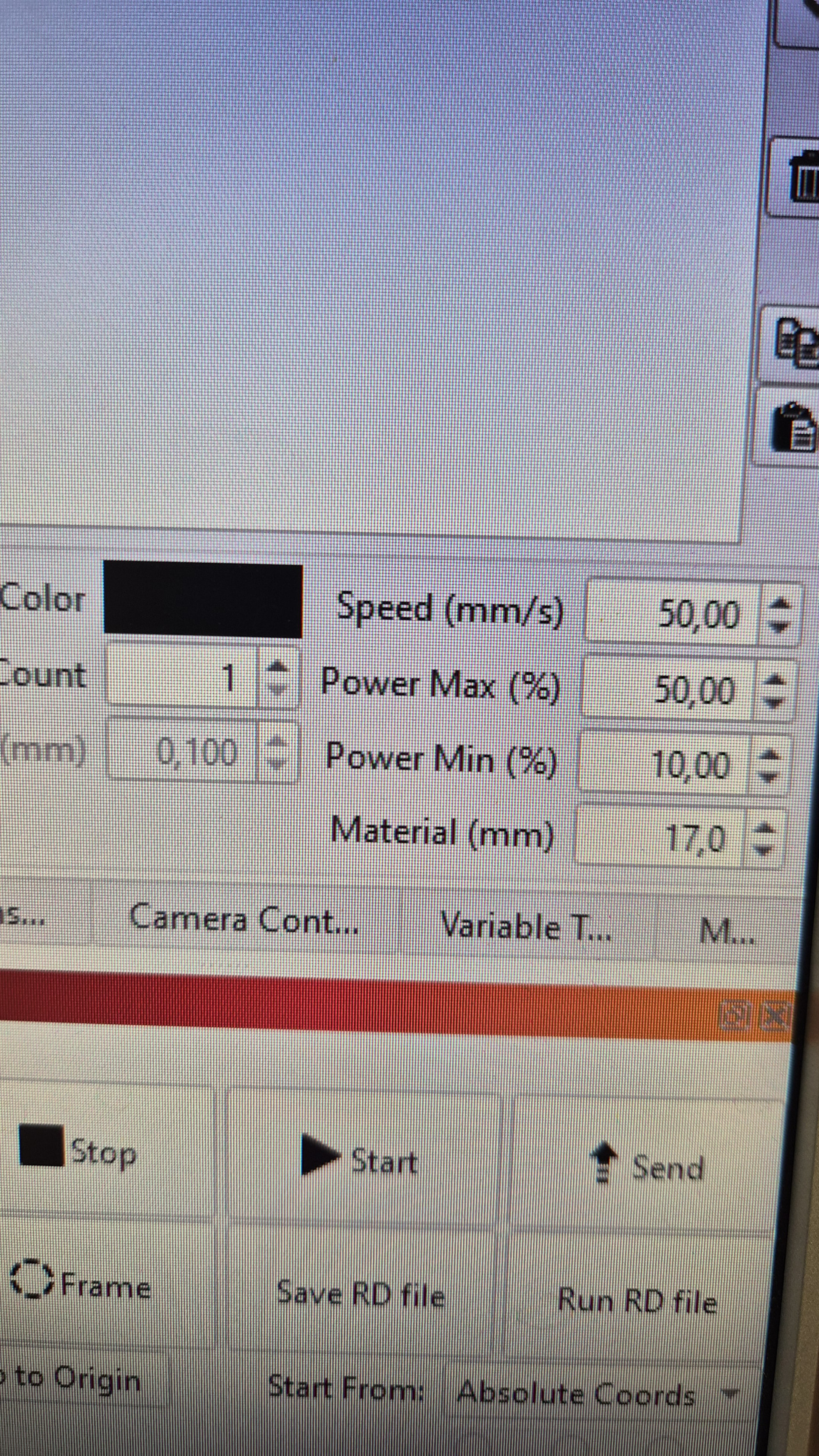
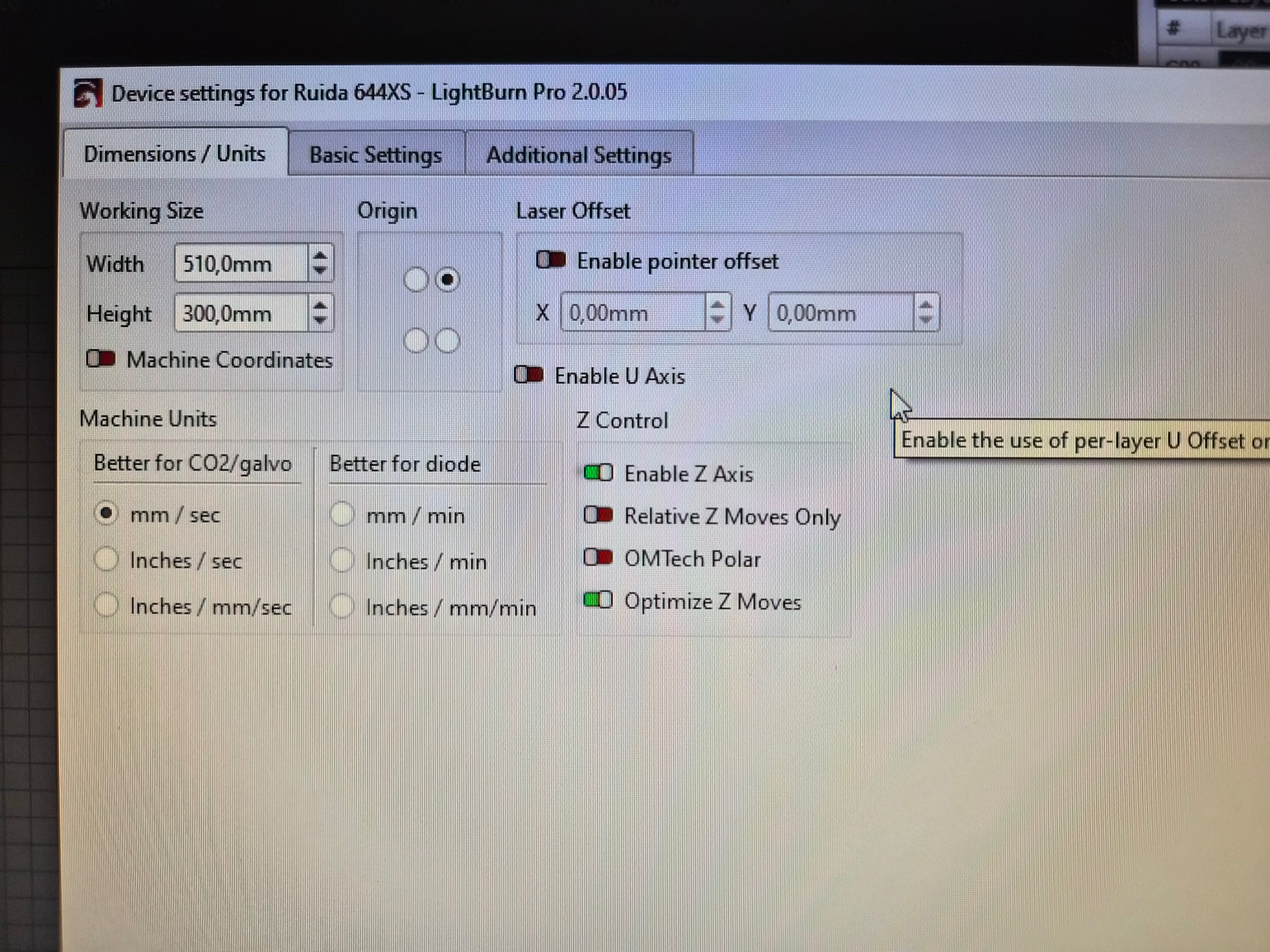
I have a problem where the Z-axes is inverted. The material high “17mm” brings the lens all the way down and vice versa.
I can’t find the setting to change it. I’m on the latest lightburn version.
Perhaps:
There is a option regarding this issue, but I can’t see this option in the dialog window. Very strange.
If your machine’s Z Axis moves in the opposite direction of what you expect, toggle this switch to flip the direction for Z moves.
LightBurn presents only the available options for the controller chosen during the Device setup, so what you see corresponds to the Ruida 644x controller (and we now know which controller is inside the NOX  ).
).
It’s possible the Z axis has been configured incorrectly right from the factory, so start with the basics …
Does the Z axis behave properly in RDworks?
Do the LightBurn jog buttons in the Move window move the XY and Z axes in the correct directions?
What is the Z axis coordinate when you turn the machine on?
What is it after focusing on a thin sheet of material?
I will do some tests today  I have read in other threads in this forum that it should be possible to set the focus by entering the material thickness. To invert the movement seems like a easy thing to adjust…
I have tried the Z axis in RDworks and it moves as intended, I have to do the “17 minus the material thickness” dance, but thats how it suppose to work as far as i’m aware.
0 mm setting puts the lens at the top (as far away from the material as possible) and 17 drops it to the bottom, this must be a easy setting to adjust. I had the Cohesion3D control board before, is the ruida system not able to make an easy adjustment?
That is not guaranteed, because other considerations depend on how it works now.
An ordinary Ruida laser controller doesn’t home the Z axis until you initiate a focus operation. When you turn the NOX on, does the controller automatically home the Z upward to establish the Z=0 location at the top?
If so, then you must not change the controller’s Z axis Direction polarity setting, because it will home in the wrong direction = crash downward into the platform.
An ordinary Ruida laser controller has a display & keypad. The NOX does not, but if both RDworks and LightBurn jog the Z axis in the correct direction, then changing the controller’s Invert Keypad Direction setting will flip the jog directions and may put the positive Z axis physically higher than the Z=0 home position.
However, ordinary Ruida controllers do not allow motion beyond the home position into negative coordinates, so moving / jogging toward the platform may not be possible. Some experimentation will be required.
If the machine can correctly run a Focus Test: happy dance!
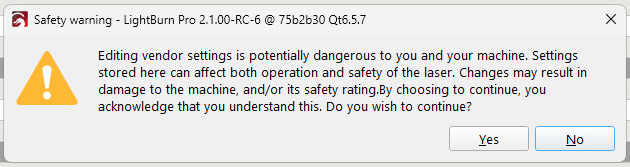
Those switches are available in the Vendor Settings section of LightBurn’s Machine Settings window, after you acknowledge the warning:
My writeup of the home & limit configuration settings may be informative:
The Z axis behaves differently:
Thank you for taking the time to write such a comprehensive answer, it is much appreciated! I have read your previous articles and I will try adjusting the “Invert Keypad Direction” in the settings tomorrow. I can live with doing the 17-X calculation, but I find it strange that some people seem to be able to get the machine to work with material thickness.
Thanks again.