The settings in LB if set right the laser does the jobs the way you want them to go. Fixed.
Doing cad work in LB will take a bit of learning. I am used to Aspire and Fusion.
The control card will only take one job (the group you send) at a time. As in. When it is done with the job you sent it, you can repeat it as many times as you like.
But… You can not send a new job to the controller.
You must (at the controller key pad) push file. Then I will beep and tell you file error.
Hit Esc. It will take you back to the main screen.
It will ask you to Hit Esc again. In about 10 sec. it will beep 4 times.
Now you can hit Start in LB. It my start running the job, or you may have to Hit Start again.
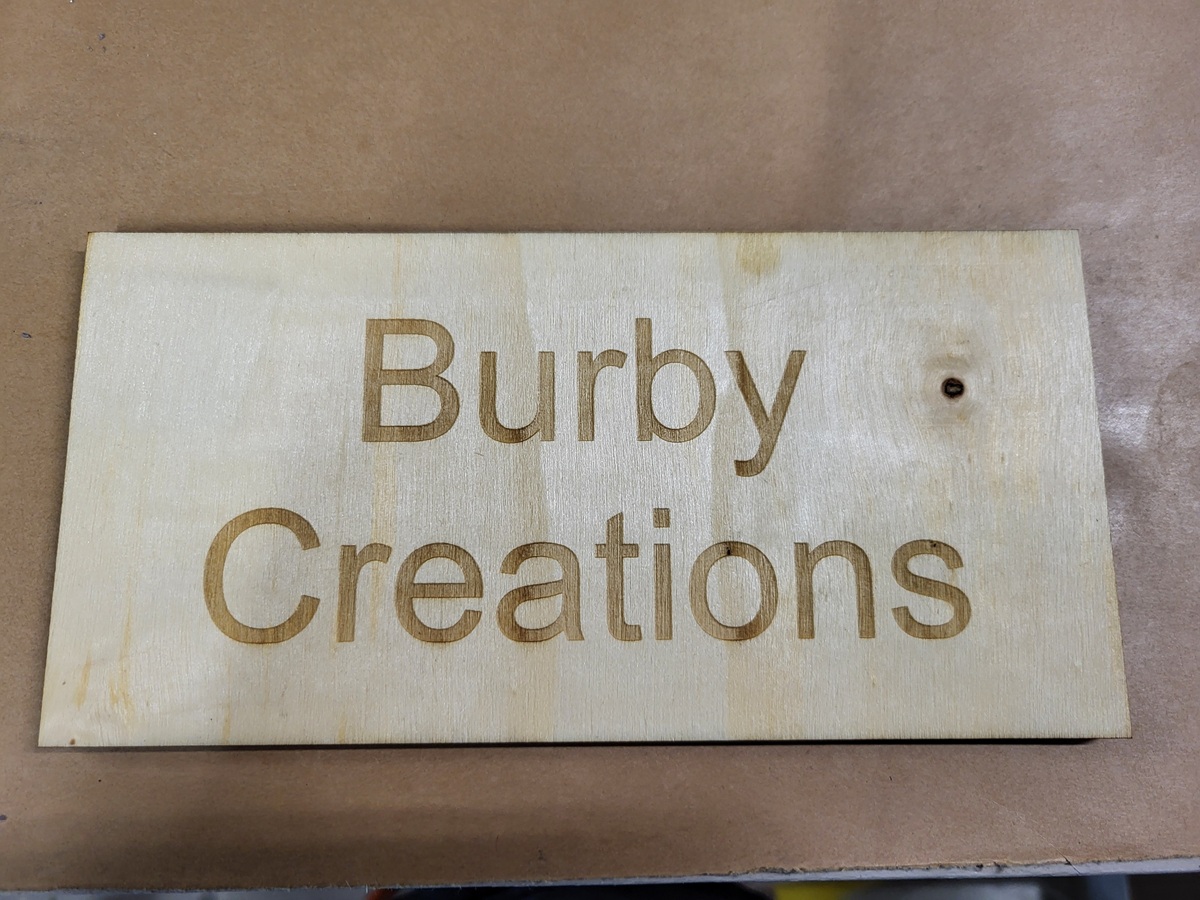
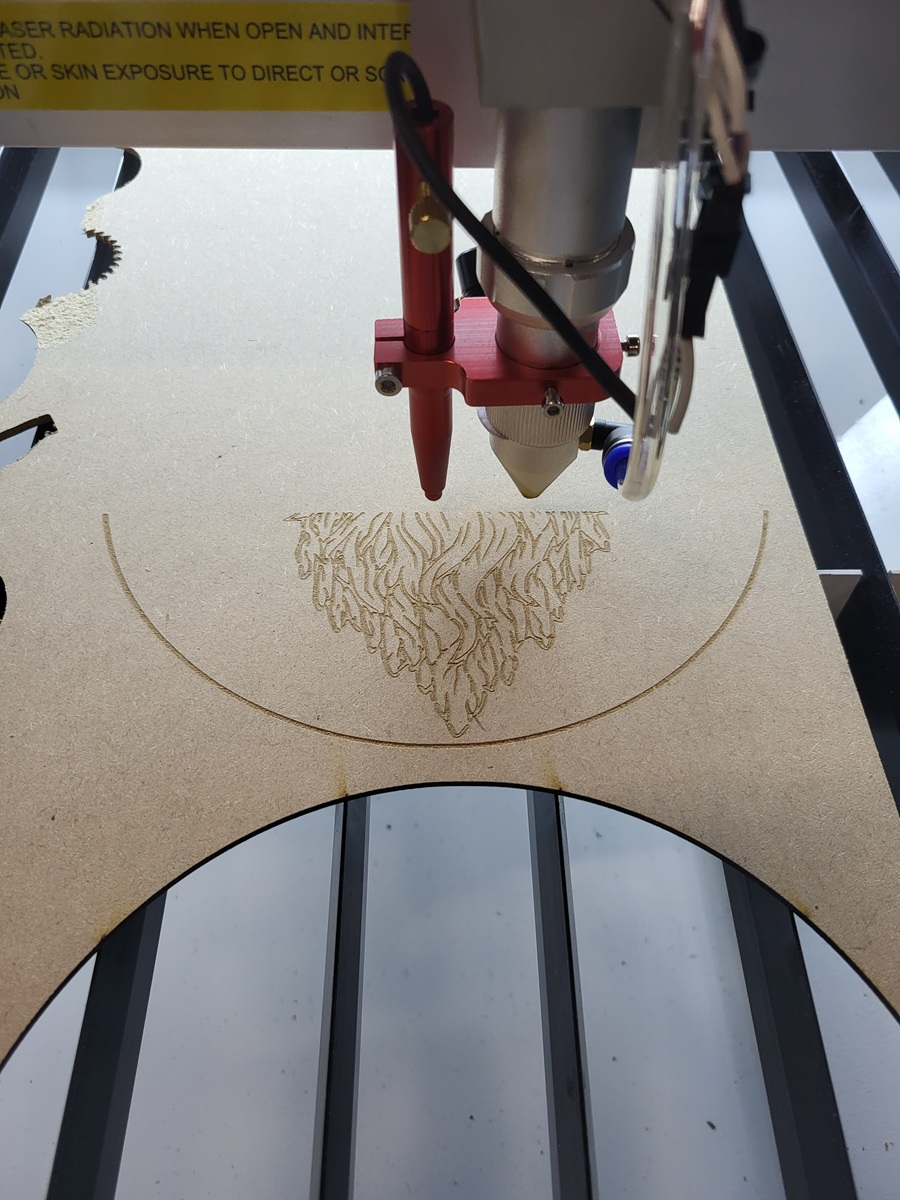
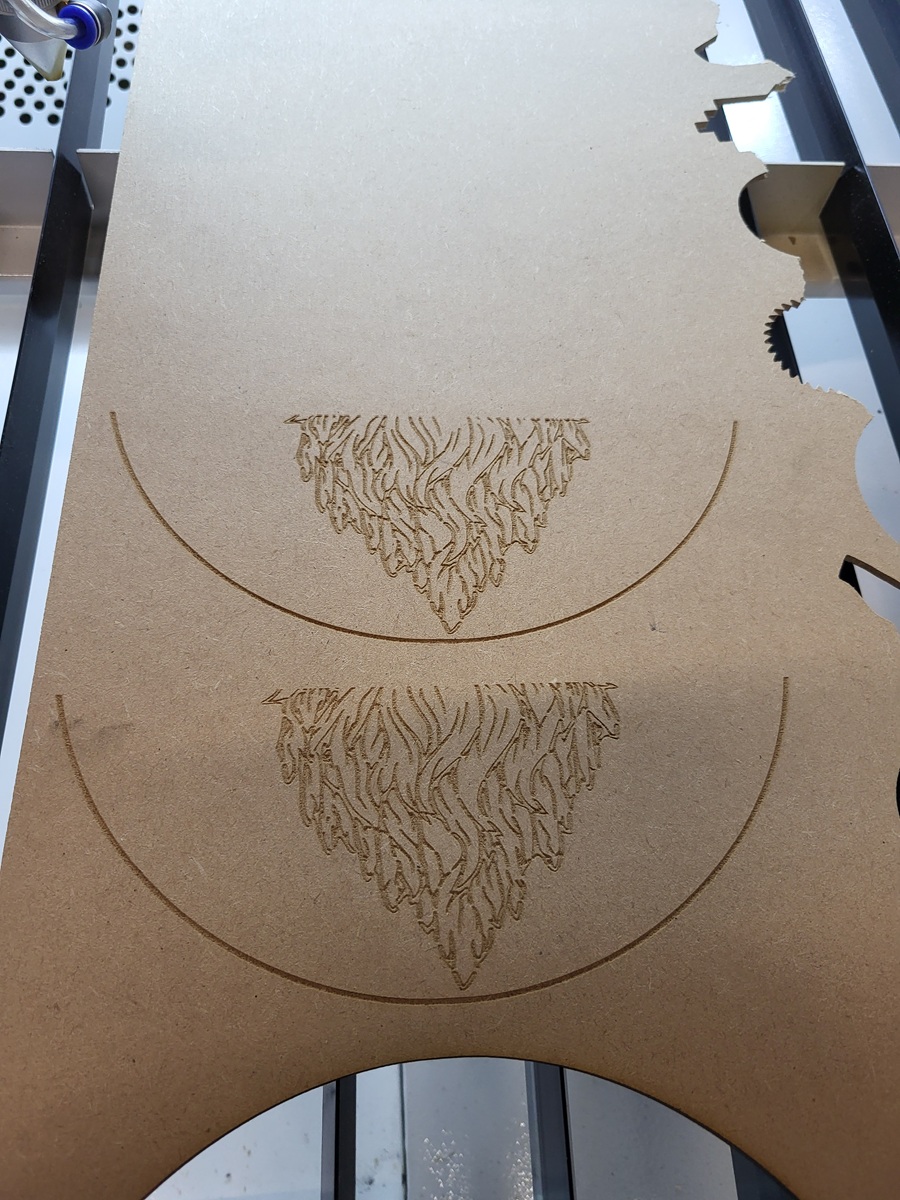
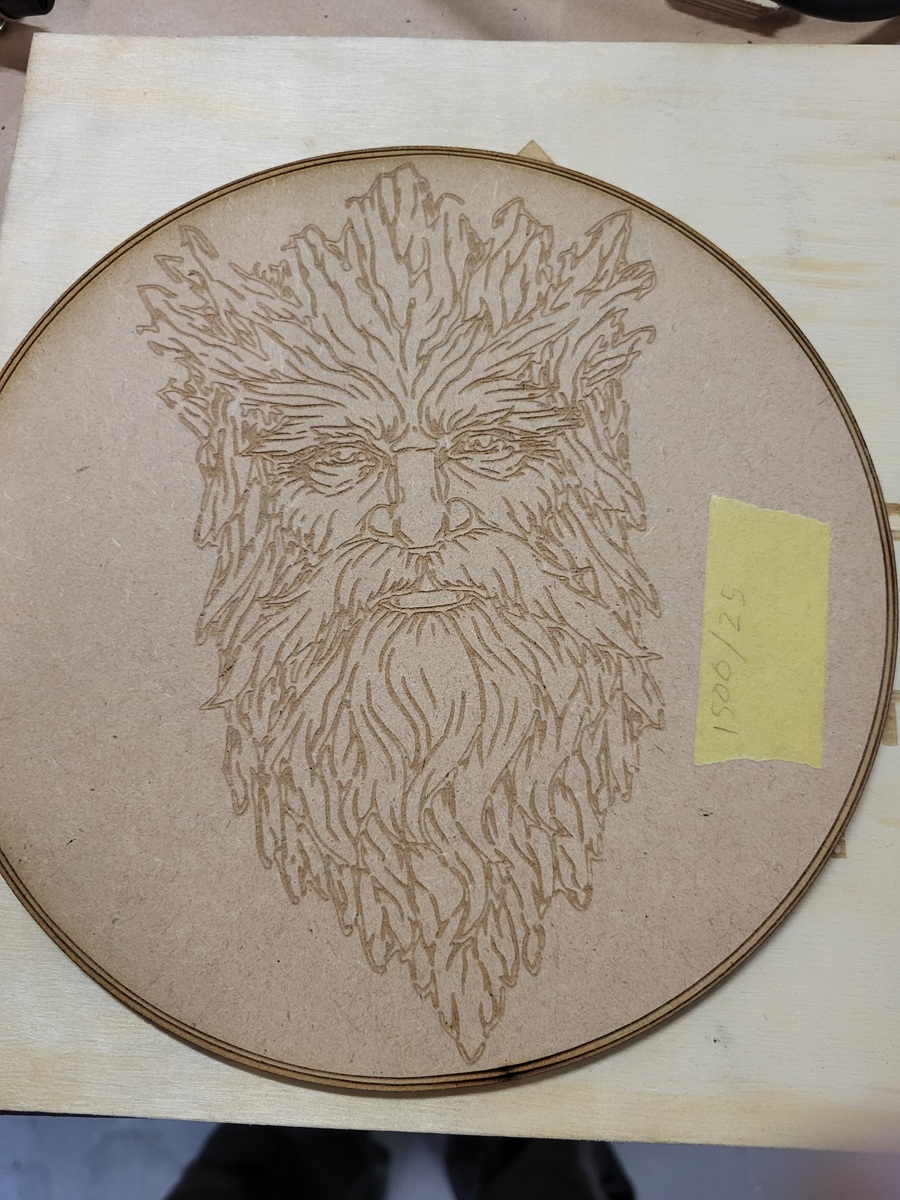
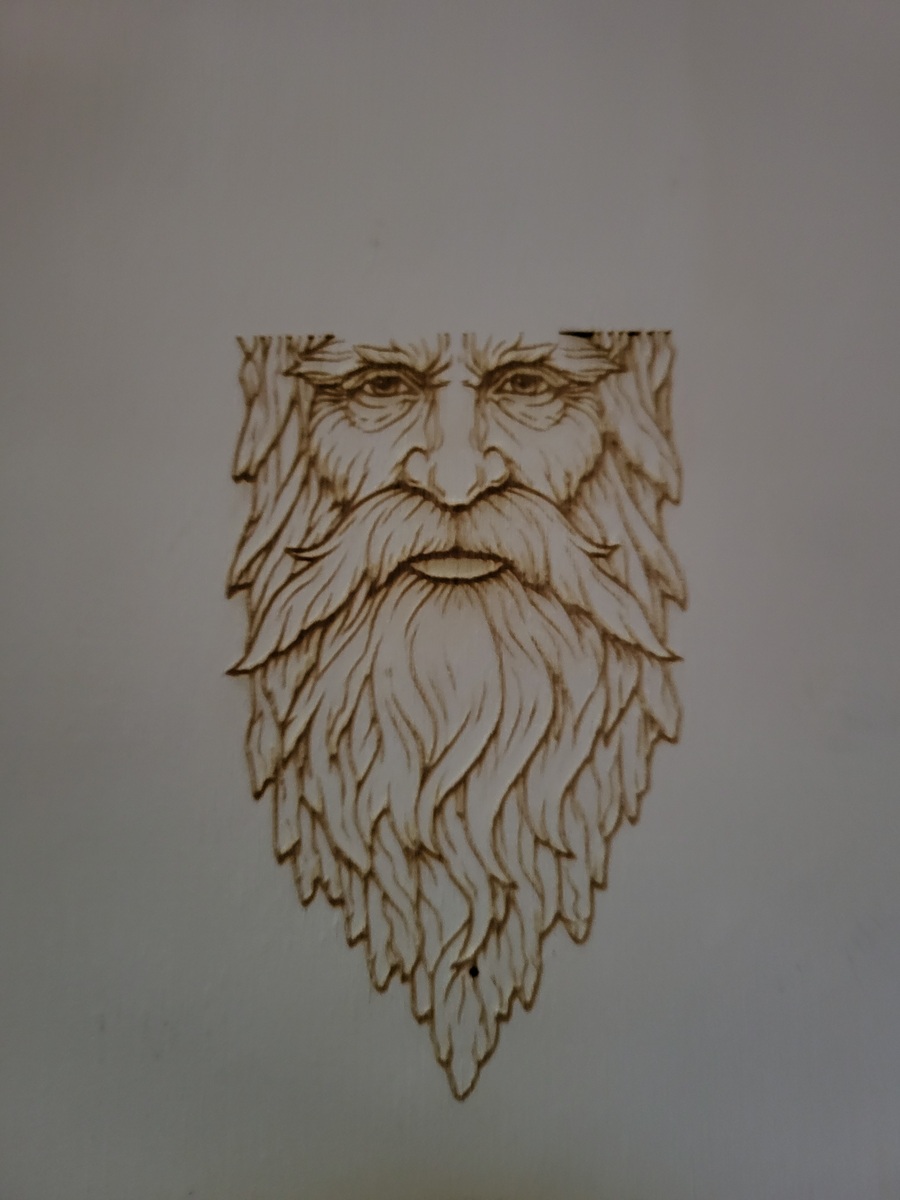
Didn’t know you could add pictures. My lady and the second test job.
Would you share that check list?
Well, as with most machinery, it will do exactly what you tell it. Whether that’s what you wanted it to do is entirely another matter.
You can continue to work in those programs. You then export the layouts / designs as DXF / SVG files and import them into LightBurn to set appropriate speed / power values. If you color the lines correctly, LightBurn will automagically assign them to layers.
However, LightBurn is entirely adequate for simple / straightforward / non-parametric / one-off projects. Trying to force-fit more complex “true CAD” projects into its abilities is not worth the trouble.
The 8445 is an odd duck and doesn’t behave quite like other Ruida controllers. You should be able to Send several files to the controller, then select them from the machine’s display, but I have a different controller.
Paging @JohnJohn: This 8445 behavior seems like something the devs should investigate & fix.
Note the difference between LightBurn’s Send and Start functions: the latter creates a single temporary file.
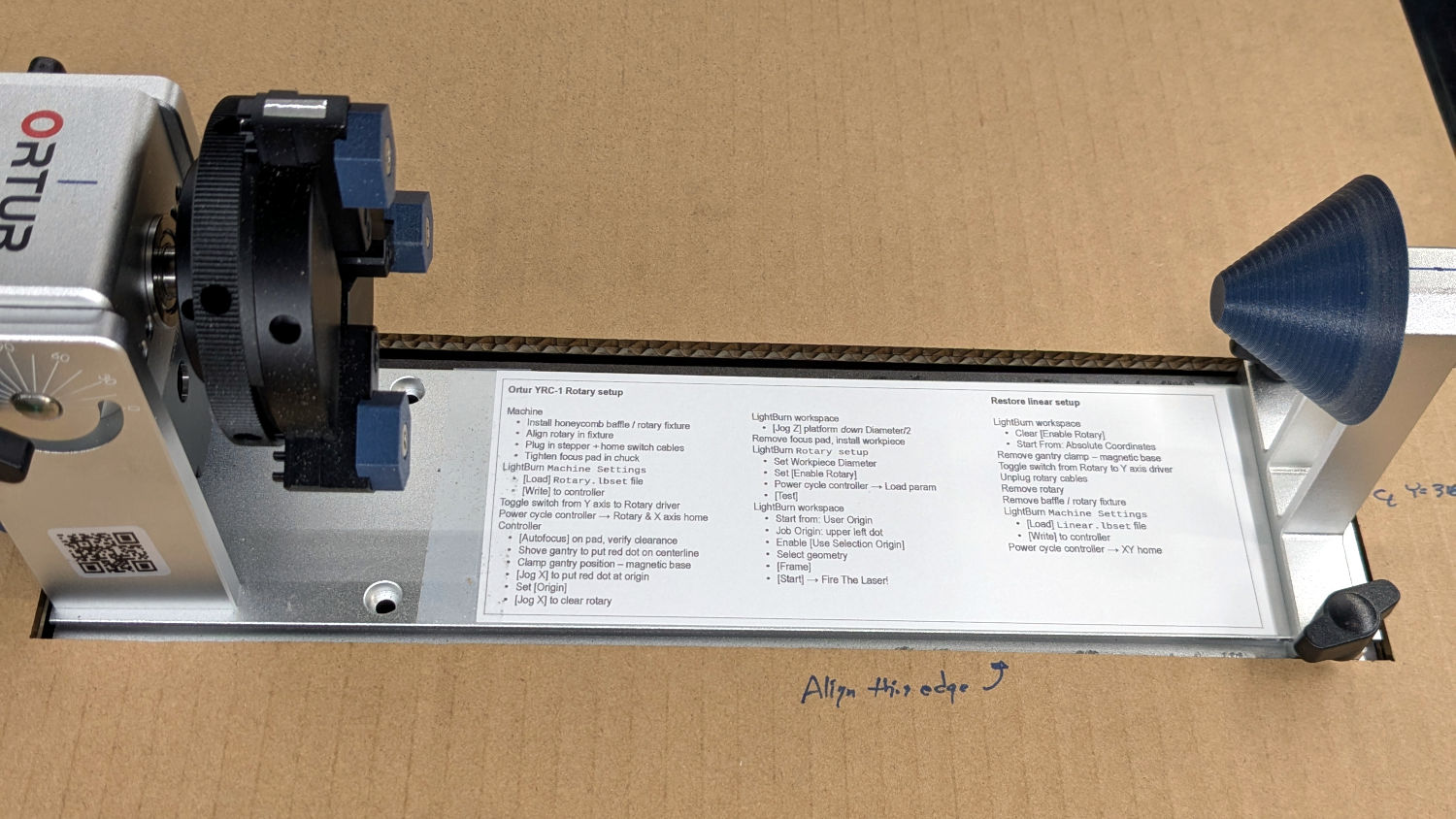
Much of it is peculiar to the hackery required to get the Ortur working in my machine and won’t apply to your PiGrip. The writeup linked just above the picture will give you the background:
There is a difference between normal cad software and Lightburn. I learned this quickly. Having dealt with hundreds of packages, all different in their own way and target specifics.
A lot of extra things you need to use in CAD software isn’t nessary in Lightburn.
CAD software is great if you’re doing something that you might need to change it’s physical size, but many of the ways it relates is by other structures you’ve created. It’s much more simple in Lightburn.
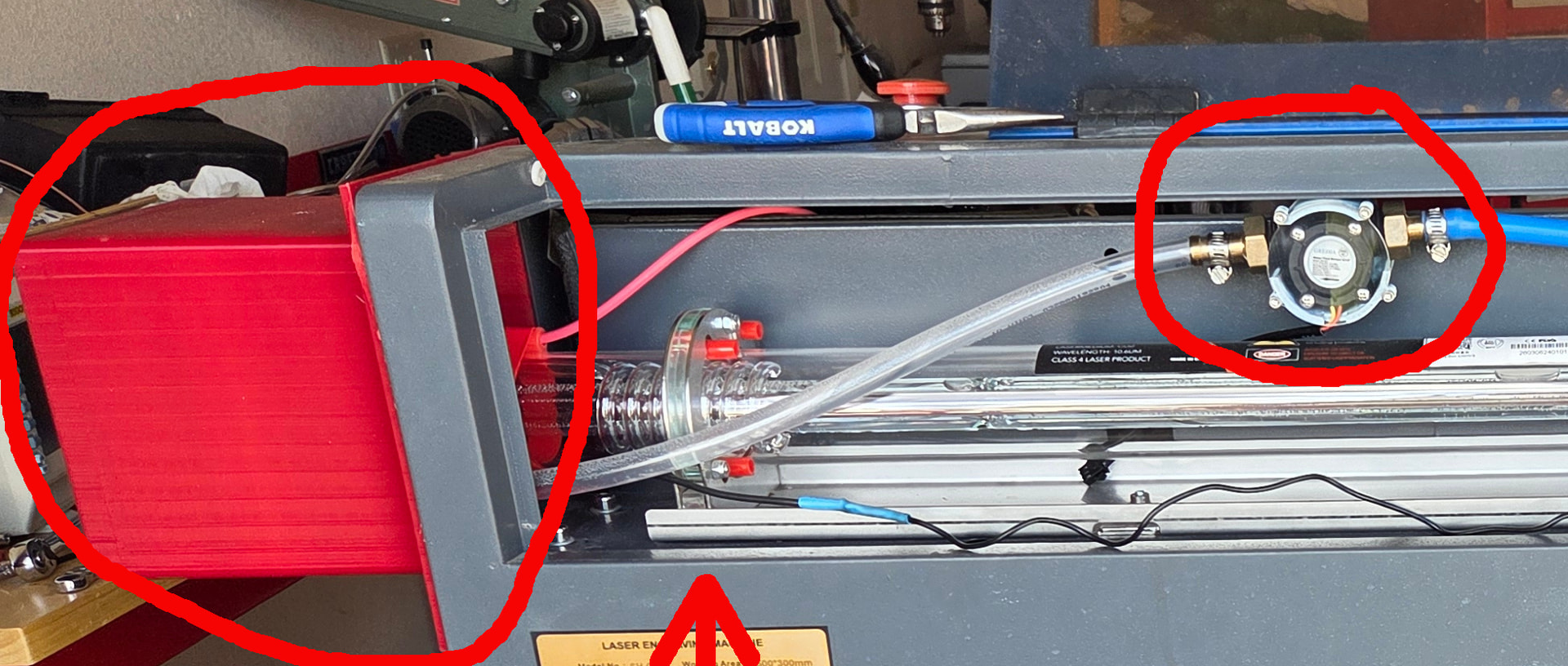
I’ve used FreeCAD to create tube extensions and a holder for the flow meter. The flow meter lid was exported and cut on a laser using clear acrylic.
The extension and the flow meter were designed using FreeCAD.
You don’t use your CAD software to deal with photos, Lightburn can. It’s a laser control software, not CAD software.
The sooner you see the difference, the quicker you’ll understand what I’m saying. There are places for software everywhere and you can make good use of it’s abilities, but still do most of the work for lasing in Lightburn.
I use Gimp, FreeCAD for their intended purposes, that’s all.
A 3D printer is a go too toy for all your needed parts.
Aspire does a good job images, but the setup in LB is very good.
Ya LB is simple on the cad side, but the way it handles other stuff from what I have learned so far. It is well thought out. Mach3 was a good program to work with also.
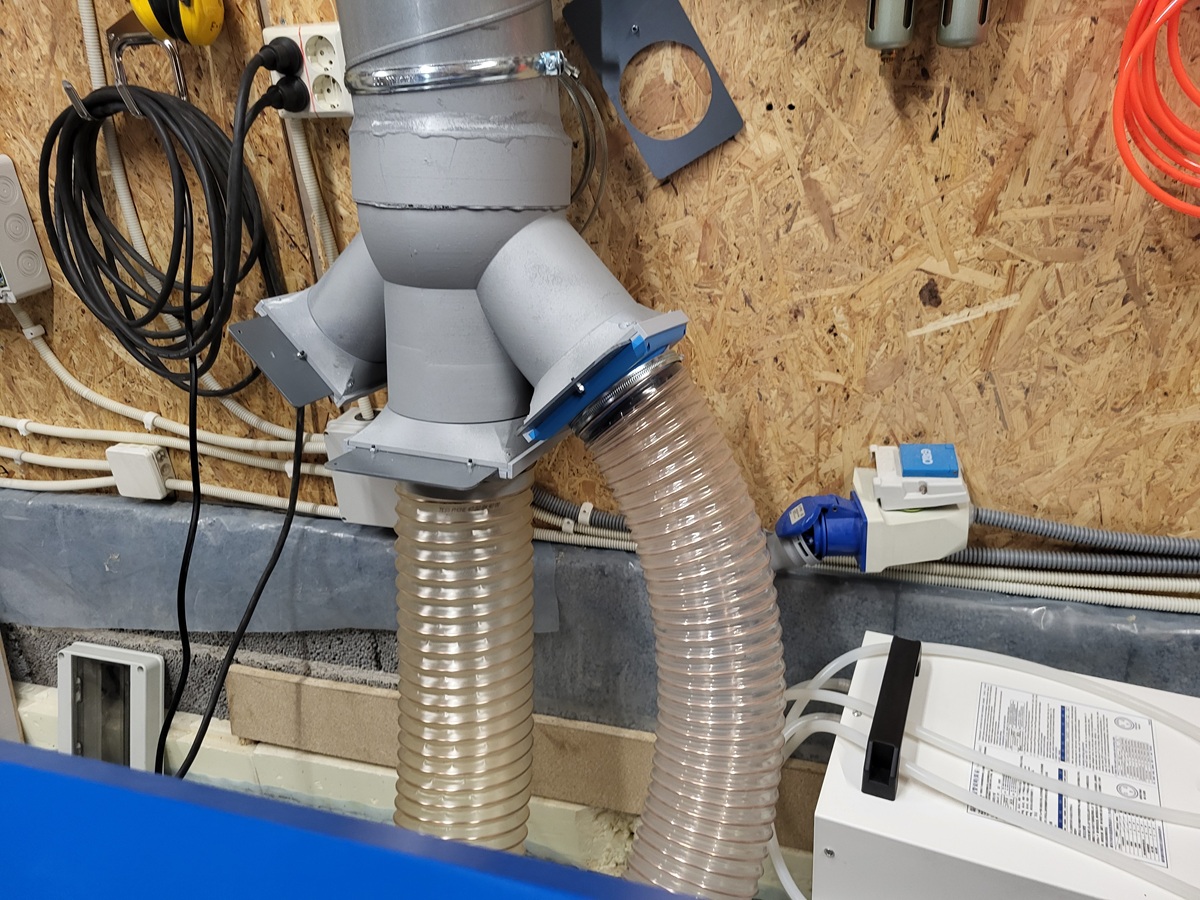
The vent splitter was a fun Fusion, 3D print build. 200 out, 100,120, and 150mm in.
The control card is driving me nuts.
I tried the send in LB and that was not good. I go into Files and it tells me (* Invalid files. Hit Esc.)
It sends me back to the main screen.
I hit File and the files are not there.
If I Start a job and it runs to the end. I can hit File and the ones I Sent are there and *.
Every file I send or start to the controller are all *. The memory is ¤&/“%”!%#¤/#
I ran a job (forgot to take a LB picture) I ran one time and then would only run about a 1/3 and lockup. Reset, Try to run, One line and lockup. Turned off the computer and laser, Nope, same thing and almost in the same place.
Deleted the program and made a new one. Same thing. ???
I did something else and it would run OK and then it would take a little trip. Come back maybe in the same place and start (filling) again.
I turned it off for about 10 min. The rest of the jobs I tried ran OK.
If you’re not using LightBurn 2.1.03, now’s the time to start.
As I mentioned earlier, you should use an Ethernet connection to avoid much heartache & confusion. If it still misbehaves with a direct cable between the PC and the controller, then you have eliminated all the other network communications problems and can concentrate on the controller’s quirks.
Assuming you’re using 2.1 with a direct cable, then start an exchange with support@lightburnsoftware.com including a link to this topic, because they’re the best help you’ll get with that controller. The rest of us are basically useless, because that controller is the New Hotness.
I used manual set up in LB this morning and got the wifi to work. I ran the job that were giving me a fit and they worked. Did a start on the first one and it ran OK. Moved to do the next job and hit start and it ran also.
I did not have to do anything with the controller other then Origin. HooYaa.