I just recieved my first laser machine. I have the loklik iengrave. I have a Macbook running on Tahoe 26.3.
I have gone through the steps to connect the laser to lightburn on the mac with no luck. I downloaded the driver and watched countless youtube videos. Ive uninstalled lightburn and the driver multiple times. I also have an old HP laptop that i was able to download everything and get it to connect on there… but i would like to use just the macbook.
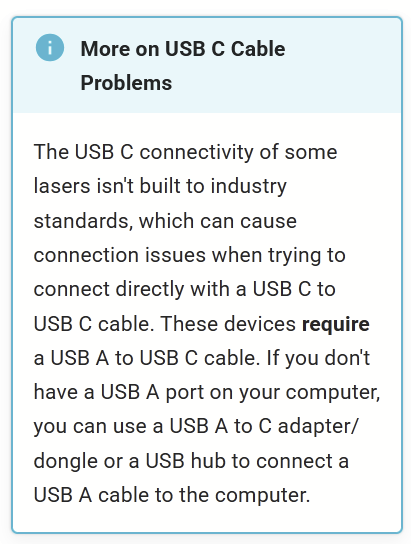
I also got a usbc cord to plug the machine directly into the mac without an adapter.
Under the device drop downlist it does has lef01 10w but under ports that where the problem lies. It doesnt give me options for coms.
It gives me cu.debug-console, cu.bluetooth-incoming port, usb and cu.maker-1fad
when i click on the usb it says waiting for connection.