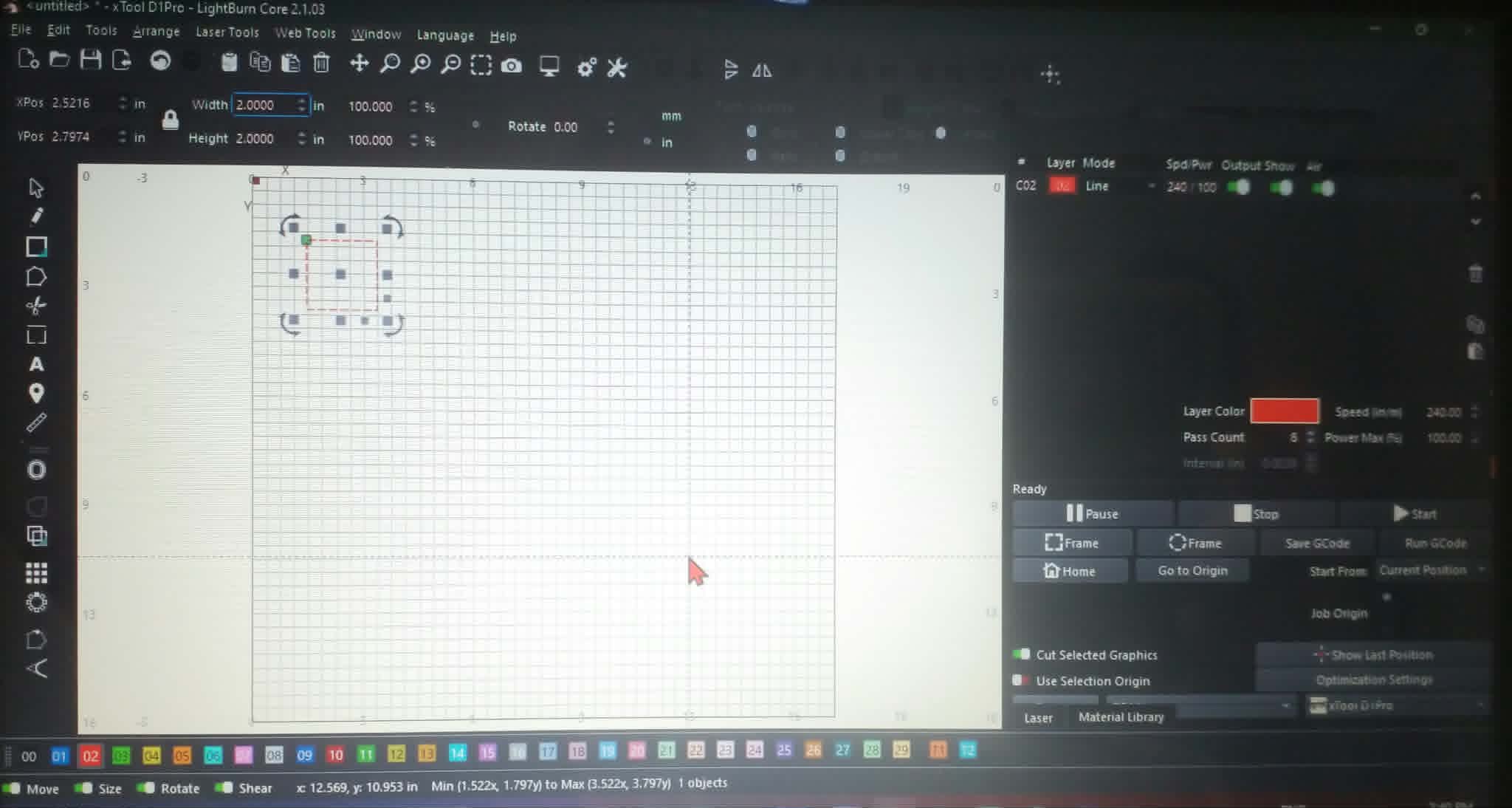
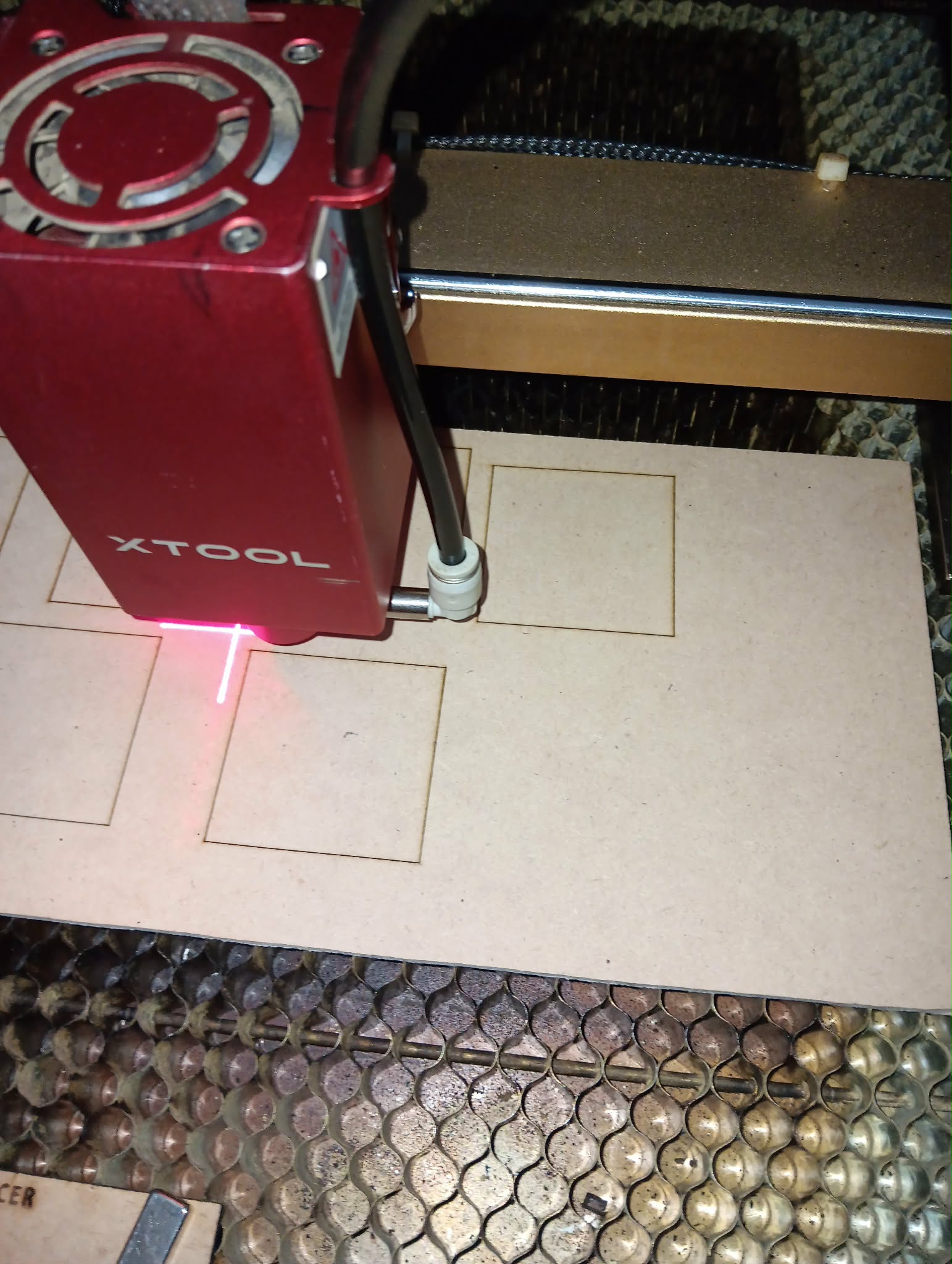
I am having trouble cutting 3mm MDF & pine plywood. I have not had a problem up till now. I have set the settings in Lightburn Speed 240 power 100% with 8 passes. It still won’t cut through. It only scribe a line in the timber. I have done the same test in xtool studio & it done it perfectly. A 2 inch x 2 inch square. I have been on all lightburn groups telling me make sure the S value is set to 1000 which it is.Hoping you can help me please. Brad
1: Machine using: xtool d1 pro 10w. 2: What controller using: G - Code. 3: What’s the firmware in use: GRBL. 4: Using latest version: yes. 5: new or old issue: New. 6: computer in use: Hp probook 430 - g4. 7: computer operating: Windows 11
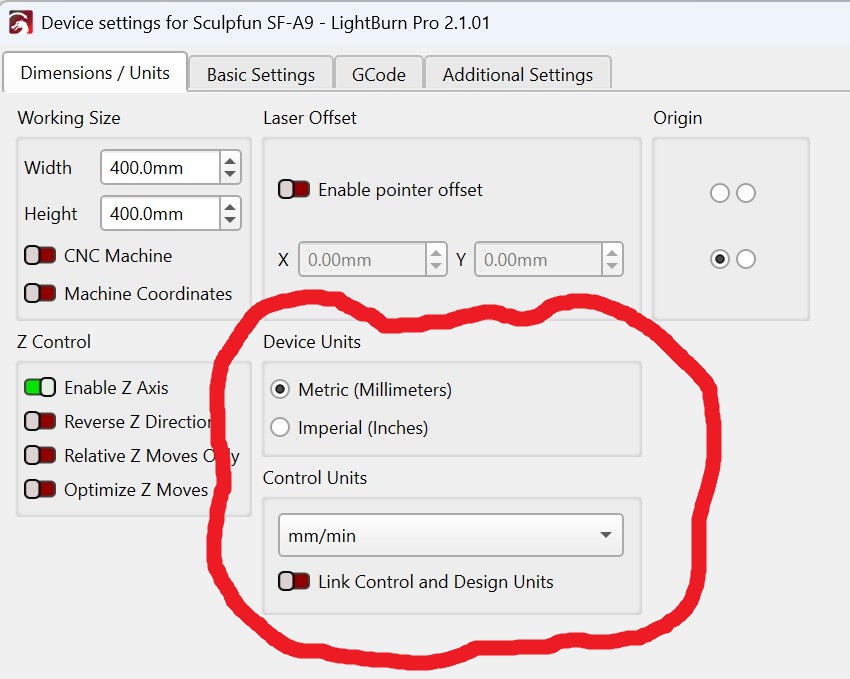
Several weeks ago my Falcon 10w stopped engraving so I bought a Laser tree replacement. It operated the same way. Low speed and high power. So I thought AI could help me quicker than 1 e mail a day with ther3ew support. Well we did some things that I do not remember, and it still does not work any better. In the meantime, I get a new falcon Module, and, same thing. So I don’t know if AI and me did something or what. So I was wondering if I updated to the latest version of LB if that may correct it. Here are my settings now.