Sketchup will do it for you..
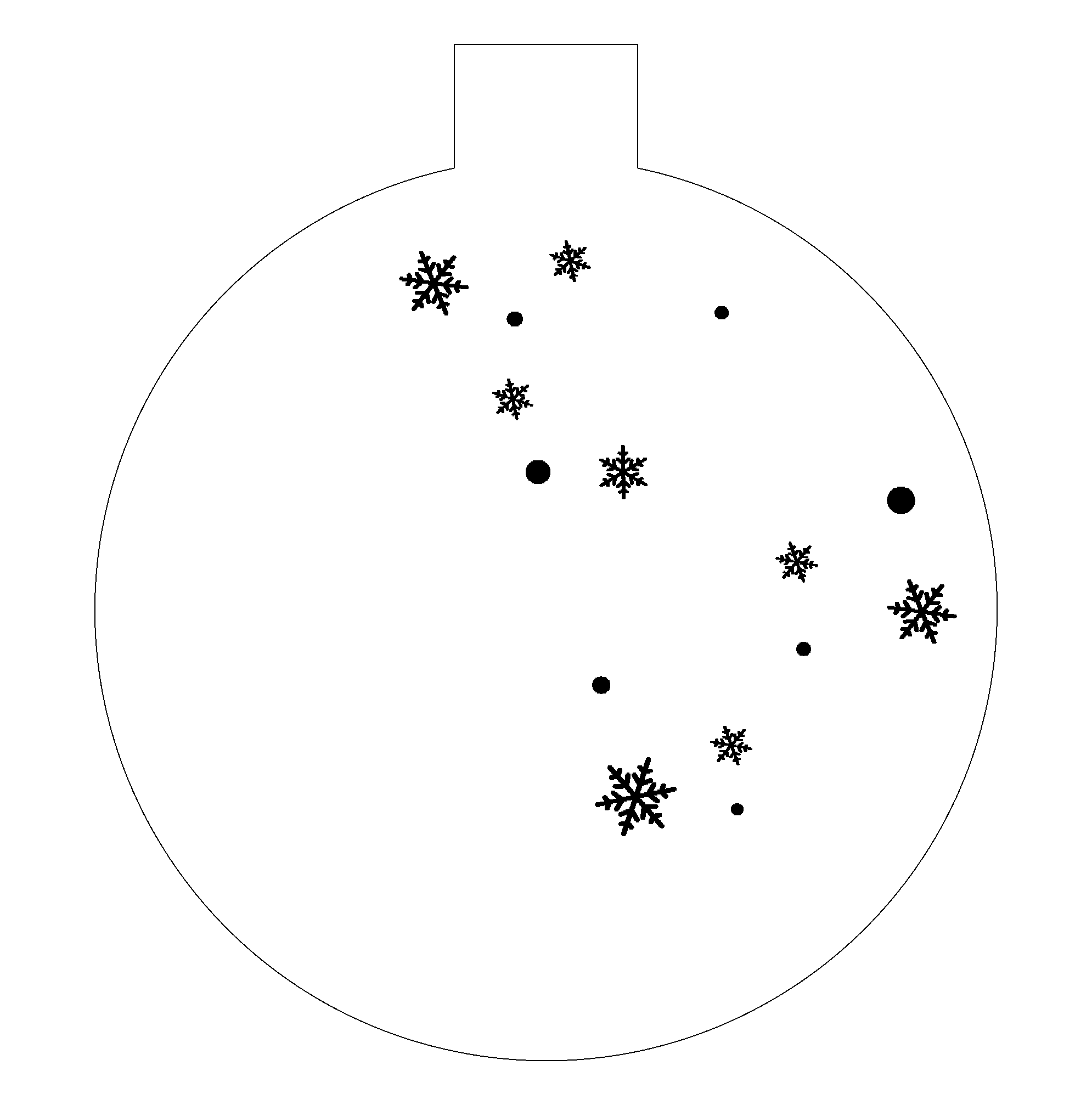
Assuming the ornament outline is a shape in LightBurn?
- Select it and jot down the width.
- Create a new shape, with the height and width being the same as the ornament width.
- Align the new shape with the ornament in the X axis (since it’s the same width any alignment is the same).
- Align the bottom of the new shape with the bottom of the ornament.
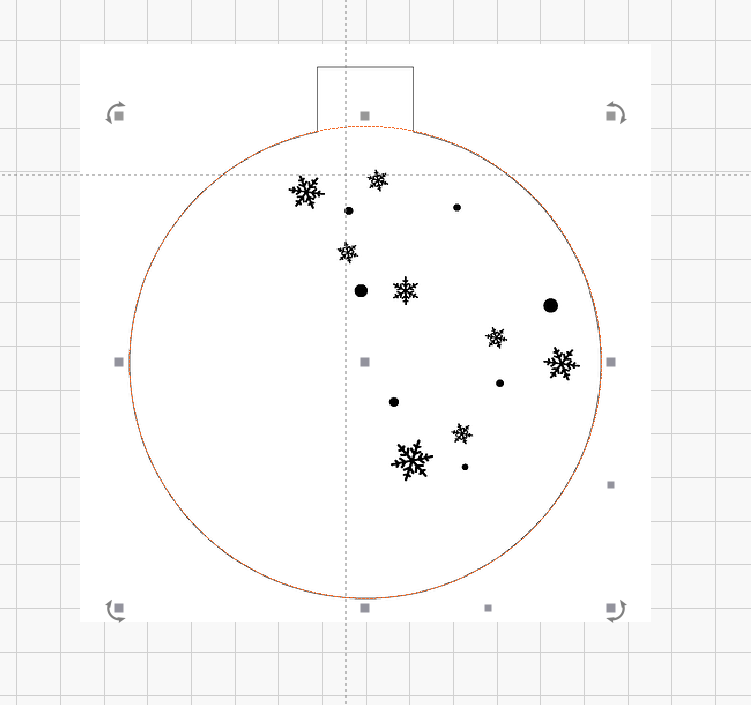
You can now use the new shape to center anything in the body of the ornament on the X and Y axis.
(If you want crosshairs, make the new shape a square and draw lines connecting the corners, for example. Or make four half-width squares and align them to the shape by the outside corners. Or… or… or…)
Another approach would be to make a square shape that touches the circle at a tangent point on the sides and the bottom. Stretch the rectangle to meet the tangent at the top (even though the circle does not pass through the neck)
Once you have the rectangle with bounding box matching the tangents of the circle, the center of the rectangle will be the center of the round shape.
Depending on how accurate you need it to be, you could just draw a circle and adjust its size and position to match the original.
Hope this helps.
Use the measure tool. It will tell you the center point and rad size
I assumed this was a raster format file as that’s what was posted by @nickditrolio. If it’s vector then there could be several ways depending on how the geometry is defined. If @nickditrolio can post a vector original then that might be more useful.
This topic was automatically closed 30 days after the last reply. New replies are no longer allowed.