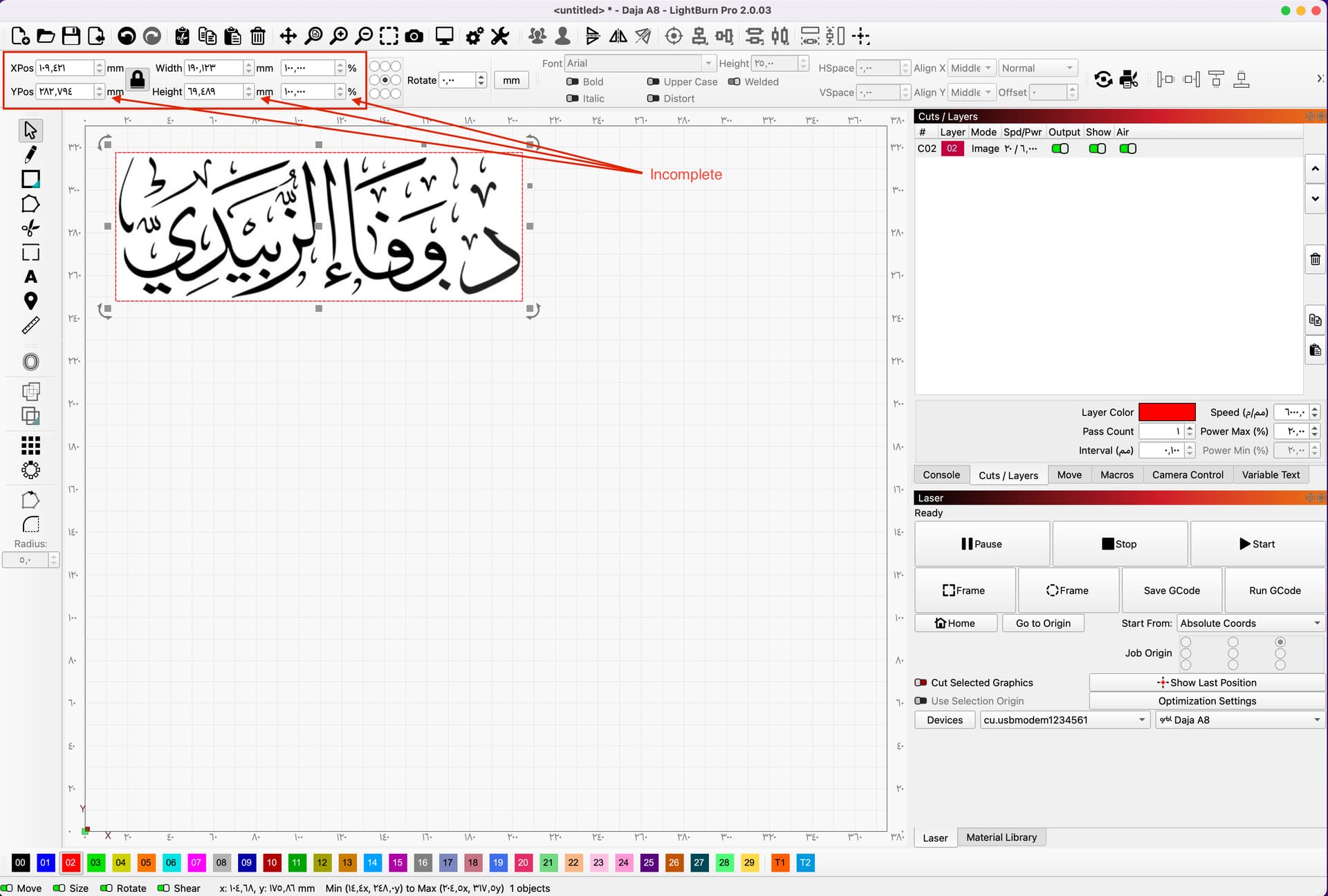
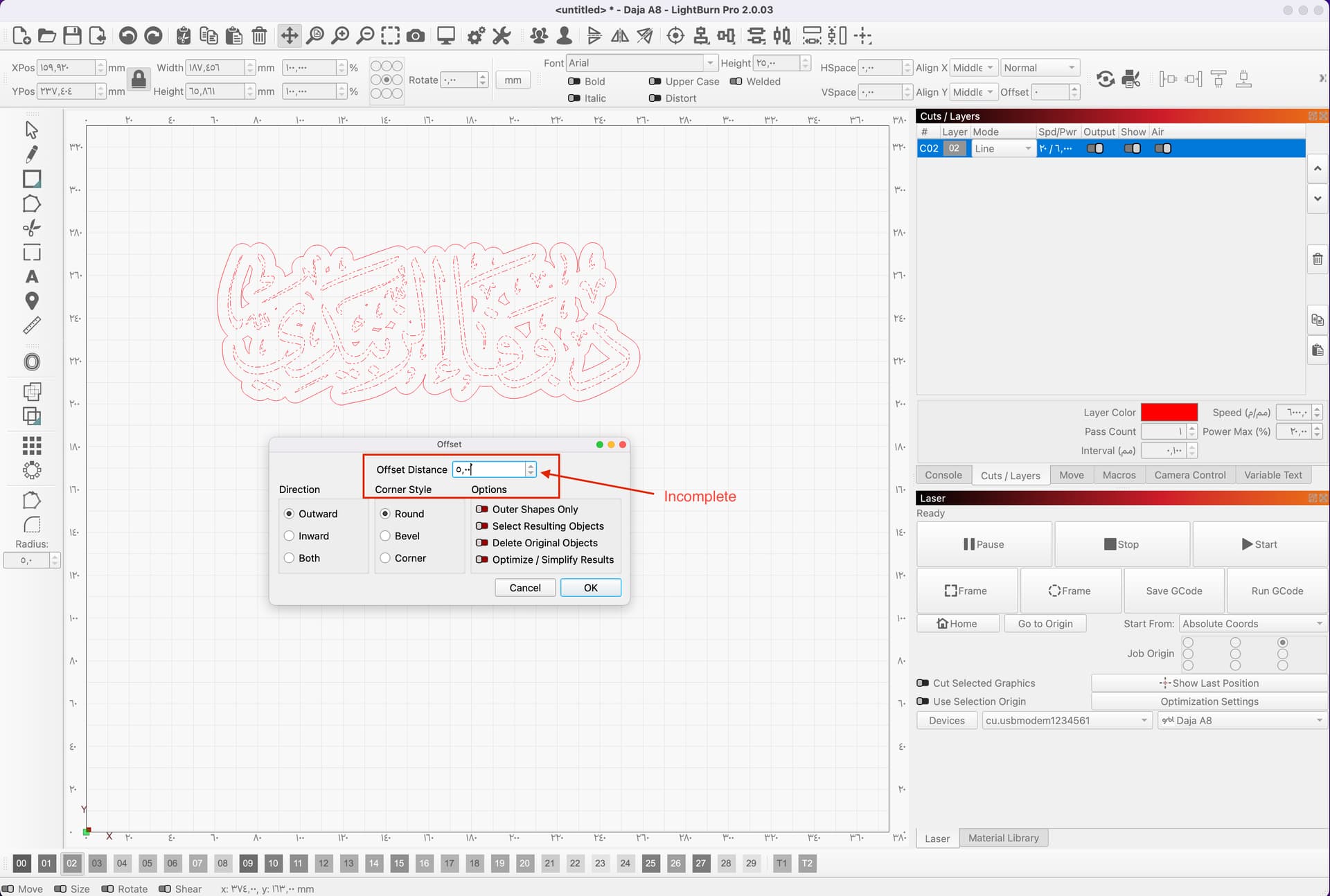
I recently started using LightBurn and I’m experiencing some issues with the software. The zoom in/out tools are not working, and the options to zoom in/out on the offset are also disabled. Additionally, some other options seem unresponsive, and I’m not sure why.
Could someone please help me understand what might be causing this and guide me on how to fix it?
Is Beginner’s Mode turned on in the Settings window?
Not familiar with International versions of Lightburn, but those input box defaults might indicate an unauthorized copy of Lightburn. Did you get your copy from the Lightburn website? If you did, send an email to Support@LightburnSoftware.com and include a link to this Thread.
Perhaps there is a translation problem, because both of those photos show tools that control aspects of the object or shape, not the overall “zoom” of the workspace. They appear to have reasonable values based on the size of the photo / shapes in both screenshots:
Because few of us work with true Arabic numerals, it will help us understand what’s going on if you switch the language to English. I’m unfamiliar with Mac configuration, but perhaps you can change the numeric format without changing everything else.
Thank you for your support.
The issue has been successfully resolved.
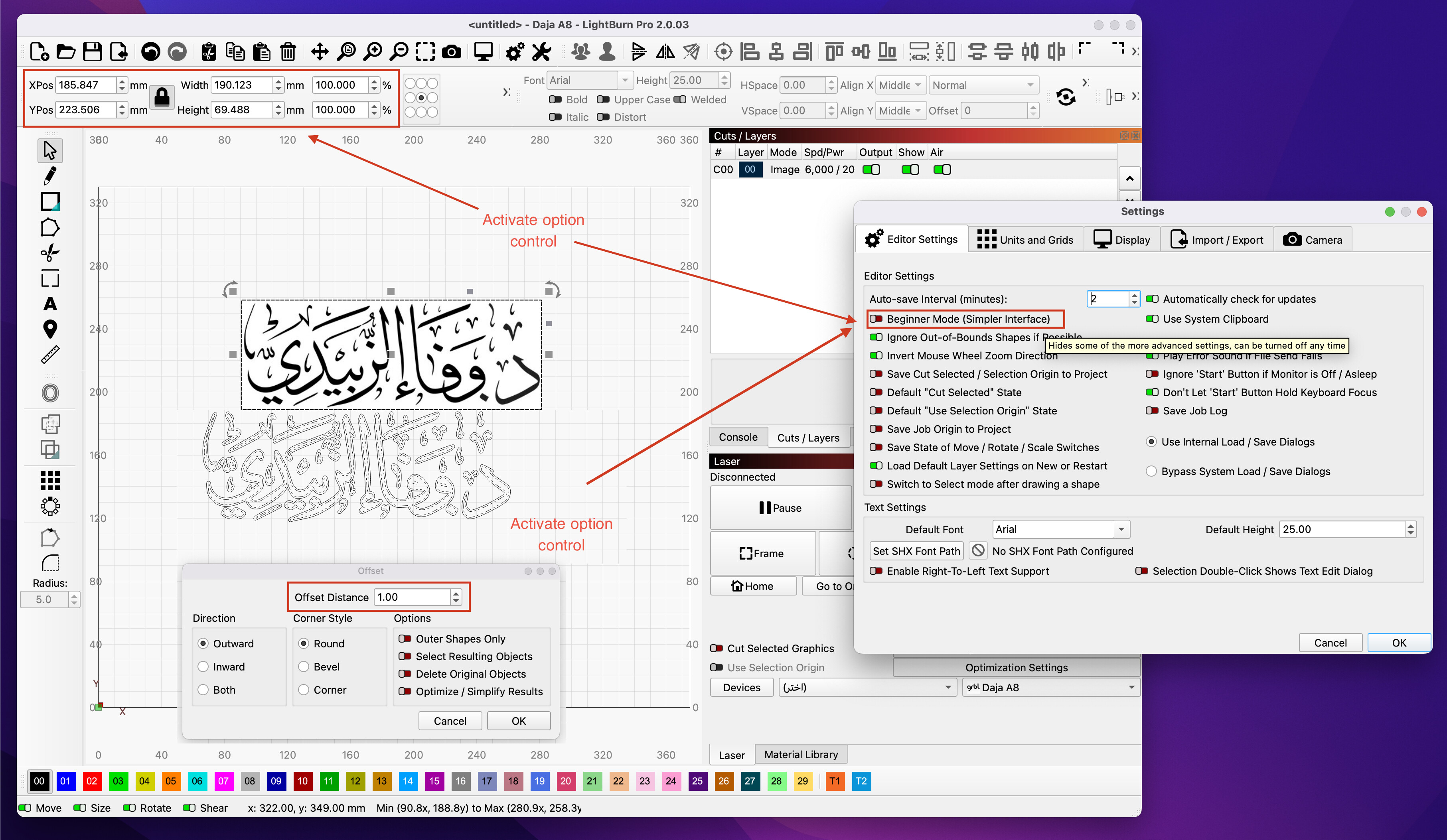
The problem in the application is that the controls for increasing/decreasing size and for offset are disabled unless you first enable Beginner Mode and then disable it again. After doing this, the controls for scaling and offset become available.
Here is a screenshot that proves this after enabling and then disabling Beginner Mode again.
@JohnJohn: This seems like a problem. If a control is inactivated, then the tool dialog shouldn’t (partially) start up. Maybe it’s an interaction with the translation, as the numeric values changed from Arabic to “English”.
Yes, I think you’ve found something we haven’t seen yet.
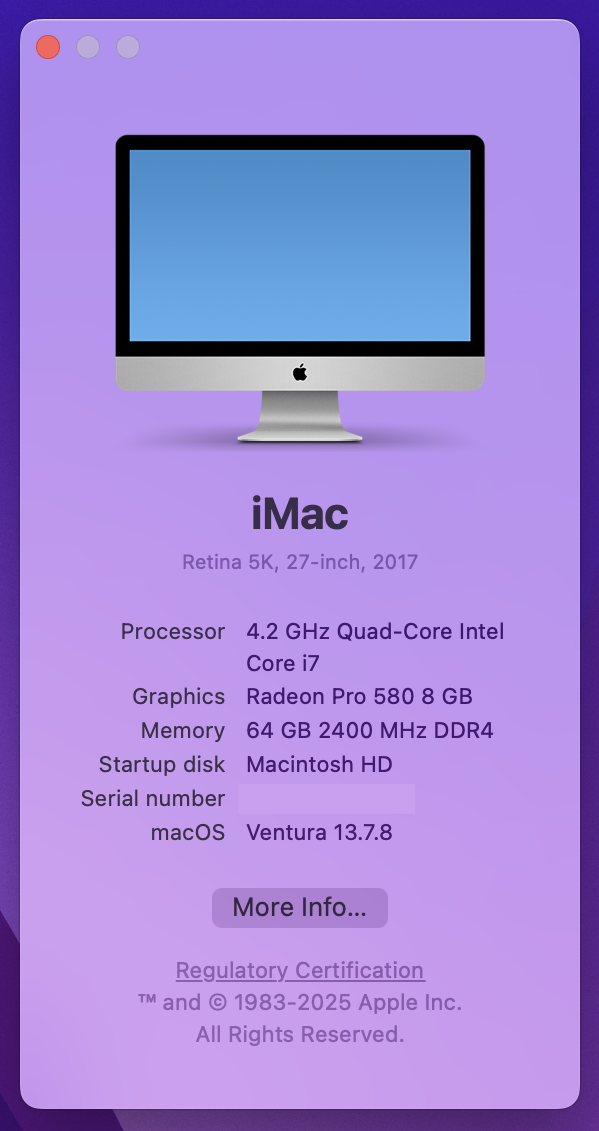
To report this to the Dev team, I need to include the operating system version on your iMac.
I see that you are using LightBurn Version 2.0.03 from your screenshot.
If I’m understanding the context correctly, that the system language on your iMac is Arabic.
If it’s the case here, please also confirm that you’re using a fresh installation downloaded from our website (not shipped with your engraver).
If the developers need any other information to resolve this for other users we’ll ask further questions.
Yes, that’s correct — I am using an iMac with the system language set to Arabic.
The LightBurn version I’m using is 2.0.03, and it is a fresh installation downloaded directly from your official website (not the version shipped with my engraver).
Please let me know if you need any additional details to help the developers resolve this issue.