Help needed with simple pocket operation

I am struggling with what I think should be a simple operation in Millmage.

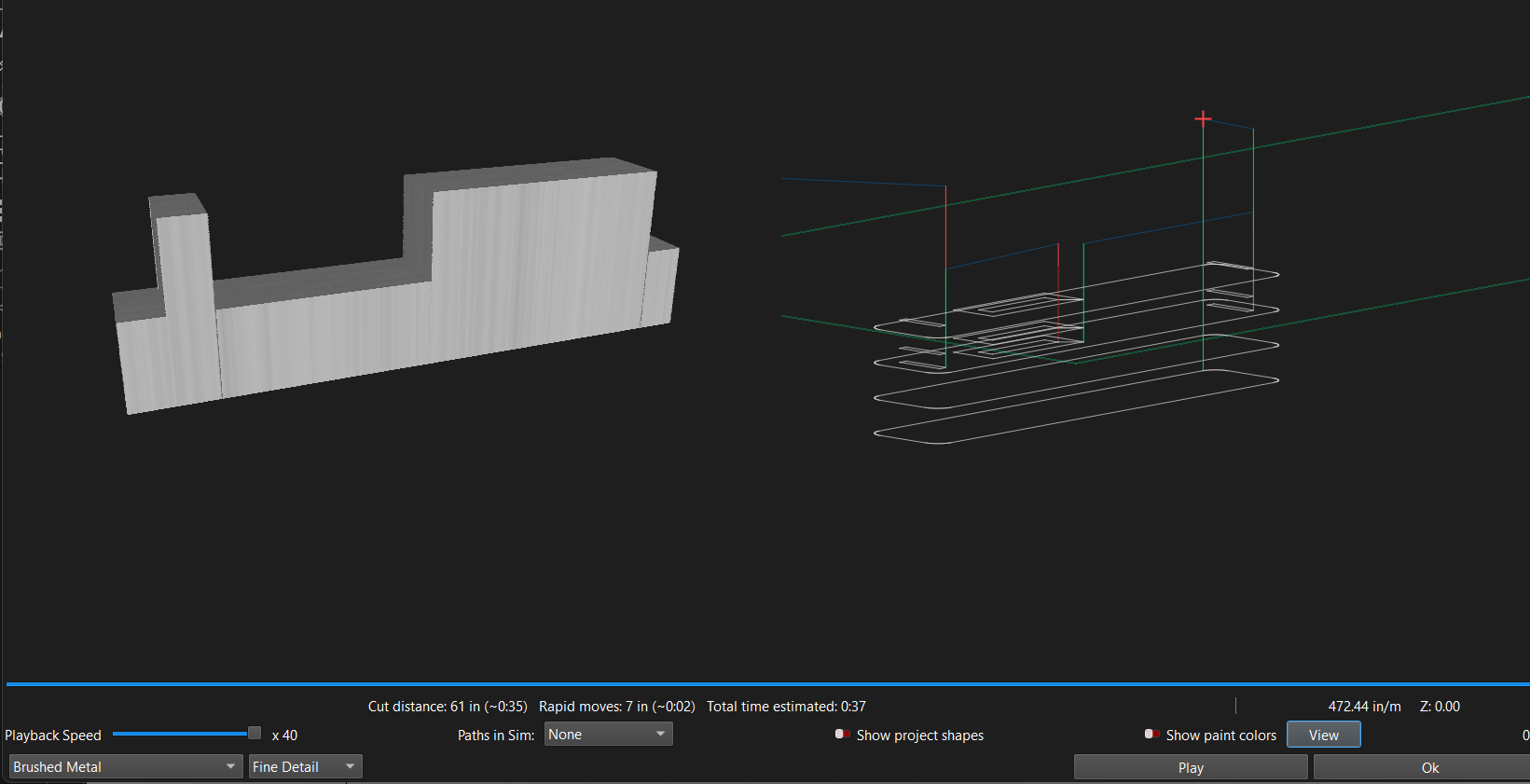
As an example, consider the following part.

I would like to cut the pockets shown, and then cut the profile of the part.

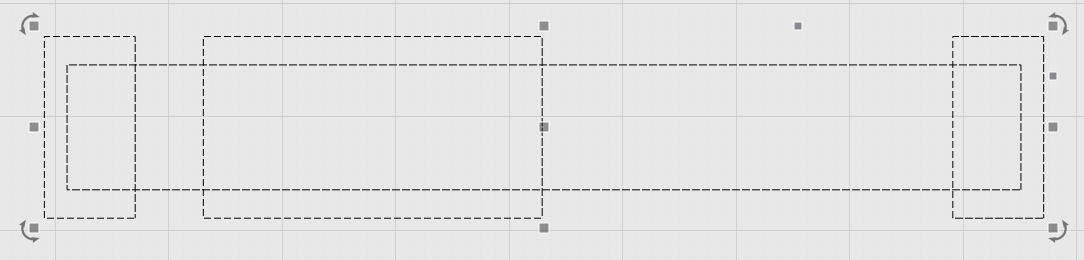
I create the following DXF file to import into Millmage

This sketch is made up of individual lines between the points.

I am unable to select individual rectangles to assign to the pocket operation.

Millmage complains of open shape.

In other 2.5d CNC programs, it is possible to select a series of points to define the shape for an operation, but I cannot find a way to do this in Millmage. Am I missing something?

1 Like

from the moment you have the design and in this program you can design, why not design squares and work with pockets ?

Thanks for your reply.

This was a simplified design to illustrate the issue.

I do design work in 3d CAD programs like OnShape, Fusion 360, etc.

These are Assemblies of many parts that interlock or relate in position to each other. i.e. bookshelf, cabinets, desk with drawers, etc.

I then flat pattern the components and export to a CAM program to generate the CNC Gcode.

I was hoping to use Millmage for the CAM side, but it does not have the capability on the design side for the 3d work I do.

Yes indeed an operation like this should be quite simple. Just remember that when you’re making pockets and then profiles that your pockets will need to extend past the edges of your profile.

For example here in order to get clean edges the pockets must extend past the profile cut. Otherwise you will get the round of the inside of your pockets from your end mill.
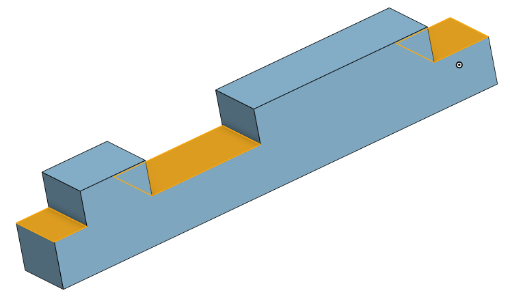
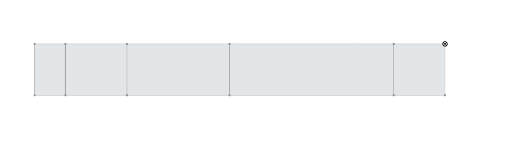
Run your pockets to depth And then do your profile outside the line.

1 Like