Hello,
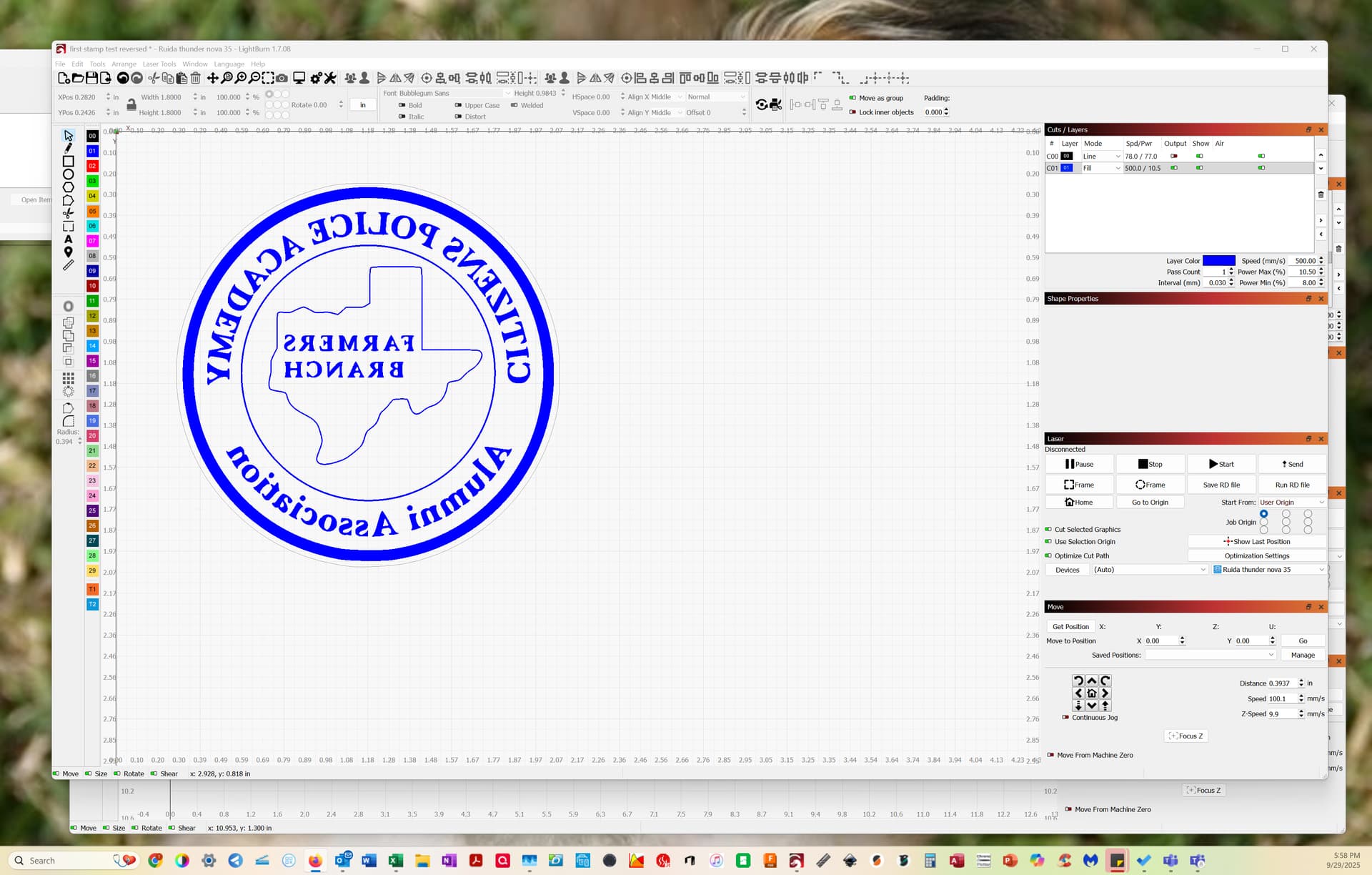
I am a newbie and I want to take an image (pdf) and make a negative for making a stamp. I have looked at stuff on the web and some said there was a “button” for creating a negative?!? Well I cannot find it in v 1.7.08, which is the version am using. I really need some guidance as I seem to be walking backwards on this one. I have attached a screenshot of my LB page. Thanks in advance for helping someone with a charitable organization. Kimbal
If you want the black line for a cut line, duplicate it and move the duplicate to the blue layer. This will cause everything on the blue layer to invert everything.
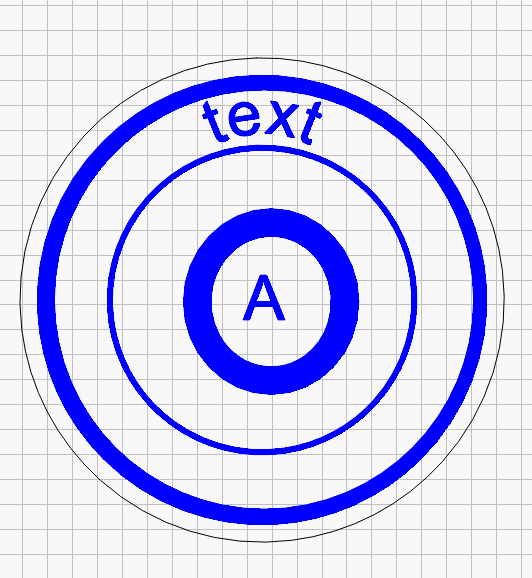
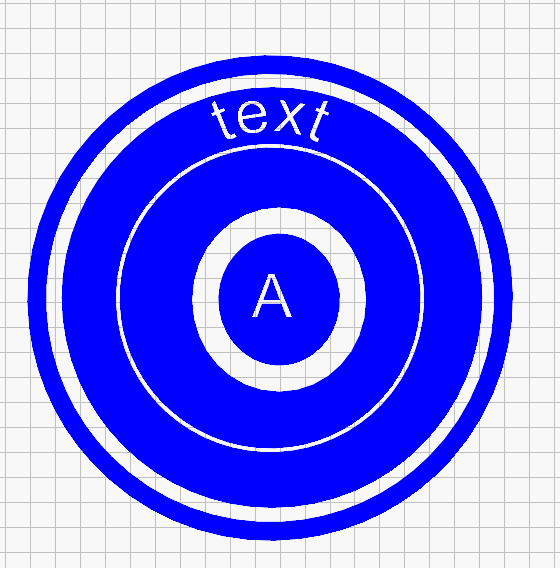
I don’t think there is a button for it in Lightburn. But if you want to convert the burns into no-burns, and no-burns into burns, put a .001mm offset around the outer circle.
Tools → Offset Shapes and select what you want. It will flip all the fills and no-fills.