just downloaded 2.1.01 to try to use Lightburn on my motorized Z laser (so far I was using lightburn on my other lasers, but was stuck on ezcad3 for this one)
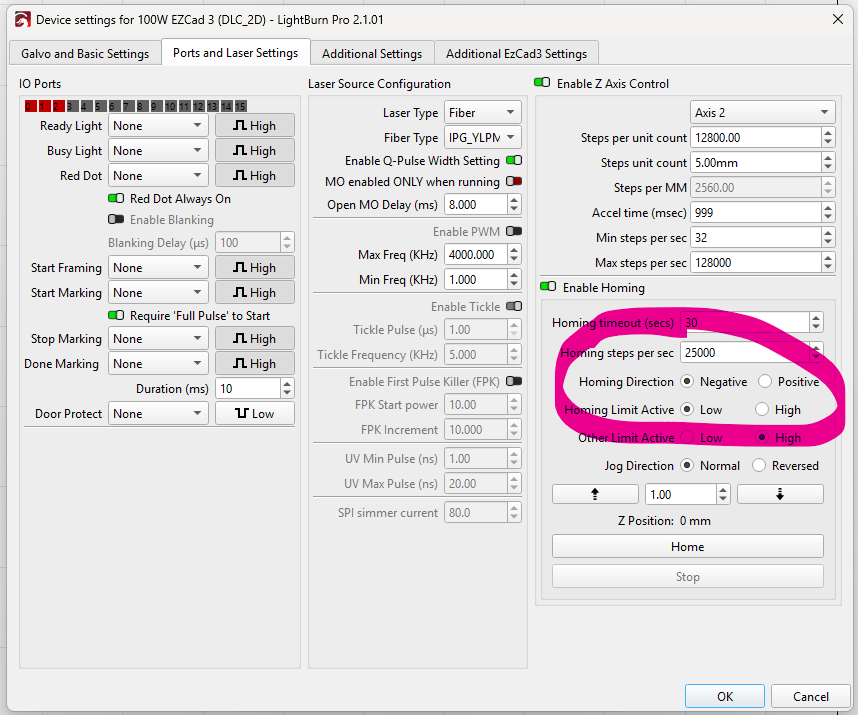
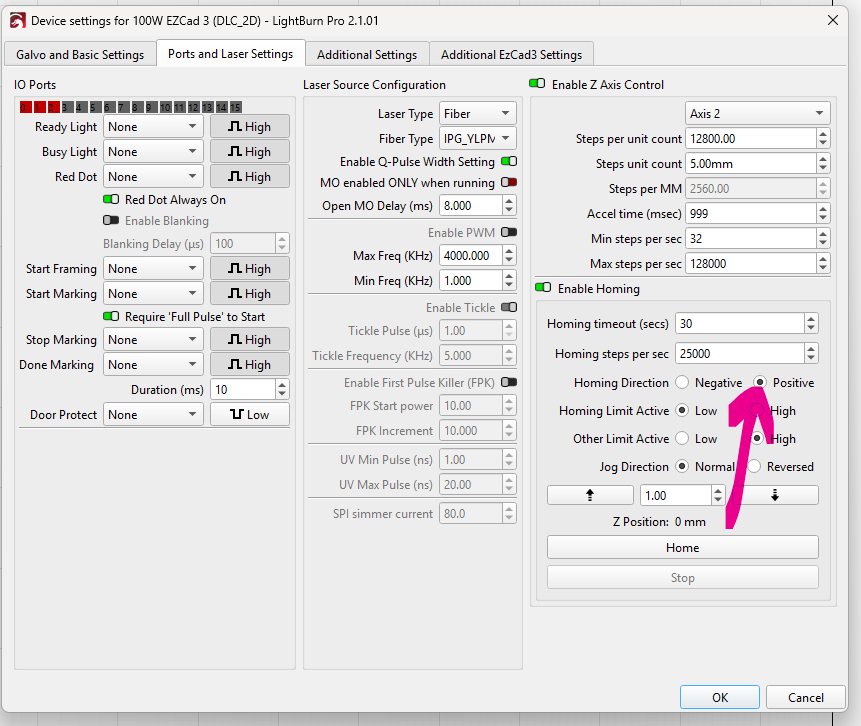
I managed to set the motor parameters, I can home Z and jog it correctly from the ‘ports and laser settings’ window, and to have the right homing direction I have to set ‘negative’ as homing direction:
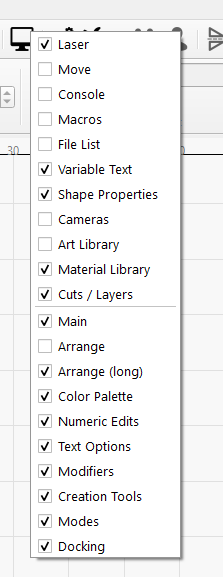
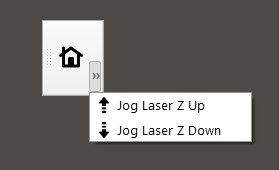
is there any way to save that setting? anything else, like steps per unit and so onseems to be persistent. Also, is that the only way to jog the Z axis? is there no toolbar for that? from another post I can see a toolbar for that:
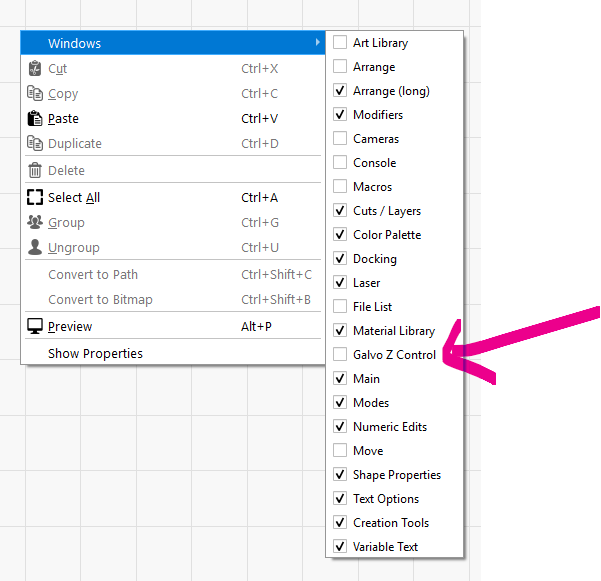
(EXCAD3 user) - Z/Focus/Height is still a mystery. I have “Z” enabled and homing and up/down buttons in “Galvo Z Control” work - but unsure of how we (practically speaking) as supposed to focus. (We use a manual physical measurement) – aside from homing then clicking the down button a hundred times. i.e. There doesn’t seem to be any options to do things like “this is my focus position”, “go to last focus position”, “offset focus by X mm”, etc. (BTW this almost make it impossible to use - I haven’t actually even fired a real job because this is so difficult!)
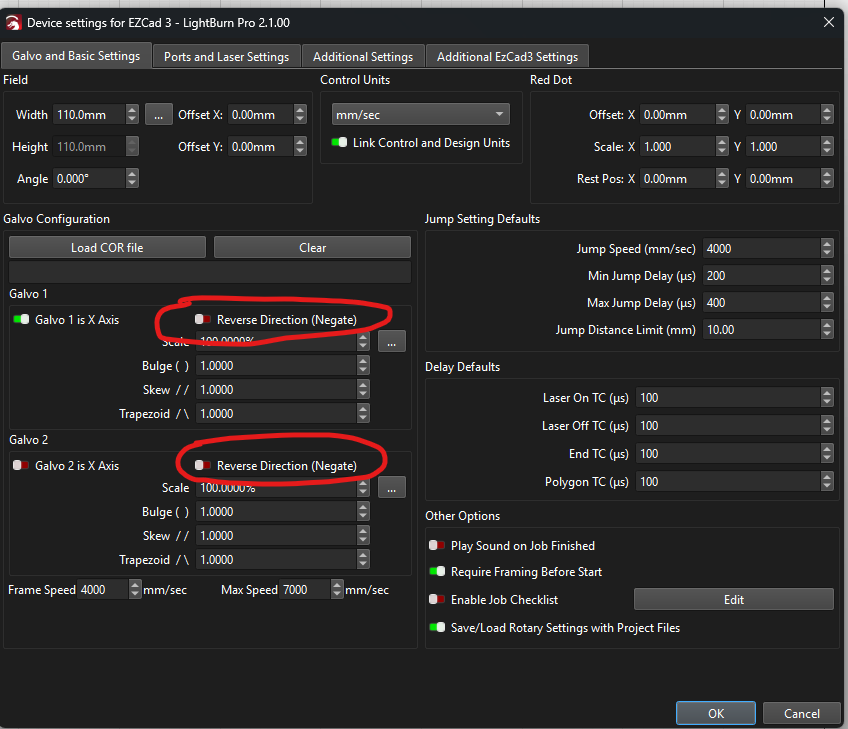
I was planning to find the focus on the laser bed and then when I am there I just need to go up by the thickness of the material to be where I want to be, but then I encountered different problems (red dot not in the center when laser stops, frame seems to be out of place, X and Y axes swapped, actual power of the laser not corresponding to setting, i.e. 100W laser at 85% does not even leave a mark on anodized aluminium)
So for the time been I reverted to EzCad3 on this particular laser, really hope the day will come that I can finally use lightburn on this laser like I do on all my other lasers.
We hope so too! Thanks for giving EZCad3 a try in LightBurn, we’re still working out the kinks with the new device type, hence it being labelled as a ‘Labs’ feature. Reports like this really help!
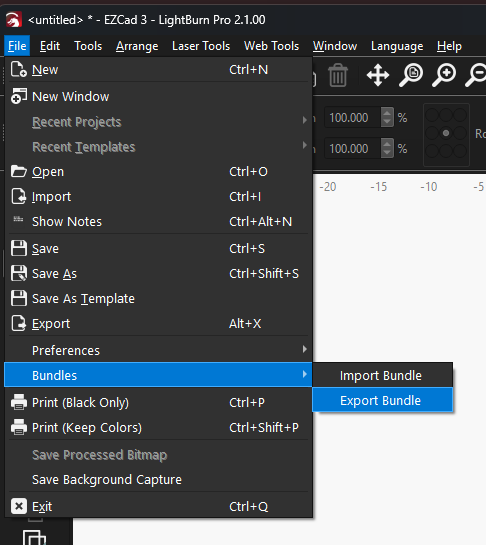
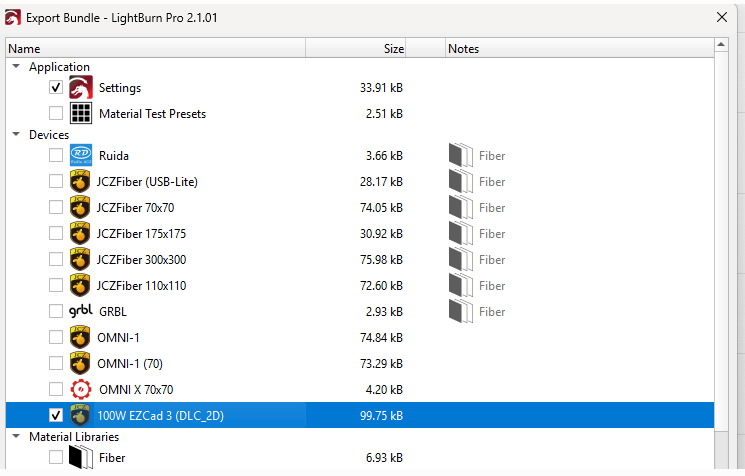
We would like to take a closer look, could you send us your User Bundle? Support@lightburnsoftware.com, and please include a link to this post, so we can take a closer look?
I’ve submitted the actionable issues here so far to our Devs for review and addressing. Thank you! Let us know if you find any other quirks we may have missed.
Lastly, a 85% power run on a 100W laser should blast that material away - I’d run a ramp test to confirm focus given the symptoms as you have stated. It also sounds like you may just need to calibrate your galvo lens, or swap the axis in Device Settings.
With LightBurn 2.1.xx we removed Z axis controls because it was not stable enough (in our opinion) for a full release. EZCad3 devices can still access Z control via the Device settings menu, and you likely have discovered some vestigial leftovers from us holding the feature back.