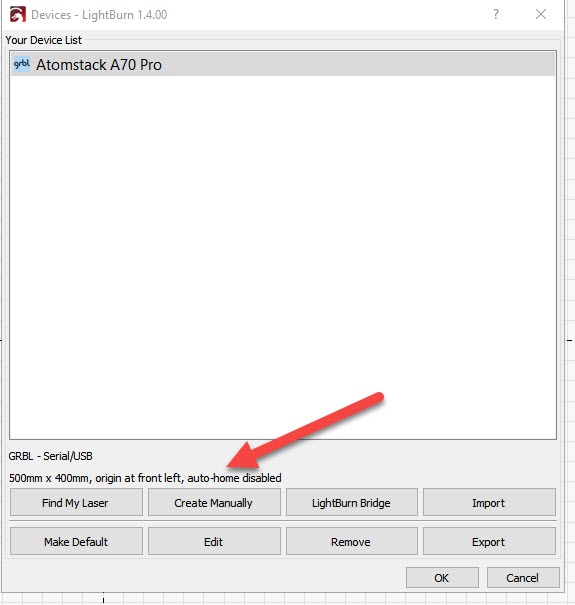
Just happened all of a sudden.
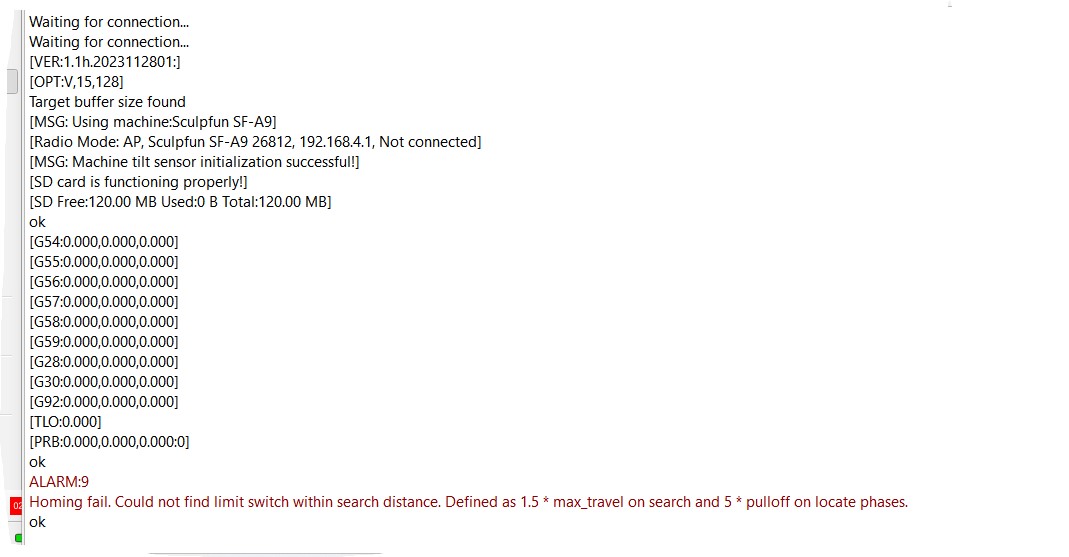
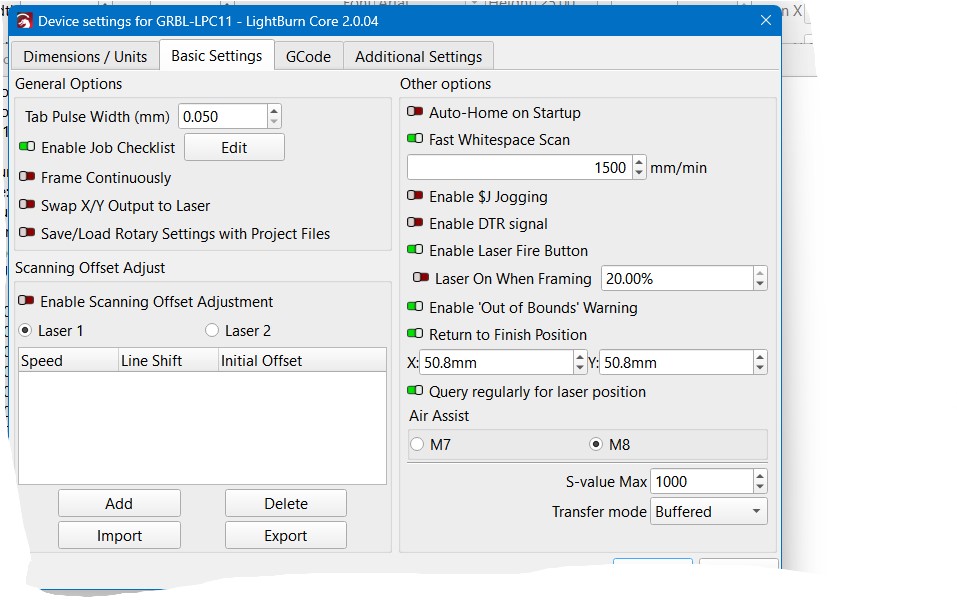
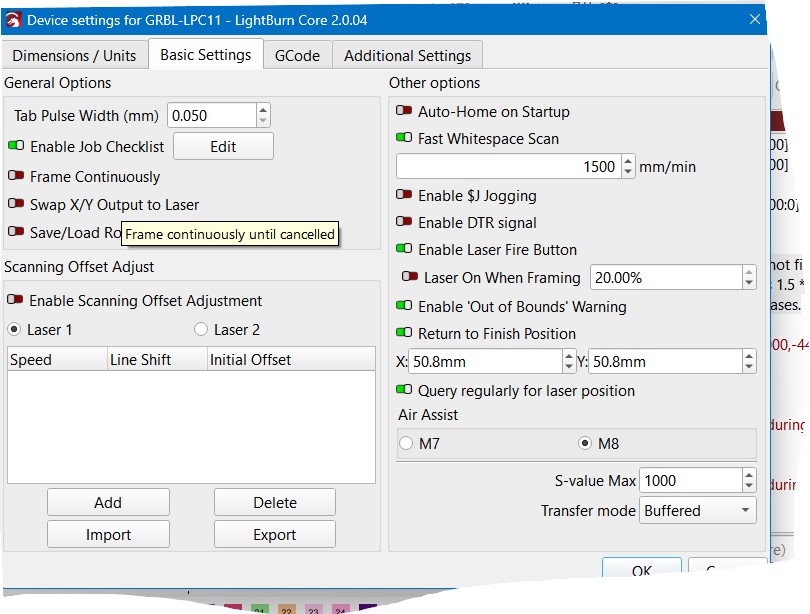
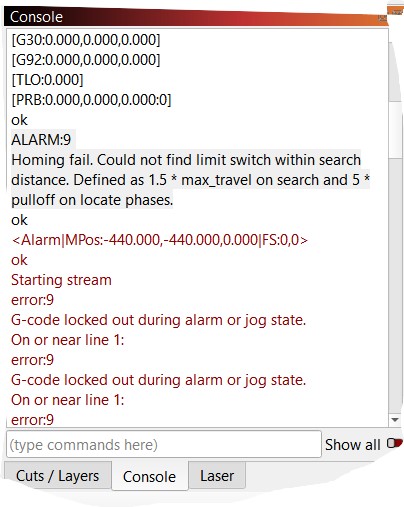
Any help would be appreciated. Thanks
Could it be a bad or disconnected limit switch?
Thanks for the quick reply.
I can frame, and when I turn on the Laser, I see it connected. Any other thoughts?
Doesn’t sound like this is a setting in lightburn. Where does it fail. On the X, Y, or Z axis. First you have to determine which limit switch is failing. Then initiate a home command and manually trip the switch. If you still get the error the switch may be bad, the wiring is faulty or the limit is not being triggered mechanically
Thanks for the quick reply.
I can frame, and when I turn on the Laser, I see it connected. Any other thoughts?
Loren and Todd gave correct hints. Check these first before asking for more help, since they covered the issue most likely.
Big thanks for the info. The more I think about it, the home works, but it goes too far and runs into the rail. I will follow your lead and keep you updated on the findings.
Again, big thanks for your quick reply
Where does it run into the rail? X axis or Y axis! Check the limit switch on the the one where it fails.
I have checked, and my Z-axis is now enabled. The laser head goes to the left of the machine until it hits the rail. Here is the message I get from the consol when I trigger the right switch; ALARM:1
Hard limit triggered. The machine position is likely lost due to a sudden and immediate halt. Re-homing is highly recommended.
Of course, when I try to re-home it runs into the rail.
I have a real mess on my hands. I hope I didn’t confuse you, but I know Iam as confused
on the X axis
So the Z axis homes without issue. Then the X axis goes to the left and hits the left rail? Did you say the limit switch for the X axis is on the right?
This is what i found: The Sculptfun home position is the top right of the machine.
If thats the case you better check your device setup and see if you have it set to lower left instead
Also, do you have your rotary turned on? If you do turn it off.
I can’t explain it. I followed your advice and went to look, and then I noticed that the A9 laser was not selected in the Device settings. Check A9 Laser and everything back. No issues at all. How that got changed have no idea. I did download the new upgraded version this morning. Gotta thank you for all your help. You pushed me in the correct position.
One again, may thanks
Yea!! Its like loosing something. You always find it the last place you look. 
Just curious. After everything was fixed where does your machine home too. Bottom Left?
This topic was automatically closed 30 days after the last reply. New replies are no longer allowed.