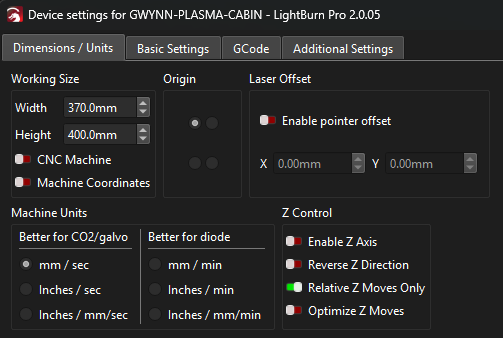
I have a custom built machine using a MKS-DLC32 V2.0 controller. When I am homing the machine the following is happening.
Machine home fine
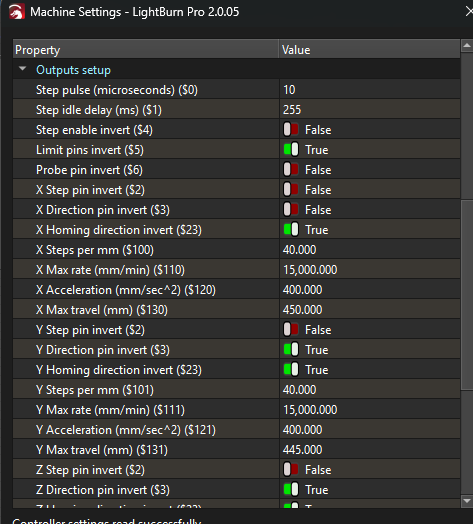
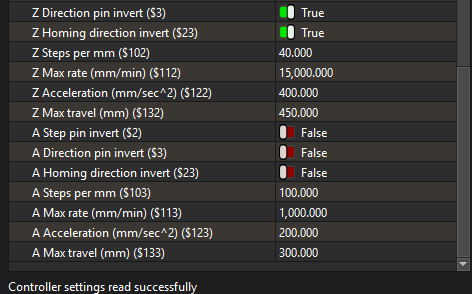
2 Machine moves to the X3, Y3 offset that is programmed into the firmware to step off the switches
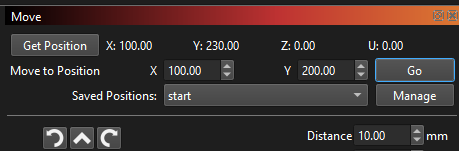
3 Lightburn initially shows X0.00 Y30.00 and then switches to X0.00 and Y30.00
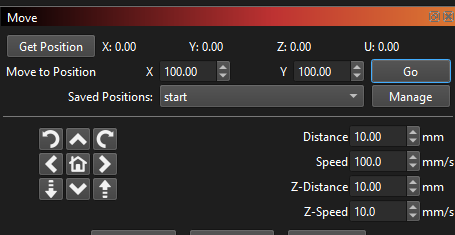
4 I move the head to X100.00 Y100.00
5 Lightburn reads the position as X100.00 y130.00 and physically that is where it is per measurements
6 I repeat the move to X100.00 Y100.00 and the machine moves back 30mm
7 Lightburn now reads X100.00 Y100.00
8 everything works as expected until I re-home again
Lightburn is just reporting what comes from the controller.
How did you tell it to move? Jog, program (square vector), or by entering commands?
This does not make sense, no matter which coordinate mode you select. I wonder if that original Y30 (line 3) is somehow remembered by the controller. I am seriously suspecting the controller software. Is this a new issue or has it it been this way from the start?
Using Absolute Coords, low laser power, and a 100mm square (anywhere in the grid), Does it etch a 100mm square where it is supposed to?
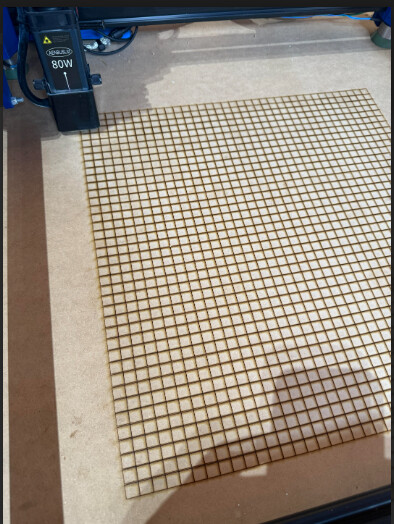
I engraved all of these as individual squares and they are all in the correct locations ( per measurements ) after completing the double move after homing
Yes. Not in LB, but in the firmware in general. Openbuilds is just using those commands in the background.
$# → show the offset coordinates
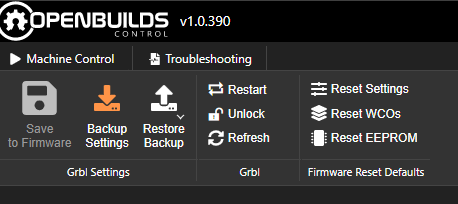
$RST=# → reset all offsets to zero
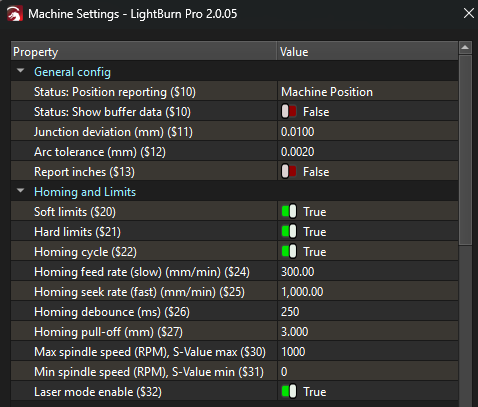
But you also can change the parameter $10 to make the firmware report either WCO or MCO. You can use the G10 command to set offsets. But that is usually also done via GUI in most tools.