Old Man Alert… How can I/do I edit the Scale in Design Area??… As I work on a design the Scale Gets Larger and Larger Making my Design Smaller and SMaller… Attached foto highlighted aera is my issue… And, I understand if I was more computer savvy it would help… Thank You in Advance for any and all aid…

If you want to embiggen the design you’re working on, just roll the mouse wheel to zoom in (or out, but it’ll be obvious which way is which  ):
):
The grid shows the size of the laser’s platform, which is always good to keep in mind:
Ednisley,
Thank You for your qucik reply… I do roll wheel of mouse but my issues is that the scales I highlighted seem to just add more and more numbers… My laser bed area is defined but those numbers i.e. 48 on top n bottom and 36 on sides are not needed as my bed is only 16.5” x 15.75” +/-… But as I pan in and out they grow larger making the desing screen quite combersome… I was hoping to be able to edit or limit them to say 20” X 20”…
Thank You very much for your help, Sir..
The basic issue is the mismatch between the laser’s square-ish platform and the laptop’s movie-ish screen: zooming the view to fit the platform’s vertical size leaves a lot of empty screen space along the sides. The platform and the screen are different shapes that don’t fit together very well.
My laser has a 700×500 mm = 27×20 inch platform, so it’s slightly more rectangular than yours. Zooming the display to match the vertical size looks like this:
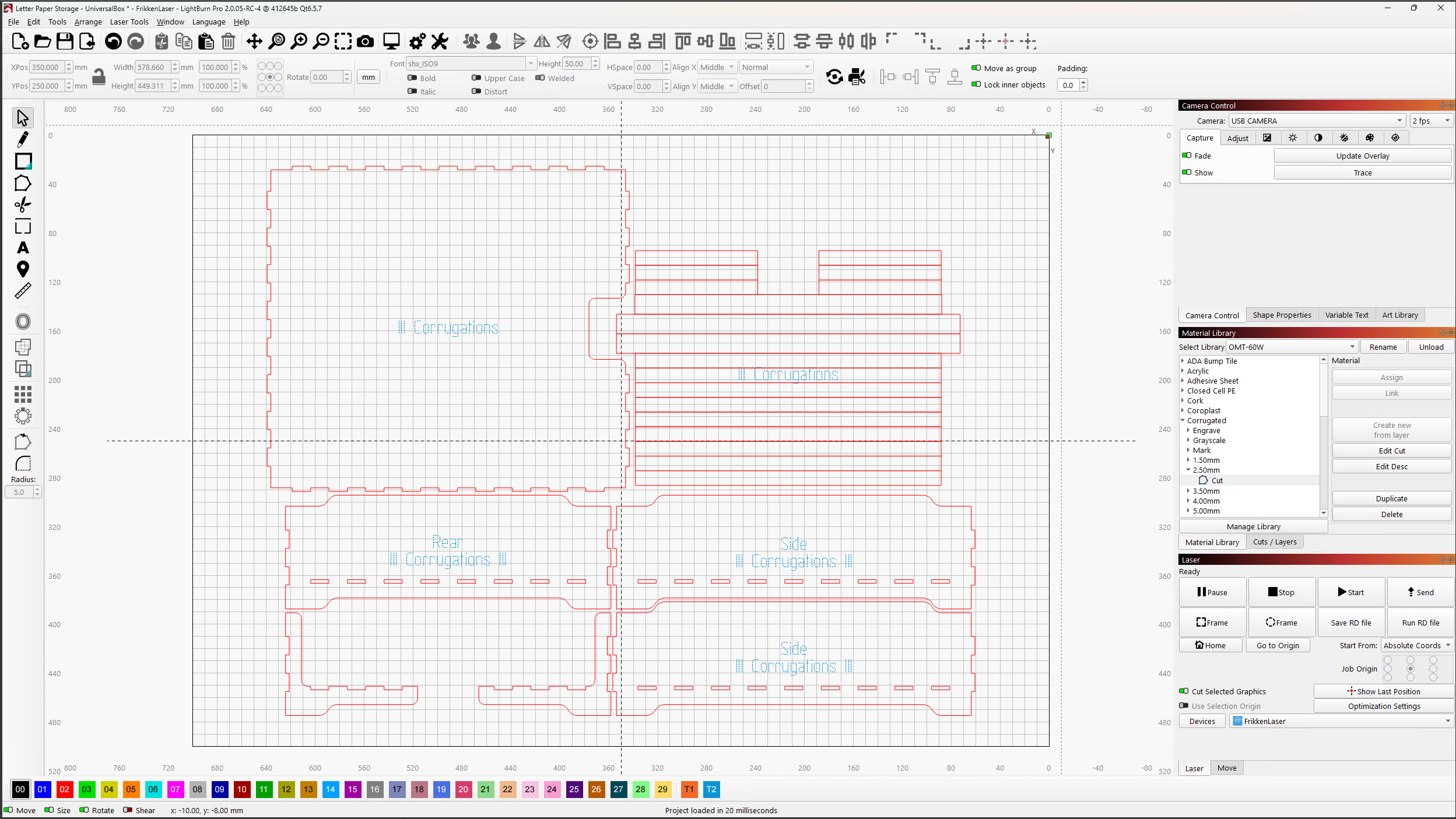
Stacking those little windows over on the right puts some of that space to good use, but there’s no way to fill the entire display with the entire platform because of the shape mismatch.
Typically, however, I zoom the display to show only the part of the design I’m working with:
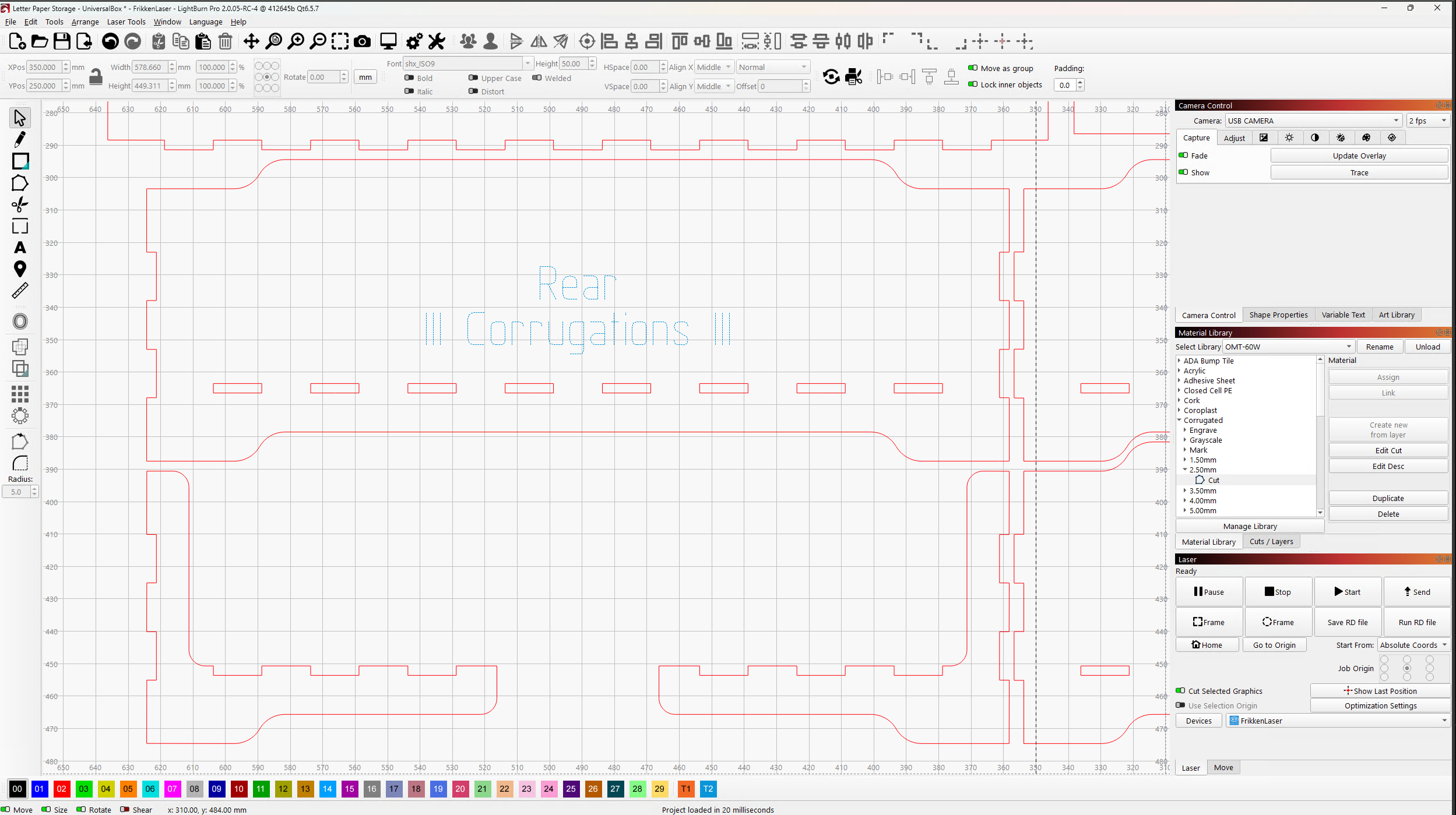
Pushing the mouse wheel in lets you pan the screen around on the platform (or drag the platform around on the screen, if you prefer ), so you can see different parts of the design without too much trouble. In effect, the screen becomes a peephole into your (zoomed huge) design.
I also use the area off the platform grid to hold various finished parts of the project. For example, the rest of that project dwarfs the platform grid:
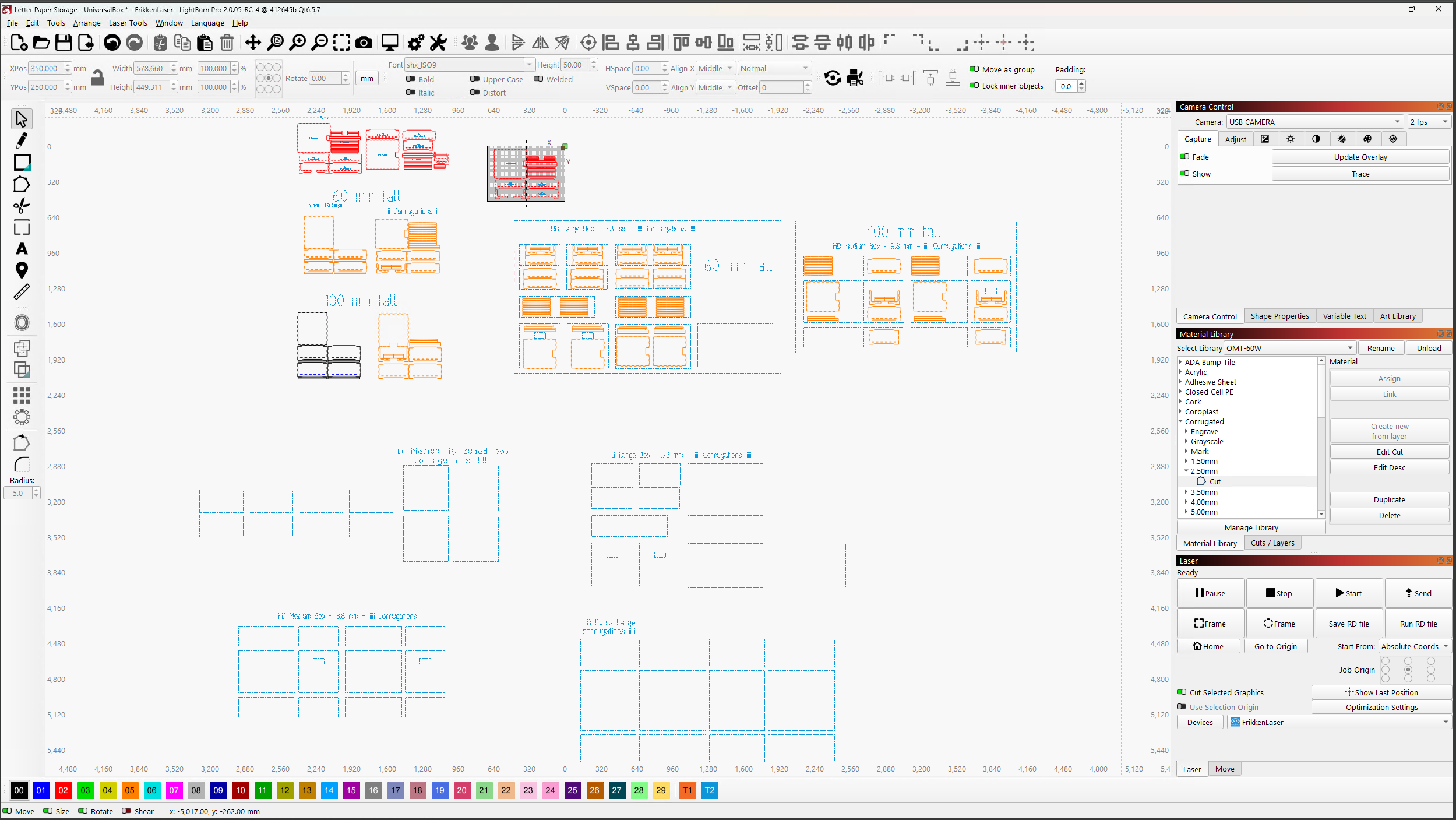
The X axis numbers along the top & bottom show the entire layout sprawls 7.5 m = 25 ft from side to side, larger than would fit in my Basement Shop.
So, while there’s no way to limit the zoom to the size of the platform plus a little more, all that extra space will come in handy when you need it.
1 Like
This topic was automatically closed 30 days after the last reply. New replies are no longer allowed.