so i have a dog ordainment i want to cut out but five show up when i import the file. how do i choose the i want. i look at the layer area and it shows 2 layers if i delete anything it all deletes
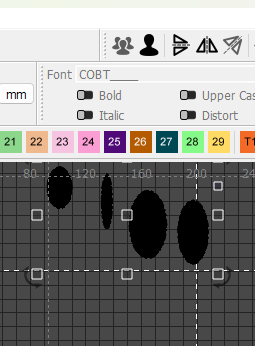
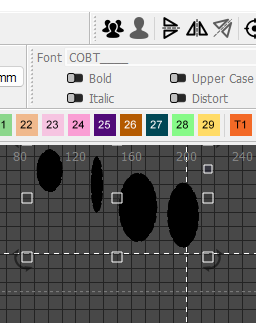
In this picture, there are multiple ovals, all are in one group. - you can see the button at the top has the single person as dark, and the group of three is greyed out. That means that the selected items are already in a group. Click on the single person icon to break that group into single pieces. Then, drag a lasso around the only one you want to work with.
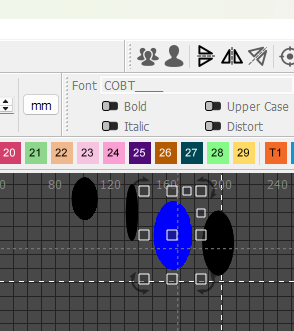
I turned the single oval that I selected blue, to make it easier to see.
This topic was automatically closed 30 days after the last reply. New replies are no longer allowed.