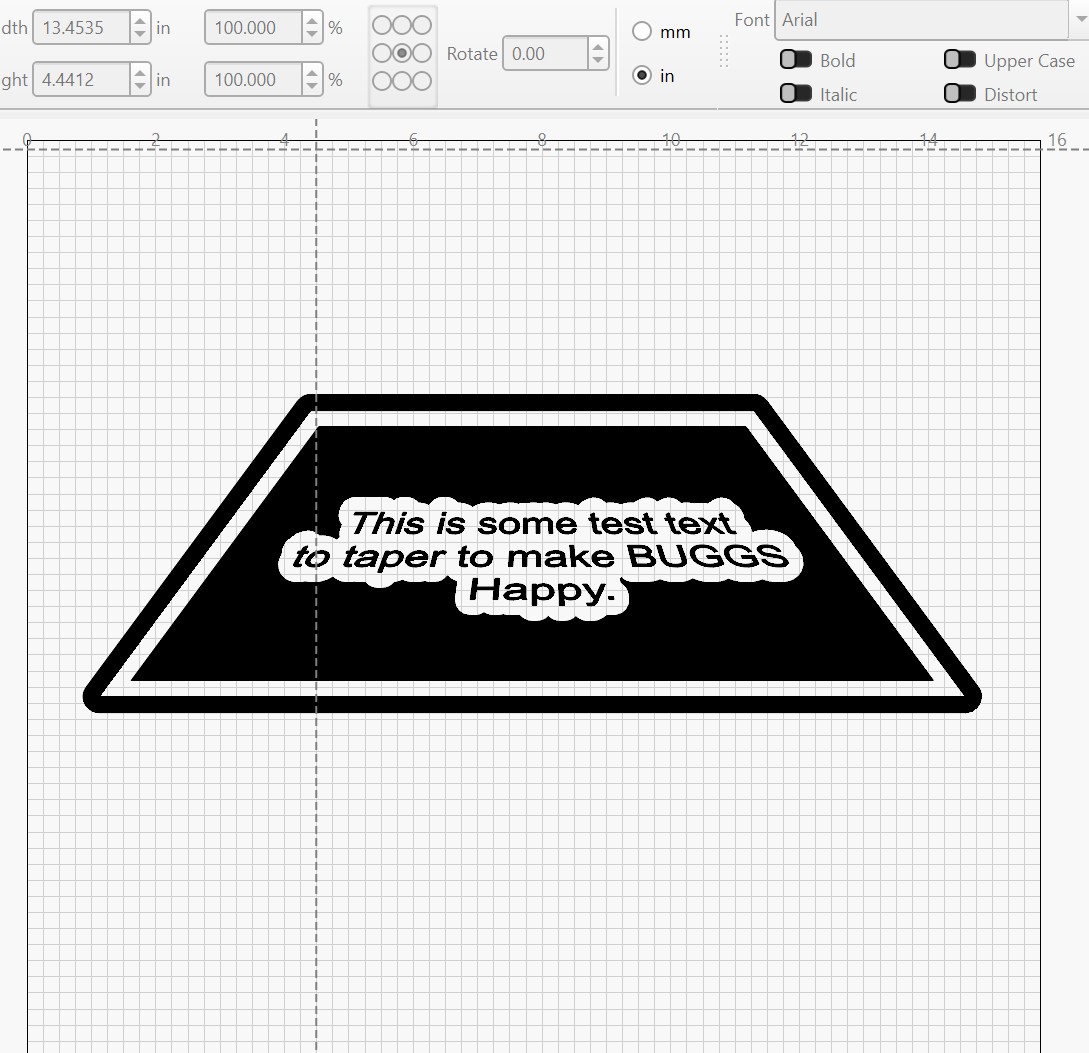
I would like to bend my text in a curve for a logo. I have watched the video several times but can not seem to get something correct so I can bend the text in a free hand shape. If I follow the instructions on the video, I get the curve but can not adjust it, the blue dot handle does not show up. Is there a written step by step set of instructions for this operation?
The relevant doc:
If your objectives are not met with the linked information, you may be able to find an answer using Inkscape, “warp text to shape” video:
Inkscape is free and the tutorial is quite good. If this is not suitable for your use, please disregard.
To assist with the Blue Dot bending of text. 
Lightburn can apply text to a wavy line. No need for Inkscape now.