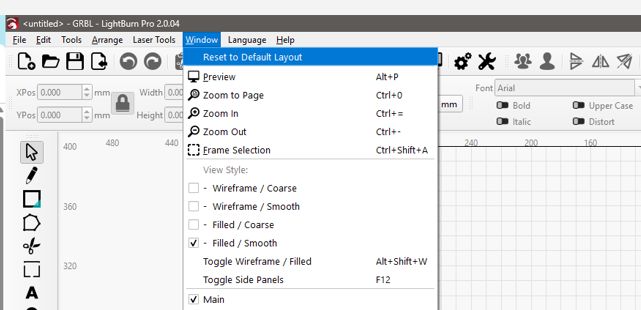
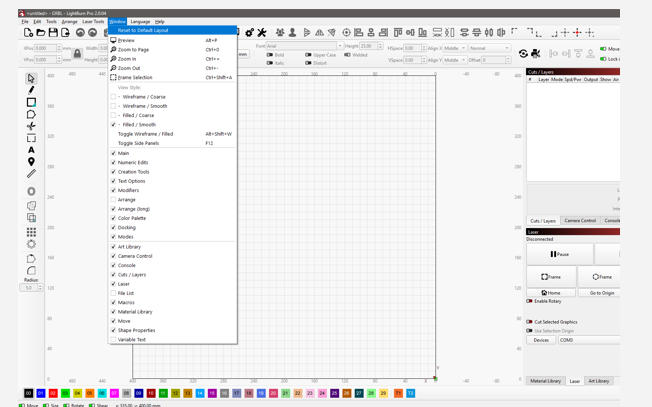
I am new to this whole thing of lasers and Lightburn. I somehow poked around and lost most of the boxes on the screen and now only have the grid in the large box in the center of the screen. There is a tool bar along the left side. There is nothing on the right side that showed information about the layers or the laser.
I tried to uninstall the software and reinstall but it opened the same way. How to I get back to a clean beginning.
Thanks for the reply. This is at least a big help. It still would be nice if lightburn would put a button somewhere for a return to “default layout”. As a beginner the curve is steep enough. Now I may have the boxes (and again thank you for that) but arranging them is a puzzle and challenge in and of itself. It is one I will need to complete so I can follow the training videos that you lead me to.
I still do not understand why uninstalling and reinstalling the software did nit restore the default layout.