I have been using a laser for 6 or so years and understand the basics of scoring but have never taken the time to achieve good results. I get inconsistent lines … or dots at start stop points etc.
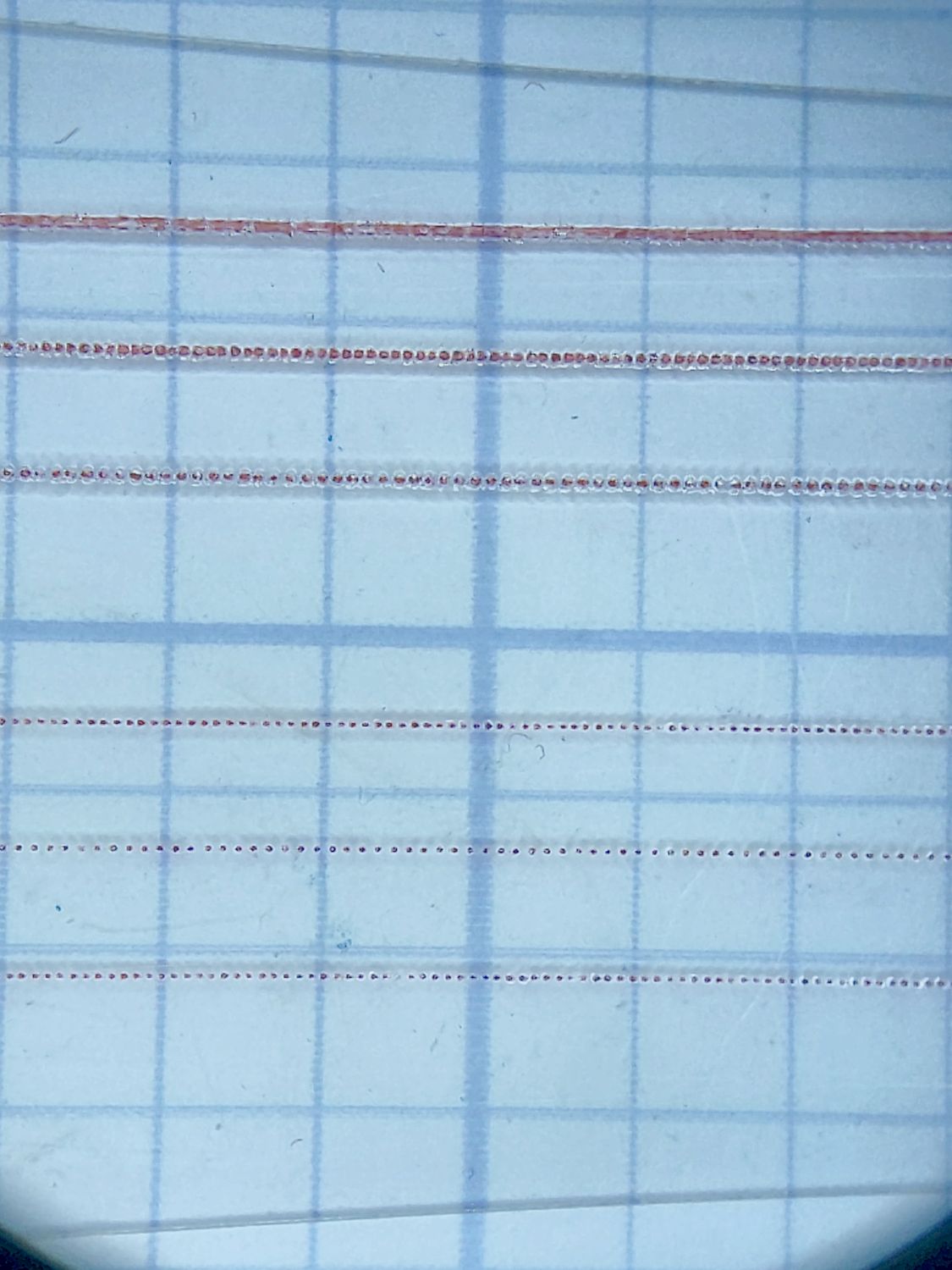
Now I am wanting to use scoring, not just to save time but I have some designs with very fine details and want a true thin single line.
Over the years I have seen folks post videos on achieving good results, but now I cannot find any.
Does anyone know of any tutorials on scoring techniques or have any good tips?
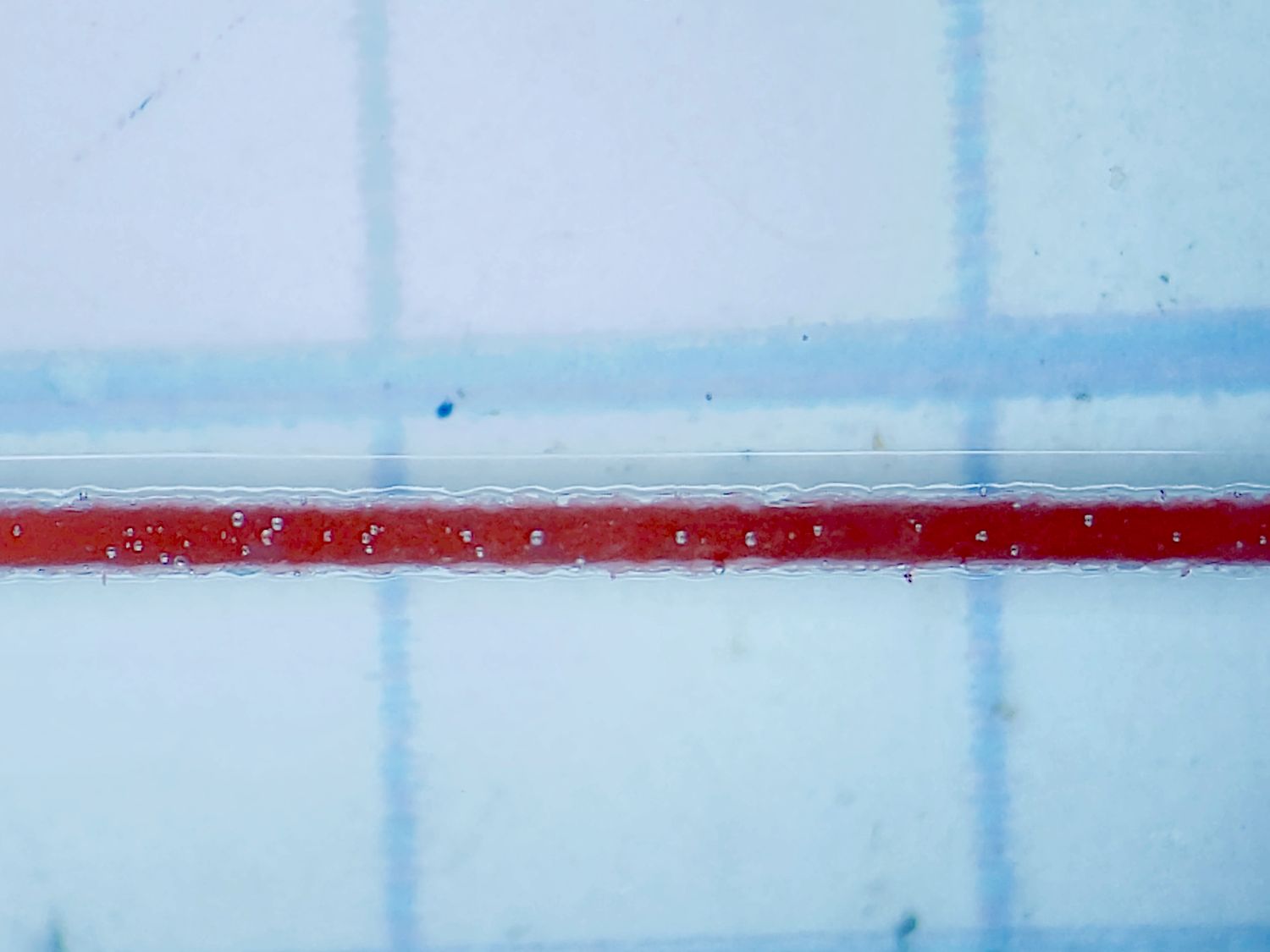
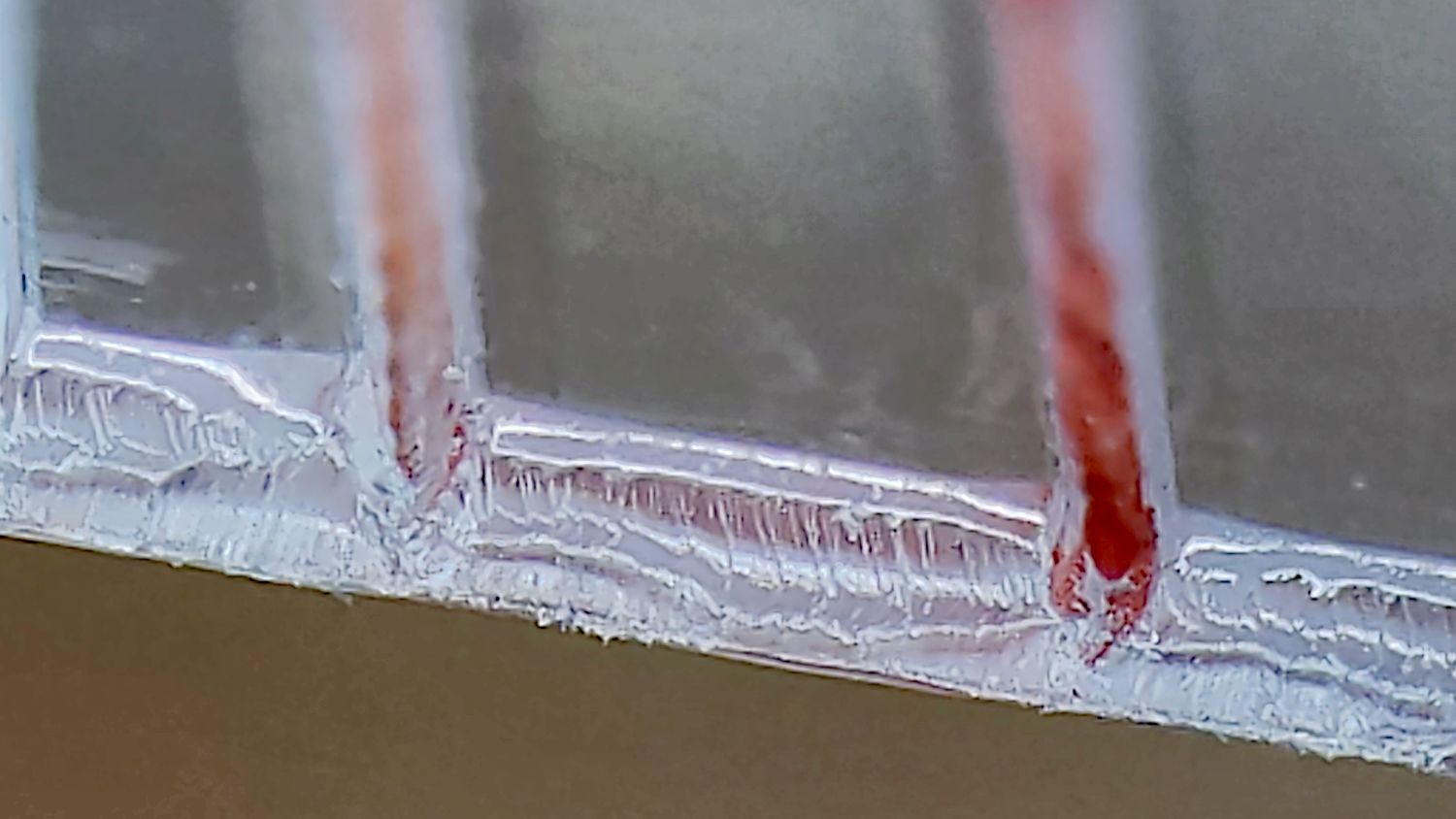
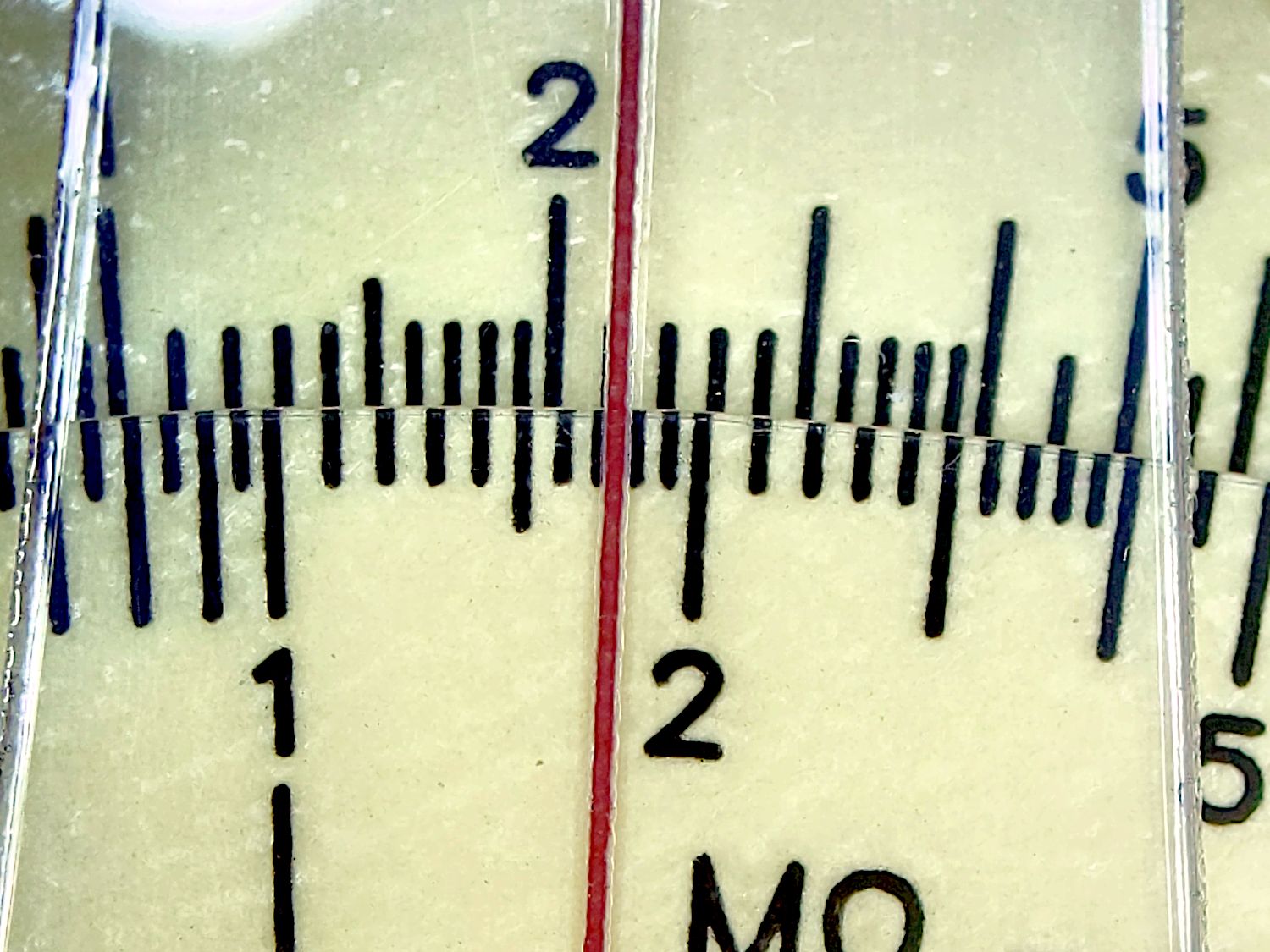
That’s 0.3 mm wide in a sheet of transparent PETG (atop on 0.1 inch grid paper). It’s filled with red enamel paint using the cut through the protective film as a mask.