Hi all, I cannot find the tool to form a loop on sharp corner
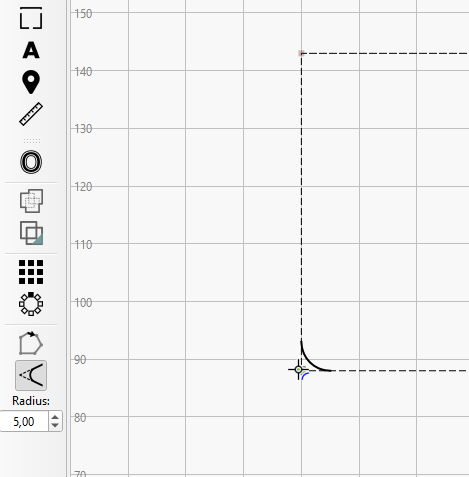
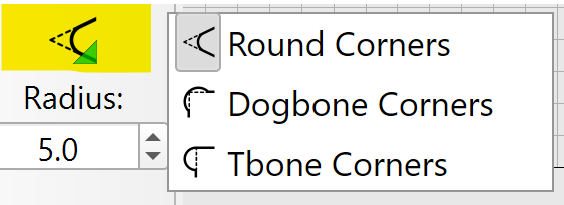
They are likely asking for something like this:
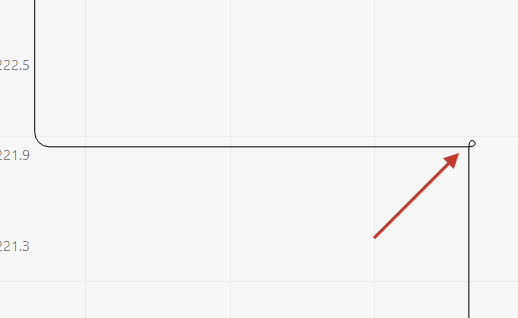
Boxes.py offers this option.
LightBurn doesn’t have this yet.
You can use the Lead-In options to achieve something similar, but that’s only for the start and end of a cut.
@PauloCNC Can you share more infos why you need this? Are you working with a drag-knife?
Thank you Aaron, yes that is what I wanted in Lightburn. I can create a plasma/drawknife vector in Vectric Aspire and import the vector.
I think it would be a great feature in Lightburn
Paulo
PS. I use it for delicate wood and veneers to reduce burning on the corners
I’ve used it and found these. Since they were vectors, I assumed they are remininants from the Boxes.py generations.
Don’t remember seeing that option in boxes.py?

The default is loop and it drove me nuts until I found it:
Thanks, I needed that… 
I agree we need this! 
I’ve logged this as an internal feature request.
I’m curious about this part:
From my experience, the extra loops caused the corners to burn more on delicate wood. I therefore stopped using the “loops” feature on boxes.py.
Swivel moves at corners will definitely be necessary for pivoting drag knives and plasma to ensure the drag knife blade remains properly aligned throughout the cut.
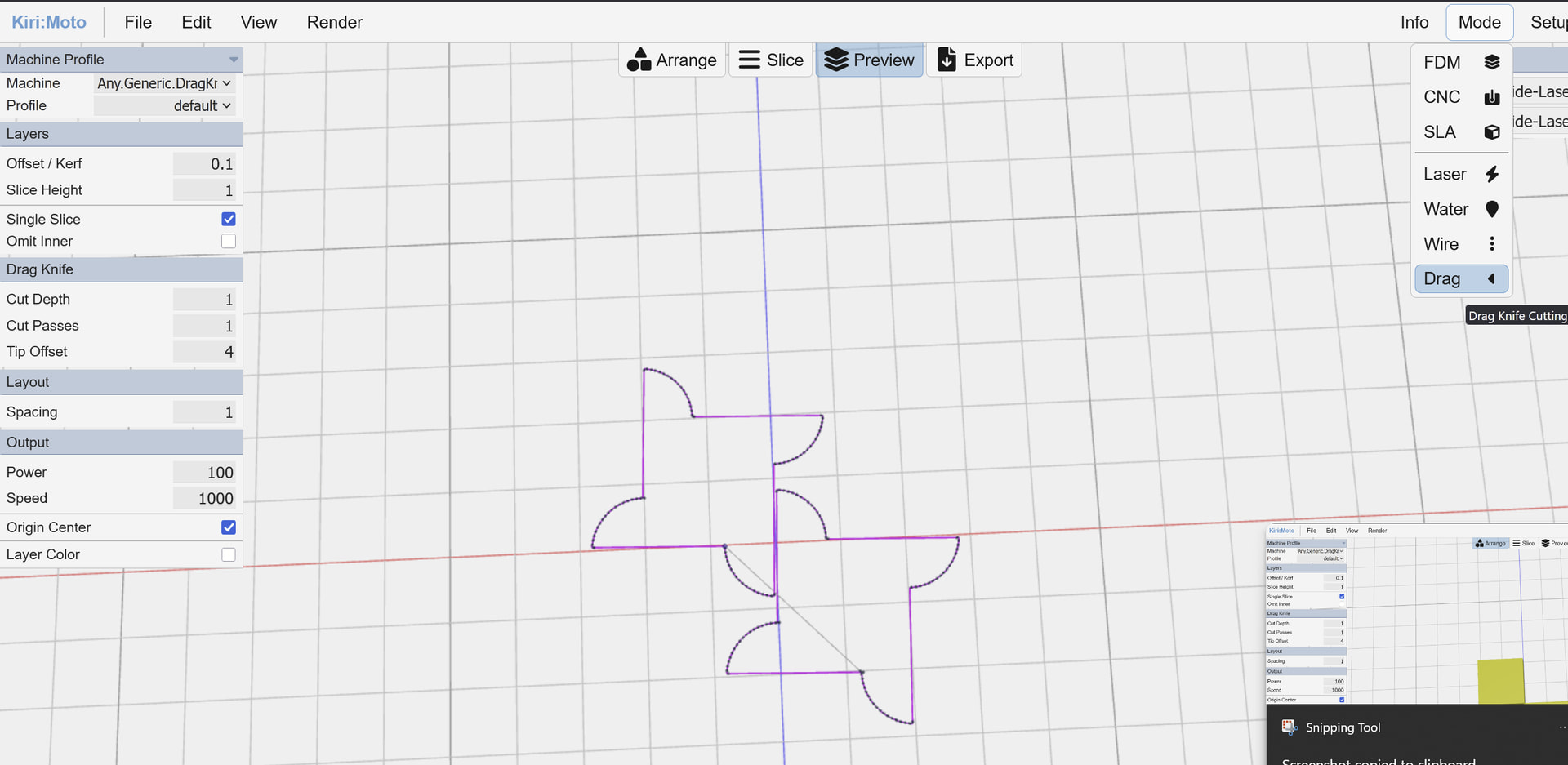
Kirimoto also offers this:
dedicated c-axis support would be a nice feature, as I’m dreading implementing my janky workaround
A and B would likely be first, as not many machines use a C-Axis. I could be wrong.
What’s your “janky workaround” and use case?
It reminds me of the “Tangential Knife Kinematic” in FluidNC
If it’s handled in firmware, we can send it standard XY commands.