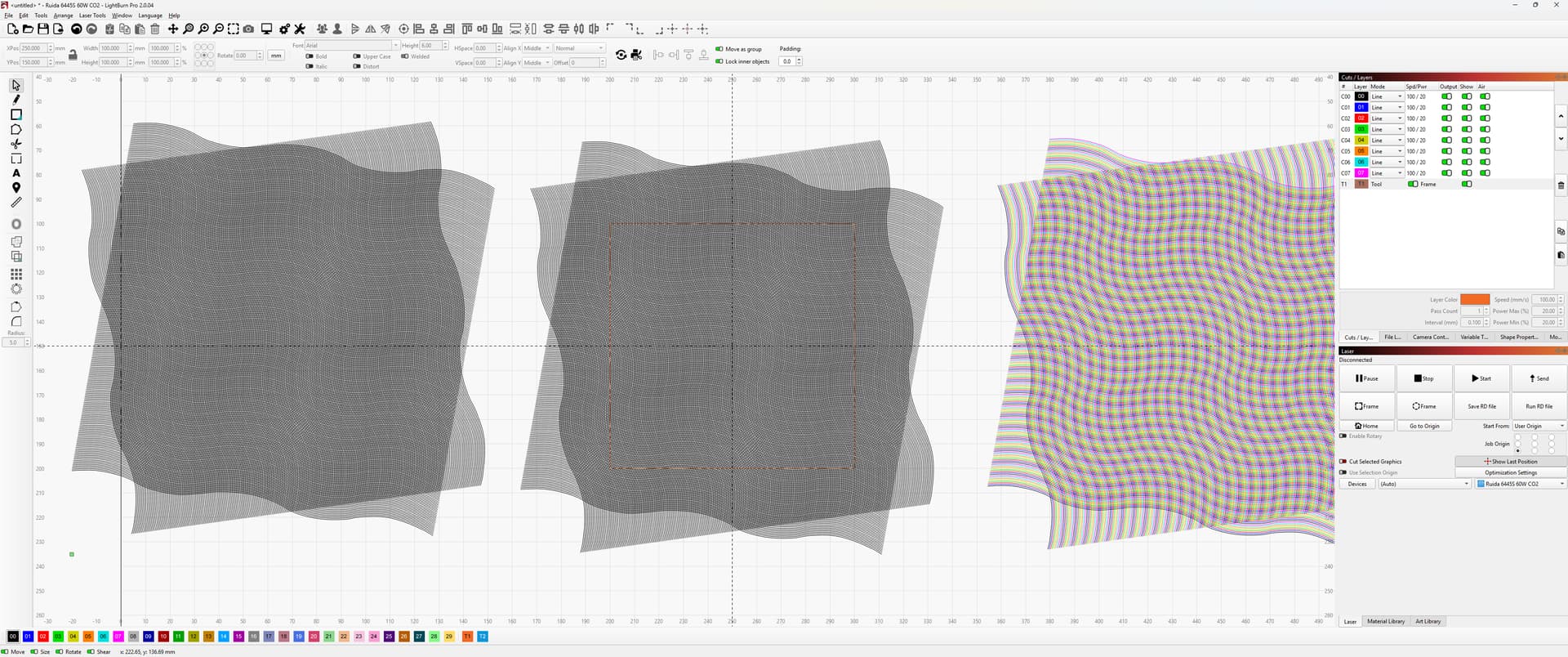
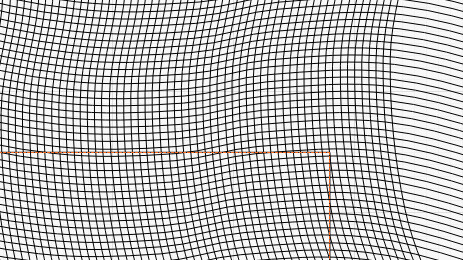
I’m making an interference pattern in Lightburn. It uses a series of replicated open lines in a grid with the horizontal and vertical arrays offset by 15°. The plan is to engrave this on a 100mm x 100mm square, but I need to find a way to trim/crop/mask the lines so that only the area within the 100mm square remains.
I don’t want to convert the grid to an image and use the tool layer masking function, as I need the lines to be engraved in a continuous pass. The Boolean operators won’t work, as the shapes aren’t closed apart from the square.
At the moment, the grid is all one layer, but going forward, I’ll need to use the version on the right of the image. I will be varying the laser power by layer, so ultimately, I’ll need to repeat the process for the multi-layer version, too.
Any suggestions on how to do this, as it’s got me beat at the moment?
One way you could do it is, although very time consuming, make sure your items are all ungrouped then use the scissor tool to snip away everything outside the square.
That’s the long-form answer, but it’s not really viable as I need to change these on a regular basis. Given that vector masking isn’t available in Lightburn, I may need to create the design in Adobe Illustrator and import it as an SVG file.
If you mean the ‘Trim Shapes’ scissors icon, yes it would but its not a viable option as it will take too long when recreating the different shapes I need to make with the same pattern profile unfortunately.
Just found it Frank, thats exactly what I was after. Considering I’ve been using LB for years I’ve never used that feature and its done exactly what I was after. Thansk for the pointer.