I am brand new to CNCing. So please be gentle with this noob.
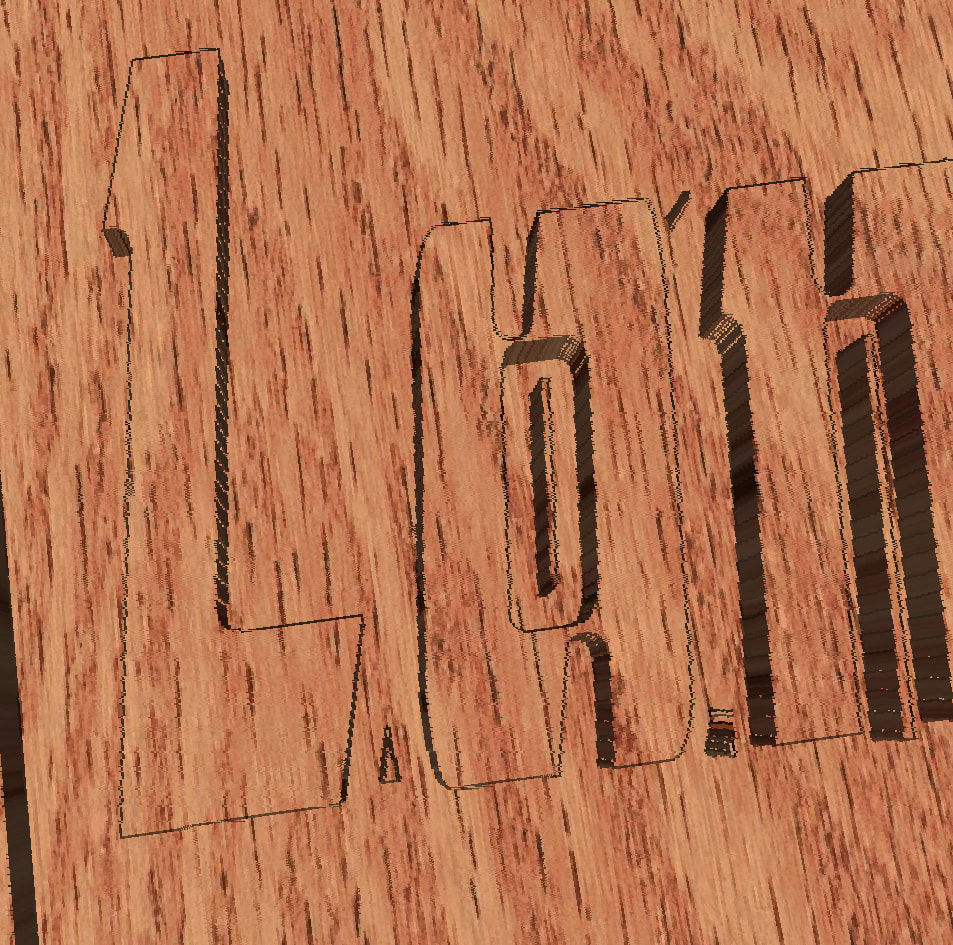
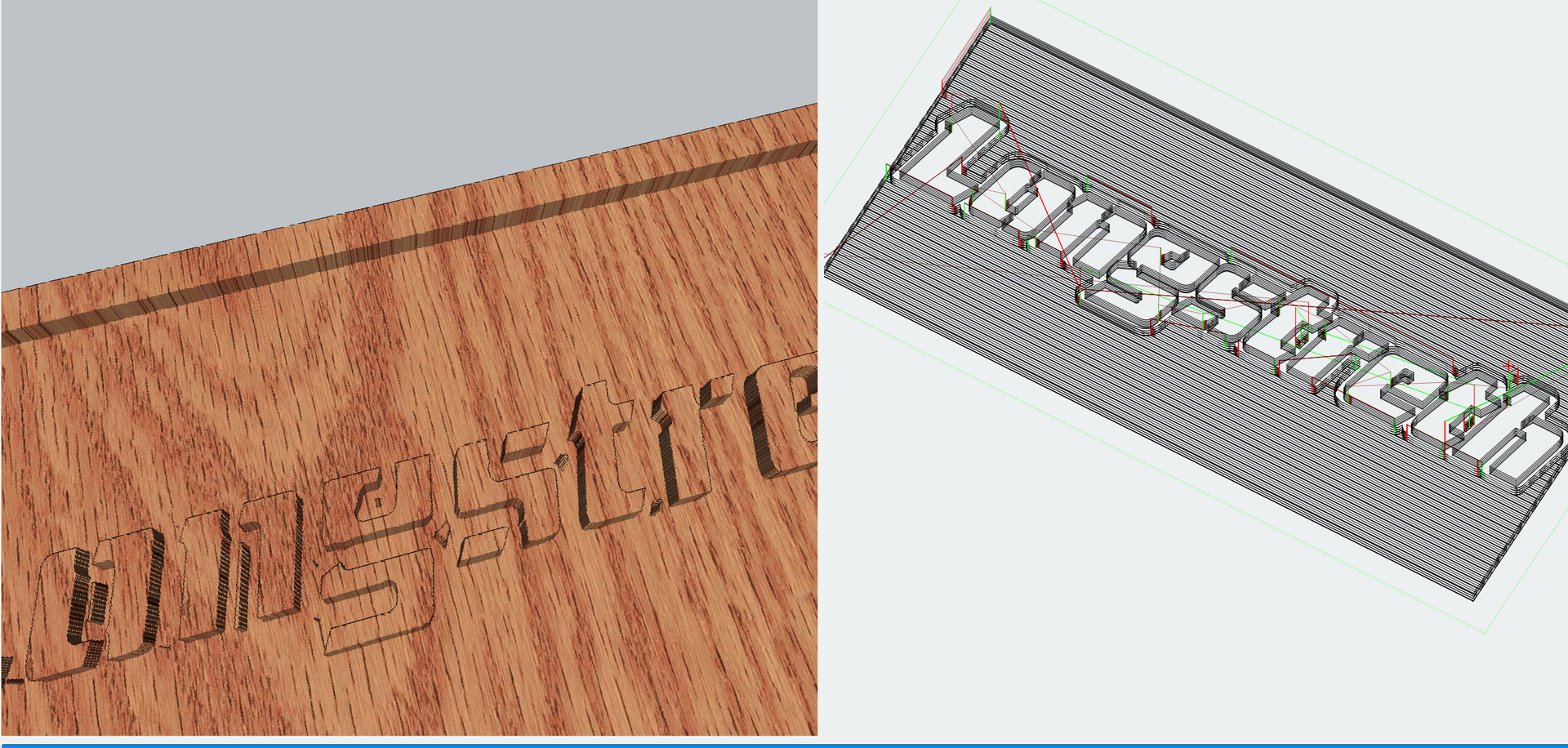
My question is how to remove the remnants between the letters, the strip inside the ‘O’, and etc. I am trying to have only the raised letters and border left. I have attached my file of this project.
If there is a better way to get to where I am now, please show the method and provide links to the documentation. Thank you in advance
we were all beginneres at some stage, dont be hard on urself
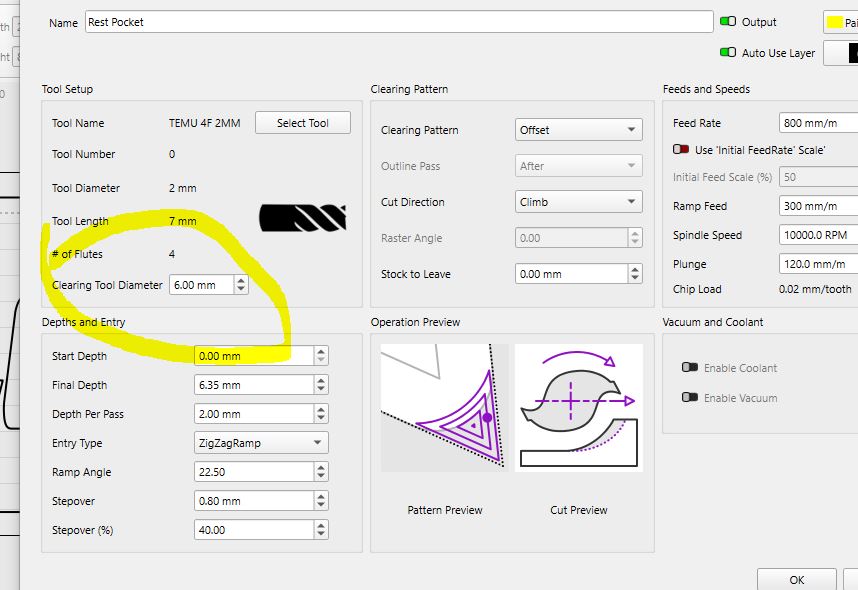
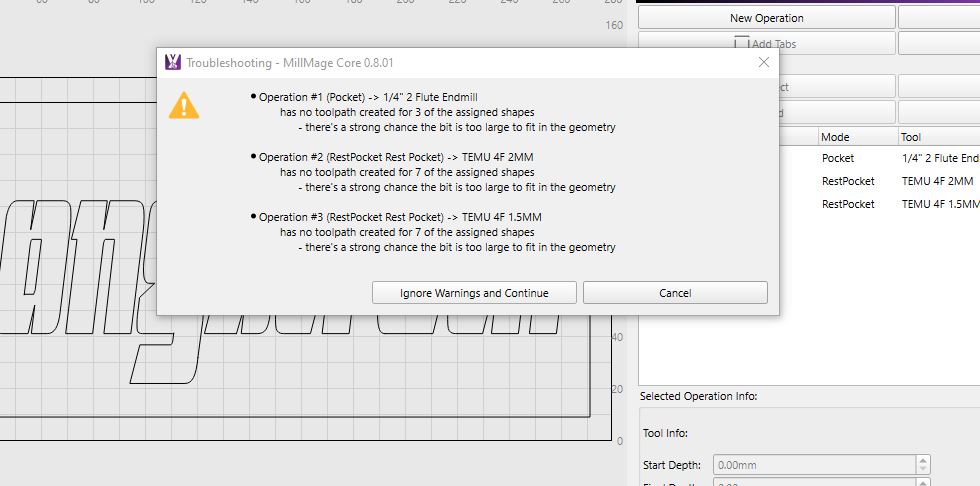
once you assign a pocket you need to do a rest pocket next with a smaller bit , i have done it with a 2mm bit which says it is to big for some areas even 1.5 mm is to big for some areas , some designs just wont cut out as to small for the tool
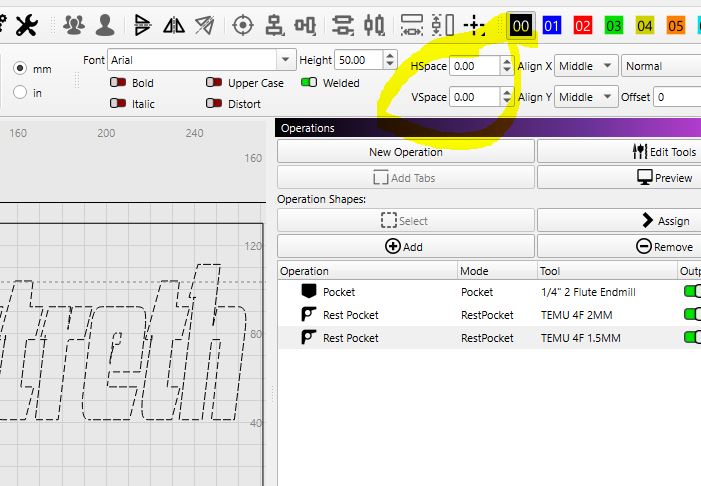
if you want gaps between each letter to define them use the the space boxs to adjust the gap when typing the text
another option which i do some times is a negative profile which will cut a gap between the letters , dont worry about the little bits in the preview they are so small , its just showing every thing as you have done a pocket you need to do say -0.2 stock to leave not a 0.2
yes its confusing took me a while to get my head around that one
change it in the setting and look at preview with each setting and you will see the differen