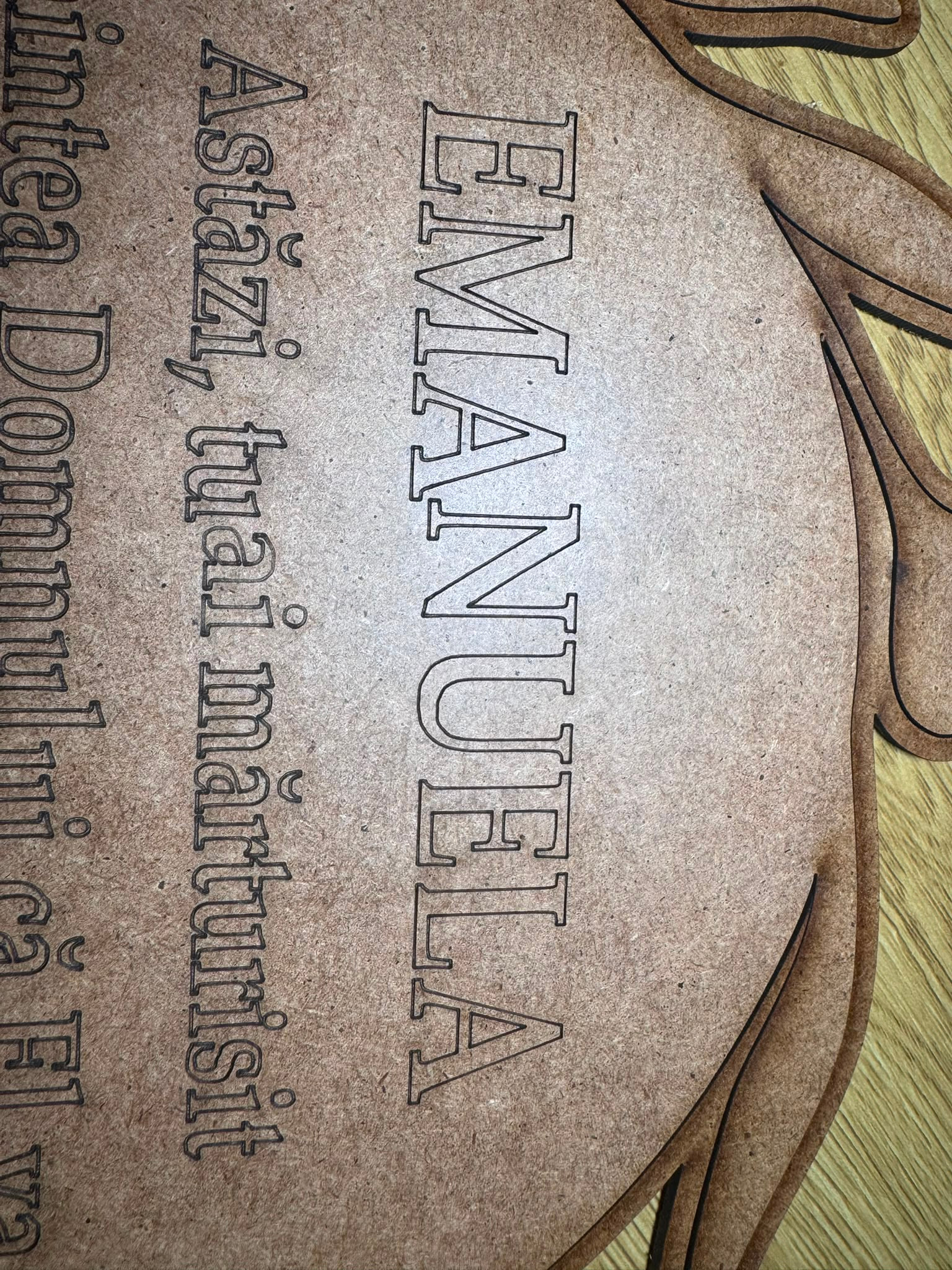
We cannot tell if that is a mechanical issue or a Lightburn design issue. Can you tell us more?
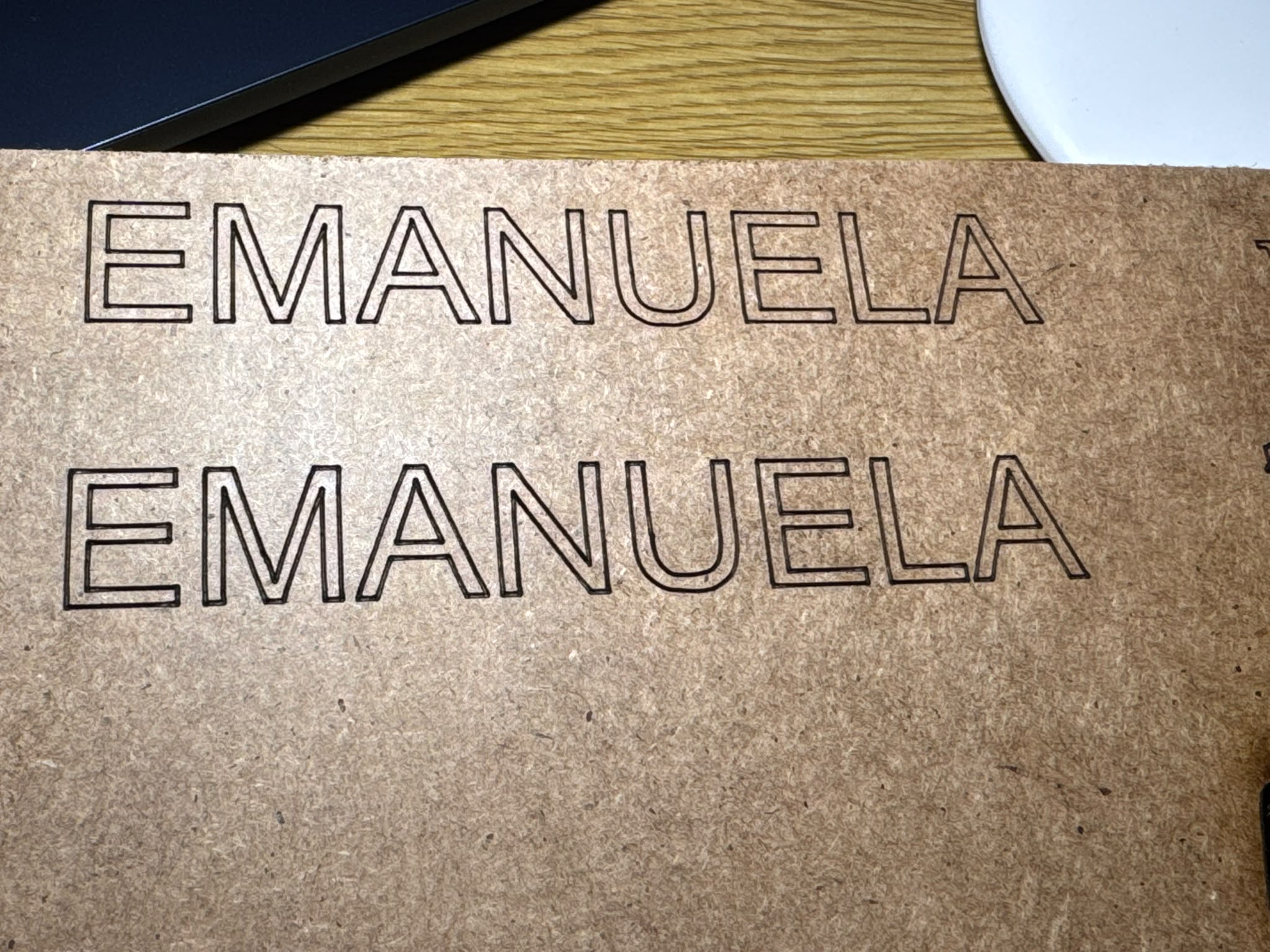
I think @MikeyH is correct, but we need to determine which it is. It appears to me as it’s shifting and always occurs at or very near the same place, if you look at both larger and smaller fonts.
It would not be that hard to program this. So it could be either.
It could also be that there is a mechanical flaw, such as a grub screw. When you’re trying help others, it’s nice to some idea of how it was burn, as far as which is the X axes? It’s orientation in the laser can make a difference depending on the issue.
A bit larger stone coverage in the photo wouldn’t hurt. The best way is to post it with the same orientation as the material is in the laser.
If the artwork is allowed to be posted, I’d suggest you post the .lbrn2 file and let us look it over.

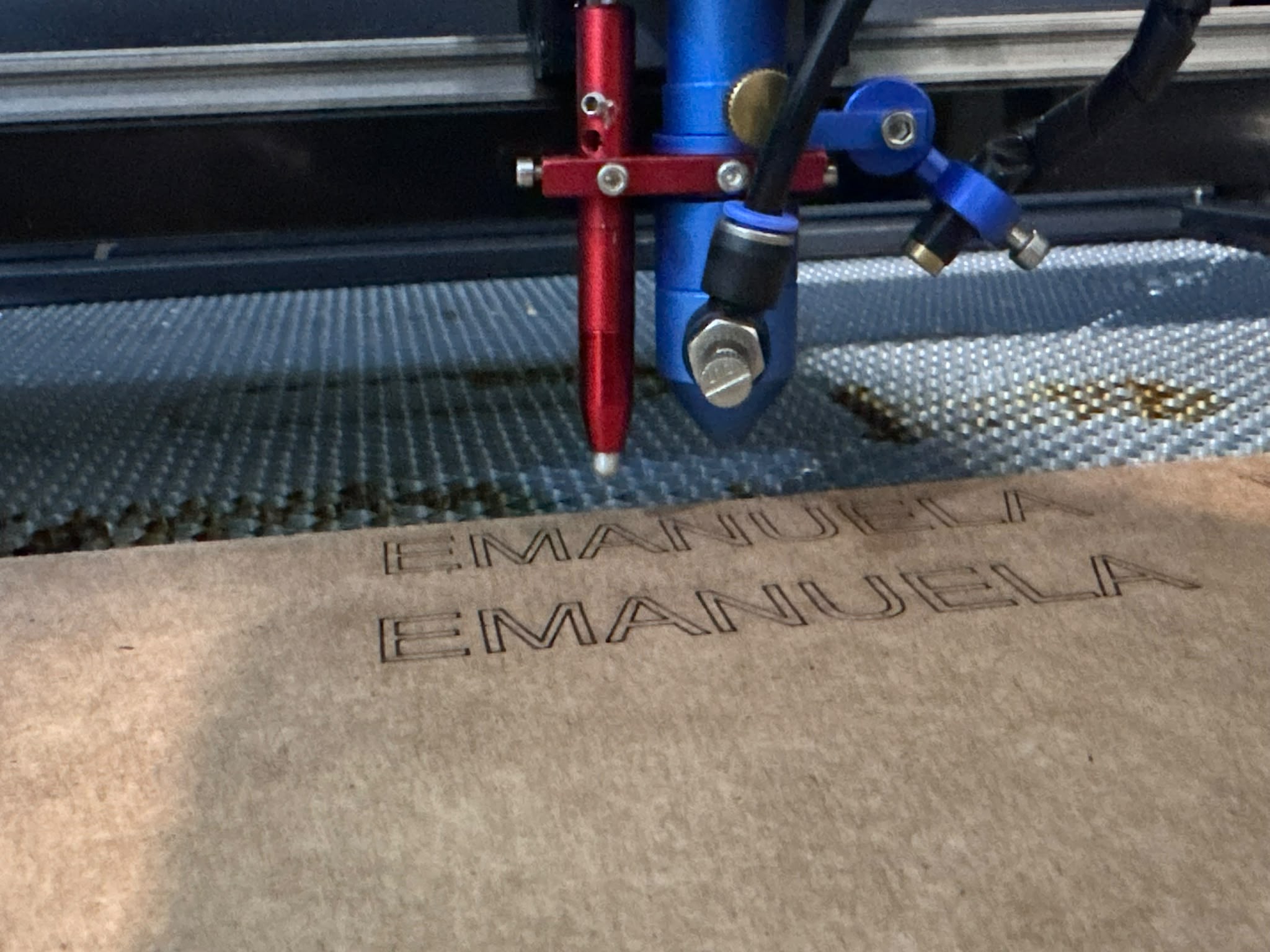
The red one is your auto focus. Most of these check at the start of the job to do this. Unless it hangs up on something, I doubt that’s the issue. Of course, nothing should be loose.
Can you use the failing graphic you posted first and just turn the rotary off and see if it fails again on a flat surface?
ok, you were right that wasn t the problem… i used s 1500 and p 75 , maybe is something set off in the lightburn ?
laser22.lbrn2 (375.3 KB)
like this to send the project ?
Do you have an RF machine? Your speeds are pretty high.
I don’t see anything other than speed that may be an issue. Need to run to breakfast and will look at it again, when I’m done.
yes I have , ok I will try at a lower speed
If you have an RF machine, speed shouldn’t be an issue. An rf source (metal tube) response time is measure in nanoseconds, whereas a glass tube is milliseconds.
I don’t see anything in your source that could cause this. It’s usually easier to observe anomalies at a slower speed, might want to slow it down until we figure out what’s going on.