The shop I belong to has a Laguna IQ CNC router with a Rich Auto Controller. In the Vectric VCarve Pro has a post-processor to regenerate the specific .mmg gcode files. I reached out to the Laguna to see if they had a procedure to convert a standard gcode file to a Laguna .mmg file. They said no and redirected me to Lightburn for those steps. Can someone provide me with the specific steps to create the needed files for Millmage. I would love to provide our club/shop members with a Millmage option for create toolpath files for the Laguna IQ CNC router.
You can edit the Custom GCode to better suit what you need.
This will have to be answered by the Lightburn staff, but if they do not have the specs for the .mmg format, it will be difficult.
With A.I. being used a lot lately, try uploading both file samples and tell it to make a converter from mmg to GC file format.
I would be curious to see what that mmg format looks like. Can you upload a sample version (add .txt to the end of the file name)?

Well, that solves the problem. 
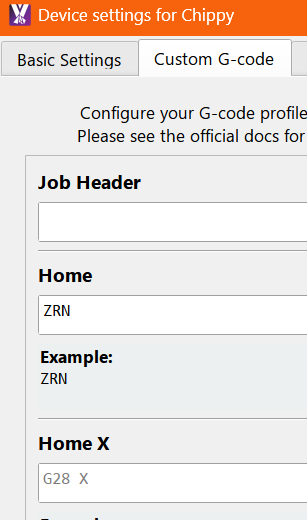
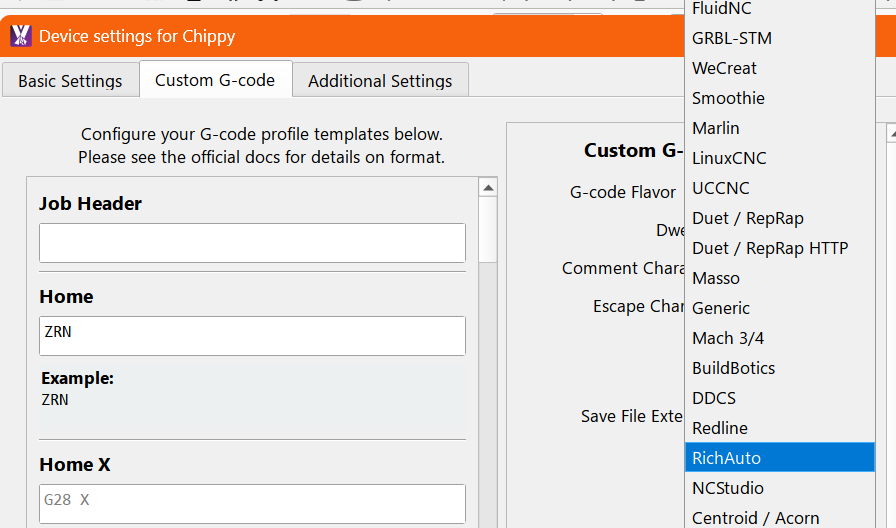

What I’m looking for is the same type of device file that Lightburn has, .lbdev. Does Millmage have these files for the major CNC makers: FoxAlien, Laguna, etc. If so, where are they located?
Here are the files you requested - I added ,txt to the end of the .mmg file (Laguna file). Laguna post-processor adds a NXXX in front of the the standard gcode commands plus a couple other changes.
Pocket and Profile.mmg.txt (8.2 KB)
Pocket and Profile.gcode (7.1 KB)
Pocket and Profile.gcode (7.1 KB)
The NXXX are like line numbers in multiples of ten.
Does your machine work without that code? e.g. directly with the Vetric files?
Let me touch my rig and will let you know with an example.
I have no clue. The file I uploaded is what the Vectric software creates when you select the Laguna post-processor. I setup Millmage with the Laguna details including RichAuto g-code flavor. However, Millmage did not generate a file similar to the gcode file (.mmg) that Vectric creates. See the test files I created with Millmage.
file.mmg.txt (453.7 KB)
file.gc (453.7 KB)
Is your machine 24" x 36"?
Draw 2 squares 20mm side apart from each other 10mm and post here the Vetric PP code.
Here is the file you requested. 2 squares (20mmx20mm) separated by 10mm. Cut with an 1/8" end mill. Gcode (.mmg) is for the Laguna post processor (Laguna IQ 2’ x 3’)
2Squares.mmg.txt (3.3 KB)
The Laguna and the Vetric soft are using Arc interpolation G02/G03 IJK, MillMage produce G1 but the RichAuto controller accepts Linear Movement so…
here is a file for you to test
laguna_test.mage (38.9 KB)
with this Device
Laguna.mmzip (5.4 KB)(just drag the file over the MillMage Grid and click Import)(this one saves as .mmg).
Just a single square profile with round corners, 1/8" end mill. Check if the OP are ok and save the file.
Set your machine and run the file, Be prepared to press the Big Red Button if anything goes wrong.
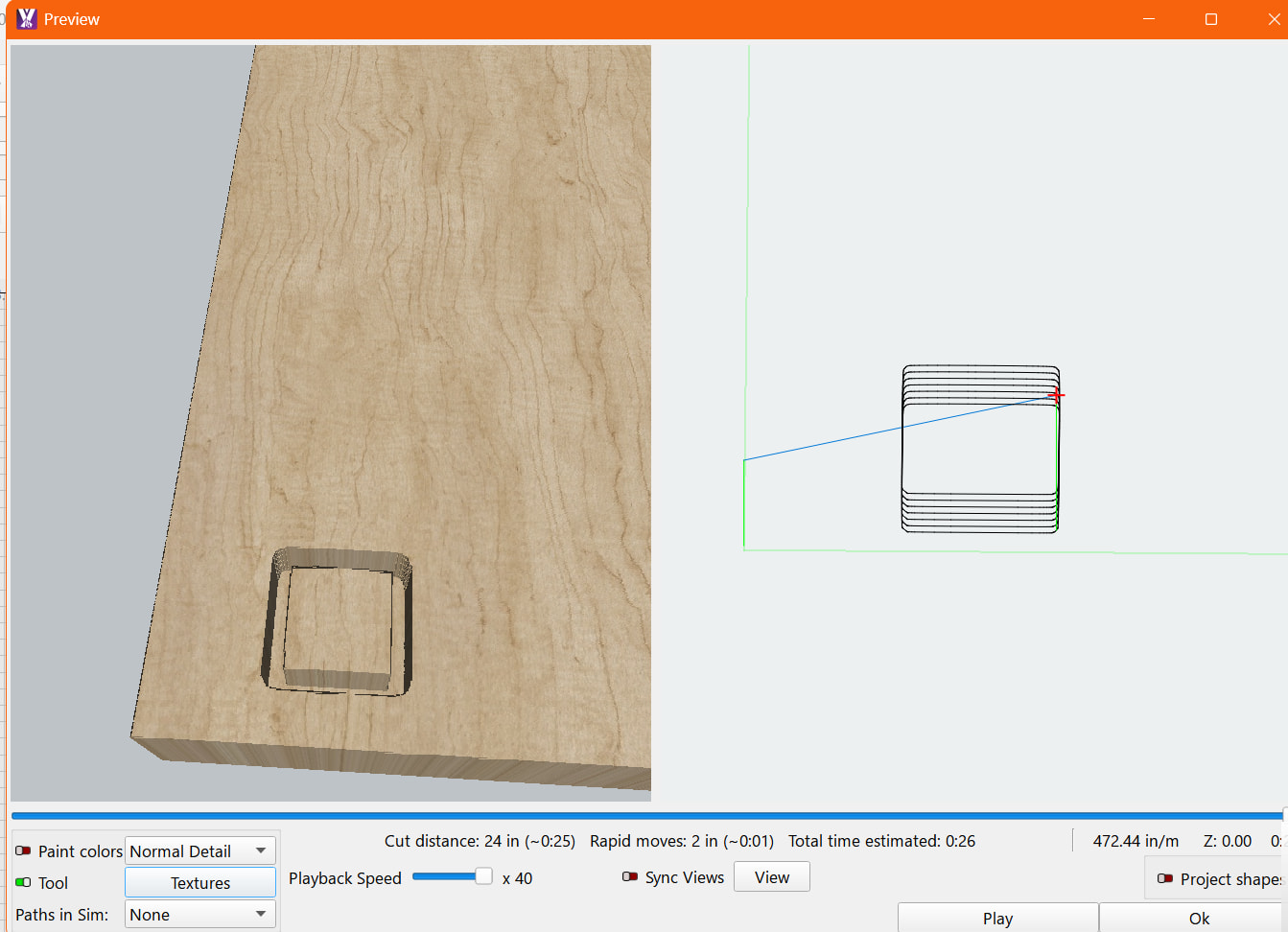
@parsec thanks for researching this. I was on the road yesterday, but I am now back home with my toys.