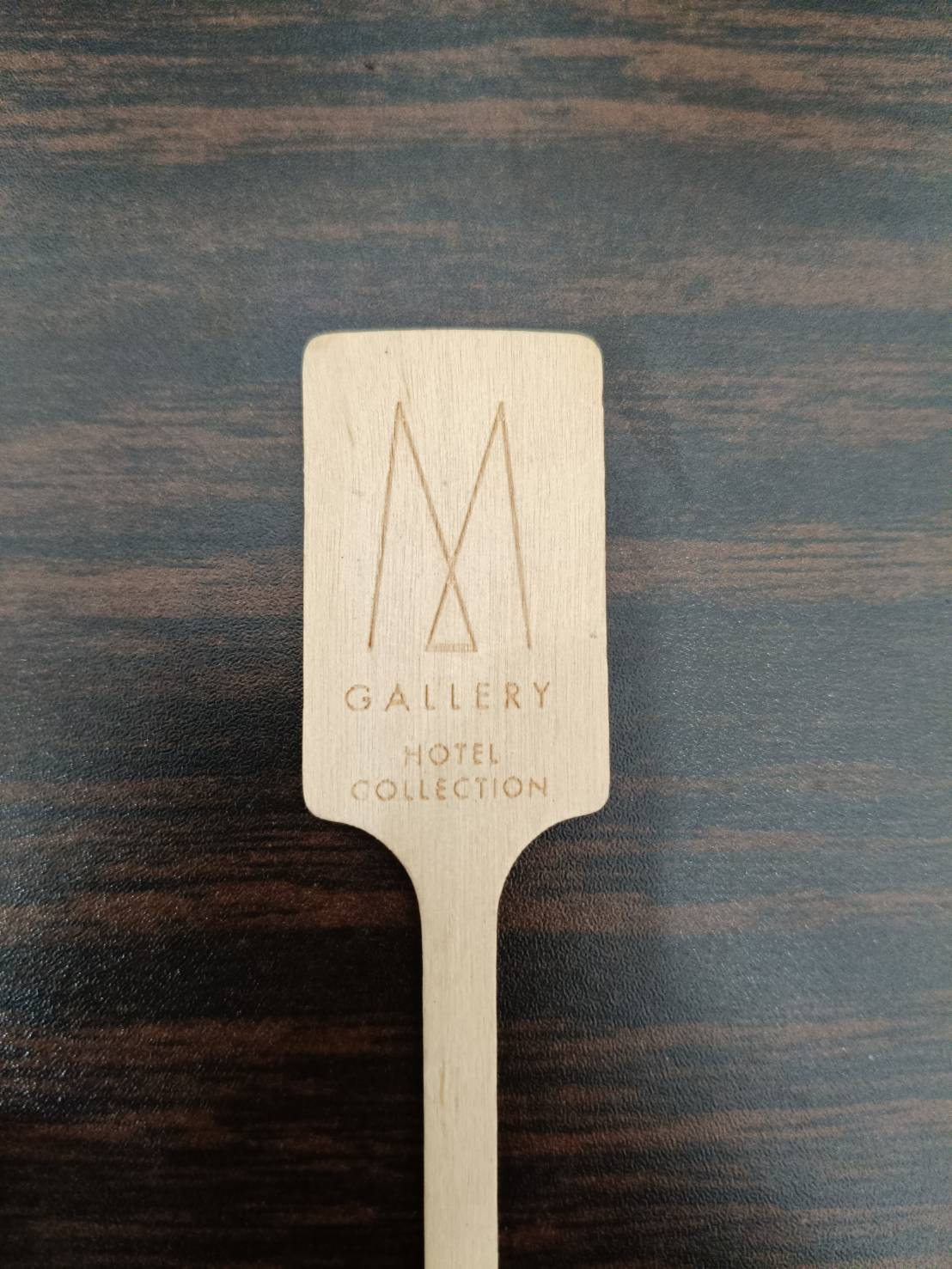
i am new on laser engrave, how to do single line laser on the object sample in attached
Hi Kop
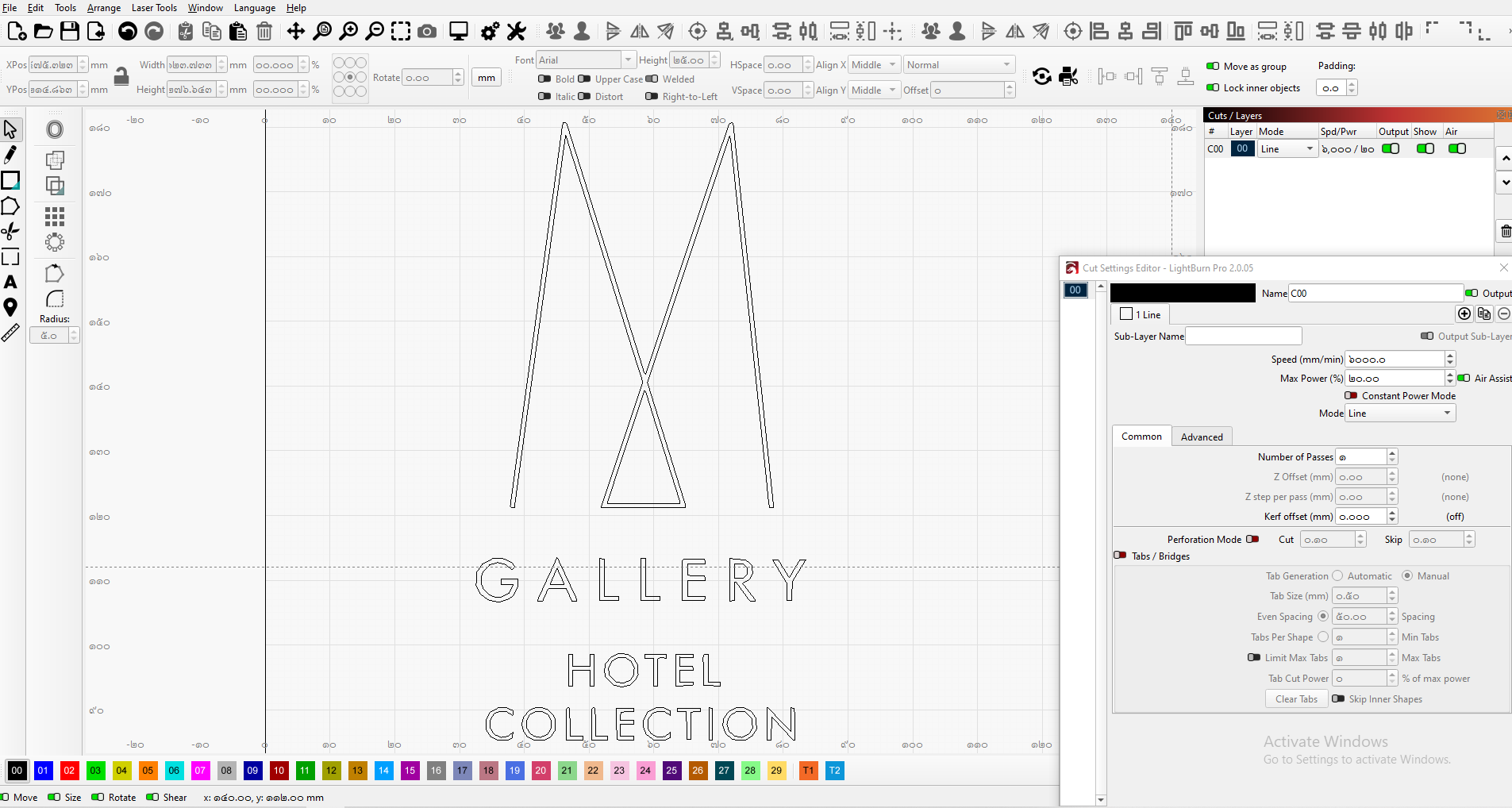
If you already have the font style you want to use but it is solid text, then you can set it to Line option (Not Fill) on that layer or use the Trace tool to get the outline of each letter, select it as Line (Not Fill) in its Layer and set the Speed and Power.
If your sample was on line mode then I think you have a focus problem.
1 Like
Please do not double post. You now have answers in 2 different places. Maybe somebody can merge these into one Thread.