I am pretty new to Lightburn and am still switching back and forth to XCS as well.
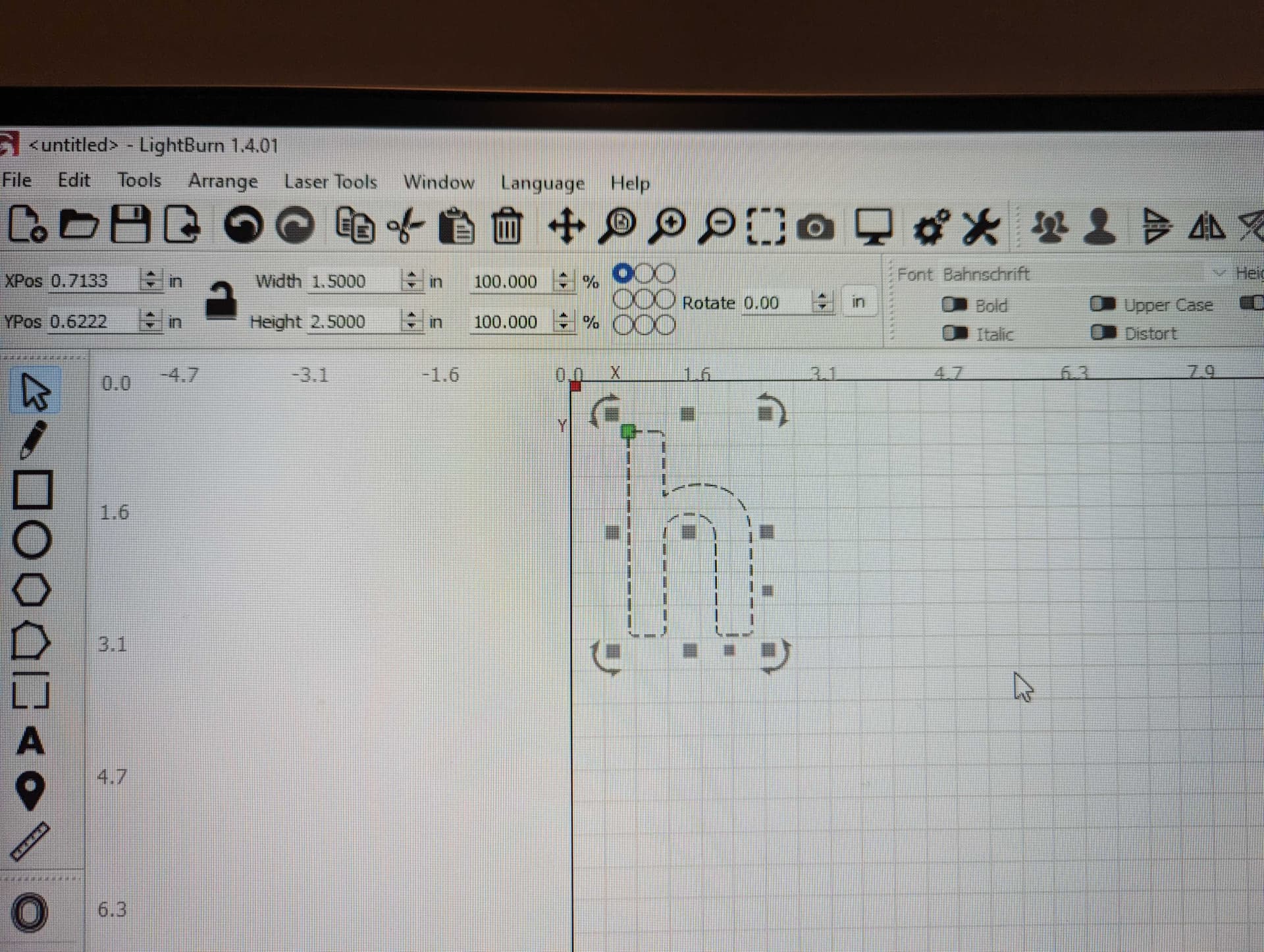
Question - I am using the same text in XCS and Lightburn and using the same width and height settings and getting completely different results with the two. XCS is cutting where I need it to but Lightburn is not.
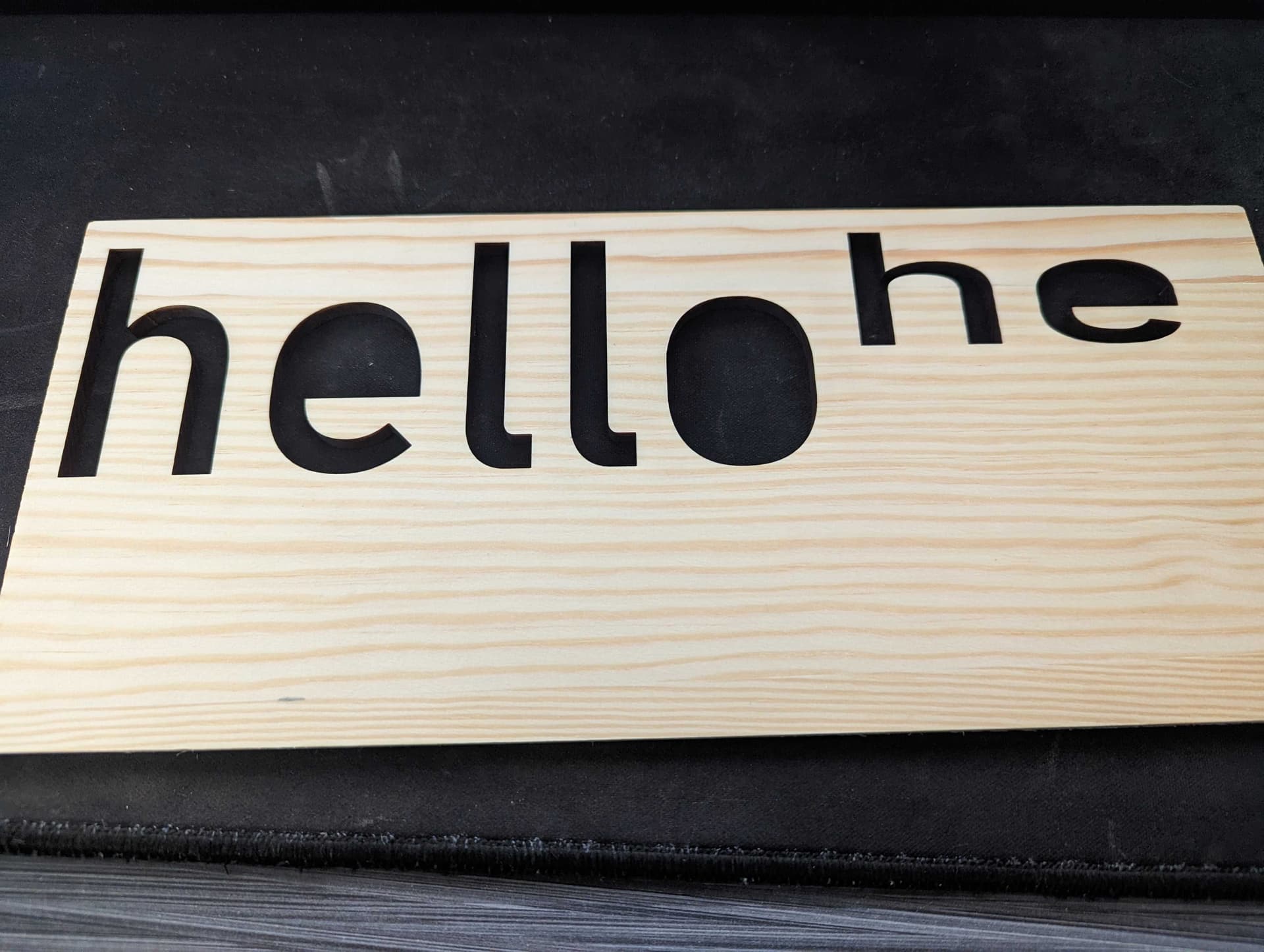
I am trying to cut the letters at 2.5" height. In the picture below you can see the full hello is done in XCS @ 2.5" height and the h and e were done at the same 2.5" setting but only cut at about 1.25." Any help would be greatly appreciated!