Ive seen the feature for lightburn to create a grid of squares with different powers and weights. How do I command lightburn to create this for me to try on my materials? Thanks in advance!
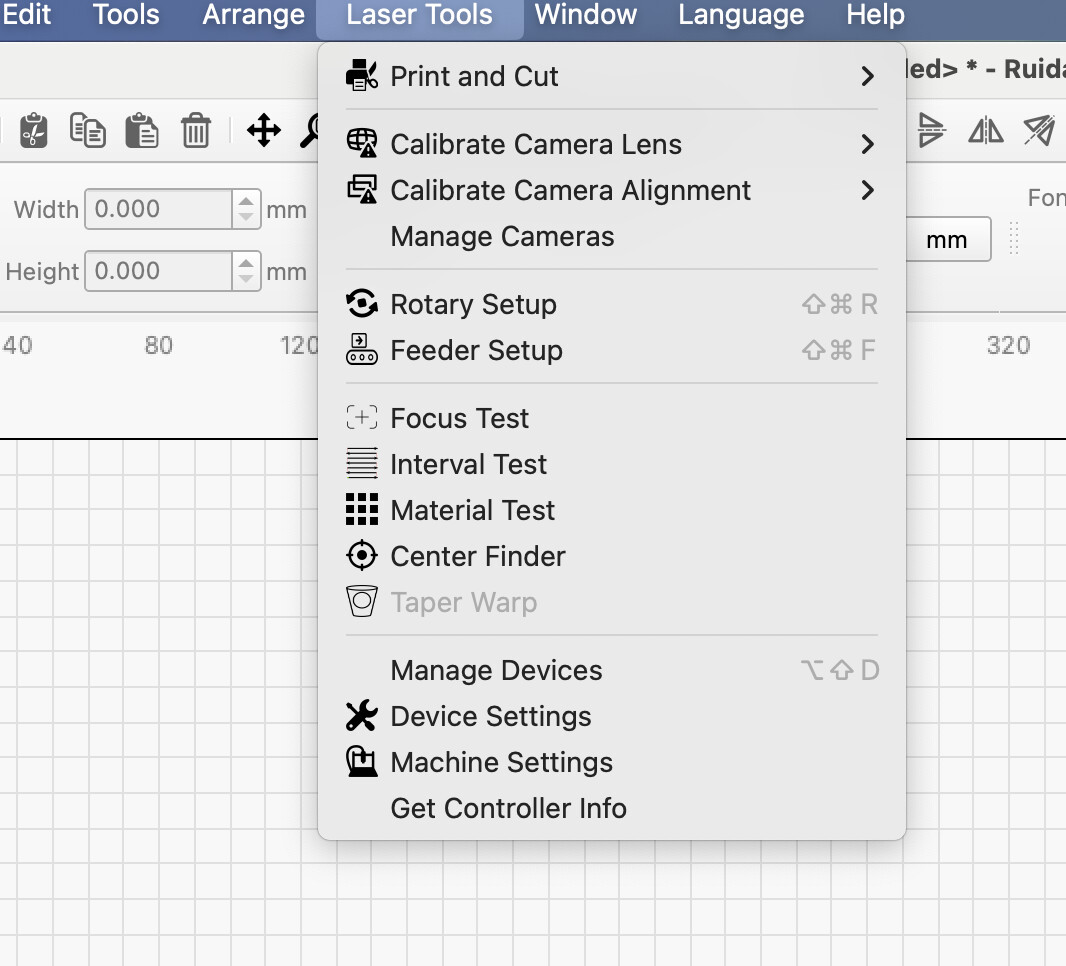
Search for Lightburn material test on YouTube. There is a video created by Lightburn that explains using the Material Test tool.
The material test is in the tools menu as already indicated in a response. The hidden gotchya is you may need to use the buttons on the bottom of the material test pop-up to adjust the settings for the test. Also looking up recommended settings for your material and action (cut or engrave) to have an idea of what would be a mid point for the material test settings. Save the material test when done to be able to open it for other tests.