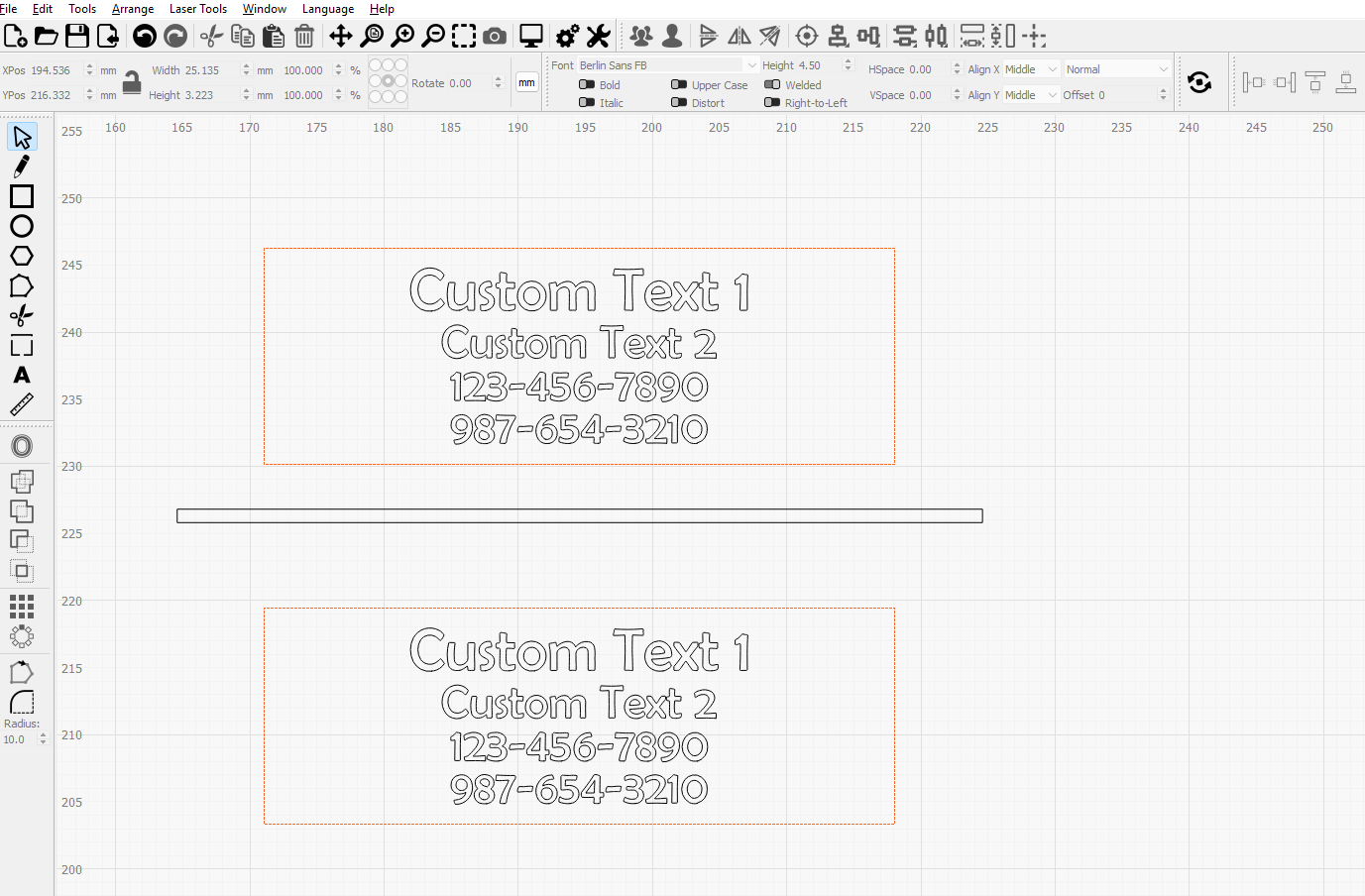
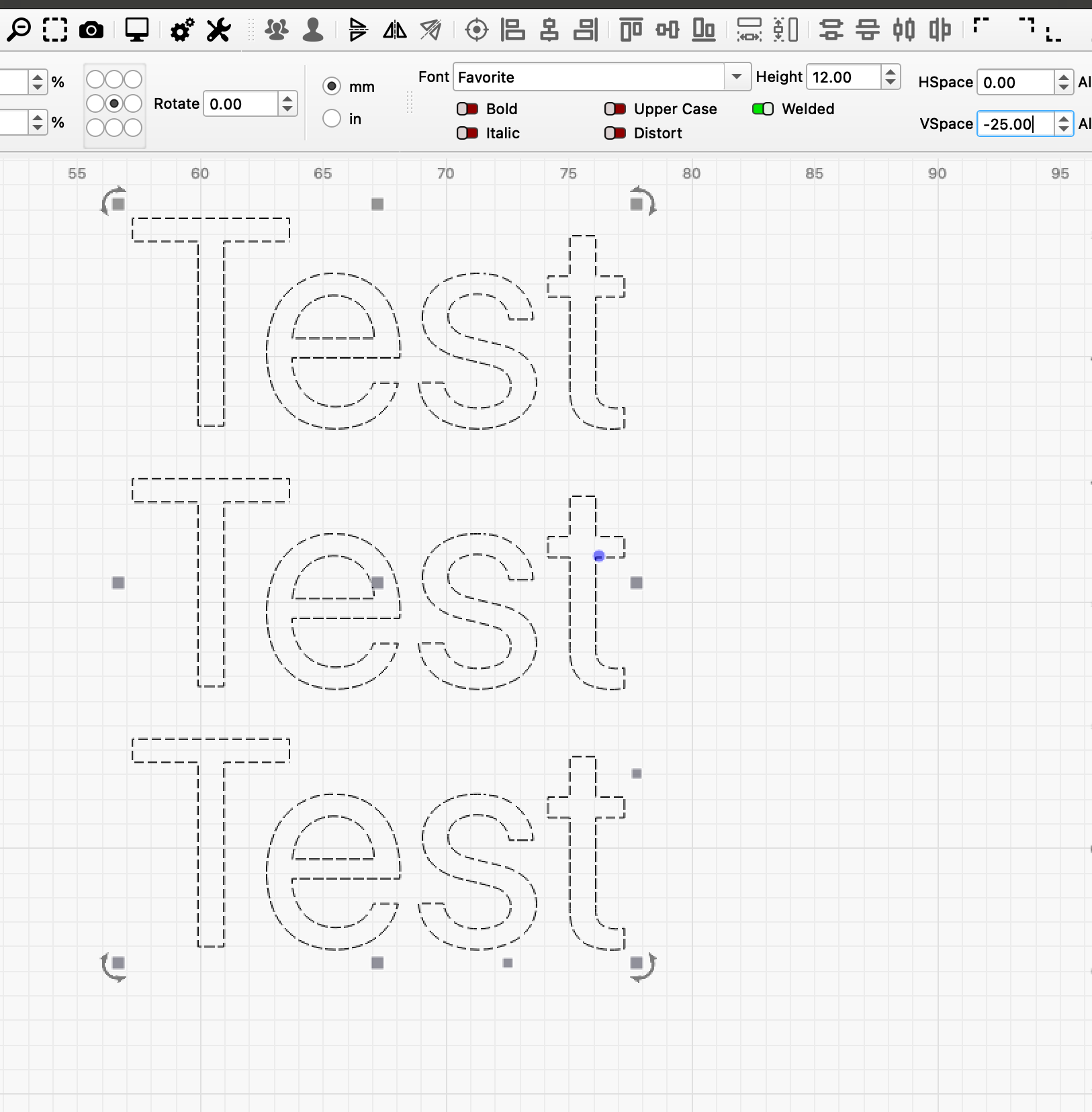
I’m still fairly new to LightBurn and currently using it to engrave multi-line text.
I was wondering if there’s a way to set a consistent vertical spacing between lines of text, without having to manually adjust each line every time the content changes.
Ideally, I’d like to maintain a fixed spacing (for example, 1 mm) between four lines of text. In my current workflow, I’m using a 1 mm rectangle as a spacer and manually positioning each line, which works but feels inefficient.
This looks like a “variable text” task, can you confirm that?
In this case it is easy to create a template and place the “autotext” in visible or invisible boxes
I haven’t tried using Variable Text for this workflow yet. From the videos I’ve seen, it looks really helpful for automating the text content itself, but I’m not sure if it would also maintain consistent spacing between each line.
My main goal is to keep a fixed vertical spacing (e.g., 1 mm) between lines without having to manually adjust them each time.
Would Variable Text handle that as well, or would I still need to adjust spacing manually?
First, I just want to thank you all for the responses to my previous post. As a beginner with LightBurn, I really appreciate all the feedback and suggestions.
I created a short video to better explain what I’m trying to do.
In this setup, I’m using a CSV file to populate custom text inside rectangular boxes. I have five different text entries, and each can contain 2, 3, or 4 lines. I’m aiming for consistent vertical spacing of about 1 mm between each line. To help with this, I used a rectangle that is 1 mm in height as a guide for spacing.
I’ve already uploaded my CSV file, and when I click “Test,” I can see that many of the lines are not spaced as intended. I was hoping there might be a way in LightBurn to enforce a fixed 1 mm spacing between lines automatically.
In the video, you’ll also see me measuring the spacing after clicking the “Bake” button in the Variable Text window.
For now, my workaround is to click “Bake” and then manually adjust the spacing for each set of text.
Any advice or suggestions would be greatly appreciated!