Hi, I have material library set up. I would like to set up second layer base on the library parameters. If I chose second layer at layer menu and I want to assing the parameters different from first layer the first layer disappered and I have only one layer with new parameters. Whats goin on? Thank you for help Best regards Jan
Are you talking about adding a sub layer to the layer or creating a new layer in the material library?
If you’re working with sub layers, just make all your settings in the cut settings editor and save it to the material library. When you assign this it will include all sub layers.
If you’re working with a new layer, you need to give it a different name otherwise it will overwrite the existing layer.
1 Like
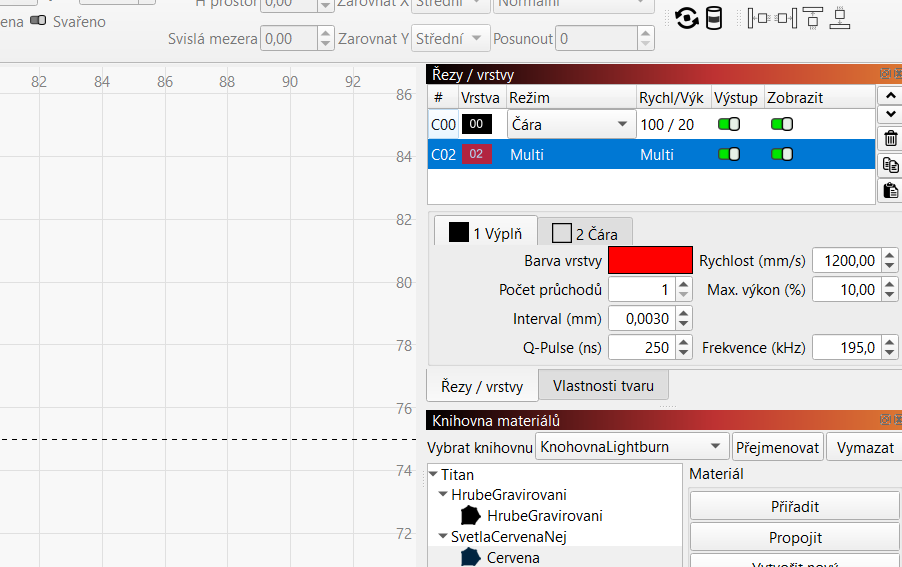
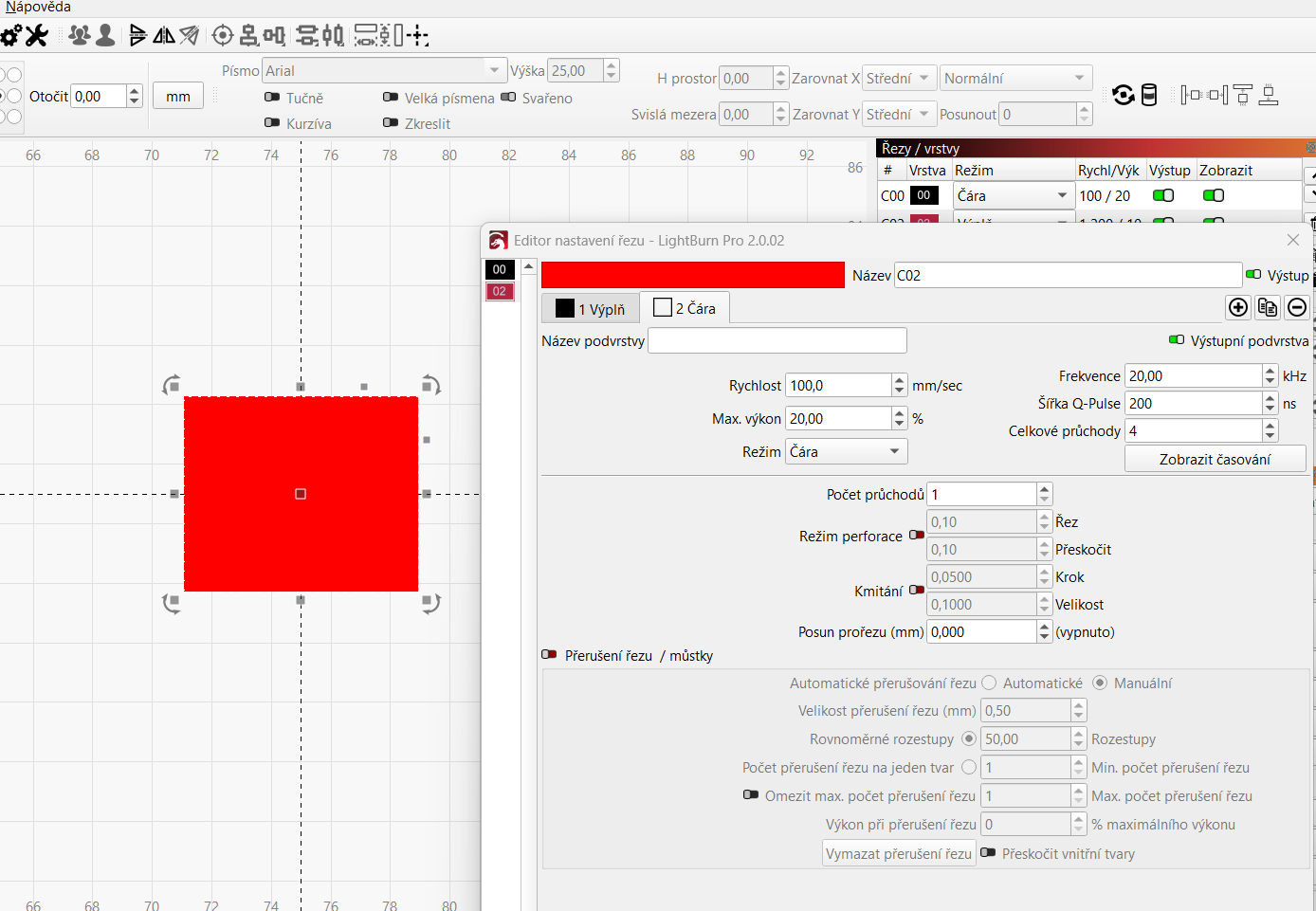
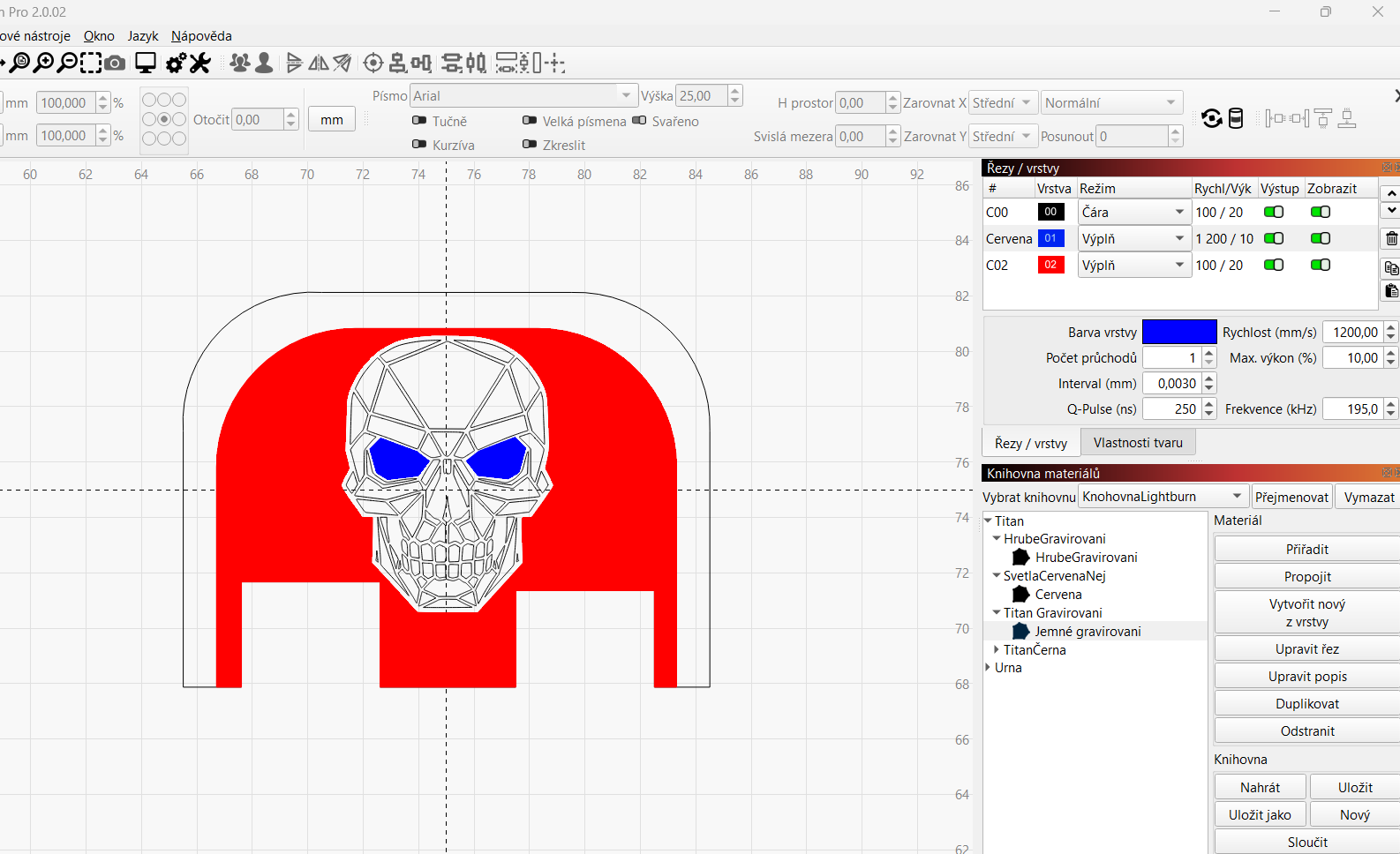
Hi thank you for reply Im sorry for late replay. i used to use Ezcad. I chose first layer and add material paramteres after that I wan for the same place next layer with different parameters I add but when I would like to add the material parameters from library the layer disapered and there is only one layer. Please check attached files. Best regards Jan

This topic was automatically closed 30 days after the last reply. New replies are no longer allowed.