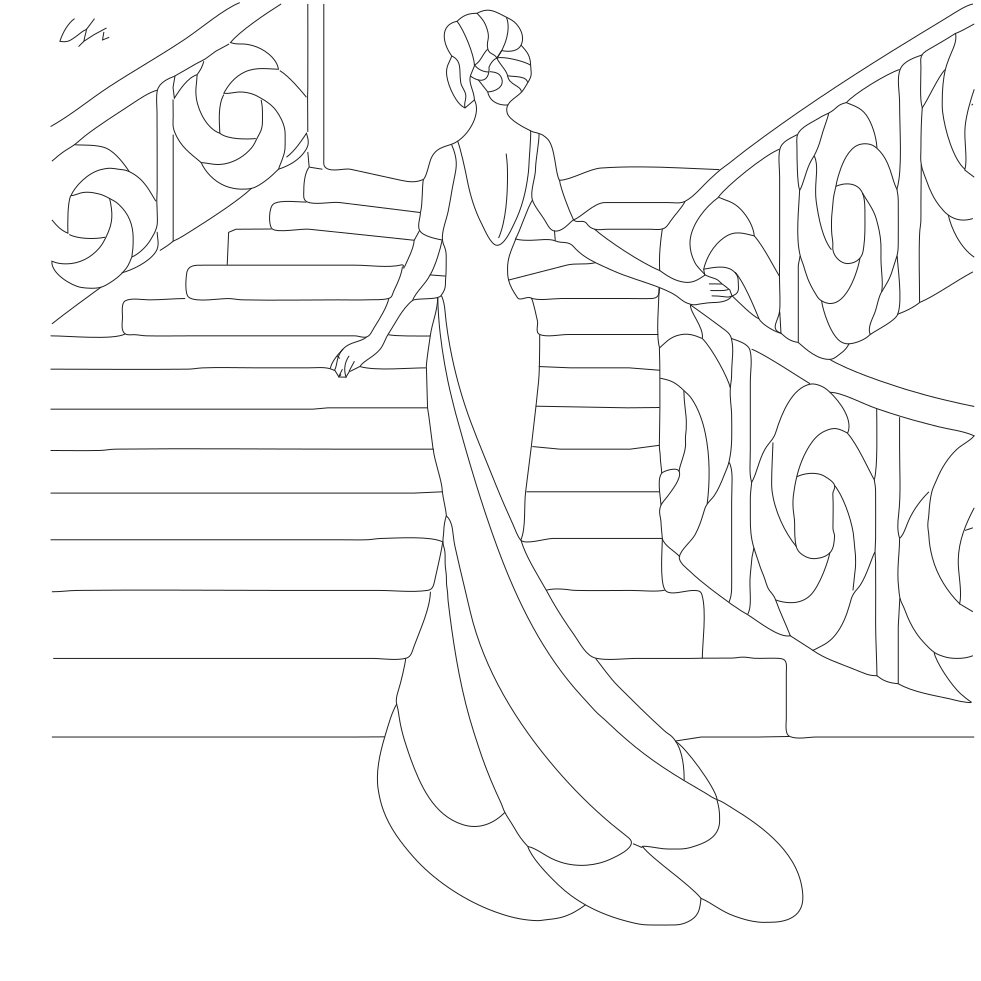
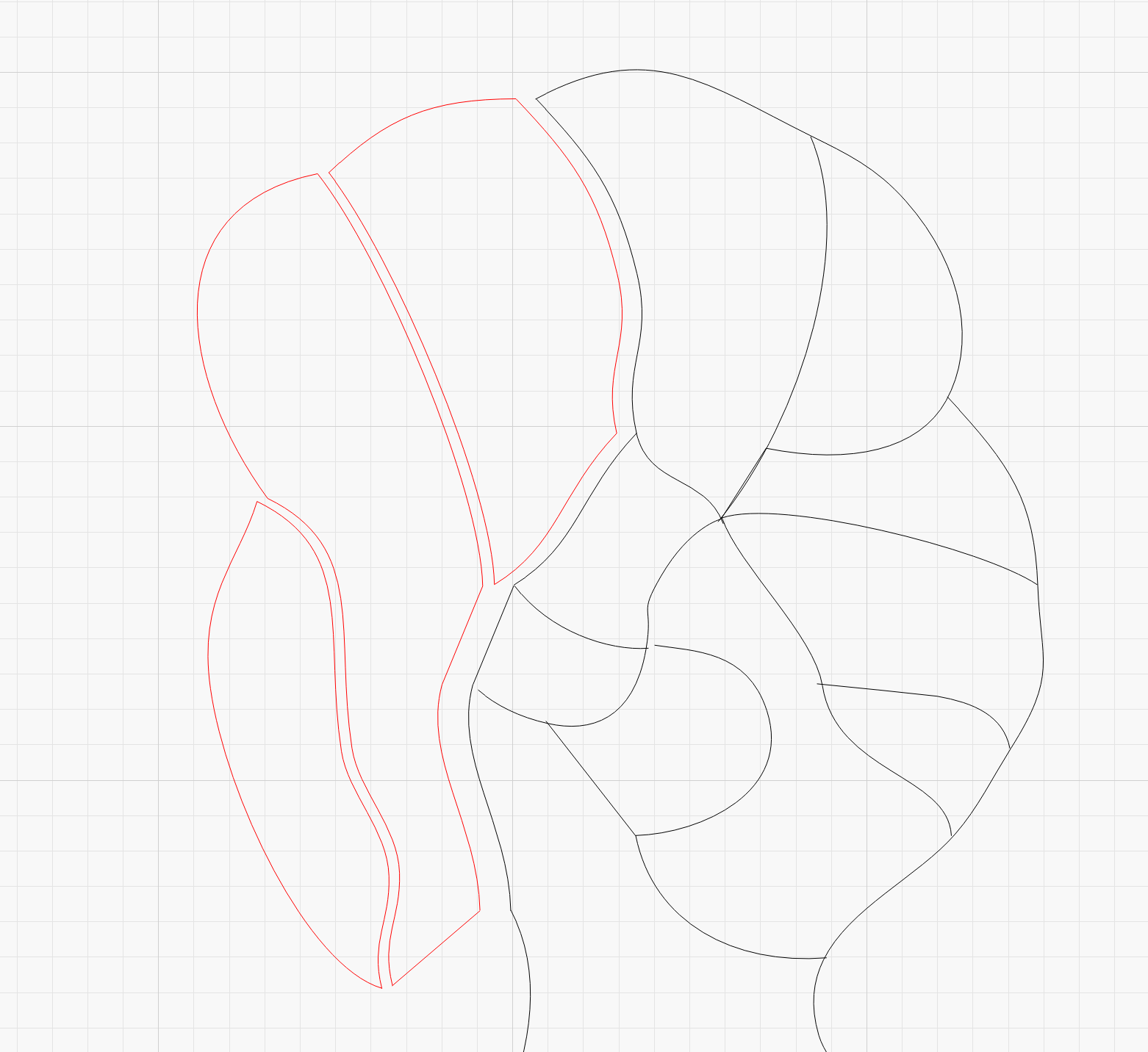
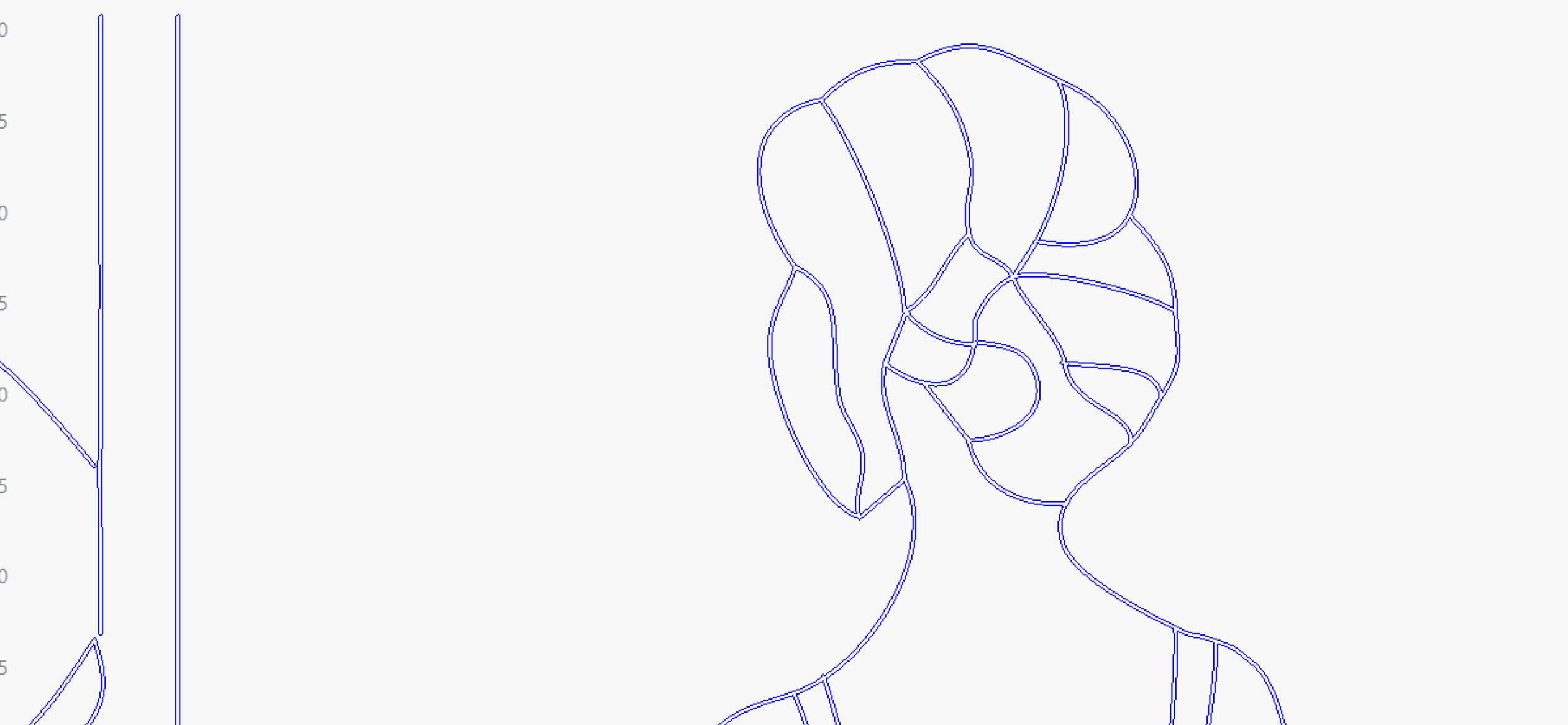
To be able to divide the image into individual parts, the open shapes must be closed and the rest divided into individual parts. In this case, it requires a lot of manual work, but it can be done.
A small example is the head, here I used node edit, duplicate, break apart, delete and auto join…
I do this a lot and Bernd is exactly right. A lot of work!
I like to copy the drawing onto separate layers where I’ll then delete all the lines away from what I want to keep as a single piece of wood species, Each of these layers then gets rearranged where I can rotate the bits for proper grain direction.
The “break apart” feature and the scissors are your friend here.