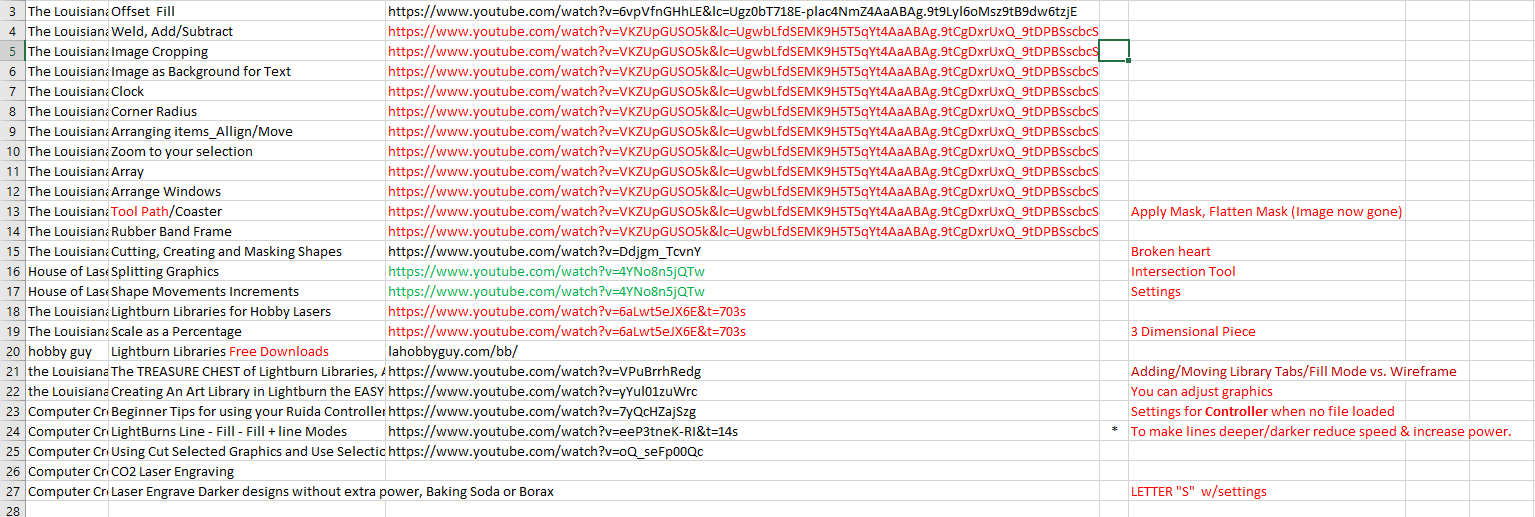

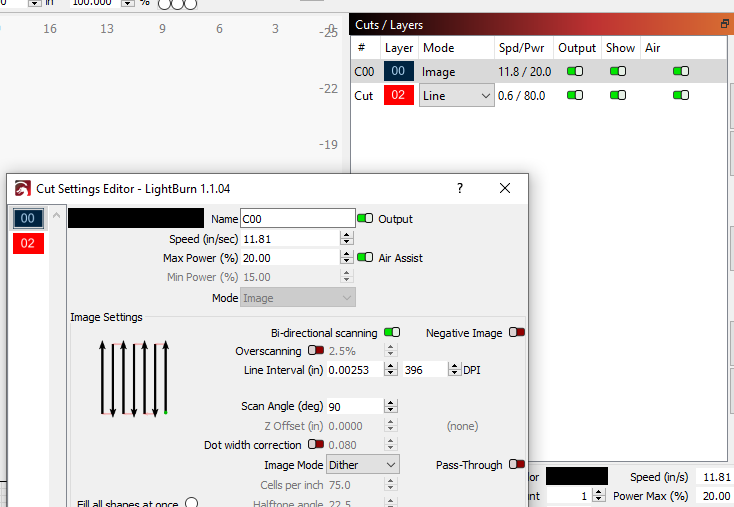
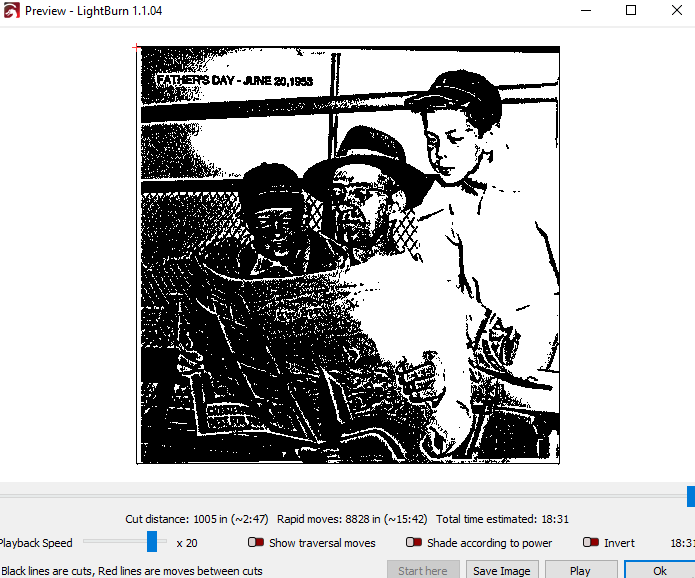
Nope! And now I am back to Engraving. I called up the image on the right I had just engraved to see what I had used for settings. The Cuts/Layers are different than what I put in. I think image was set to **/20 and Cut was set to 15/80. I saved the file and now it shows completely different numbers.

I’ve been there with my own projects—it’s like you’re on a roll and then the software decides to mix things up!
Dealing with settings not saving properly can be really frustrating, especially when you’re trying to keep track of engraving details.
Personally, I’ve found using an online notepad super helpful for jotting down all my engraving settings. The feature where notes disappear after reading is perfect for keeping everything organized and private.
Regarding your situation, it might be worth checking if there’s an issue with the software version or if a recent update might have caused the settings to reset. Sometimes, a quick restart or even reinstalling the program can do the trick to get things back on track.