I am new to engraving, and cannot get my laser to be zero correctly - getting homing fail

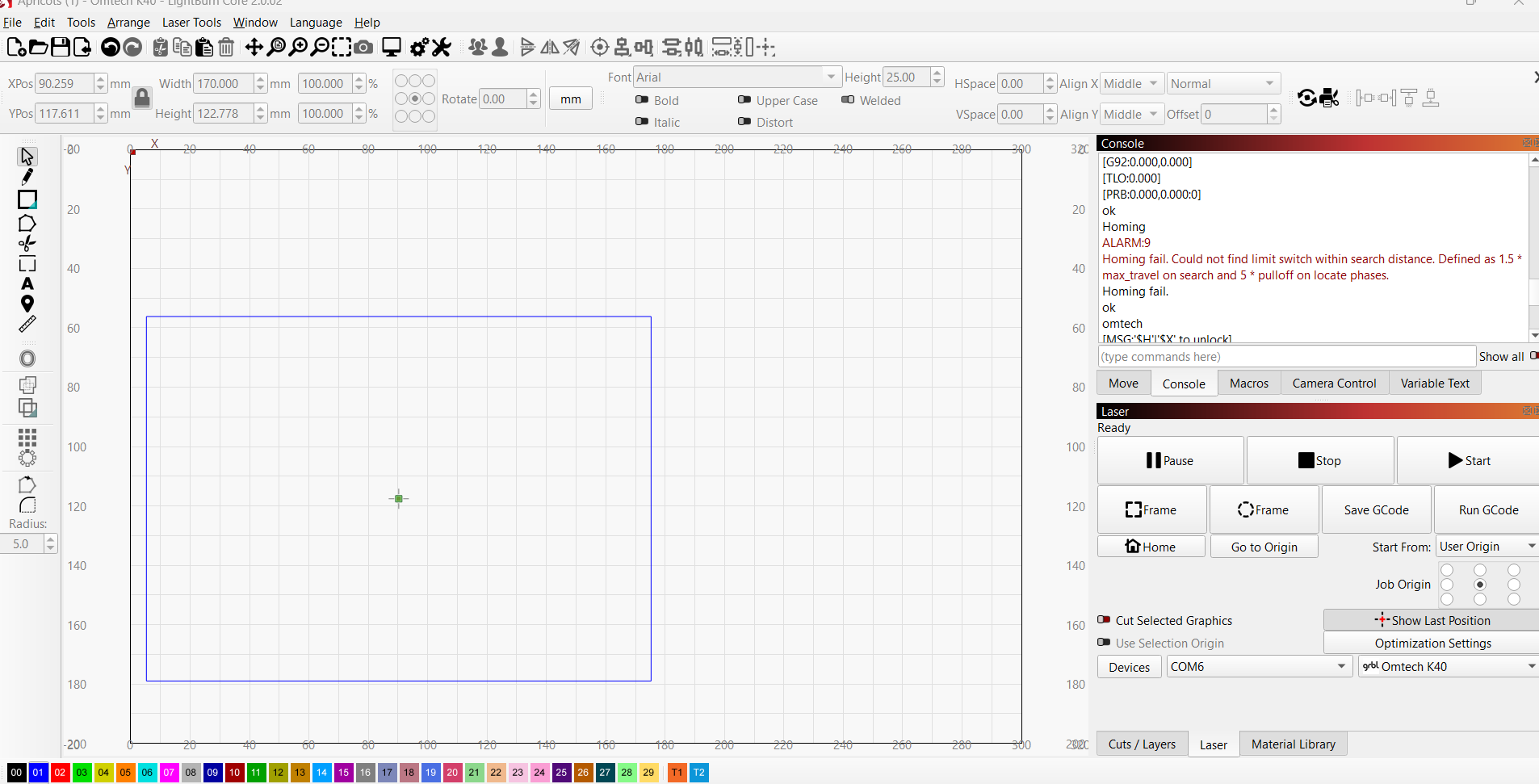
I am trying to center my material with Lightburn, but when I center the XY on lightburn, the laser on K40 tries to keep pushing off the printing area.. I also get this error:

ALARM:9

Homing fail. Could not find limit switch within search distance. Defined as 1.5 * max_travel on search and 5 * pulloff on locate phases.

Homing fail.

You used “user origin” as starting point. If you didn’t set that correctly (most people don’t), then this doesn’t work.
If you want to use the coordinates of the laser, use absolute coordinates, though I always recommend using “current position” and ignore any coordinates.

When I hit home - the laser tries to go past printing area and makes a “stuck” sound.. gives me this error

Re-homing is highly recommended.

ALARM:9

Homing fail. Could not find limit switch within search distance. Defined as 1.5 * max_travel on search and 5 * pulloff on locate phases.

Homing fail.

Could not find limit switch within search distance.

ok

omtech

[MSG:‘$H’|‘$X’ to unlock]

[MSG:Caution: Unlocked]

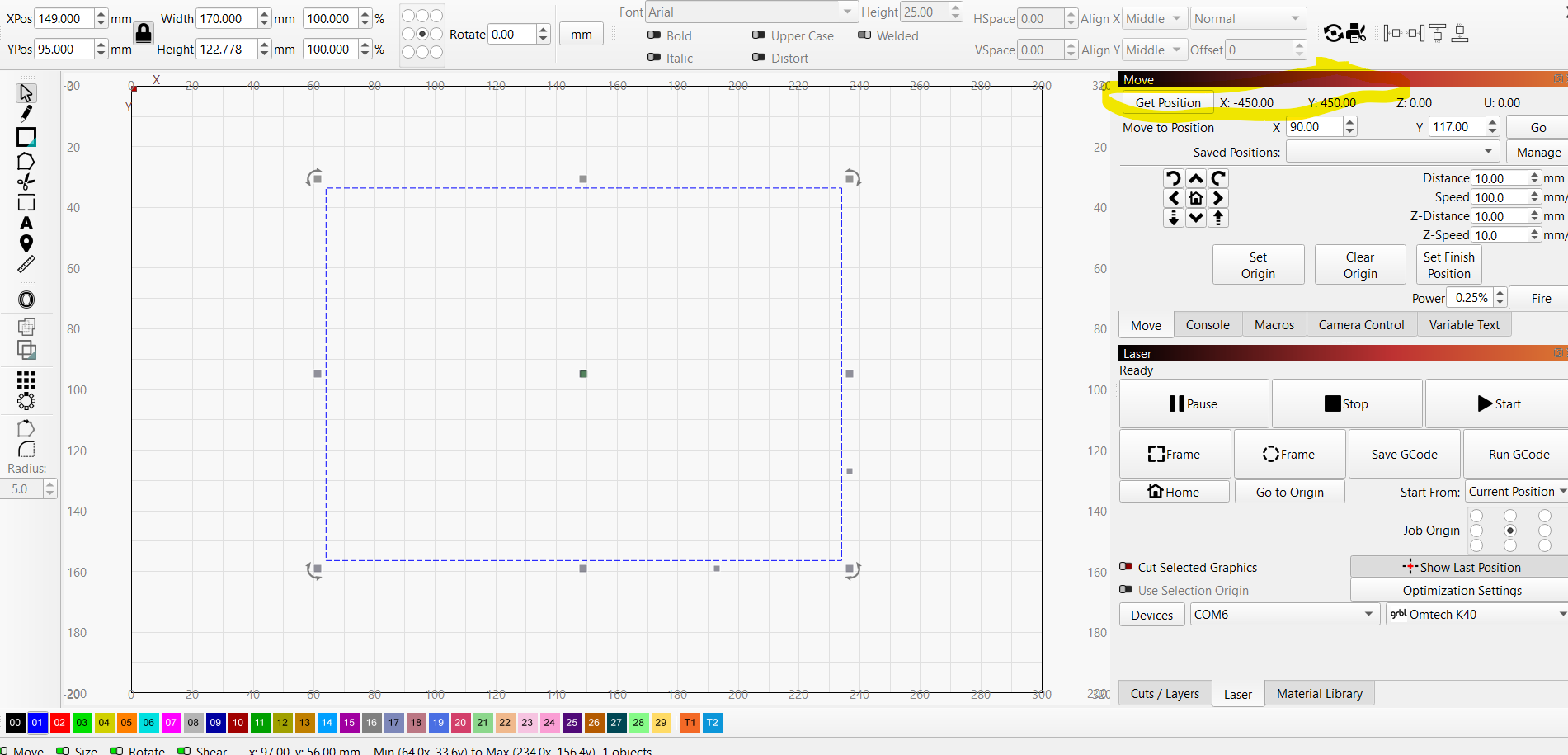
Also, is there a way to zero it? My laser is at the top left corner.. yet the the current position shows x -450 and y 450

Does it home to the left-back? Or somewhere else?

1 Like

Most K40 home to the rear/left, but it’s not really defined.

It’s failing to home, so it’s lost.

:smiley_cat:

Yeah, maybe I wasn’t clear enough—does it TRY to home to back-left or somewhere else? Where does it crash into the frame?

Yes it crashes to the left-back.. and tries to keep pushing through for a few seconds

Ok, then the switches are not working correctly. The ones on the K40+ are not mechanical but inductive or capacitive sensors. Maybe take a picture of how they look like.
This topic was automatically closed 30 days after the last reply. New replies are no longer allowed.