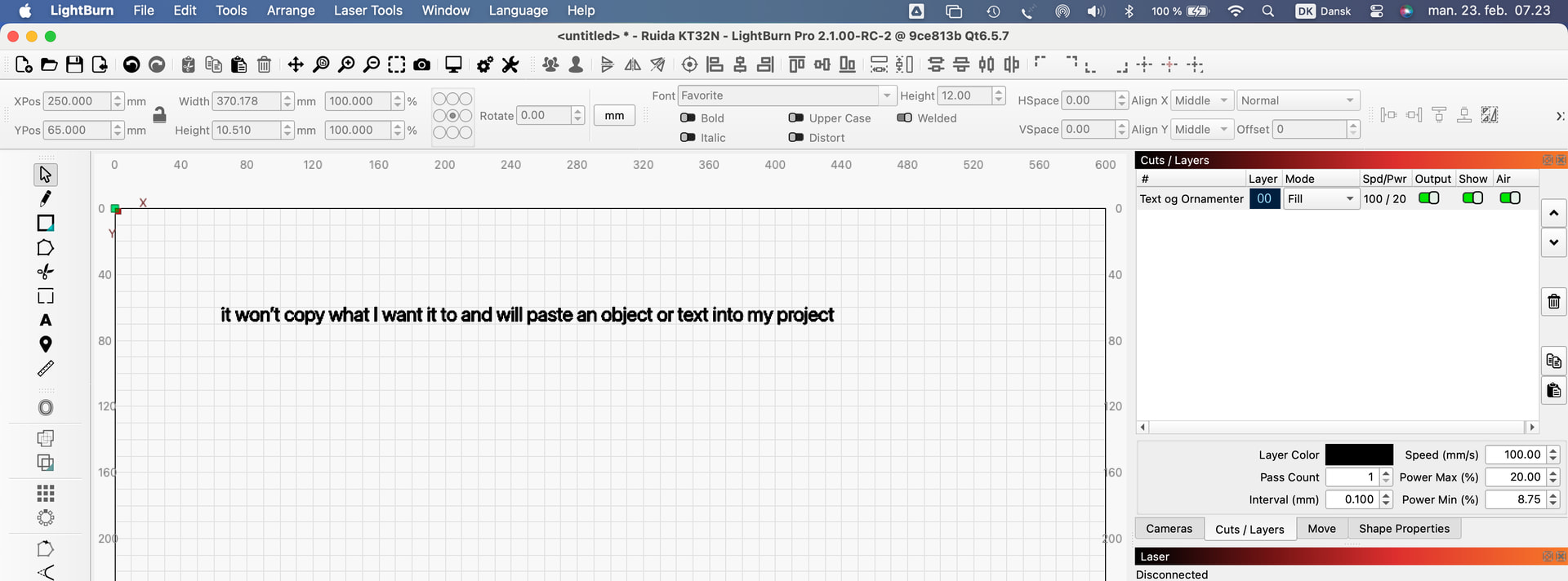
I checked the forums here and on Facebook for this issue and only found one similar from 2023 that does not show a solution and has now been closed. I’m running LBRN Core 2.0.05 on a a MacBook Pro on Sonoma 14.6.1. Since updating from V1.7.06 to current, I can no longer use hot keys when trying to copy and paste file names from “save as” to a new saved file for a different format. (I’m a file designer so I need to be able to save files in multiple formats with the exact same title). Instead, I have to either re-type each time or right click copy and right click paste which is annoying and cumbersome. If I forget and use the hotkeys to copy and paste, it won’t copy what I want it to and will paste an object or text into my project. It does not happen with other apps. I’ve tried restarting my computer and LBRN. Is there a fix for this? Thanks and keep up the amazing work on this awesome software!
Either I misunderstood your problem or I’m not experiencing it here / can’t reproduce it.
I haven’t tested with saf/save as, but the normal copy and paste function with keyboard shortcut works fine, also across applications.
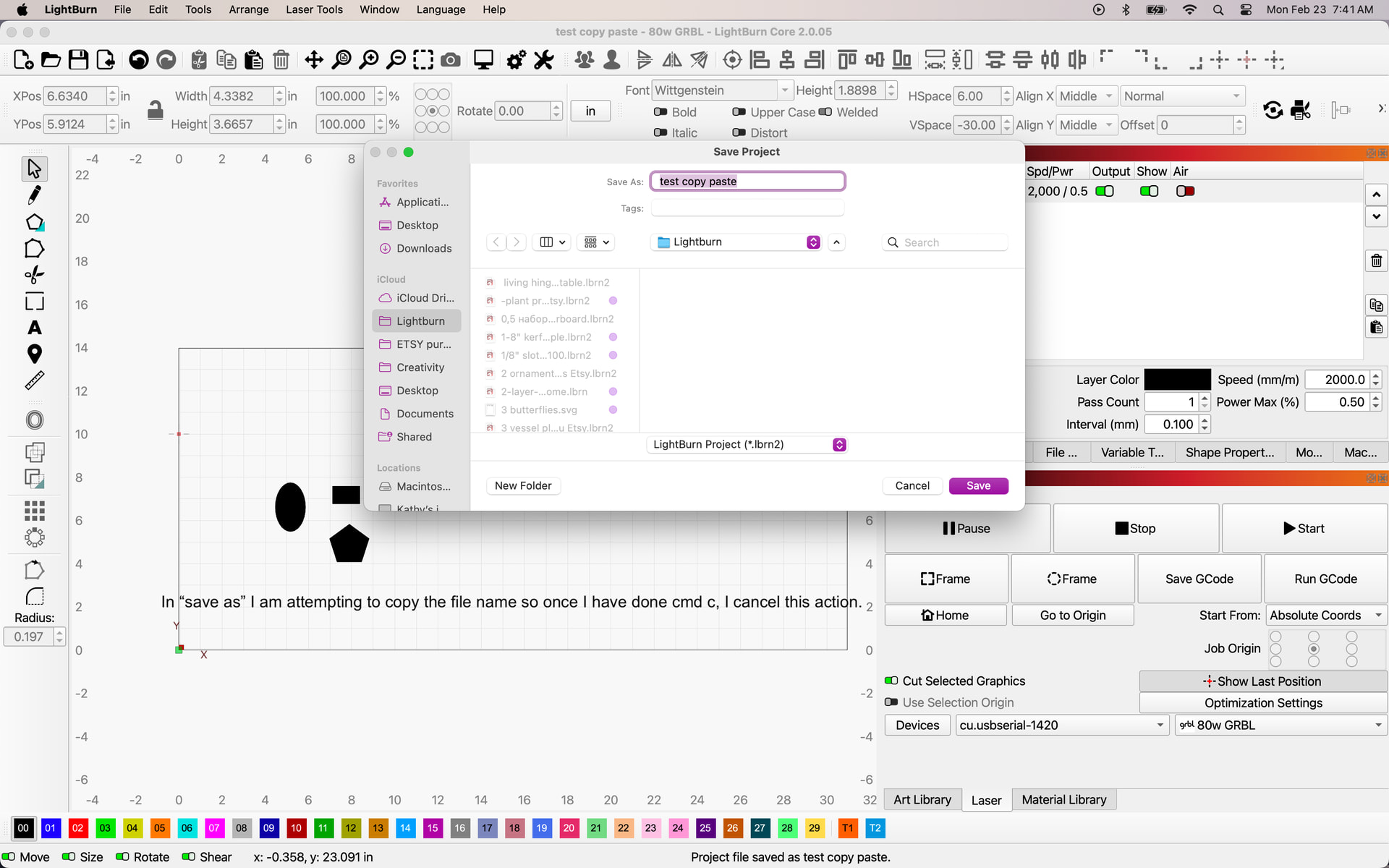
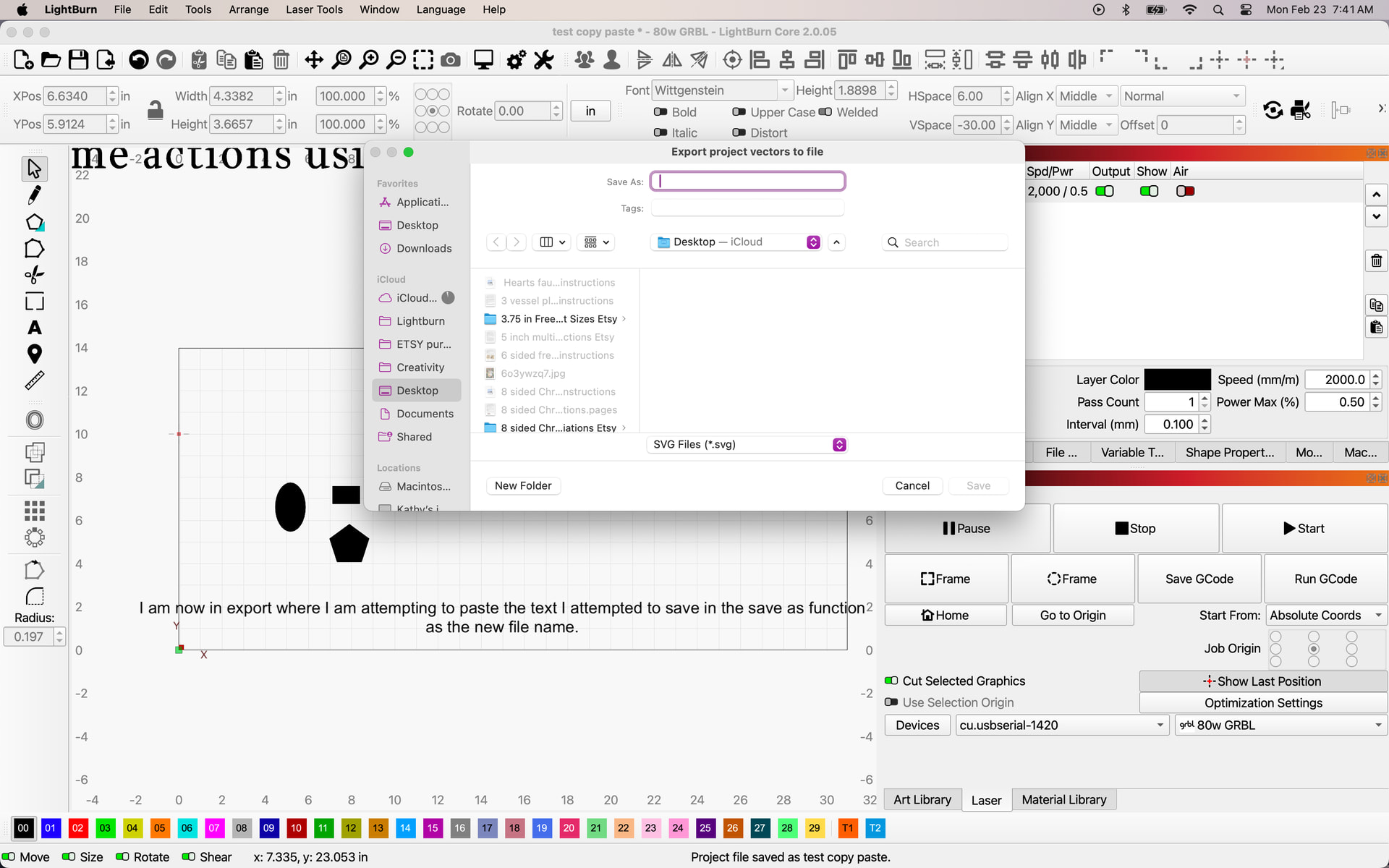
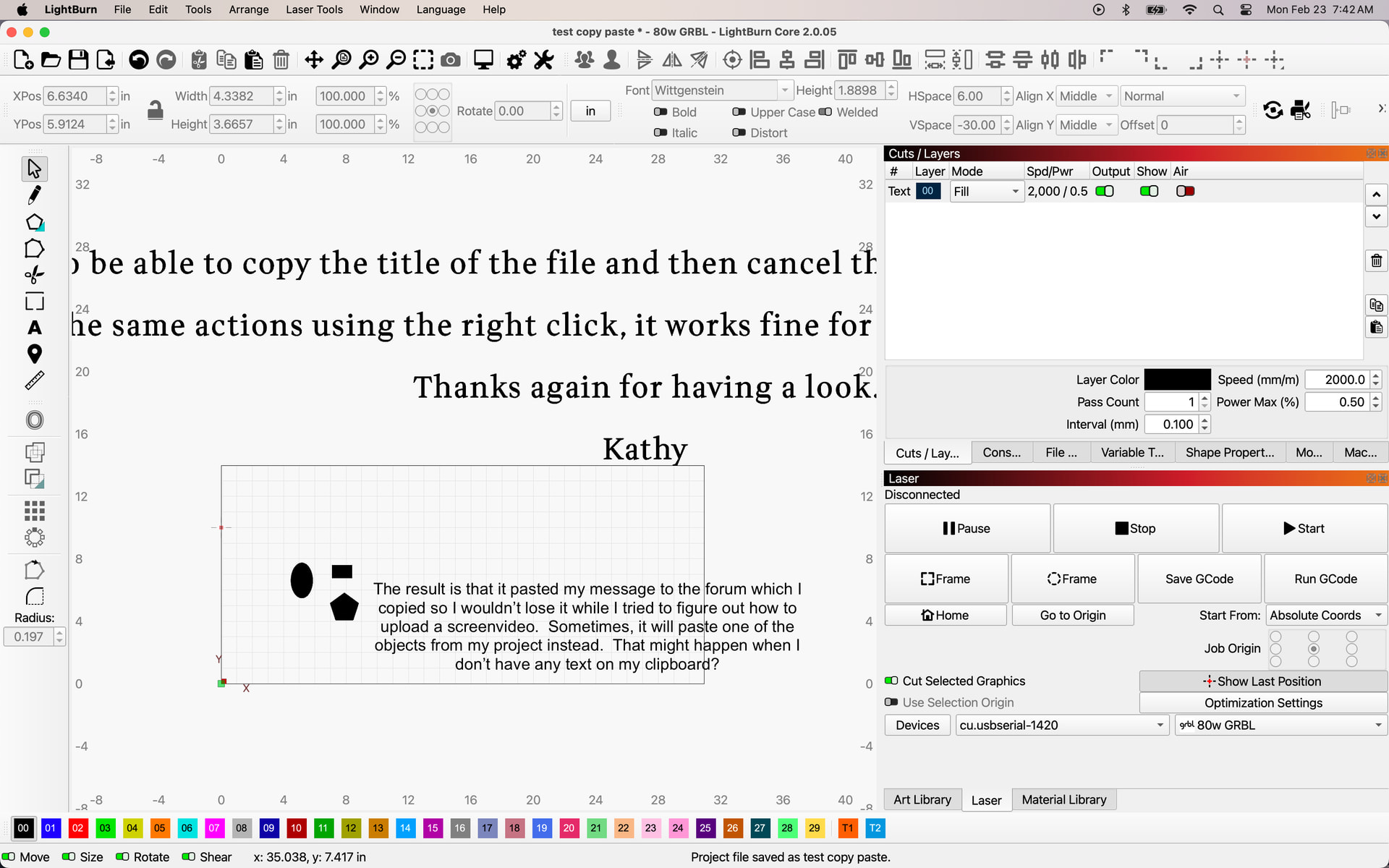
Hello and thanks for trying to help. I’m unable to upload a screen recording of my issue so here are a series of screenshots with notations on each and in case you can’t read those, here are the steps I took.
I created a LBRN file and saved it. I then go to “save as” to be able to copy the title of the file and then cancel the save as. I then go to export where I want to paste the file title to save in the new format. The text does paste in the project but not in the file name field as it used to.
If I do the same actions using the right click, it works fine for me but not with shortcut keys.
I’m on MacOS Tahoe 26.3. I went through your procedure and confirmed it is functioning as stated. I also tested the same process in Bambu Studio and Libre Office. Both programs operated exactly the same (Cmd-V, Cmd-C not working in the save as dialog, but right click is). I then tested in Affinity and Cmd worked there.
So what I’m saying is it is not an issue localized to Lightburn. Other programs respond the same. But, since it works in some programs, there must be something that could be changed. Now, how simple that change is to make, and whether the devs find it worthwhile is up to them.
Copy and paste keyboard shortcuts do work in a Windows environment, at least on my Win 10 machine.
Thanks so much Tim. I could not reproduce the problem on any other apps that I use so it’s interesting that you could. I really hope they can fix it as it did work before the big update. It’s clumsy now. I’ll make a suggestion. Thanks again. Have a great day!