I guess questions like this are common, but I havent found an answer via research. So I hope its okay to ask this way.
First:
I have an Atomstack Swift 12W since Christmas. I used Atomstack Studio and found this software very usefull and easy to work with. However, since my main projects need to cut printed paper very exactly, I got problems whith the exact positioning.
I did a little research and found that a camera would help. But for that, atomstackstudio isnt capabal and even the Atomstack Camera says I need Lightburn for that.
The Problem:
I cant even connect my lasercutter to Lightburn.
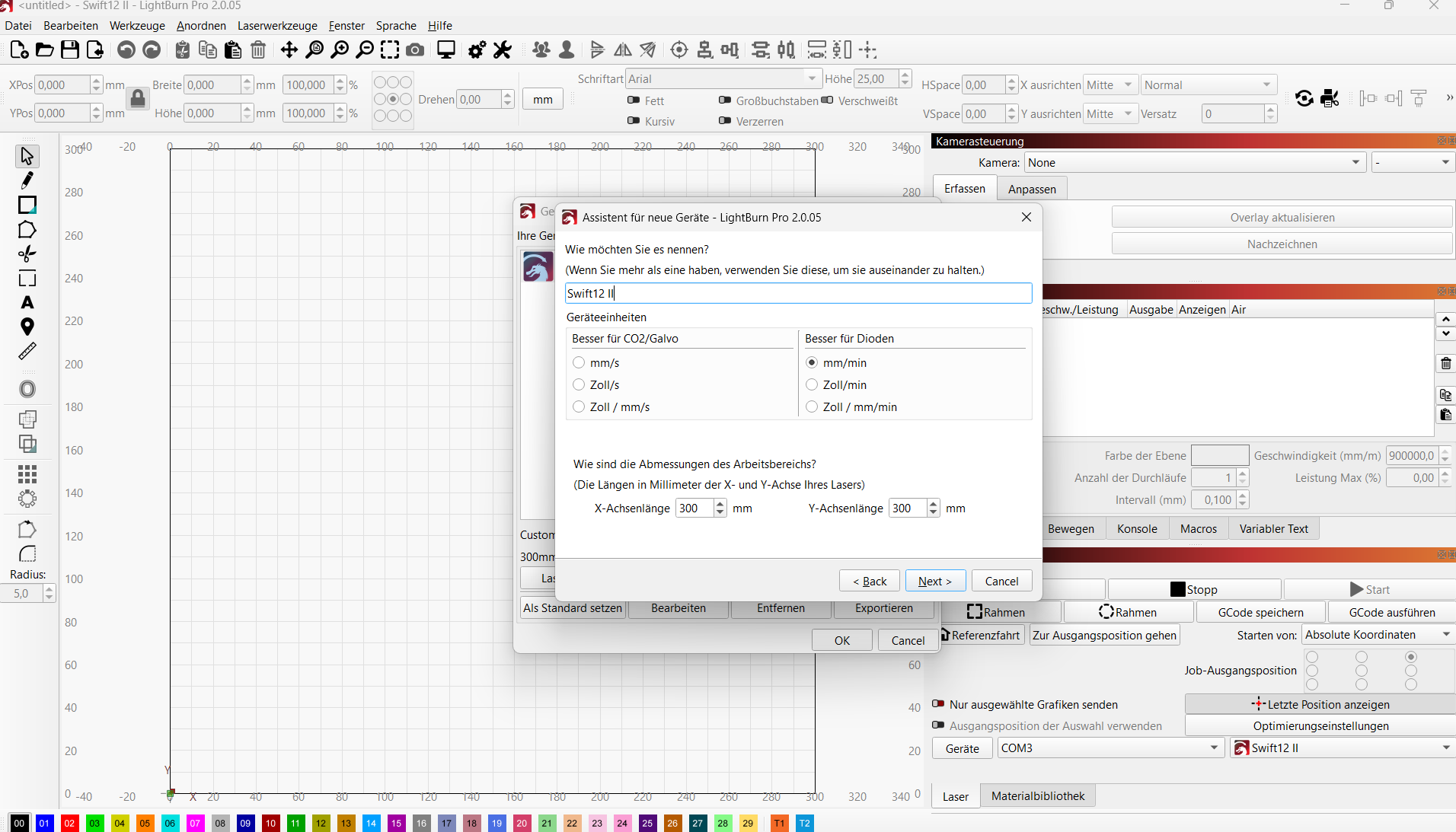
Lightburn cant find my device automaticly, so I tried it manualy:
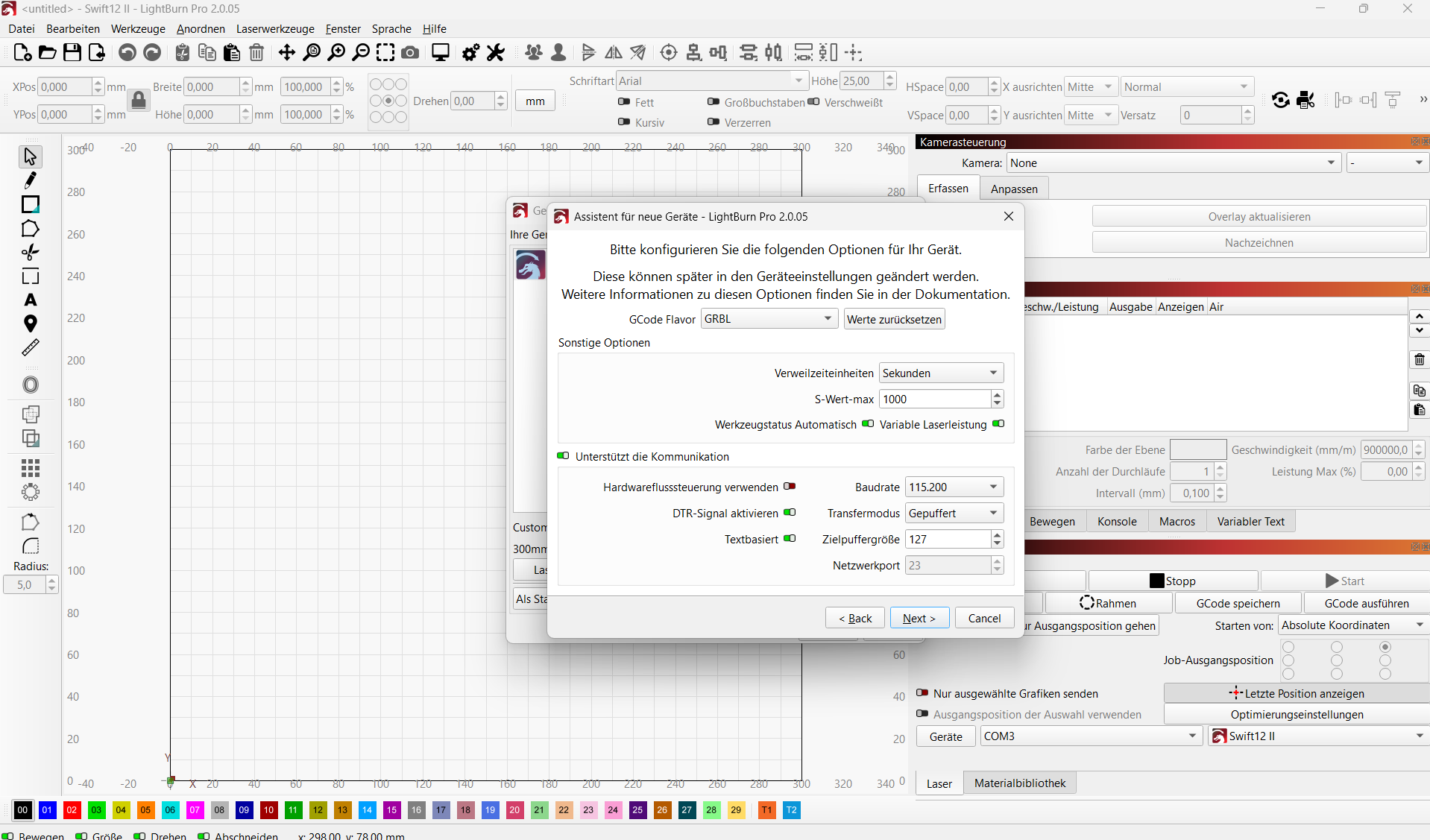
Costum Gcode> Serial USB > settings (GCode Flavor: GBBL; Activate DTR Signal)
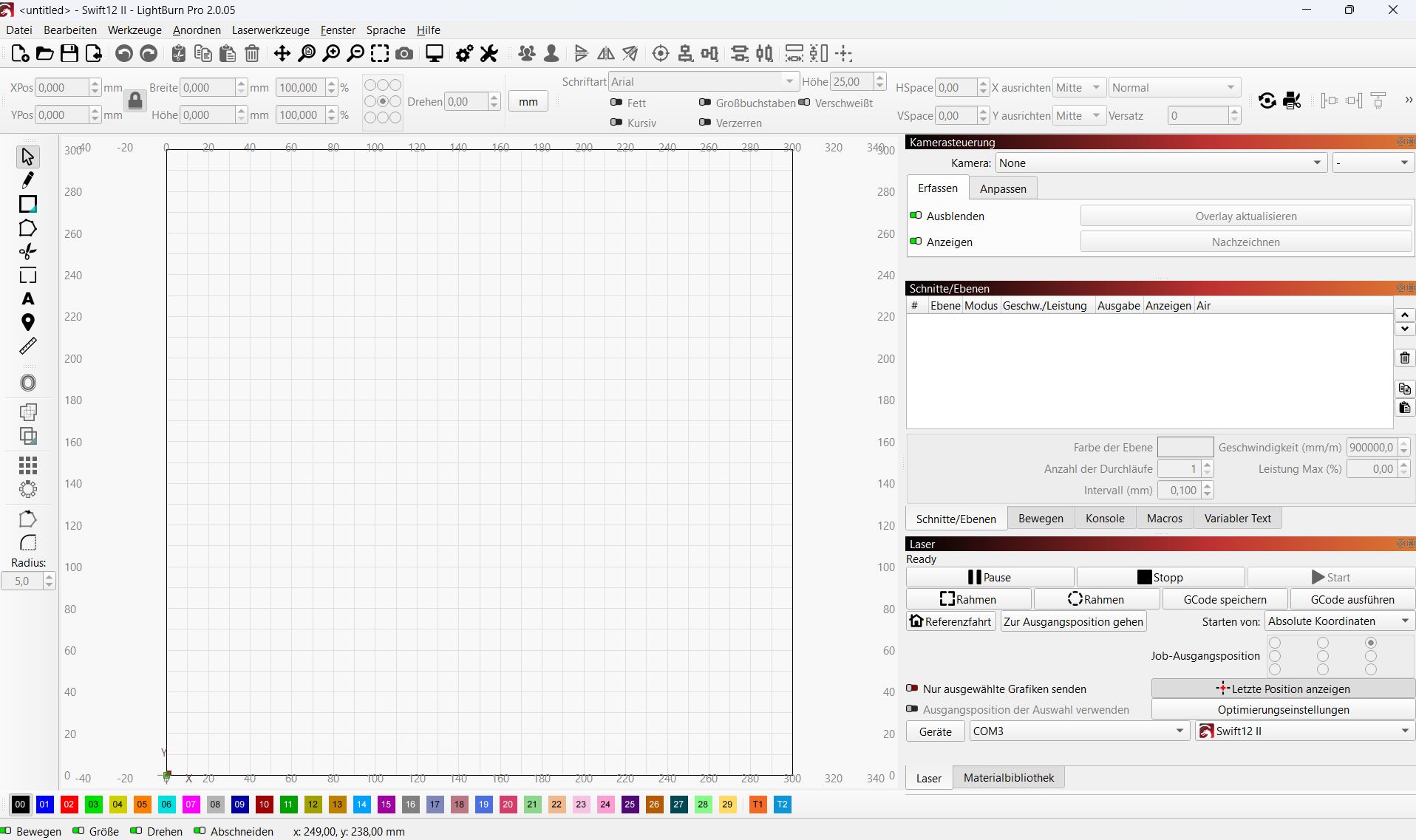
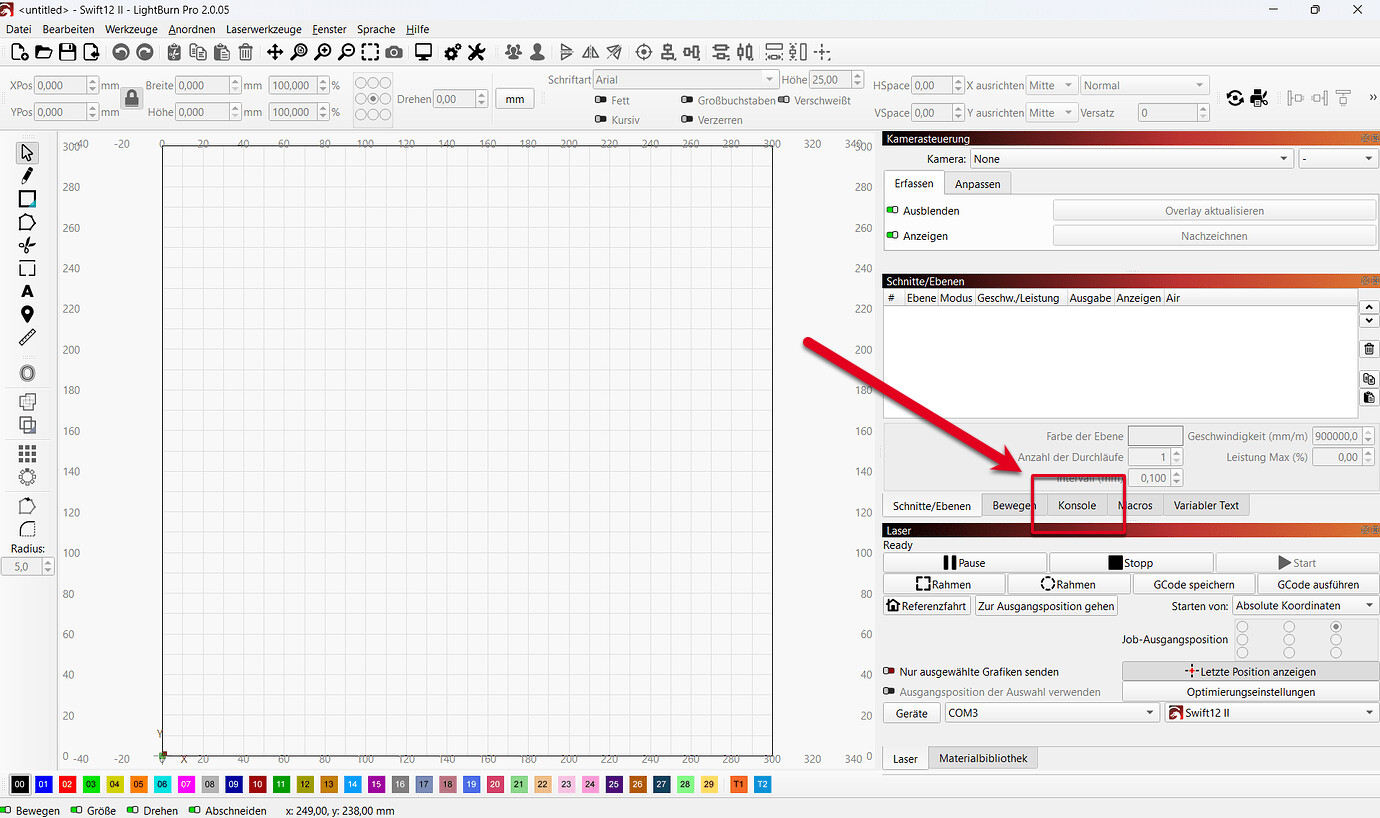
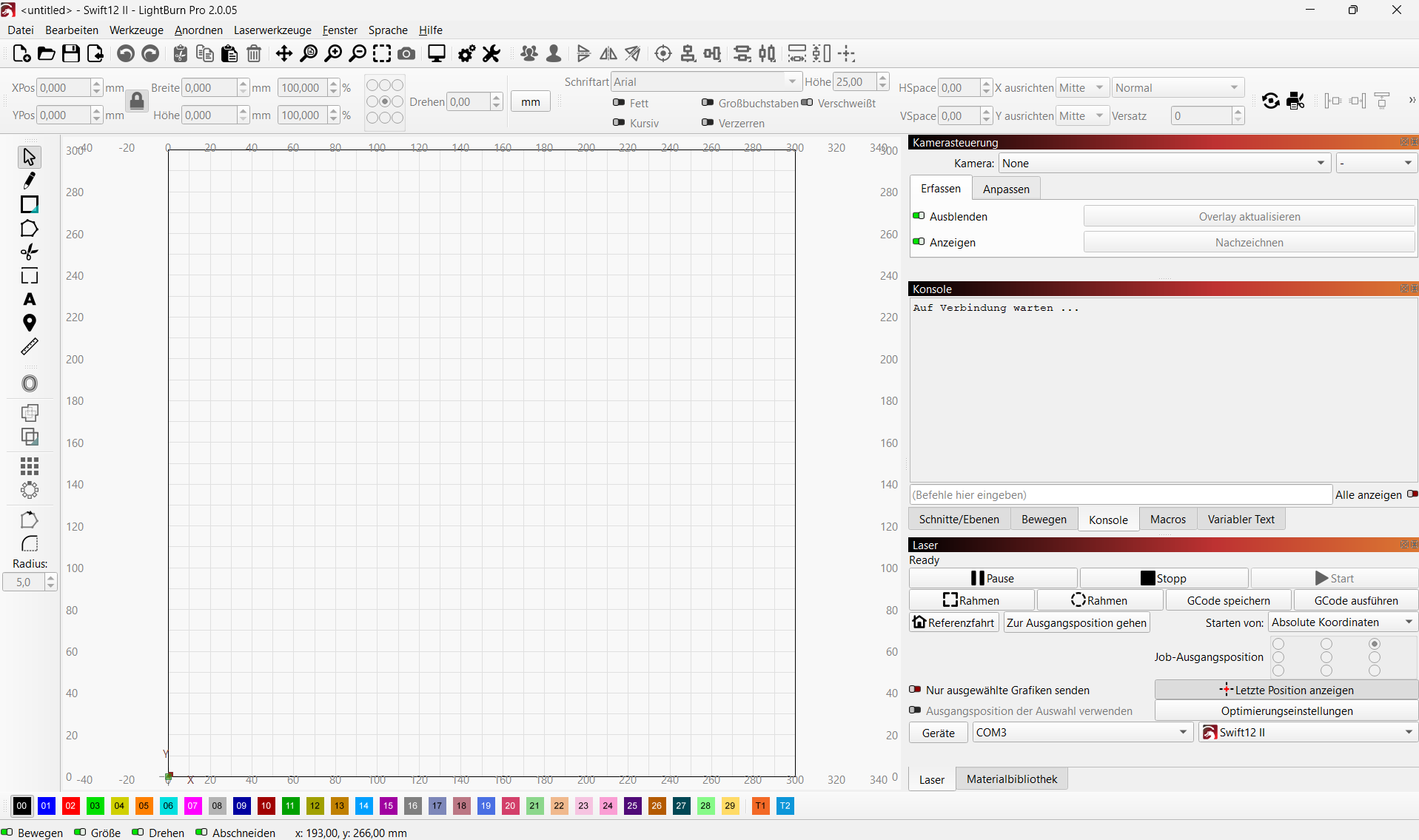
The “Laser”-Window says “Ready” (When I unplug usb it says “disconnected”) but i cant move the laser.
Welcome @papercut, thank you for joining the community.
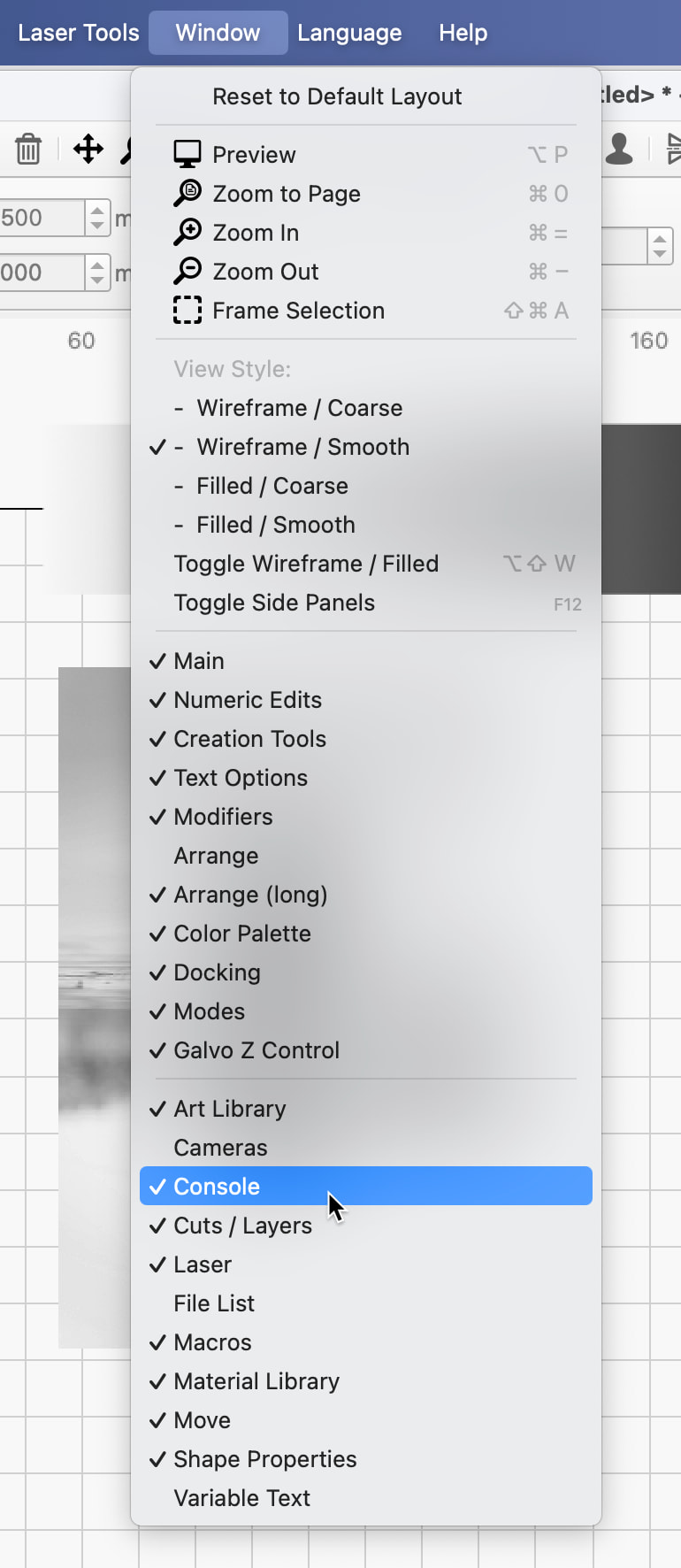
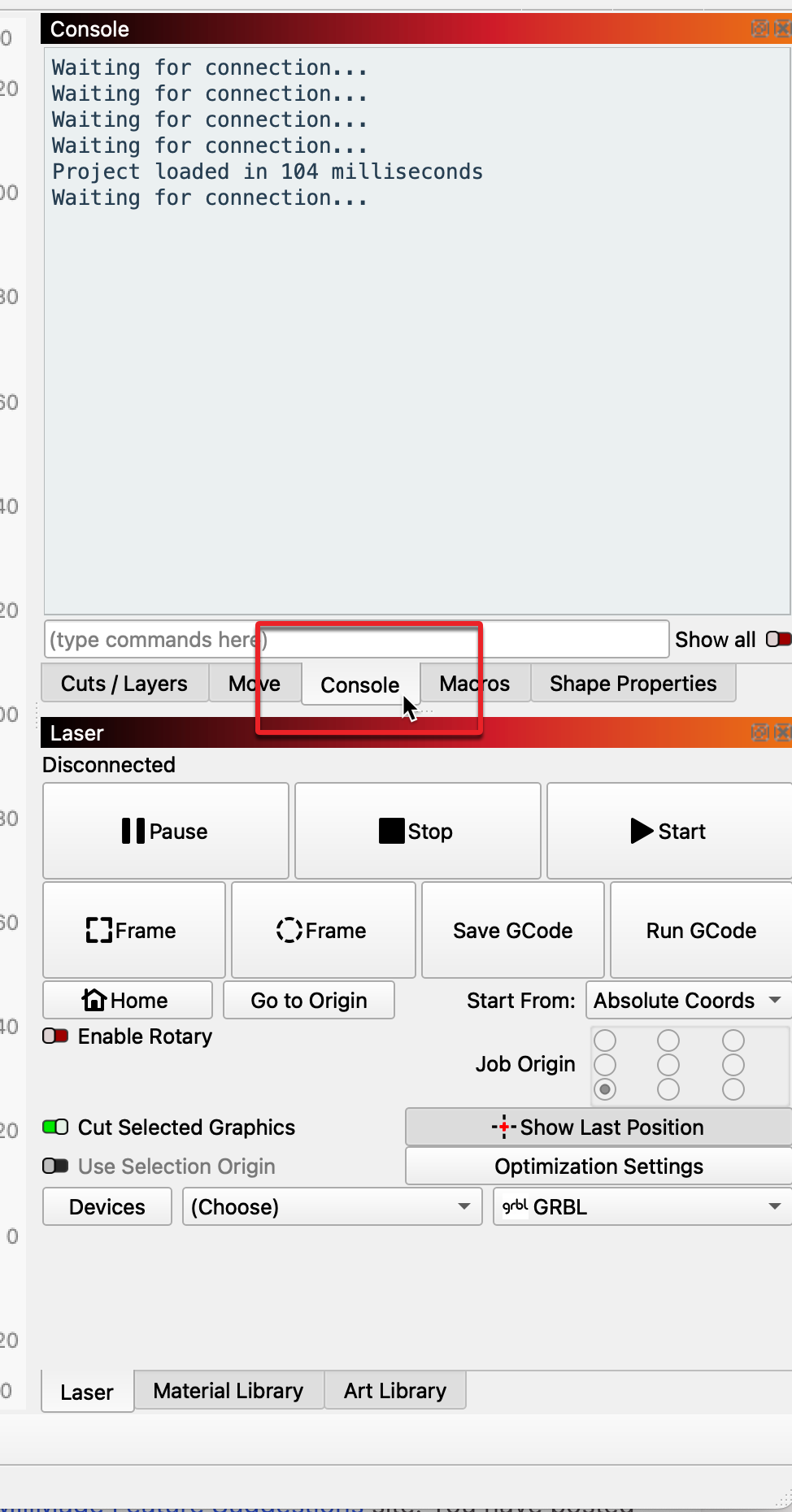
When doing this, what is reported in the ‘Console’ window? Share a screenshot or two, full screen and the console (the console window is scrollable; capture all reported there). Let’s start with that and we can go from there.
there isnt much to show. There is no window opening or something after this.
Iam not shure if I know what you mean with console? English is not my mothertongue. Console is the Lightburn screen, right? There is nothing scrollable
The Lasercuter is working with atomstackstudio, so there are no issuses with cables and conections. Ive deconnected the lasercuter from all other softwares. Drivers are checked, too.
This could be an issue:
Make sure you’ve selected the correct device in LightBurn, and that the controller type and connection method are correct
Iam not shure what controller type means. And Connection Type must be by USB?
The Atomstack controller is a GRBL controller, which you show being selected. And USB is correct as well. Was going to ask, but you mention you “deconnected the lasercuter from all other softwares.”. For clarity, make sure you not only disconnect, but are not running any other laser software. Close any of those apps, and it never hurts to restart your computer to ensure any other software lets go of your COM ports.
I have asked internally for additional diagnostics and the best configuration for this setup, as there are others here more familiar. Will report back or ask them to respond directly.