I have 43 objects with different parameters. There are not enough layers. How to solve this problem? Splitting into several files is not suitable. The batch of such products is 500 pcs.
Thanks for asking @DialStudio. There are 11 Sub-Layers available for each Layer. I might look into leveraging this feature as an option for these complex routines. More about Sub-Layers below:
If I understand correctly, you can’t assign sublayers to different objects. One sublayer for one object, and the second for another object. All these layers are applied to the selected object. Right? If it is possible, then this solves my problem. But then I don’t understand how to do this
Correct. The Sub-Layers are available per layer and are applied to all shapes on that Layer.
If you share a bit more about what you are working with, we might be able to provide a few suggestions for how to set up the subs. Specific examples of what you intend to accomplish would be helpful. 
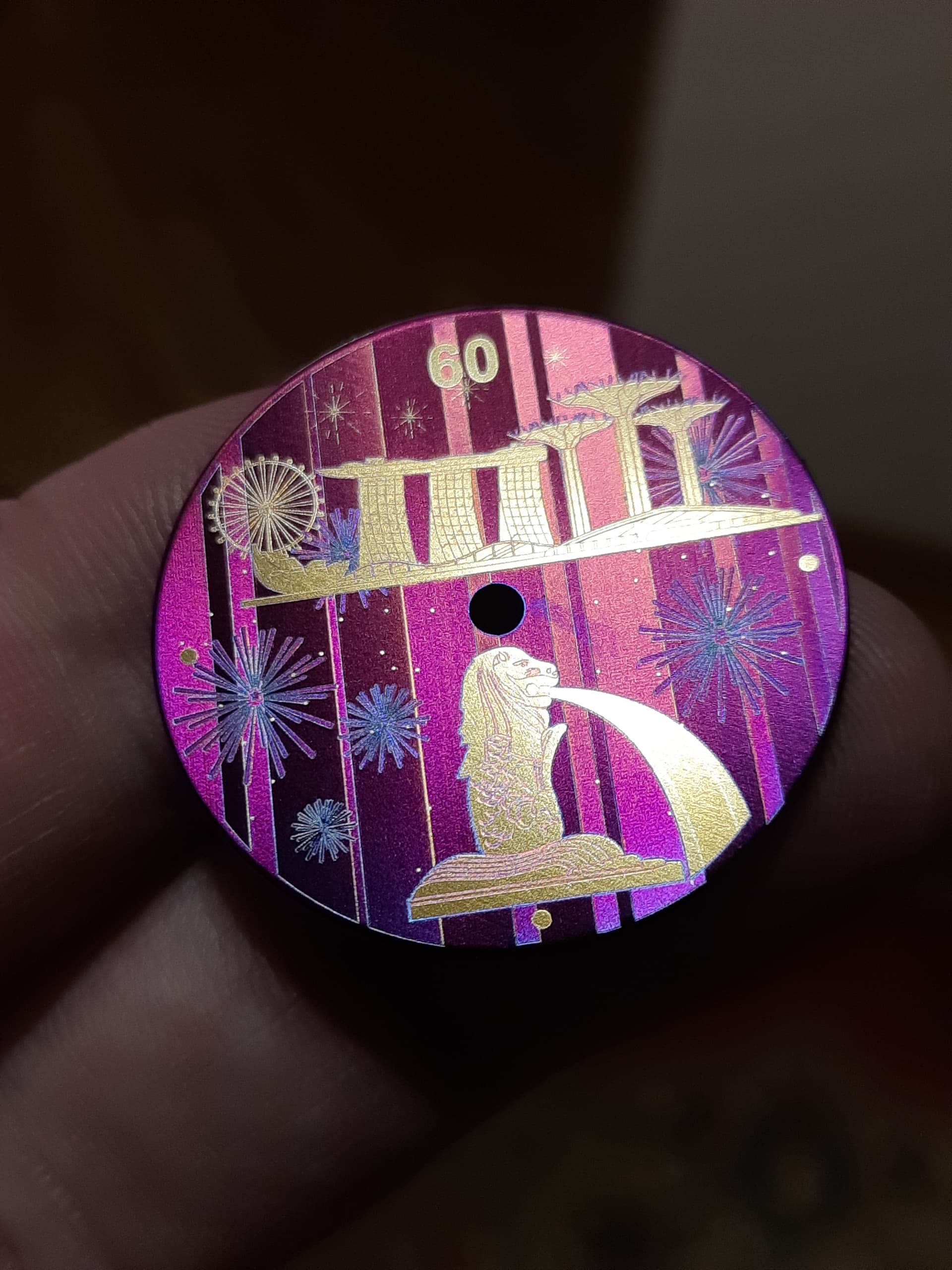
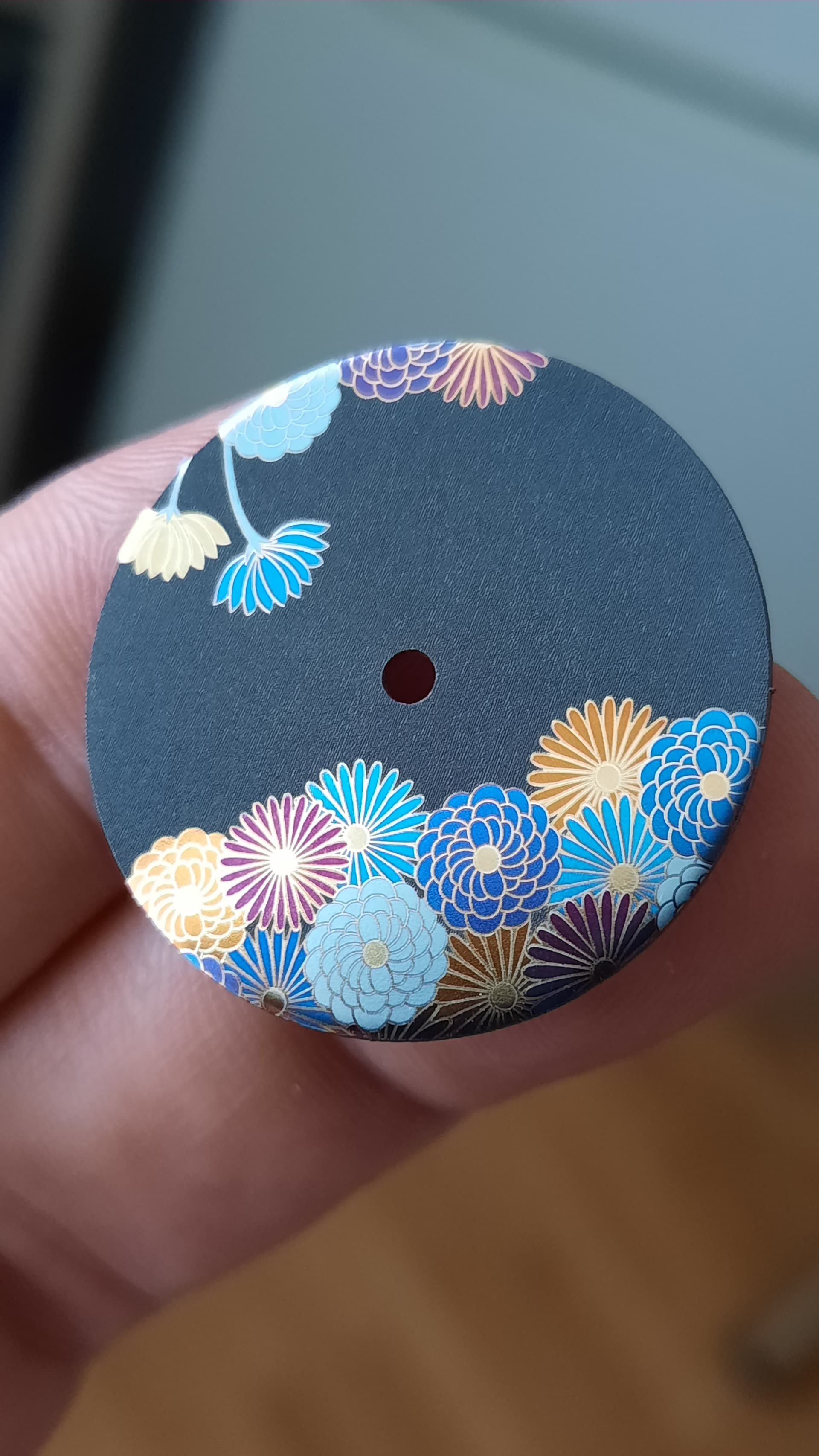
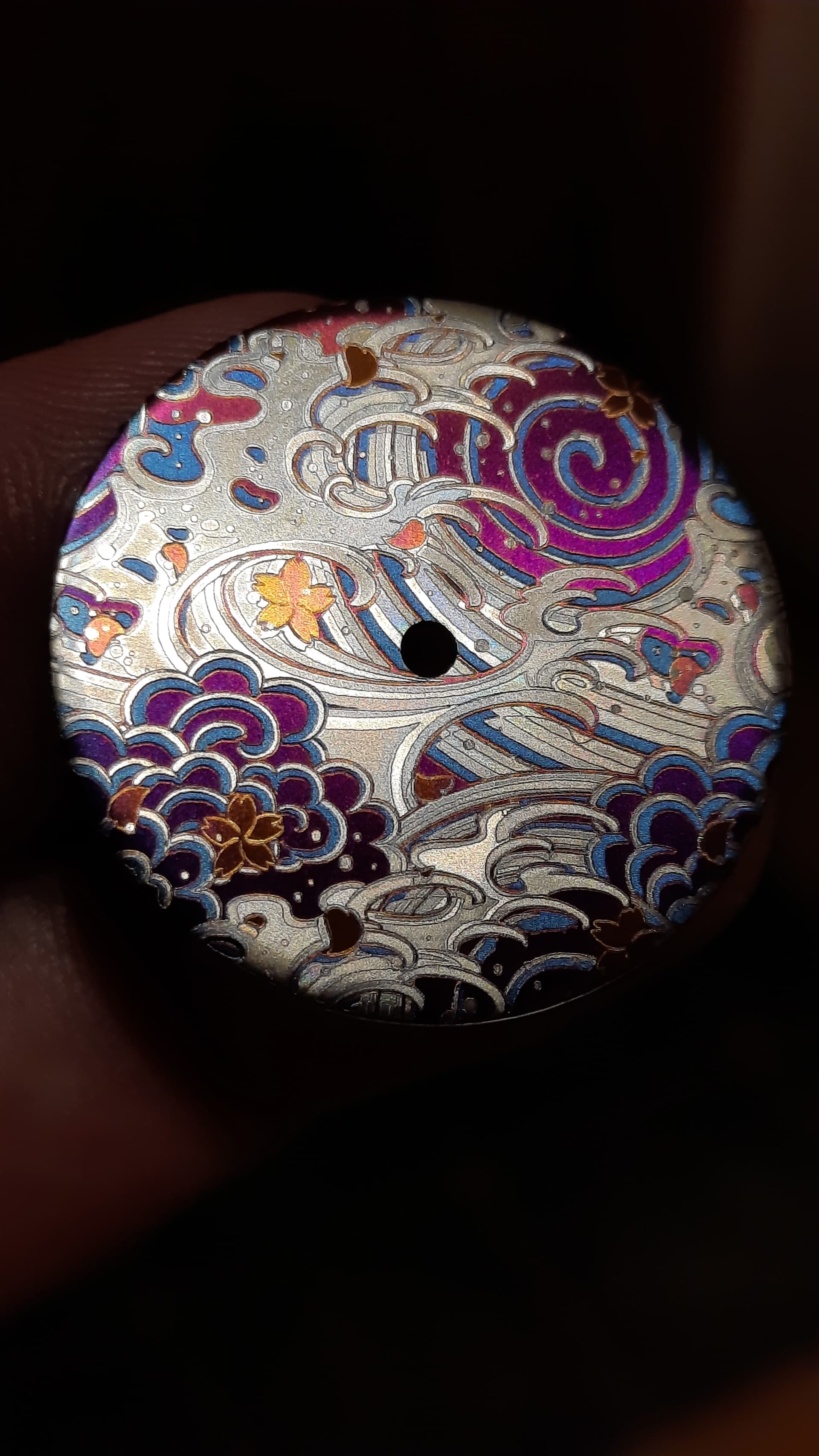
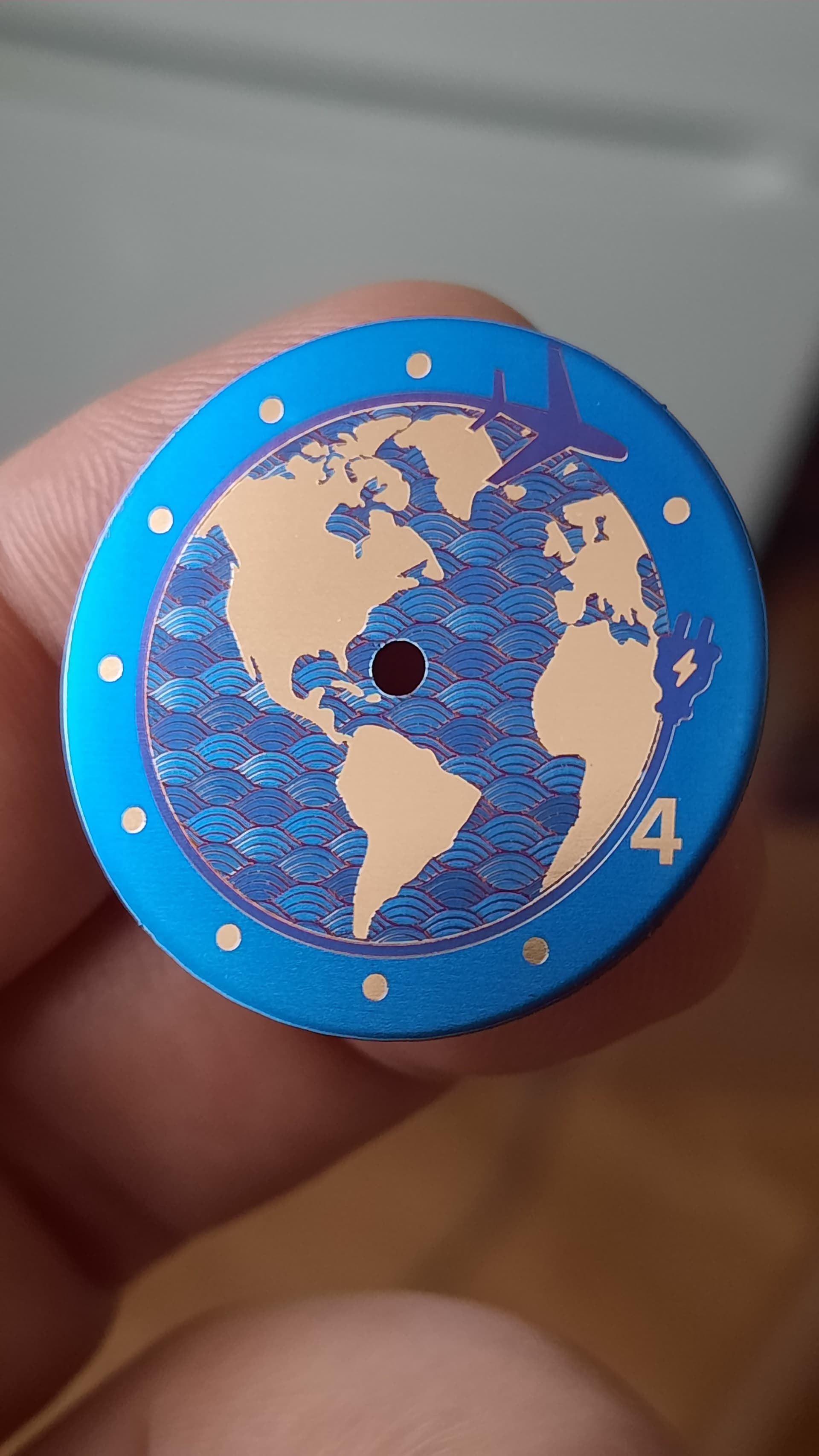
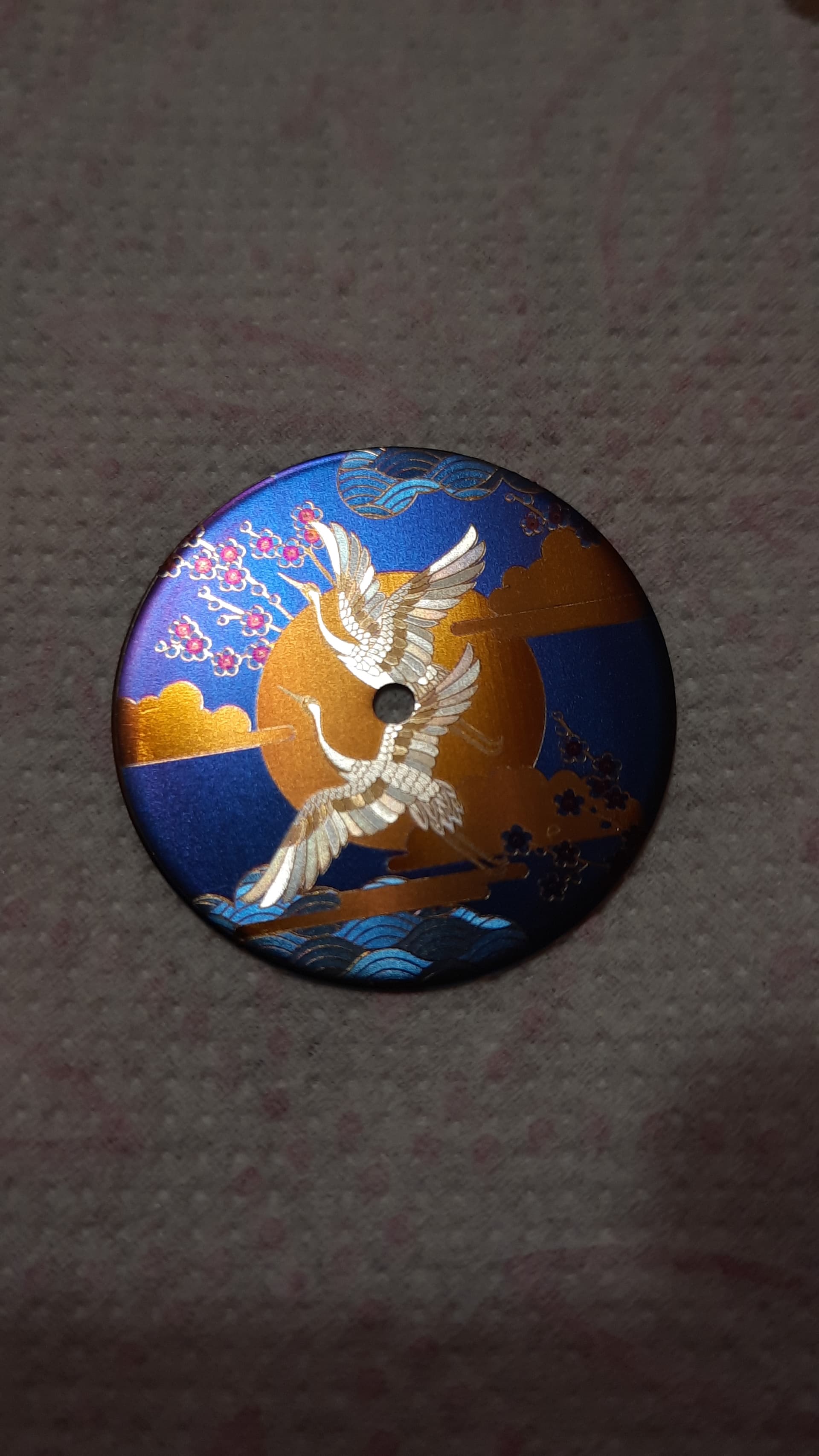
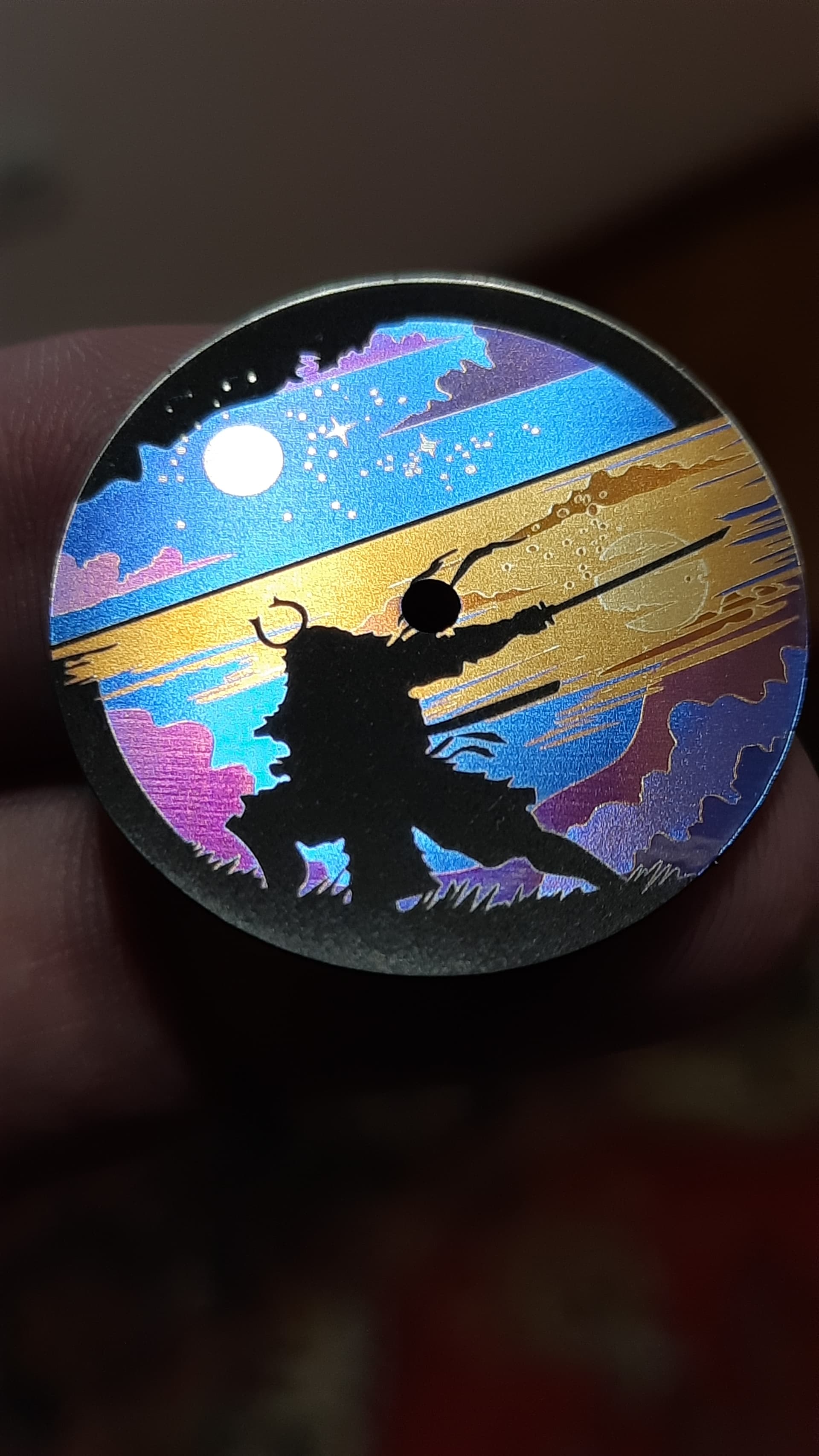
Thank you for sharing these impressive results. Did you look at the options available with each Sub-Layer?
Without the exact setting details identified, I would suggest a review of all available Sub-Layer options, where you can adjust many of the parameters required to accomplish this goal. After review, please let us know which of the parameters you would like to control but can not do so with Sub-Layers in the current release. This will assist us in providing a more detailed response.
Is the total number of layers in the 2.x branch similarly limited as the 1.x branch? It was related to a specific controller’s limit with regards to colour palette (Rudia iirc)? It seems a little odd to otherwise constrain the software for compatibility with a single brand! I understand that 1.x would require a rewrite to escape this limitation, but assumed that this would have been taken care of in 2.x.
My internal stuff is limited by ram, but I don’t think anyone needs more than 10^8 layers!
I fully support you. Many people have addressed this issue on the forum. But the company stubbornly refuses to add layers. I understand that at first the software was written for specific equipment, but a lot of time has passed since then and the company began to position itself as software for different controllers. But at the same time, it continues to stubbornly limit users to the framework of its first project. At the same time, the price of the software is currently significant. But given that they are adding many fiber optic users, they could meet the users halfway and add the number of layers. There were also many requests to customize user colors. But the company does not agree to this either. In most cases, additional layers are not required, but since such questions arise, it means that people need it.
Let’s continue to work this initial question together, @DialStudio.
We are genuinely interested in your results and feedback. Share a workflow you want to utilize.
Not trying to be difficult here, yet you offer little detail as to what this means; what would be the correct “number” for your needs? What is lacking or will not work for your requirements with the current implementation of Sub-Layers?
I haven’t ran into this problem yet, but I’ve gotten close to using all the layers. I think a larger amount of layers is most useful for MOPA color work. Anyone that has worked with colors on steel or titanium know that they depend on the viewing angle, with a larger amount of layers you could have the same color settings with lets say 20° scanning angle difference on a layer, so that would be 9 different layers for a single color. As Sergey said this could be used to create fancy iridescent artistic effects so that a color pops-up in different place on an image depending on the viewing angle.
Additional use case if the layer number was as large as 256 or even unlimited would be to be able to use an 8bit color palette on a single engraving on steel or titanium.