Whenever I draw or edit objects, the lines connect automatically, and to separate them again—because that’s what I need to do—I have to keep pressing Alt+B. Is there a way to turn off this automatic connection feature?
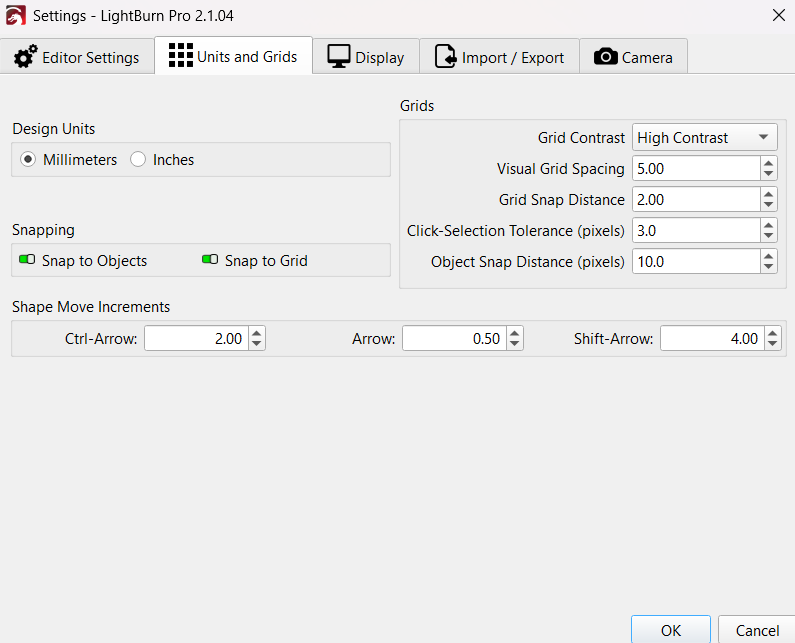
You can “abuse” the snap tolerance, it’s not a pretty solution but an option.
What do you mean by “abuse” the snap tolerance
Hold the Ctrl or CMD key as you draw. It will prevent the auto-joining.
That’s new to me, thanks 
The default behavior is automatic joining because that’s what nearly everyone wants / expects it to do. Ctrl is used when you want to “control” the behavior yourself.
It works when using the Scissors tool as well - automatic join is the default, Ctrl bypasses that.