This is my first posting here, so please accept my apologies if I am not posting in the correct place.
The LightBurn version is 2.0.04
Windows v 11
The laser I am using is a Ruida 90w Co2 ( which is not connected to this computer)
I feel computer literate but this issue is one I have never seen.
I was playing around in one of the many settings and switches and I am not sure what i clicked but it caused what I am calling the ‘top bar’ that used to be visible in LightBurn. I think this is a windows related issue.
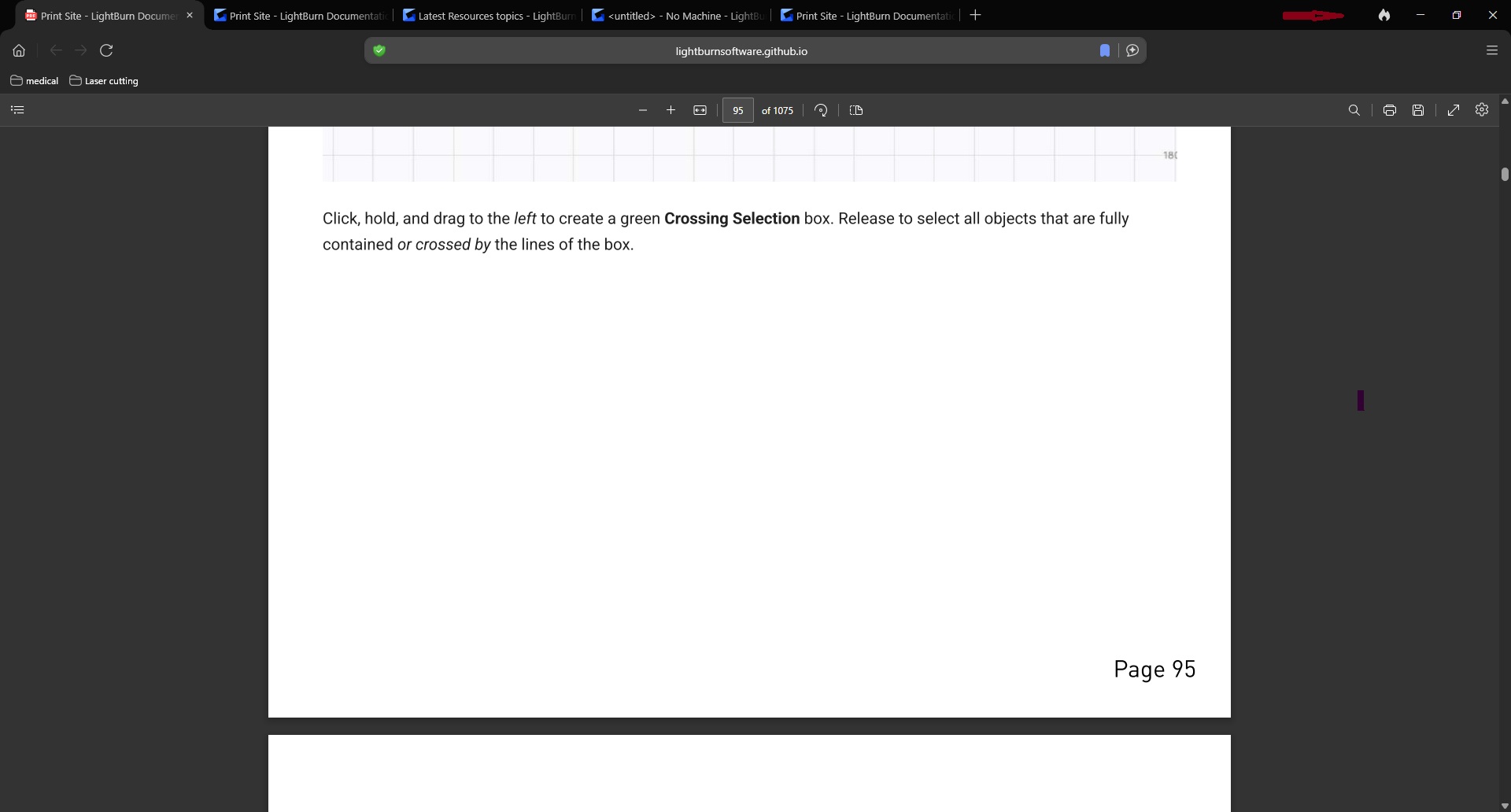
on any given web page the minimize, restore and close buttons in the top right are visible. The top bar is missing when I open LightBurn, so it does not show the three above mentioned buttons nor does it show the filename or version.
This is my first posting here, so please accept my apologies if I am not posting in the correct place.
The LightBurn version is 2.0.04
Windows v 11
The laser I am using is a Ruida 90w Co2 ( which is not connected to this computer)
I feel computer literate but this issue is one I have never seen.
I was playing around in one of the many settings and switches and I am not sure what i clicked but it caused what I am calling the ‘top bar’ that used to be visible in LightBurn to vanish. I think this is a windows related issue.
On any given web page the minimize, restore and close buttons in the top right are visible. The top bar is missing when I open LightBurn, so it does not show the three above mentioned buttons nor does it show the filename or version.