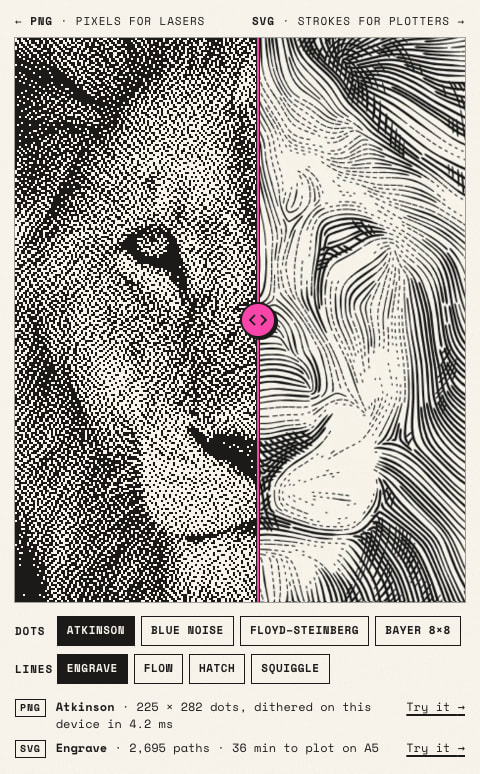
I built Plotcaster (www.plotcaster.com), a free tool that runs in the browser (no account, photos stay on your device) and prepares photos for engraving.
For photos it makes a black-and-white PNG at your laser’s DPI. It dithers again at exactly that resolution, one pixel per laser dot, and writes the DPI into the file. You can pick from Floyd-Steinberg, Atkinson, Jarvis, Stucki, Ostromoukhov, Zhou-Fang, Bayer and blue noise, and an Ink spread setting lightens the mid-tones to allow for burn spread. In LightBurn I import the PNG with Pass-Through or Threshold so it isn’t dithered twice. The line styles and city maps export as SVG, one layer per colour.
Let me know if you have any feedback on how I can make it better