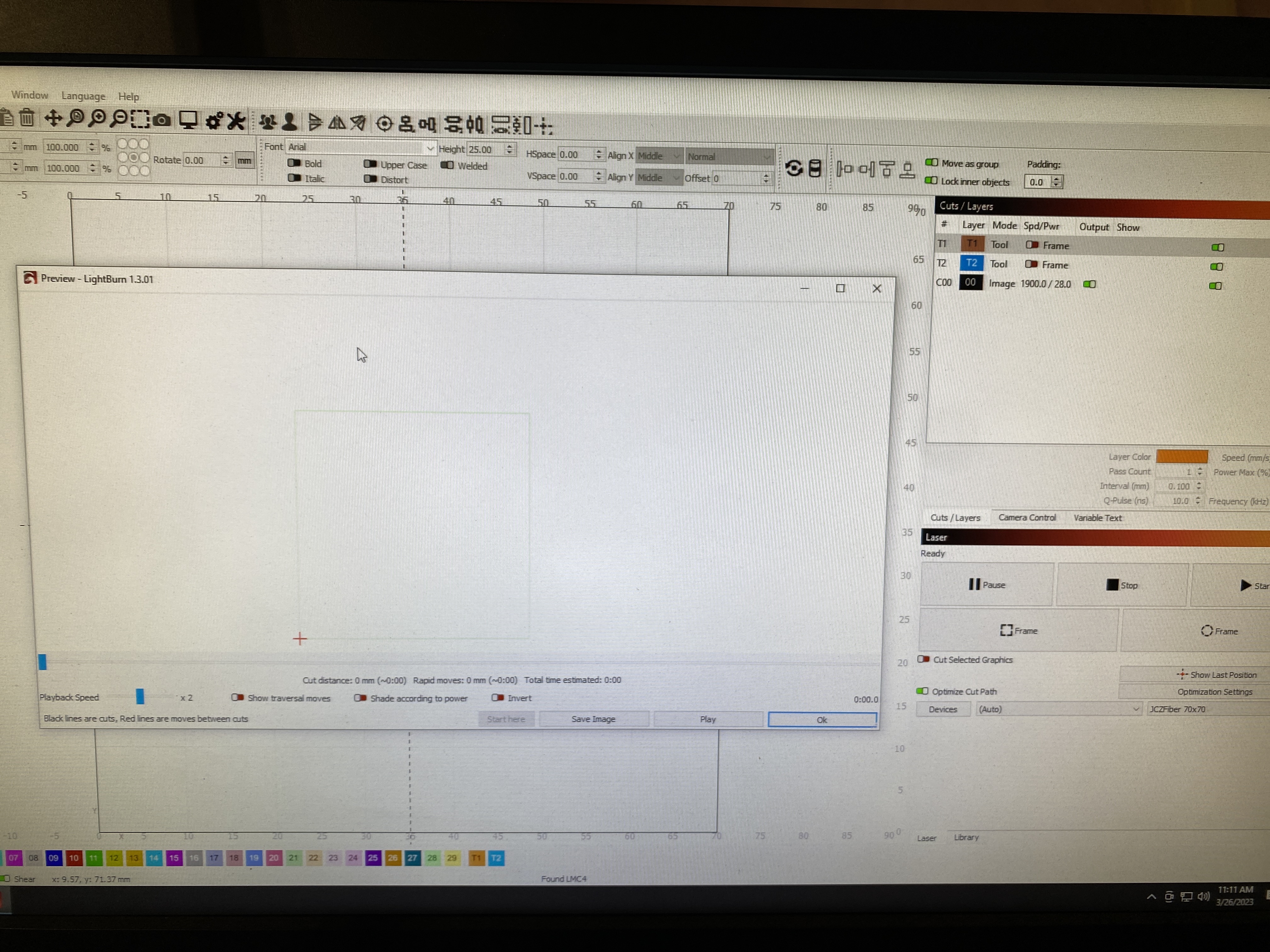
I have a galvo laser and was doing some 2.5D engraving. Ran a few coins yesterday and it worked great. Work up today having decided I need more contrast and went down to make that change but now hitting preview does not bring up the slicking progress bar and the preview shows no cuts. The lawyer is set to output. I opened the save from yesterday and it has the same issue. After a reboot, starting a new project and importing an image I still have the same issue lightburn won’t slice images for me.
Everything I can see looks good. I can only think of something like the focus.
You didn’t give me much to go on… it helps if you can post the offending .lbrn2 file for us to check out.
Are you running version 1.3?
What kind of coins? Brass/Stainless or?
I’ll try out your settings on a brass coin… Won’t run 512 passes…
I don’t know if there is a value of over 256 passes. The JCZ seems to have an 8 bit data path for power control… That would lead me to believe that the maximum usable number of passes would be limited to 256…
3D Sliced mode uses the depth map to generate up to 256 steps of engravings
I wonder what it does when you set it up like you did for 512 passes. Maybe it does two passes for each change in power level? That could be a tactical advantage for a setup.
After a bit more playing, I think I found the issue, I just don’t understand it.
I removed the image and then re imported it and it worked, I applied a mask and it stopped working. I deleted my tool layer and recreated it and then applied the mask again and it worked… it seems somehow my tool layers being used to apply the mask may have been the issue?
I’m not sure how it deals above 256 I’ve done it with 512 often for stainless. I assumed it just did two passes but that’s what I needed with lower power to get deep enough. I find with higher power I end up with pitting on the finished surface.