I bought a new licence for using galvo lasers.
I have version 2.0.05.
When lasering an image in image mode (doesn’t mather which one) it treats all the modes like Treshold. I only get black and white.
This goes for my Sculpfun diode laser (GRBL i believe) and my Sculpfun UV laser (no idea which type of connection). Probably for my other lasers too.
Did not have this problem with the previous version.
I’m afraid this is not the correct categorie but i couldn’t find a better one.
Can you post an image of the result?
Please describe what you were expecting.
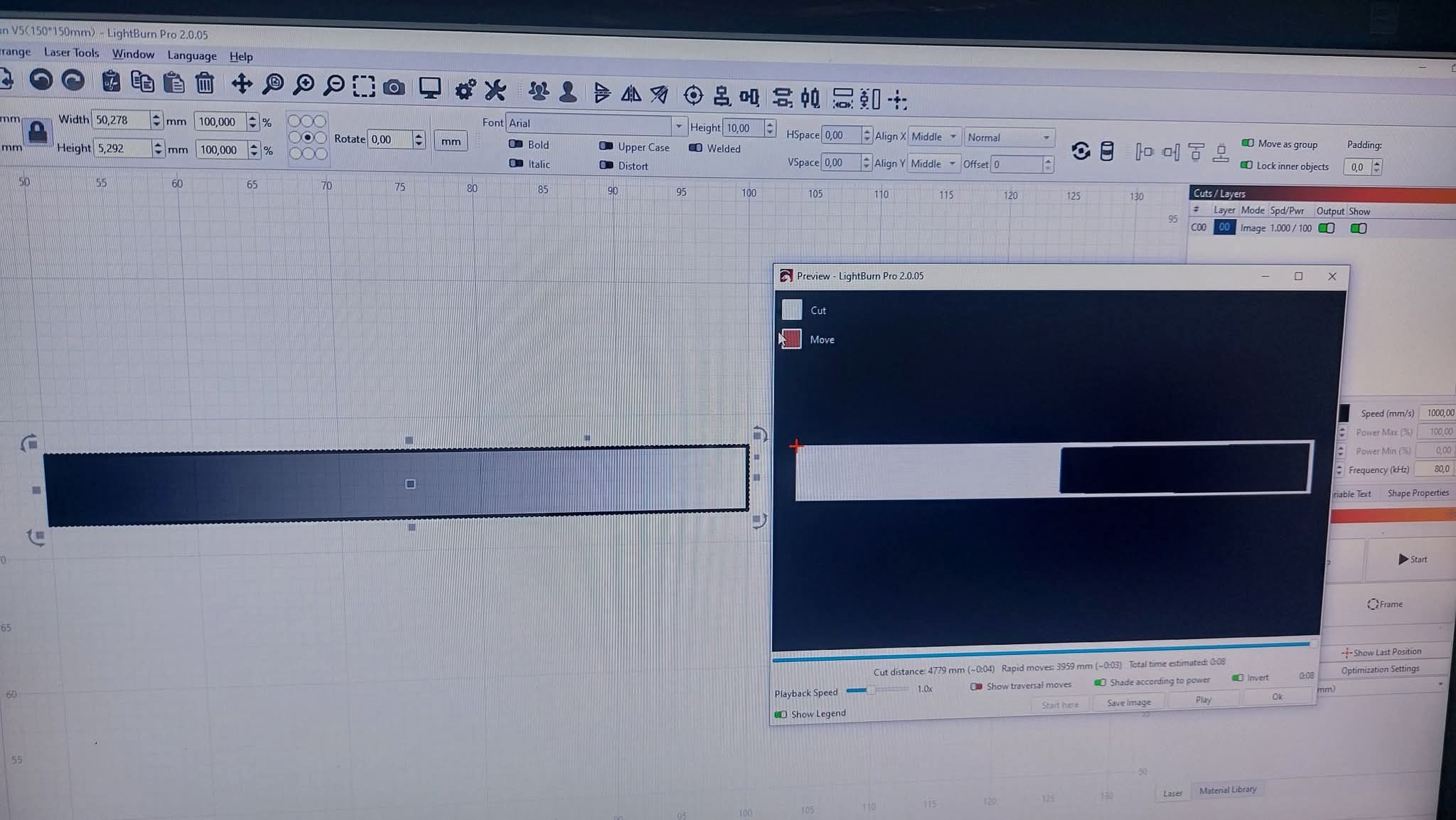
Can you upload the .lbrn2 file that does this?
Not at the moment. Eveningshift today. Will do tomorrow.
Preview just tells you where/when it will lase. It’s still a laser and cannot produce a gray scale like you are expecting. If you picked a different dither, you might see better results.
You can chooses a different dither and edit the image to enhance or retard where these scales exist.
I think it’s likely working correctly, you’re just not clear on it’s operation.
Try a dither, I like Stucki.

Thx for the reply but it happens on all the modes.
Dither, Jarvis, Stucki, Atkinson, Greyscale.
The real print looks exactly like the preview.
All image modes as Treshold.lbrn2 (102,2 KB)


Here is a LB file with pictures of the results and settings.
Opened your file in 2.0.02, same results.
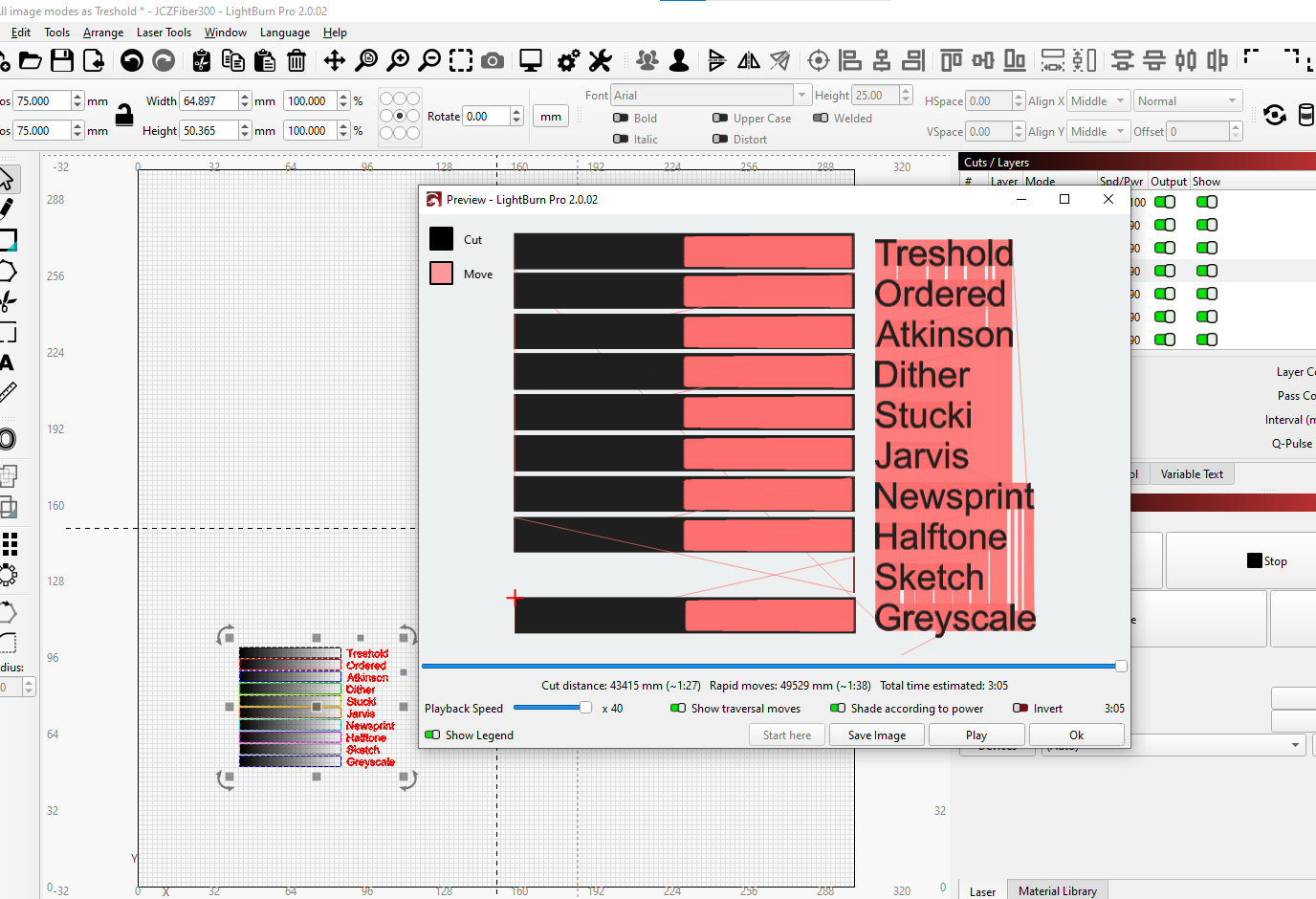

Brought my image to your file same results

Copied/ pasted your image into 2.0.02, saved your stucki layer into a test library, your parameters work correctly on my gradient but not your gradient. Please post a copy of the gradient file you are using.

So it works in a file I created with earlier version with a copy of your cuts/layers parameters and my gradient. As far as I have gotten. Maybe try to start with a new file, import one gradient, create a new parameter. Seems like the file you created in the newer LB is broken, even when opened in a previous version. Or the gradients you are using are broken. What is your gradient file type?


I agree with @Albroswift about the gradient file. I have attached a file I created for white tile testing.
Greyscale Gradient Test.lbrn2 (157.8 KB)
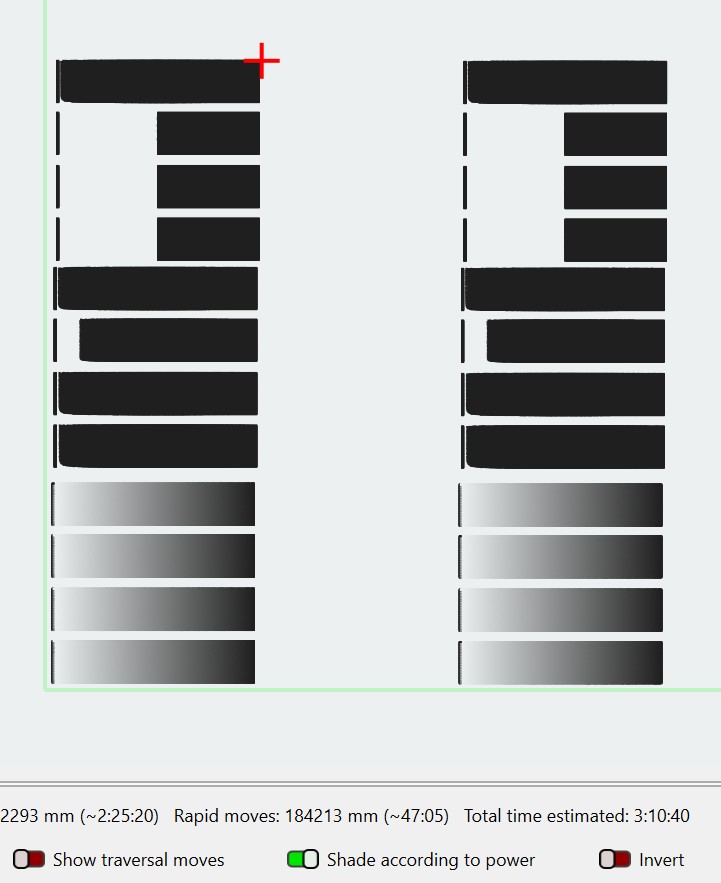

This is (was) my testfile. A PNG created with inkscape.
Inspired by your replies I created a new one, created in GIMP.

This is the result (changed speed from 500 to 1000).

So, the problem seems to be in the file allthough i don’t understand why.
Also think it is strange that greyscale doesn’t shade at all but that’s another problem.
Thx all for spending your time on my problem 

So something else, I see your Q-Pulse as set for 1. Try 200, pretty standard for MOPA machines with adjustable Q-Pulse. Threshold works with power instead of time I believe, I tried t a couple times on stainless but poor results compared to a dither.
Q-Pulse is set to 200 for most machines.
The Sculpfun V5 UV seems to work differently.
It burns nothing at 200.
Q-Pulse 1 is about the max power on this machine.
It decreases at higher numbers.
Yea I didn’t catch that. Carry on…