I’m new to laser engraving and Lightburn. I find that making a geometric design in a cad program easier than using Lightburn. BUT - when I import a simple design as a pdf I get multiple shapes (lines) on top of each other, making the laser go over some places twice. I’ve used “Delete Duplicates” and it doesn’t find any. Even though the imported design has fully connected shapes, like a diamond, some the shapes revert to individual sides and some stay as diamonds, and often on top of each other. I’ve tried grouping and ungrouping, but that doesn’t help. What am I missing.
Could you provide some more info? From what you say, I’m guessing you’re using 3D solid modelling CAD of some kind, such as Fusion or SolidWorks. If you can let us know a bit more about your current workflow that would help us to help you.
In general, prefer DXF or SVG files as a transfer format, rather than PDF.
PDF really wants to contain text documents and struggles mightily when presented with geometric shapes and precise layouts. While it can usually be forced to work, it’ll fight you every step of the way.
Doc on file importing:
Various settings:
export a DXF file from your CAD program, and import the DXF into LB. Then select all and auto join selected shapes. Then run delete duplicates.
I’m using a program that saves to a unique format, so can only print to pdf. I’ll need to go get a real CAD program.
Thanks
What’s the program?
It’s a quilting program I use to design quilts for my wife, called EQ8.
Why not just design in Lightburn? It is pretty impressive once you get used to all its features. It can import a gazillion formats if you need a starter design.
Ok, I see, that is a bit different to the usual CAD programs. I’ve had a quick look at the reference manual for the software and I see you can export in various raster formats. Would importing a raster format with optional tracing in LB work for you? Alternatively Auto-Join and remove duplicates as @RalphU mentioned might work. Could you attach one of your PDFs for us to experiment with?
I took a look at the Electric Quilt 8 demo, and now I am wondering… are you making wooden quilts?
Seriously, I cannot see how that program would be used for creating laser projects. Obviously you know something I don’t.
Yes, I make wooden quilts. I tried to use it because it is good for making geometric shapes, but it won’t import to a file type I can easily use in Lightburn.
yes, I’m working on learning Lightburn. Just trying to shortcut to something I know.
Been there, done that!
another option you may look into is Blender. its a free cad software that will make all the shapes yu could need and then you can export them out as svg or dxf or a bunch of ohther formats. I use it mainly for my 3d printing, but you can definently make any shape you need
I (re)built some of Beyer’s classic designs in layered paper with LightBurn …
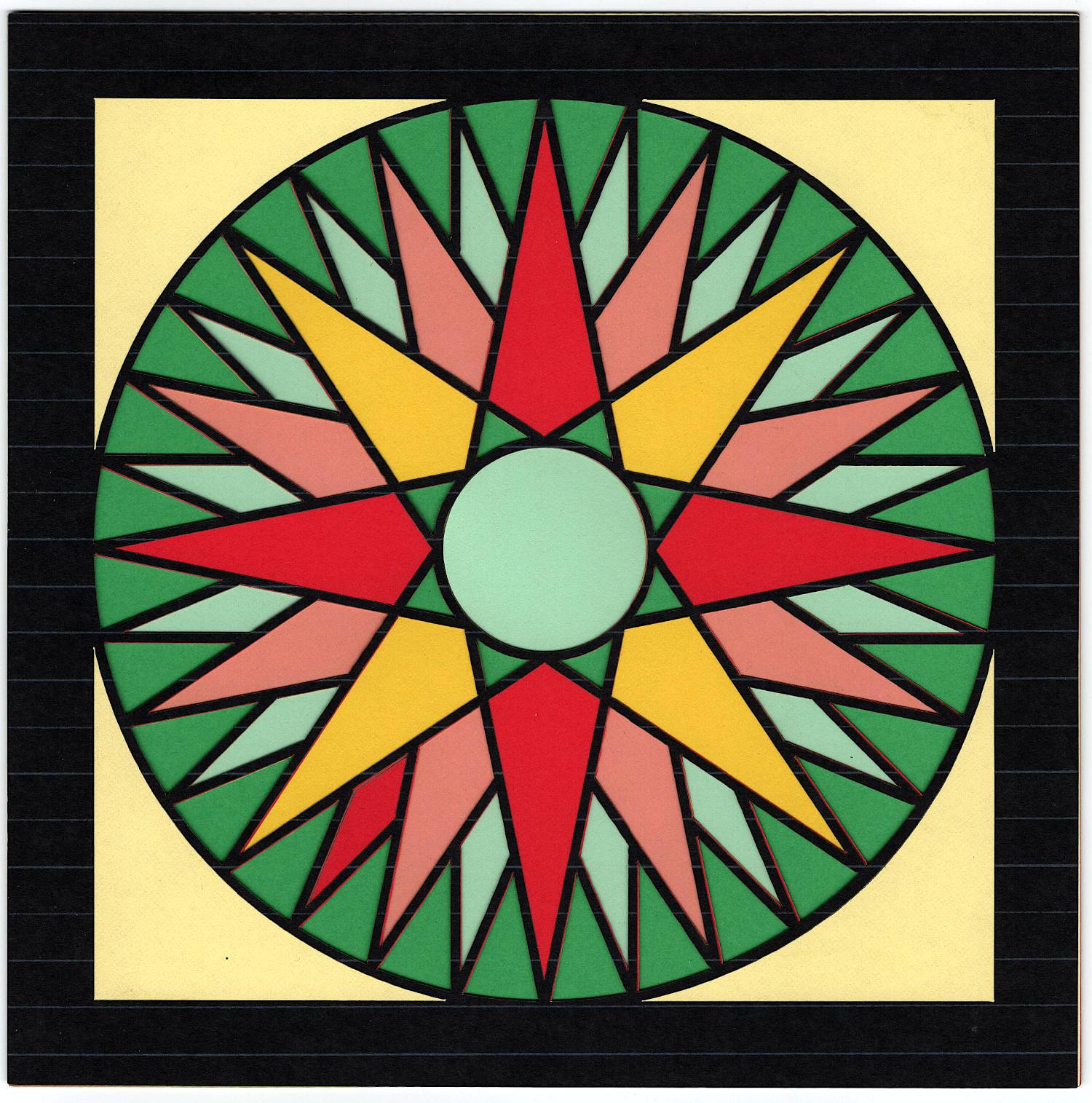
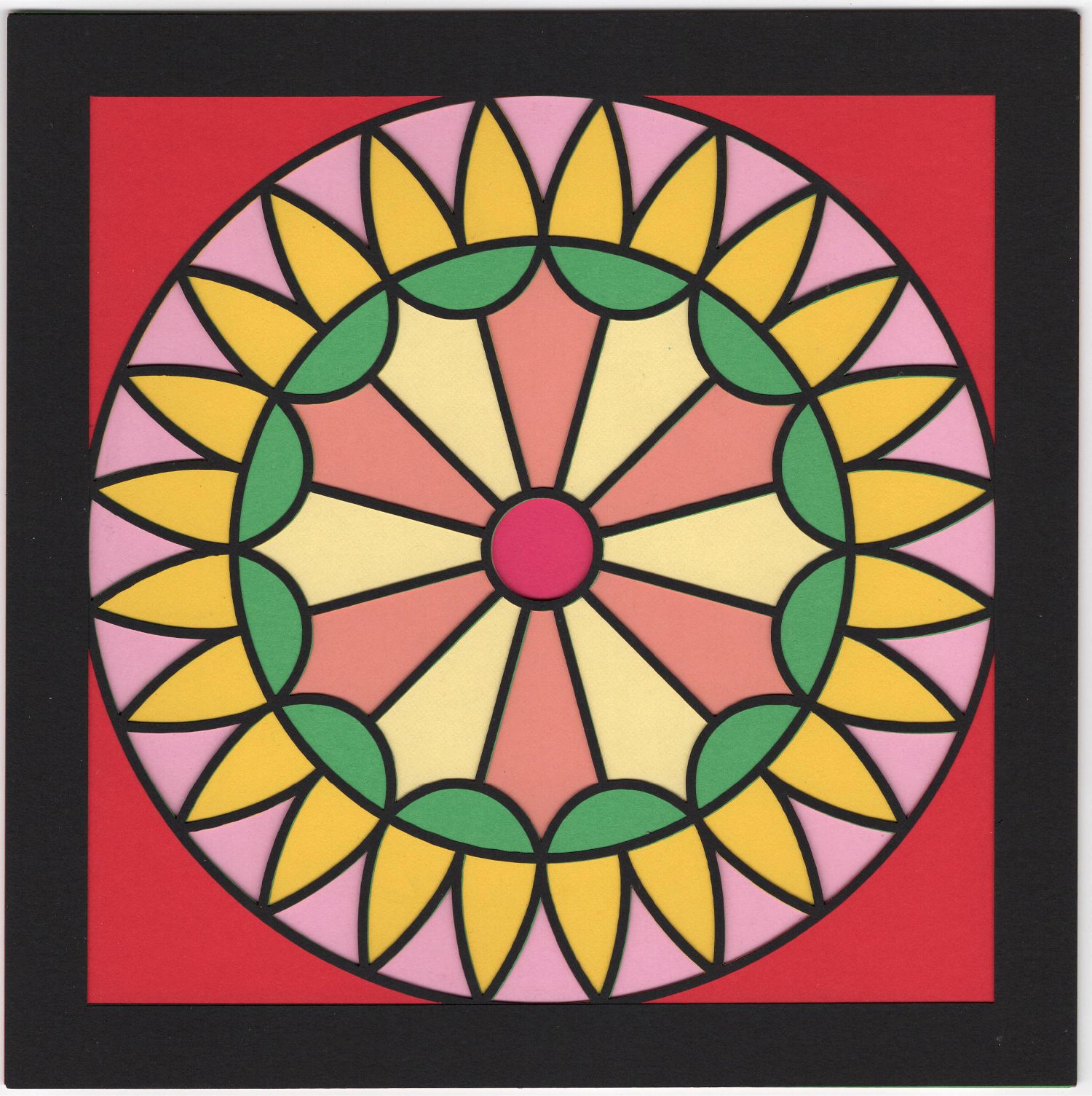
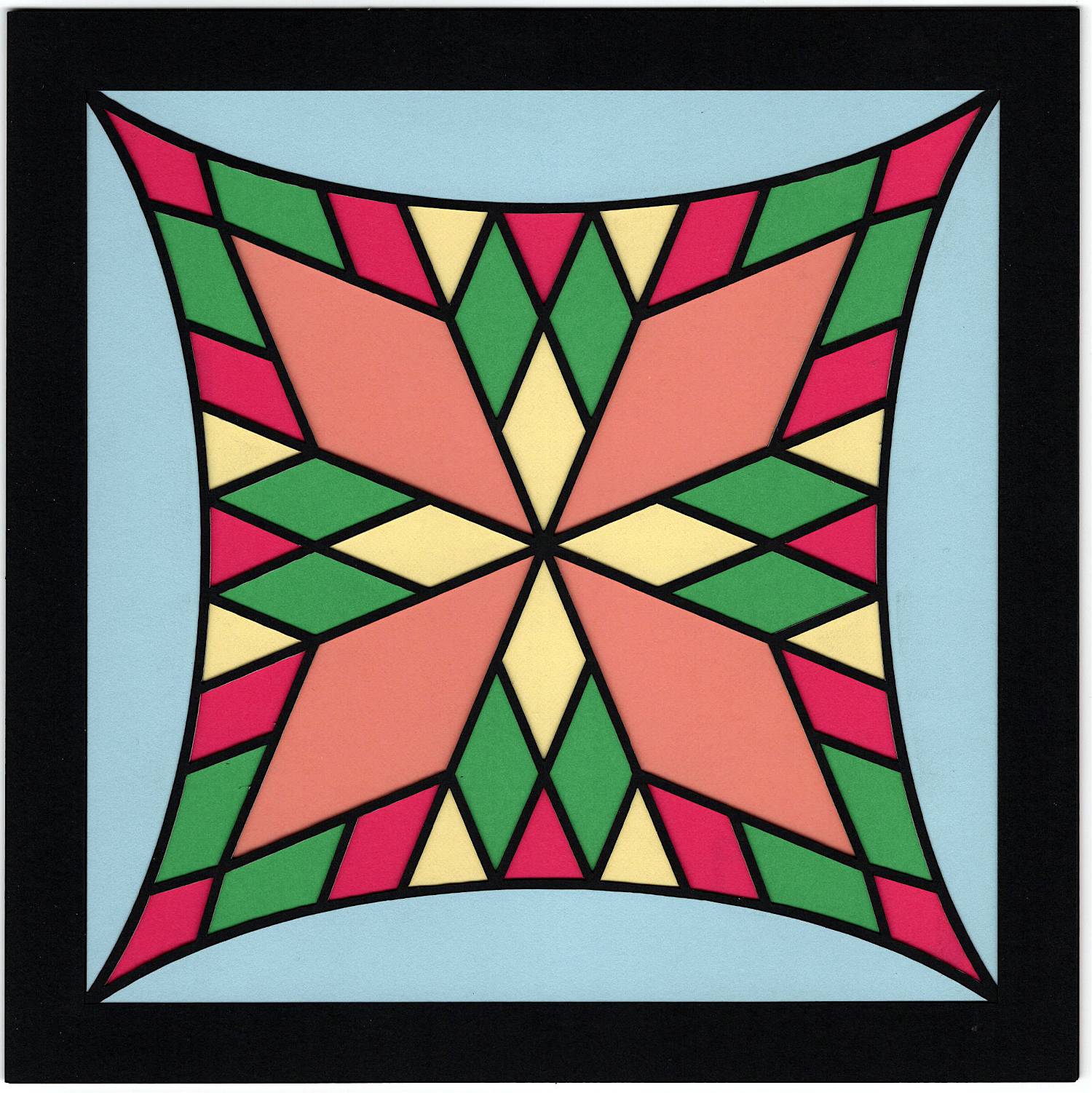
Deriving related patterns is straightforward:

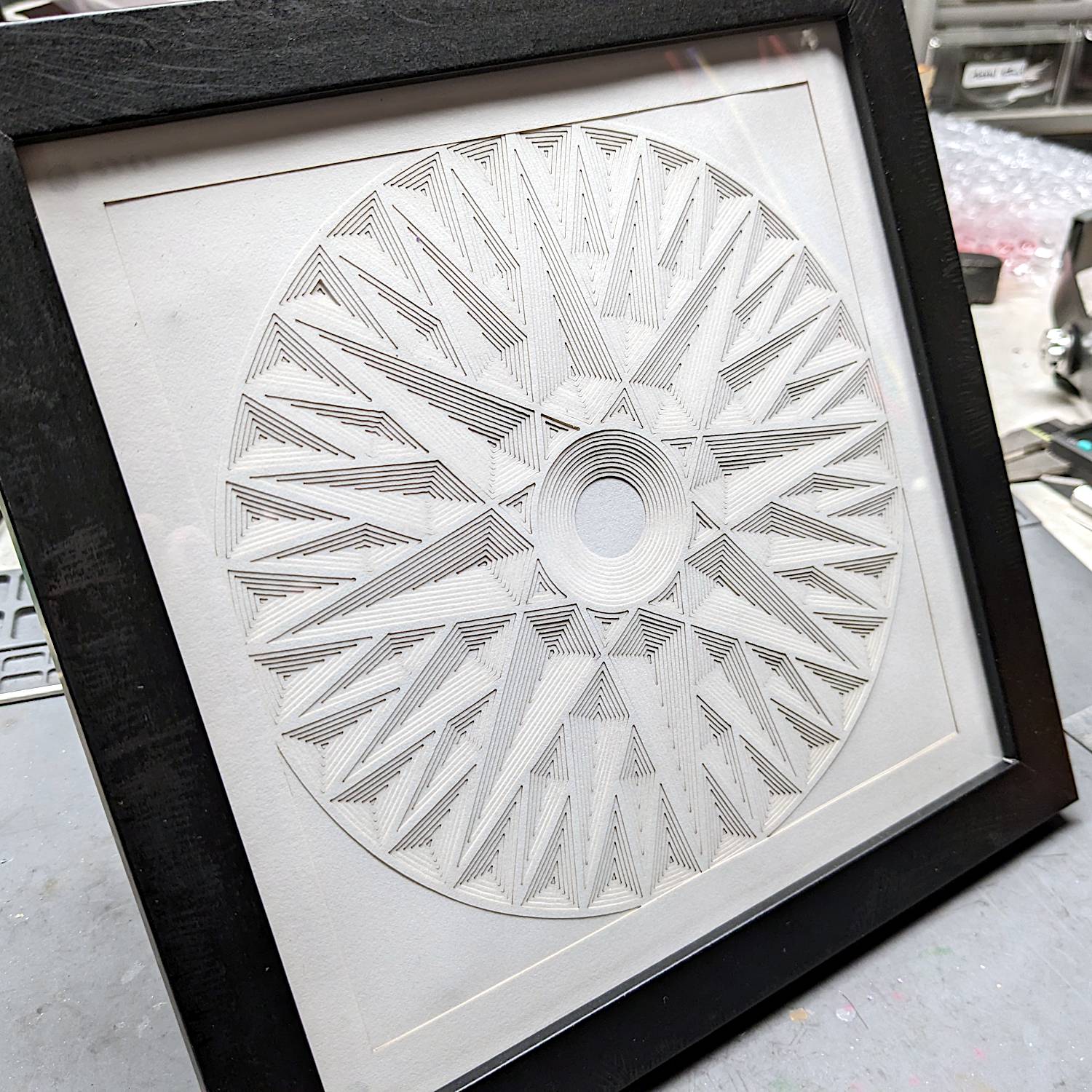
Once you (well, I) get the hang of working with the pattern’s symmetry, each of those uses a surprisingly few simple shapes and LightBurn tools. 
Thanks for the inspiration!