I can print objects I create in Lightburn including material test grids but if I import any file into Lightburn all I get is a bunch of jagged lines sometimes not even in the shape of the object. I usually import the file and then do the tracing routine. I have tried importing png/jpg/dxf/pdf/… and always get the same result. What am I doing wrong when importing or preparing files?
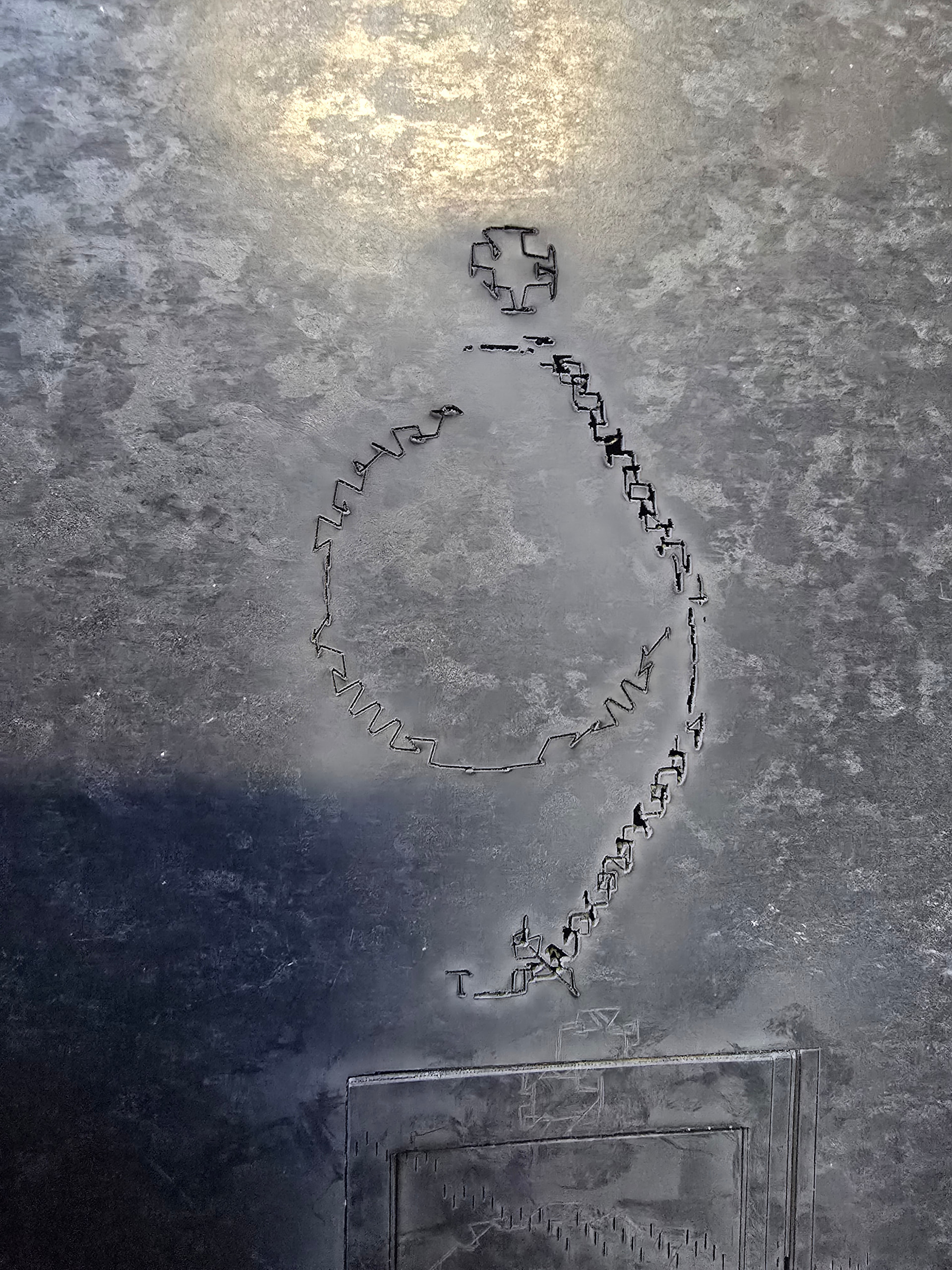
Did you buy your LightBurn version directly? What you show is often seen when using pirated versions.
I bought it directly. It is a licensed version.
OK, then there must be another explanation.
From Lightburn? Did you download it from Lightburn? If so, send an email to Support@LightburnSoftware.com and include your License Key for verification.
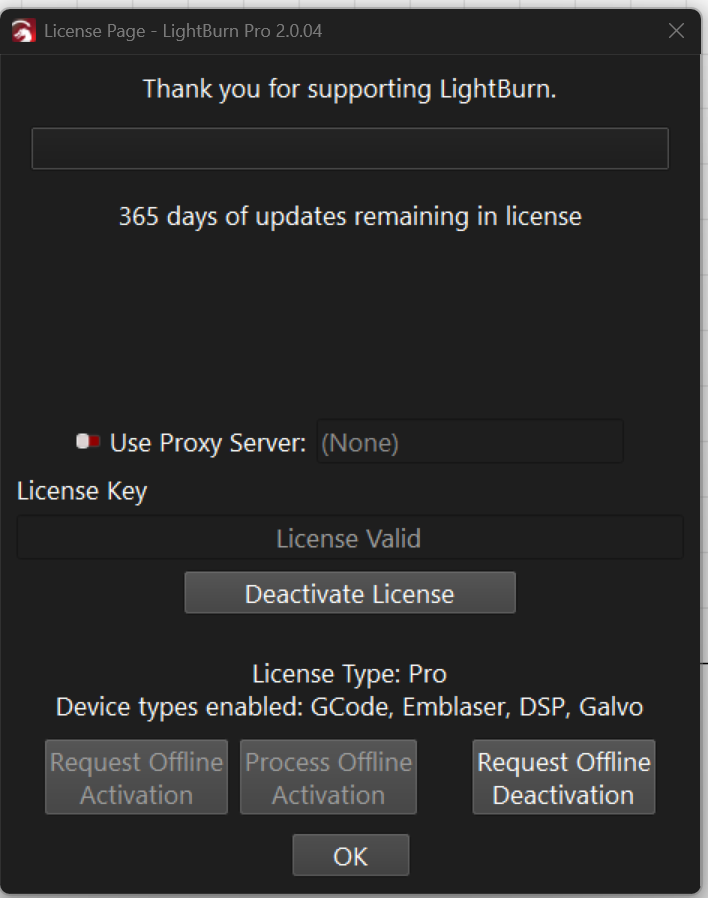
I would not consider that proof. That window is created by the software and could easily be forged. Your only recourse is to contact Lightburn like suggested.
1 Like
As @MikeyH noted - what you’re experiencing is one of our piracy prevention measures. If you previously used a illegitimate copy, you’ll need to undo whatever you did to install that. Please reach out to support directly at Support@lightburnsoftware.com
2 Likes
Thank you all for the responses. It turns out the SW was bogus so I have bought a copy directly from Lightburn and it works fine. I demanded and received a refund from the illicit dealer.
2 Likes