I have an Inkscape SVG file that when I imported it into Lightburn, some of the geometries shift horizonally. I have never seen this issue before, and have been using Lightburn for several years. The file has several grouped geometries and all the sub-grouped items are grouped into one group. The Lightburn version I am using is Lightburn Pro 2.0.05 and the version of Inkscape is 0.925. Does anyone have some insights? I would like to figure out what I did wrong.
Can you upload the SVG file here?
I have uploaded a Inkscape SVG file that shows the problem. Note that the H objects shift with respect to the bar objects when opened in Lightburn. In Inkscape all the objects have the same stroke width and there no double objects. However, when I upload the file to the forum the H objects appear to have a thicker stroke (?).
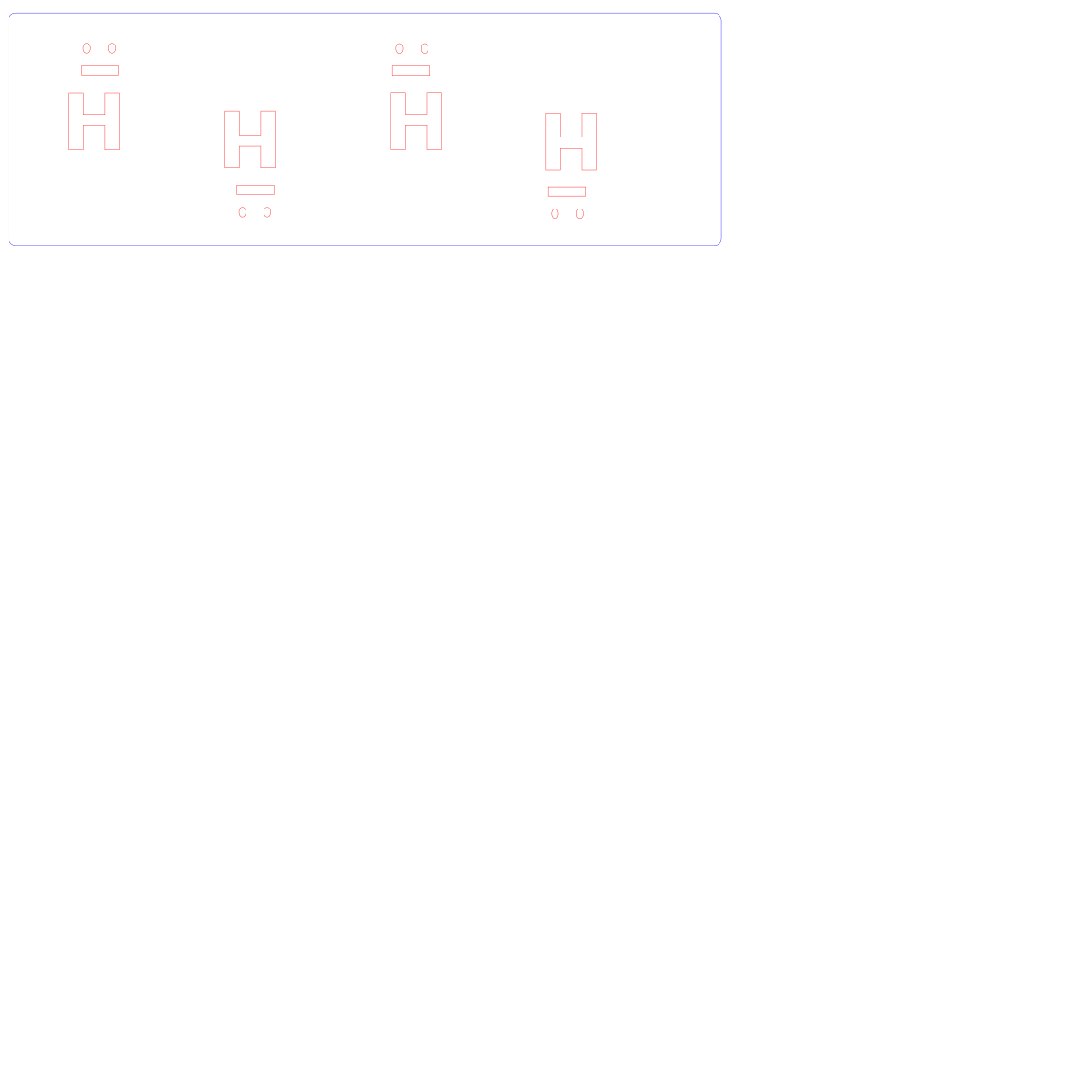
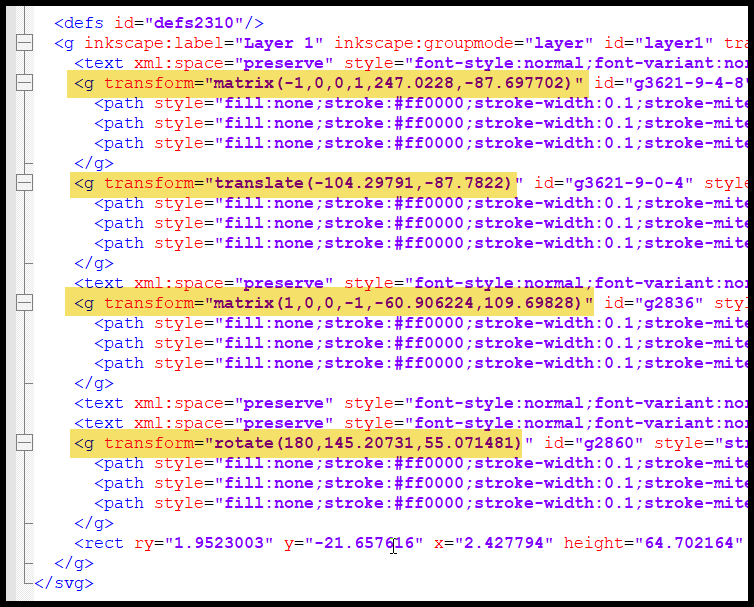
Using Inkscape 1.4.2 I saved it as a PDF and it imported properly into LB
1af5d4bc04c810a90feaf822f71b07e1dc494378.lbrn2 (67.4 KB)
Selecting all and turning objects into paths worked. I am still scratching my head trying to figure out how I formed the Inkscape file so that happened. Thank you for your help and time!
Apparently Inkscape and LightBurn disagree on how some scale factors work, as I found out while making Old School punched cards by generating SVG files with a Python program.
The only way I could get the same layout to work in both programs was to switch the offending scale factors according to the SVG’s destination.
Perhaps the Inkscape files include a transform / scale / group that LightBurn interprets differently.