I am trying to import the following gcode file into lightburn. when importing it nothing shows up?
I am using a Windows 11 Thinkpad with current version of Lightburn. My machine is a custom built CO2 laser with a Ruida controller.
test.nc (1.8 KB)
Can you export the code as a vector file from CamBam? .gcode is not the ideal way to transfer over code.
Admittedly, I tried your code and didn’t have success either. I even tried removing the line numbers.
My bet is that the formatting is incompatible with the gcode importer in LightBurn.
I can export from CamBam as a DXF and that works, but I am trying to pickup the lead ins that CamBam is generating as the tool path - I am adding the option of switching out my laser head with a plasma torch and want to use lightburn to send to the Ruida controller
So - With your suggestion, I started thinking - does Lightburn have the capability to add lead-ins - and of course it does. Should have thought about this first. Lightburn continues to surprise me with all of its functionality.
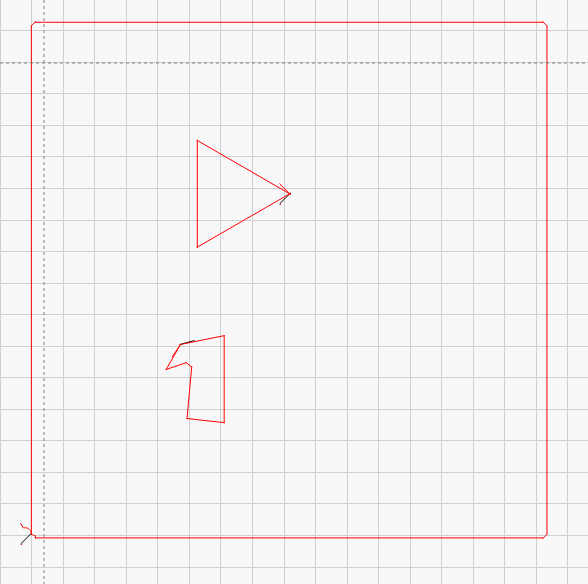
Yep that is it
If someone else needs this - you would need to set your start point to the beginning of the lead in - Select the set shape start point icon for the bottom of the left menu and then select the end point at the lead in shape - And make sure that Lightburn lead in’s are then turned off - under the cut line setting / advanced tab. Thanks Marcus