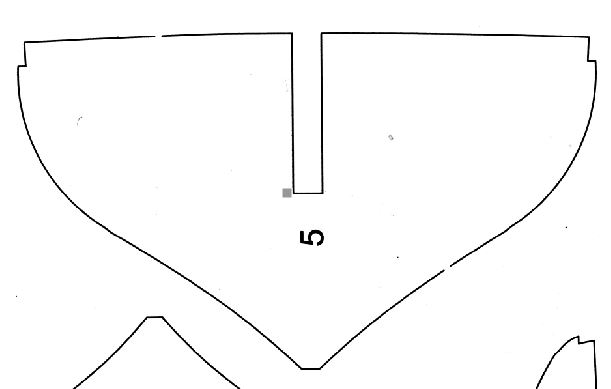
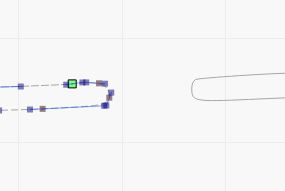
I imported this outline scanned from a plan,see picture 1. When I trace the image I get a double line as seen in the picture 2. The breaks in the line mean I have several shapes. I can cut the shapes so the inner line is loose, as picture 3, then delete it and patch up the joins but I wonder am I missing a trick that would make this easier?
That’s due to LightBurn not having a “center line trace” function. A previous discussion covers some alternatives:
Because the image started as a scan, tweaking the Threshold level may improve the Trace results. However, it will also increase the number of random speckles, which will eventually drive you crazy.
I use GIMP to pre-process scanned images: clean them up, blow out the contrast, and generally simplify things for the Trace operation.
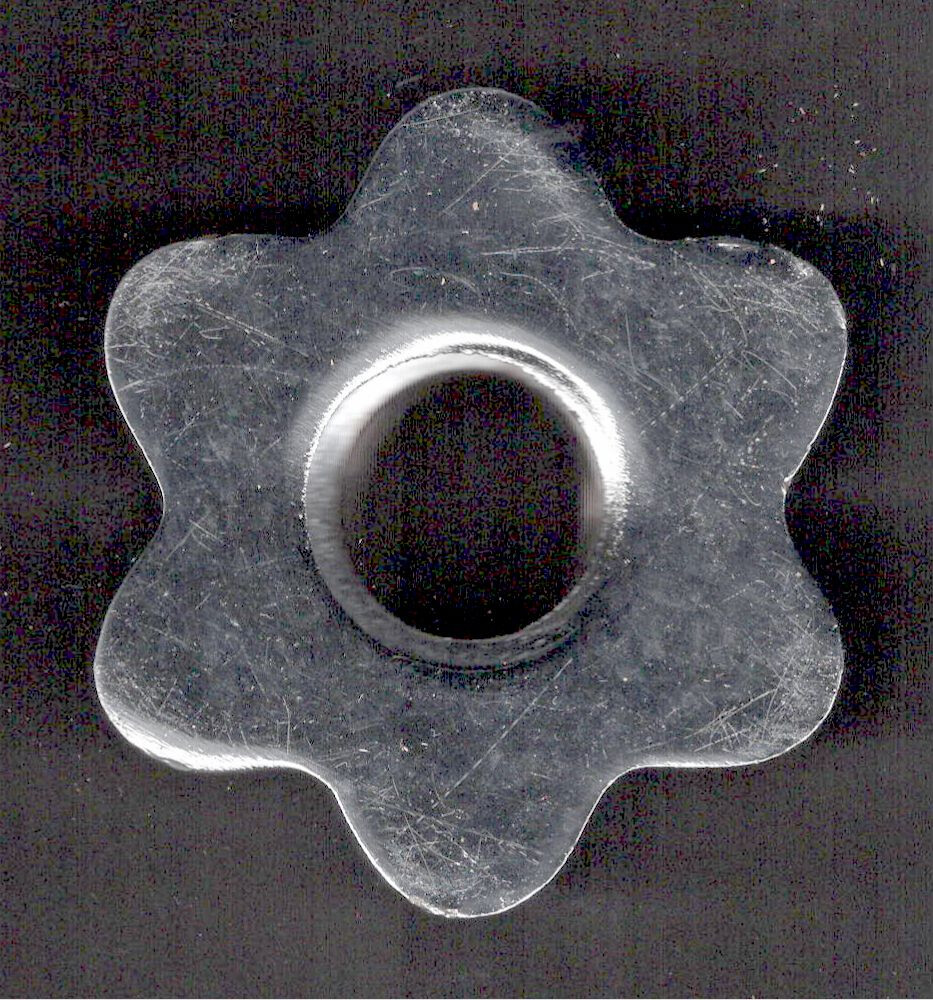
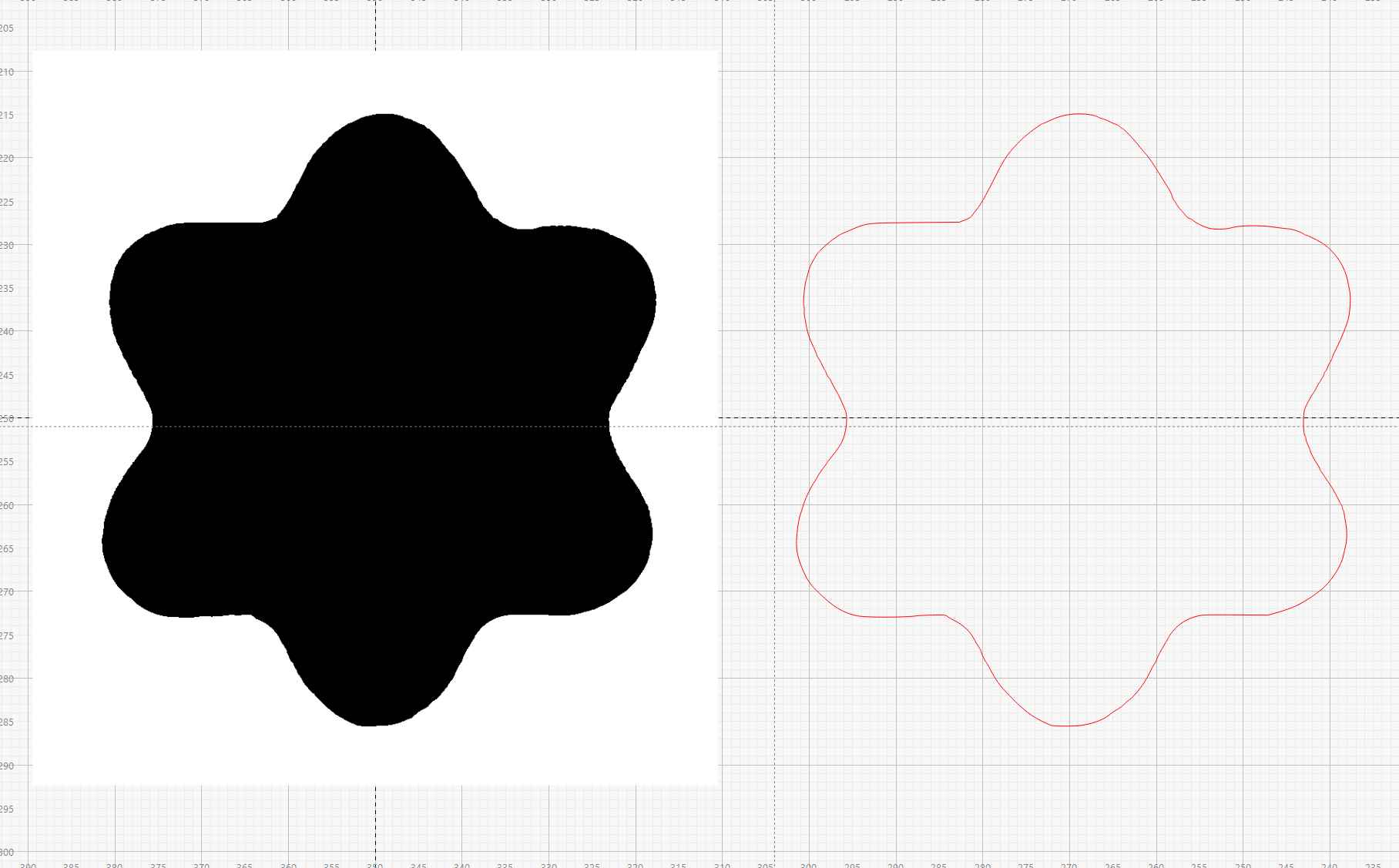
For closed shapes like the ones in your images, you can use GIMP to fill the interior with black so LightBurn can Trace a single line around the perimeter.
For example, start with a scanned image of a dumbbell nut:
Those gaps in the original are easy to see, and fix. Use MS Paint to fill in the gaps with the Pencil Tool. You will then get a nice separation between the inner and outer loops. Delete the inner loop. You can then use the Offset Tool @JimNM mantioned to smooth it out. Do an ouside offset like 1mm, move it to another layer, then do an inner offset 1mm to get back to the original dimensions. This will be your working path.
I had to raise the Dark Threshold to 0.5 and raised the Smoothing Factor to 0.03, but it did a pretty good job after that. Fast too! Wish I had this two years ago. Nice job, do we get to keep it?
Thanks Mike , I can probably make a much better version if it’s useful, although I doubt it will be needed as it’s only a matter of time before Lightburn will have something much better available as a trace option.
I loaded up an image…or at least, I selected an image for upoad but nothing seemed to happen. Are there only specific file types that work with this app.






 , I can probably make a much better version if it’s useful, although I doubt it will be needed as it’s only a matter of time before Lightburn will have something much better available as a trace option.