That’s due to LightBurn not having a “center line trace” function. A previous discussion covers some alternatives:
Because the image started as a scan, tweaking the Threshold level may improve the Trace results. However, it will also increase the number of random speckles, which will eventually drive you crazy.
I use GIMP to pre-process scanned images: clean them up, blow out the contrast, and generally simplify things for the Trace operation.
For closed shapes like the ones in your images, you can use GIMP to fill the interior with black so LightBurn can Trace a single line around the perimeter.
For example, start with a scanned image of a dumbbell nut:
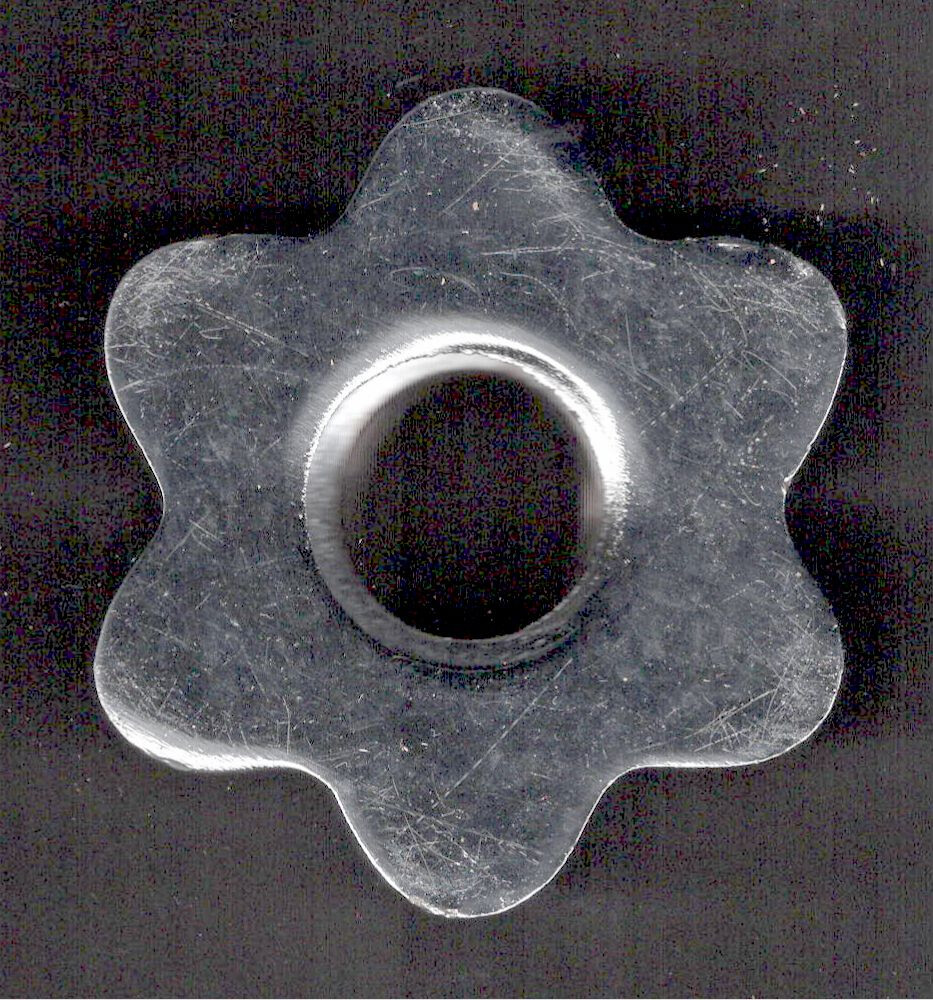
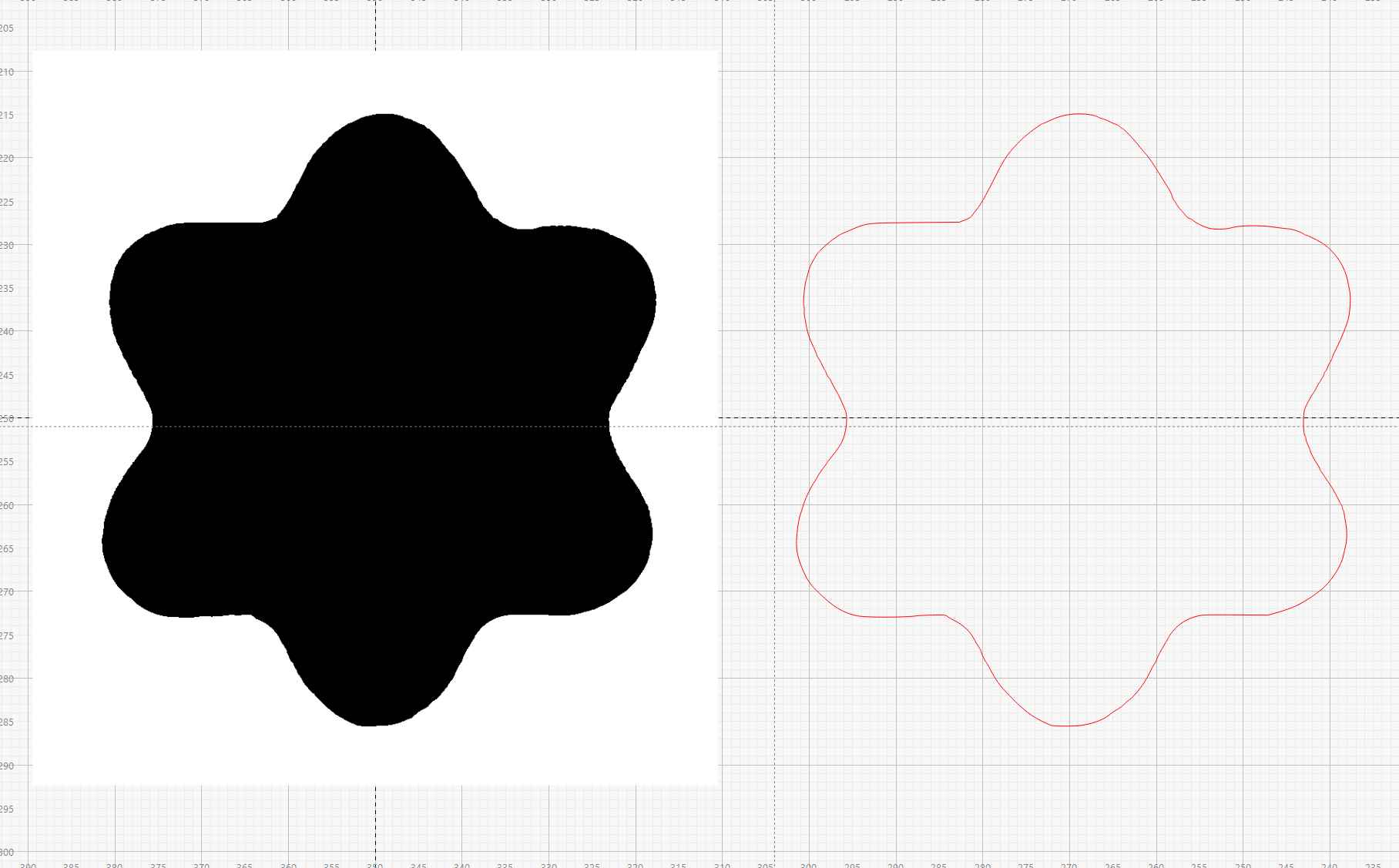
Blow out the contrast, then use GIMP’s Scissor Select tool and some manual cleanup to convert it into this filled mask:

Your images start with much higher contrast and will be much easier to process!
Although I used it to get a solid model for 3D printing, LightBurn will do what you want:
For me, using an image editor to process images works better than trying to force LightBurn into doing the entire job.