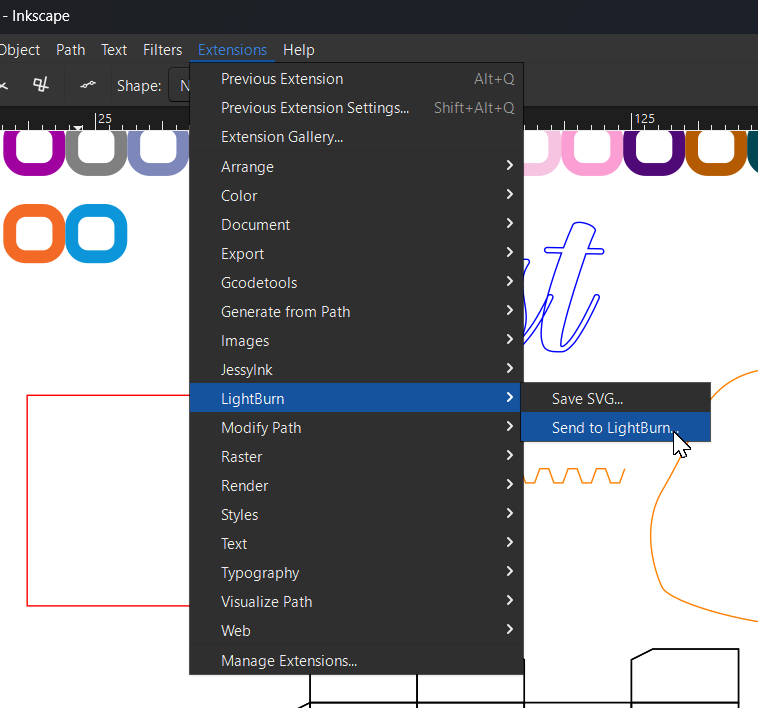
As many of you know, Inkscape is a pretty neat free and open-source vector graphics editor that does a great job at creating graphics you can use in LightBurn.
I recently made a couple of Inkscape “User Extensions”, while testing the new REST API labs feature that @goeland86 has been working on, and for anybody interested, I’ve put the files and instructions for them here:
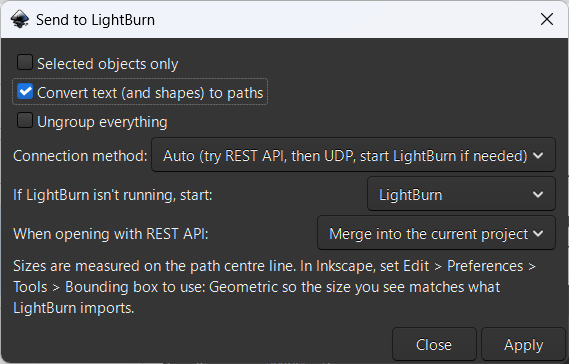
Send to LightBurn
Sends your graphics straight into LightBurn without affecting the current Inkscape document:
Save SVG
Saves a separate, LightBurn-friendly SVG:
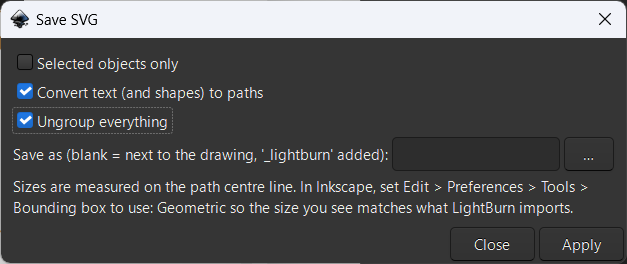
I thought this might be useful in schools, so students who may not have access to LightBurn on their device can still work on the graphics side of their laser projects.
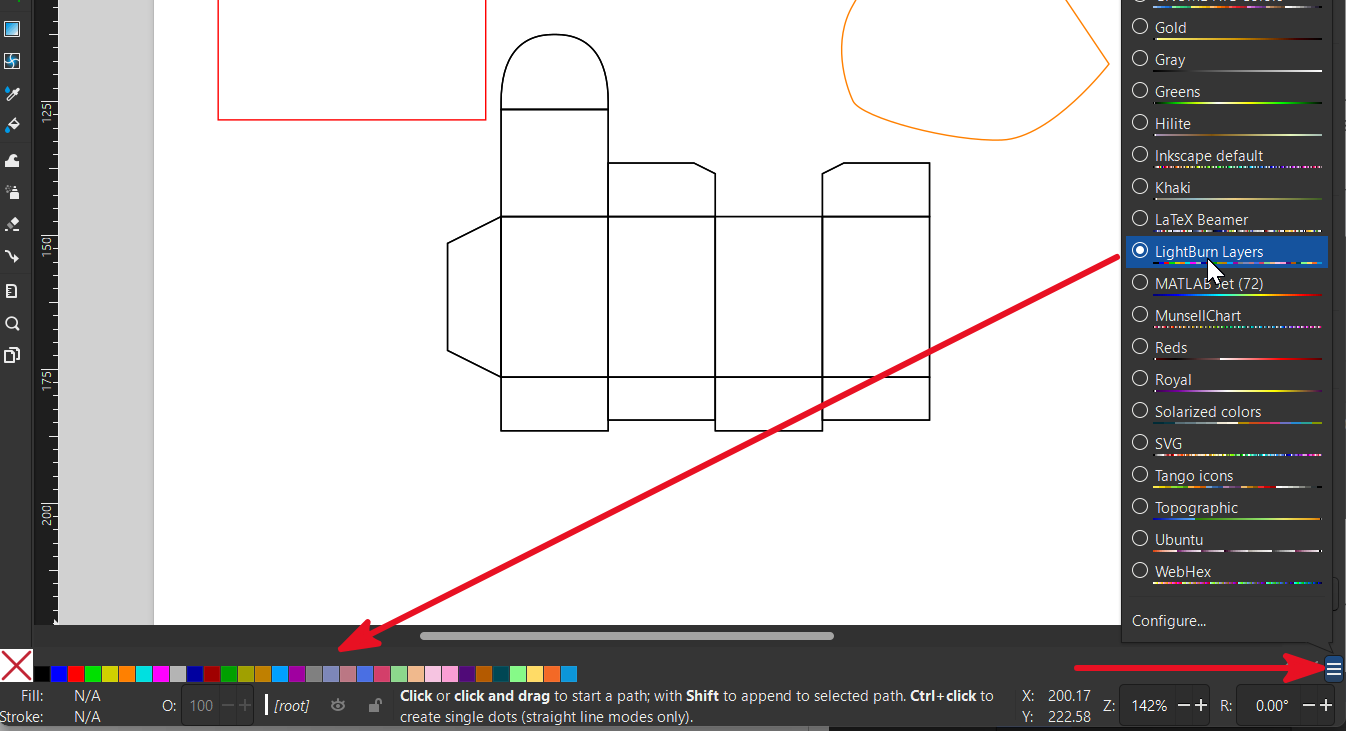
And if they use the ‘LightBurn Layers’ palette, the process of later importing the SVG file into LightBurn and applying Cut Settings will be a breeze if a template file is used:
The extensions will appear in Inkscape’s Extensions menu once you restart Inkscape after following the instructions on the GitHub site.