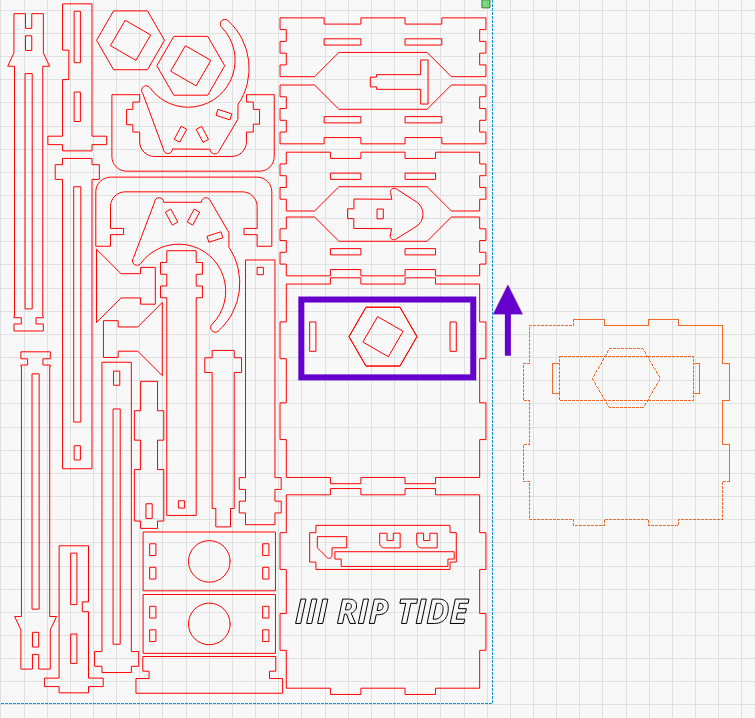
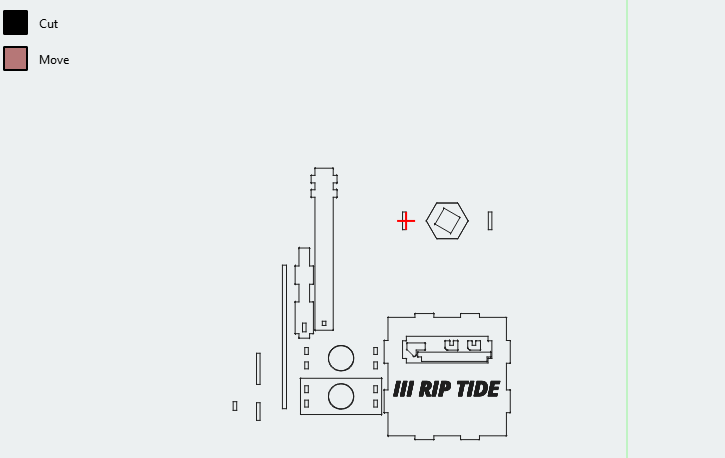
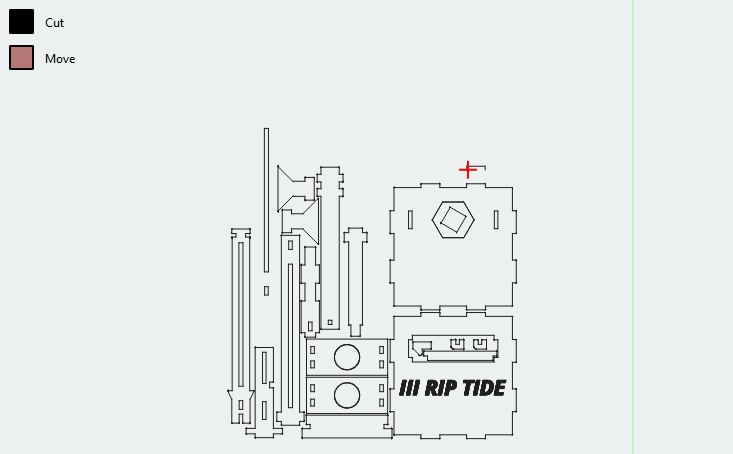
You can see if I overlay the two parts that match this puzzle the narrow slots line up as designed. One thing I knotice is the hex and slots are cut early before the outer profile is completed.
I attached the Project. Are there any settings I should look at? This is not the first time I have had a set of key holes or tabs not cut as designed RipTide V3_1.lbrn2 (76.4 KB)
Can you see the mentioned displacement in the preview window?
In LB I can’t reproduce your problem. Well I make a duplicate of the external shape, group it and put it on another layer on top of the same subject in drawing, and run a simulation, then it works (except for the duplicate warning) normally. Of course, this test lacks the fact that data is sent not to the laser, here the strangest errors can sometimes occur when using USB connections.
I guess it’s mechanical play in the mechanics. If the inner parts are cut at the beginning and the rest of the shape at the end and do not line up afterward, you have lost the position during the rest of the cuts. Since it loses only tiny steps all the time, you don’t notice it everywhere, but it sums up in such cases. Try to put this shape on another layer with the identical settings such that they are lasered at once and the rest before or after. Check if it still gets shifted.
It’s likely lost steps, a 2mm shift would be a problem everywhere. I already recut the part on its own, and it cuts as designed. Odd thing is the outer is not cut egregious long after but it does cut out of order IMO.
For those who may have insight here is the moment the inner is cut
It’s great that the software can identify internally nested parts and cut these first. It seems the algorithm should complete the cut and finish before jumping to a different part.
I recall bumping up my accelerations to help with some lead-in and lead-out issues before finding and adding some overscan. I may need to revisit these settings and dial things in to more realistic expectations.